
1. Introduction
This manual provides essential information for the proper use and maintenance of your Soundcore Anker Life 2 Neo Wireless Headphones. Please read it thoroughly before using the product to ensure optimal performance and longevity.
2. What's in the Box
- Soundcore Anker Life 2 Neo Wireless Headphones
- USB-C Charging Cable
- 3.5mm Audio Cable
- User Manual (this document)
3. Product Features
- 100% More Bass: Oversized 40mm titanium-coated drivers with BassUp technology for enhanced bass output.
- Hi-Res Audio: Delivers sound up to 40 kHz for a rich listening experience.
- Extended Playtime: Up to 60 hours of continuous playback on a single charge.
- Fast Charging: 5-minute charge provides 5 hours of listening via the high-speed USB-C port.
- Comfortable Design: Features memory foam earcups, an adjustable headband, and flexible earcups for extended wear.
- Connectivity: Bluetooth 5.0 for wireless connection and a 3.5mm audio jack for wired listening.
- Foldable Design: Compact and portable for easy storage and transport.

Image: Soundcore Life 2 Neo Headphones highlighting Hi-Res Audio certification.

Image: Diagram illustrating the BassUp Technology within the Soundcore Life 2 Neo Headphones.
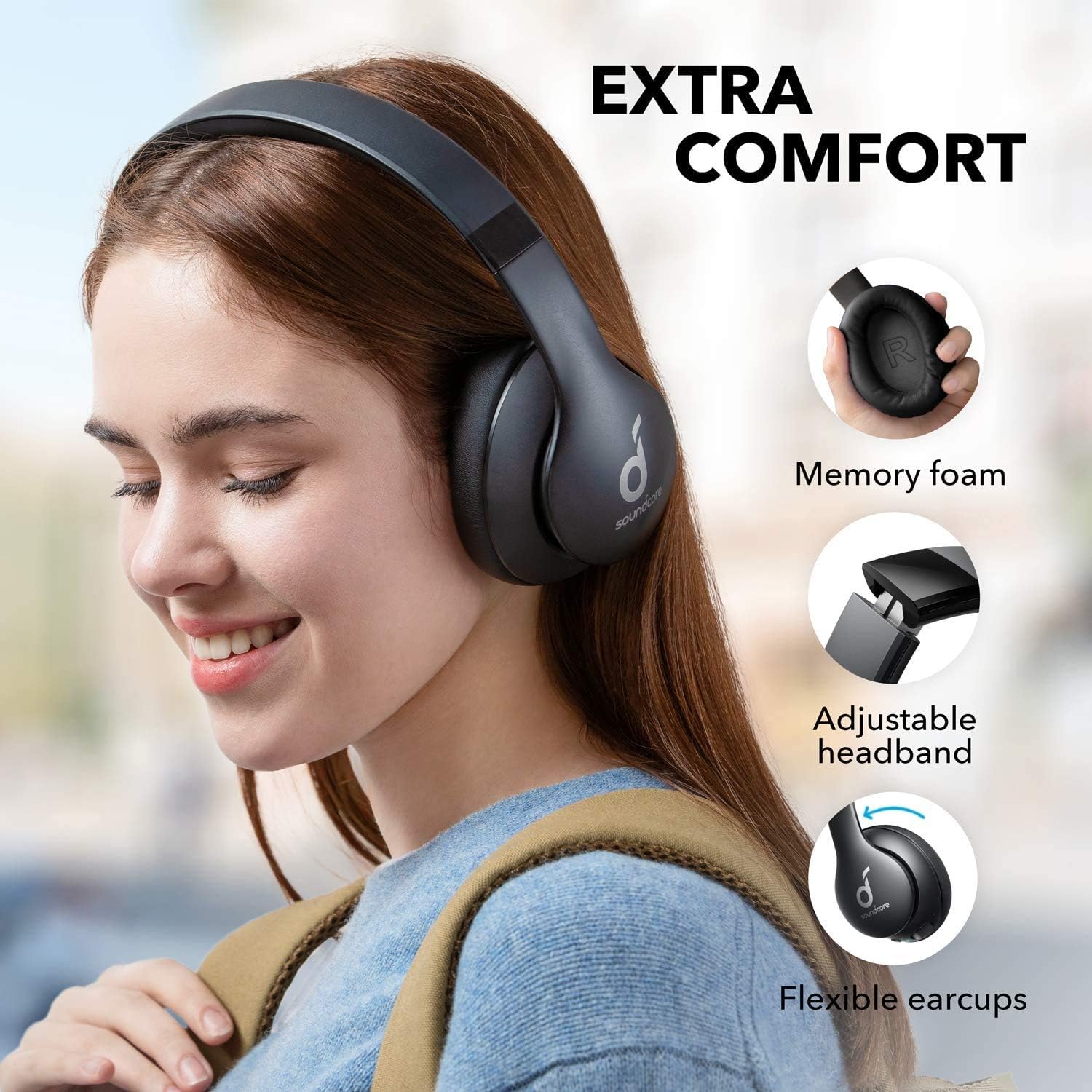
Image: Soundcore Life 2 Neo Headphones demonstrating memory foam, adjustable headband, and flexible earcups for extra comfort.
4. Setup
4.1 Charging the Headphones
Before first use, fully charge your headphones. Connect the provided USB-C cable to the charging port on the headphones and the other end to a compatible USB power source (e.g., wall adapter, computer USB port). The LED indicator will show charging status.
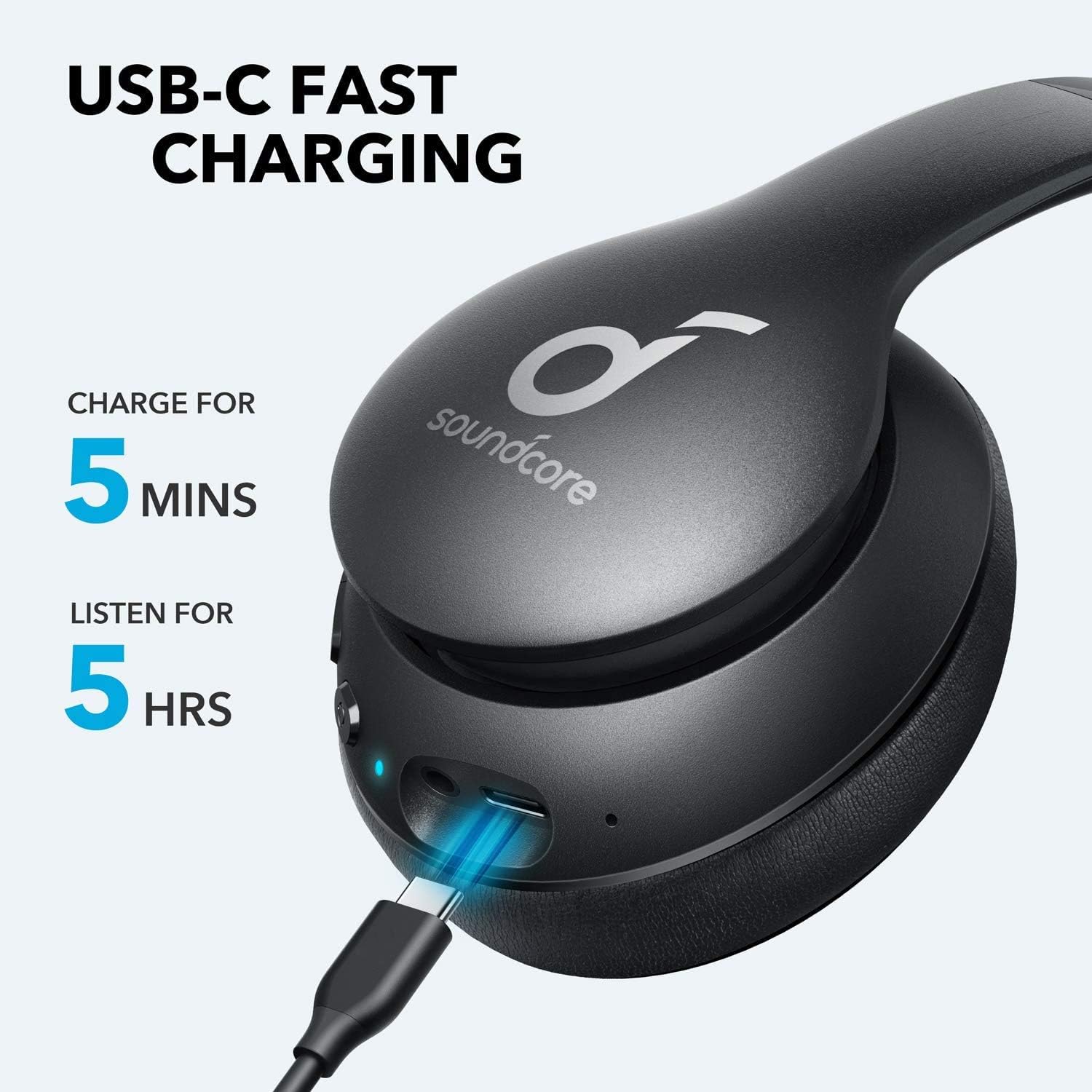
Image: Soundcore Life 2 Neo Headphones being charged via USB-C cable, illustrating the fast charging capability.
4.2 Powering On/Off
- To Power On: Press and hold the Power button until the LED indicator lights up.
- To Power Off: Press and hold the Power button until the LED indicator turns off.
4.3 Bluetooth Pairing
- Ensure the headphones are powered off.
- Press and hold the Power button for approximately 3-5 seconds until the LED indicator flashes blue, indicating pairing mode.
- On your device (smartphone, tablet, computer), enable Bluetooth and search for available devices.
- Select "Soundcore Life 2 Neo" from the list of devices.
- Once connected, the LED indicator will turn solid blue.
4.4 Wired Connection
If Bluetooth is not available or the battery is depleted, you can use the provided 3.5mm audio cable. Plug one end into the headphone's audio jack and the other end into your device's 3.5mm audio output.
5. Operating Instructions
5.1 Controls
The headphones feature intuitive controls located on the earcup:
- Power Button: Power on/off, play/pause music, answer/end calls.
- Volume Up (+): Increase volume, skip to next track (long press).
- Volume Down (-): Decrease volume, skip to previous track (long press).
- BassUp Button: Activate/deactivate BassUp mode for enhanced bass.
5.2 Wearing the Headphones
The Soundcore Life 2 Neo headphones are designed for over-ear comfort. Adjust the headband to fit snugly on your head, ensuring the earcups fully cover your ears. The earcups are marked 'L' for left and 'R' for right for correct orientation.

Image: A person wearing Soundcore Life 2 Neo Headphones, demonstrating proper fit and comfort.
6. Maintenance
- Clean the headphones regularly with a soft, dry cloth.
- Avoid exposing the headphones to extreme temperatures, humidity, or direct sunlight.
- Do not use abrasive cleaners or solvents.
- Store the headphones in a cool, dry place when not in use. The foldable design allows for compact storage.
7. Troubleshooting
7.1 Cannot Pair with Device
- Ensure the headphones are in pairing mode (flashing blue LED).
- Make sure Bluetooth is enabled on your device.
- Move the headphones closer to your device.
- Try restarting both the headphones and your device.
- Clear previous Bluetooth connections on your device and try pairing again.
7.2 No Sound or Low Volume
- Check the volume levels on both the headphones and your connected device.
- Ensure the headphones are properly paired or connected via the 3.5mm audio cable.
- If using a wired connection, ensure the cable is fully inserted into both jacks.
- Test with a different audio source or device.
7.3 Charging Issues
- Ensure the USB-C cable is securely connected to both the headphones and the power source.
- Try using a different USB-C cable or power adapter.
- Verify the power source is functioning correctly.
8. Specifications
| Feature | Detail |
|---|---|
| Model Name | Life 2 Neo |
| Brand | Soundcore |
| Connectivity Technology | Wireless (Bluetooth), Wired (3.5mm) |
| Wireless Communication Technology | Bluetooth 5.0 |
| Audio Driver Size | 40 Millimeters |
| Battery Life | 60 Hours |
| Charging Time | 5 minutes for 5 hours playback |
| Control Type | Media Control, Voice |
| Ear Placement | Over Ear |
| Material | Faux Leather, Metal, Plastic |
| Item Weight | 0.5 Kilograms (1.1 pounds) |
| Special Feature | Foldable, USB connectivity, Wireless |
9. Warranty and Support
For warranty information and customer support, please refer to the documentation included with your purchase or visit the official Soundcore website. Specific warranty terms may vary by region and retailer.


