
Inscabin P200
Inscabin P200 Portable DAB/DAB+ FM Digital Radio Instruction Manual
Model: P200 | Brand: Inscabin
Introduction
Thank you for purchasing the Inscabin P200 Portable DAB/DAB+ FM Digital Radio. This device combines advanced digital and FM radio capabilities with a portable wireless speaker, Bluetooth connectivity, and an integrated alarm clock. This manual provides detailed instructions for setup, operation, and maintenance to ensure optimal performance and longevity of your device.

Image: The Inscabin P200 Portable DAB/DAB+ FM Digital Radio in blue, displaying its front panel with screen and control knob.
Setup
1. Unpacking and Initial Inspection
Carefully remove all components from the packaging. Ensure the following items are present:
- Inscabin P200 Digital Radio
- Remote Control
- Charging Cable (not explicitly listed but implied by 'rechargeable')
- User Manual (this document)
2. Charging the Battery
The Inscabin P200 features a built-in 1800 mAh rechargeable battery. Before first use, fully charge the device. Connect the charging cable to the radio's power input and to a suitable power source. The charging indicator will show the charging status. A full charge typically provides 3-6 hours of operation.
3. Extending the Antenna
For optimal radio reception, fully extend the telescopic antenna located on the back or side of the unit. Adjust its position to improve signal strength if needed.
4. Initial Power On and Language Selection
Press and hold the Power button to turn on the radio. Upon first use, you may be prompted to select your preferred language. Use the navigation buttons or rotary dial to select from the nine available languages and confirm your choice.
5. Automatic Station Scan (DAB/DAB+)
After language selection, the radio will typically initiate an automatic scan for DAB/DAB+ stations. This process may take a few minutes. Once complete, the available stations will be stored, and the radio will tune to the first available station.
Operating Instructions
1. Power On/Off
Press the Power button to turn the radio on or off.
2. Selecting Radio Modes (DAB/DAB+/FM)
Use the Mode button or the navigation controls on the unit/remote to switch between DAB, DAB+, and FM radio modes. The current mode will be displayed on the LCD screen.
- DAB/DAB+ Radio: In DAB mode, the radio will display available stations. Use the rotary dial or navigation buttons to browse and select a station.
- FM Radio: In FM mode, you can manually tune to frequencies or perform an auto-scan to find available stations.
3. Saving and Recalling Presets
To save a favorite station, tune to the desired station, then press and hold the Preset button (or equivalent on remote) until the display prompts you to save. Select a preset number and confirm. To recall a saved station, briefly press the Preset button and select the desired preset number.
4. Bluetooth Connectivity
The Inscabin P200 can connect wirelessly to your smartphone, tablet, or other Bluetooth-enabled devices.
- Switch the radio to Bluetooth Mode. The display will indicate it is searching for devices.
- On your external device, enable Bluetooth and search for available devices.
- Select "Inscabin P200" from the list.
- Once paired, you can play audio from your device through the radio.
5. AUX-IN Mode
Connect an external audio source (e.g., MP3 player) using a 3.5mm audio cable to the AUX-IN port on the radio. Switch the radio to AUX Mode to play audio from the connected device.
6. USB/SD/TF Playback
Insert a USB drive or SD/TF card containing audio files into the respective port. The radio will automatically switch to playback mode or allow you to select it. Use the navigation controls to browse and play your music.
7. Setting the Alarm Clock
The radio supports dual alarms. Refer to the on-screen menu for alarm settings. You can typically set the alarm time, source (buzzer, DAB, or FM), and volume. Use the remote control for convenient adjustment.
8. Remote Control Functions
The included remote control provides full functionality, allowing you to:
- Power on/off
- Change modes
- Tune stations and manage presets
- Adjust volume
- Set and manage alarms
- Access menu options
9. Sound Settings (Equalizer)
Access the sound settings menu to adjust the equalizer. Available presets include Normal, Classic, Pop, Rock, and Flat, allowing you to customize the audio output to your preference.
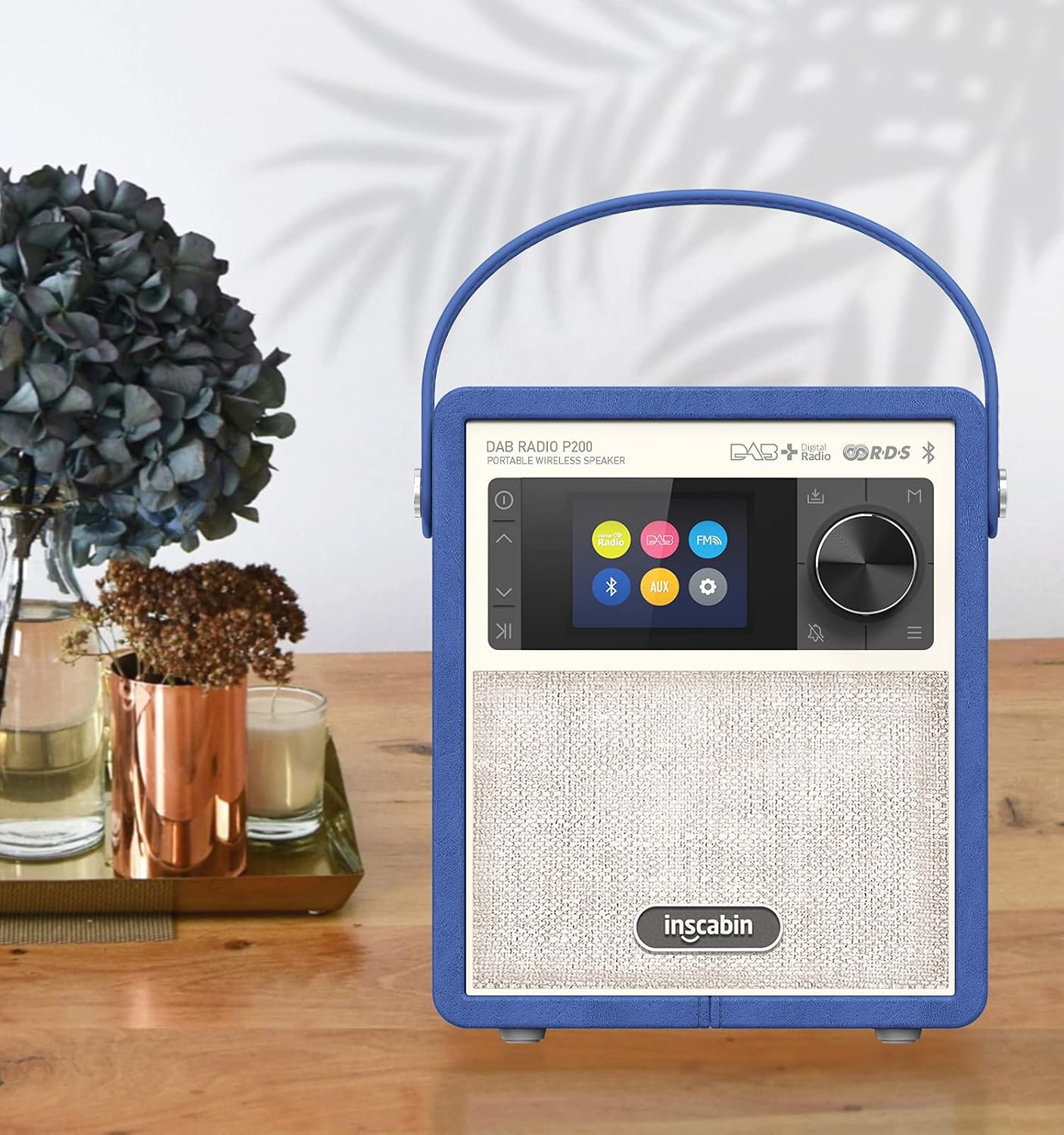
Image: The Inscabin P200 radio positioned on a table, highlighting its aesthetic appeal and display.
Video: A short demonstration of the Inscabin P200 radio playing music, showcasing its display and audio output.
Maintenance
1. Cleaning
Wipe the radio's exterior with a soft, dry cloth. Do not use abrasive cleaners, waxes, or solvents as they may damage the finish. Avoid getting moisture into any openings.
2. Battery Care
To prolong battery life, avoid fully discharging the battery frequently. Recharge the unit when the low battery indicator appears. If storing the radio for an extended period, charge it to approximately 50% every few months.
Troubleshooting
| Problem | Possible Cause | Solution |
|---|---|---|
| Radio does not power on. | Battery is depleted. | Connect the radio to a power source and charge the battery. |
| Poor radio reception (DAB/FM). | Antenna not extended or poor signal area. | Fully extend the telescopic antenna. Reposition the radio to an area with better signal reception. Perform a new auto-scan for stations. |
| Bluetooth device not pairing. | Bluetooth not enabled on device or radio not in pairing mode. | Ensure Bluetooth is enabled on your external device and the radio is in Bluetooth pairing mode. Move devices closer together. |
| No sound output. | Volume too low or incorrect mode selected. | Increase the volume. Ensure the correct input mode (DAB, FM, Bluetooth, AUX) is selected. |
Specifications
| Brand | Inscabin |
| Model Number | P200 |
| Color | Blue |
| Connectivity Technology | Bluetooth |
| Tuner Technology | DAB/DAB+, FM/AM, Digital |
| Supported Radio Bands | AM/FM |
| Power Source | Battery (Rechargeable) |
| Battery Type | 1x Lithium Polymer (1800 mAh) |
| Voltage | 7.4 Volts |
| Max Speaker Output Power | 7 Watts |
| Display Type | LCD |
| Hardware Interface | USB |
| Included Components | Remote Control |
| Dimensions (W x D x H) | 156 mm x 90 mm x 185 mm |

Image: Dimensions of the Inscabin P200 radio, showing its width, depth, and height.
Warranty Information
The Inscabin P200 Portable DAB/DAB+ FM Digital Radio comes with a standard manufacturer's warranty. Please retain your proof of purchase for any warranty claims. For specific warranty terms and conditions, refer to the documentation provided with your product or contact Inscabin customer support.
Customer Support
If you encounter any issues or have questions regarding your Inscabin P200 radio that are not covered in this manual, please contact Inscabin customer support. Contact details can typically be found on the manufacturer's website or on the product packaging.
Related documentsP200

Ask a question about this manual
Ask about setup, troubleshooting, compatibility, parts, safety, or missing instructions. Manuals+ will review the question and use this page’s manual context to help answer it.