
Introduction
Thank you for choosing the PalliPartners Portable Voice Amplifier T9. This device is designed to amplify your voice clearly and powerfully, making it ideal for teachers, tour guides, coaches, presenters, and anyone needing to project their voice to a large audience. With its compact size, long battery life, and versatile features, the T9 amplifier provides a reliable and convenient solution for various speaking engagements.

Image: The PalliPartners Portable Voice Amplifier T9, a compact black speaker unit with a wired headset microphone connected. The display shows "88.8" and a battery indicator.
Package Contents
Please check the package carefully to ensure all items are present and in good condition:
- PalliPartners Portable Voice Amplifier Unit
- Wired Headset Microphone
- USB Charging Cable
- Waist Strap / Belt Clip
- User Manual (this document)

Image: A visual representation of the package contents, including the amplifier unit, headset microphone, USB cable, and waist strap, alongside the product box and a schematic diagram.
Product Overview
Familiarize yourself with the various parts and controls of your voice amplifier:

Image: A detailed diagram labeling the different parts of the amplifier. Key components include the volume knob, microphone input, USB interface, charging interface, and mode switch key.
- NEXT: Short press to skip to the next track in music playback.
- Pause: Short press to pause/play music.
- Previous: Short press to skip to the previous track in music playback.
- Mode switch key: Short press to cycle through modes (e.g., AUX, TF card, USB, Bluetooth).
- Switch (volume knob): Rotate to turn on/off and adjust volume.
- Audion: Audio output port (e.g., for headphones or external speaker).
- Mic in: Microphone input port.
- Aerial: Antenna for radio function (if applicable).
- Buckle: Attachment point for the waist strap or belt clip.
- USB interface: For USB flash drive playback or connecting to a computer.
- Charging interface: DC 5V input for charging the device.
- Record: Button for recording function (if applicable).
Setup
Charging the Amplifier
Before first use, fully charge the amplifier. Connect the supplied USB charging cable to the "Charging interface" (11) on the amplifier and the other end to a USB power adapter (not included) or a computer's USB port. The battery indicator on the display will show charging status. A full charge takes approximately 4-6 hours and provides up to 20 hours of use.
Connecting the Microphone
Insert the 3.5mm plug of the wired headset microphone into the "Mic in" port (7) on the amplifier. Position the microphone close to your mouth for optimal sound pickup.
Wearing the Amplifier
The amplifier can be worn in several ways:
- Belt Clip: Use the integrated clip on the back of the unit to attach it to your belt or pocket.
- Waist Strap: Attach the provided waist strap to the "Buckle" (9) points on the amplifier and wear it around your waist or over your shoulder.
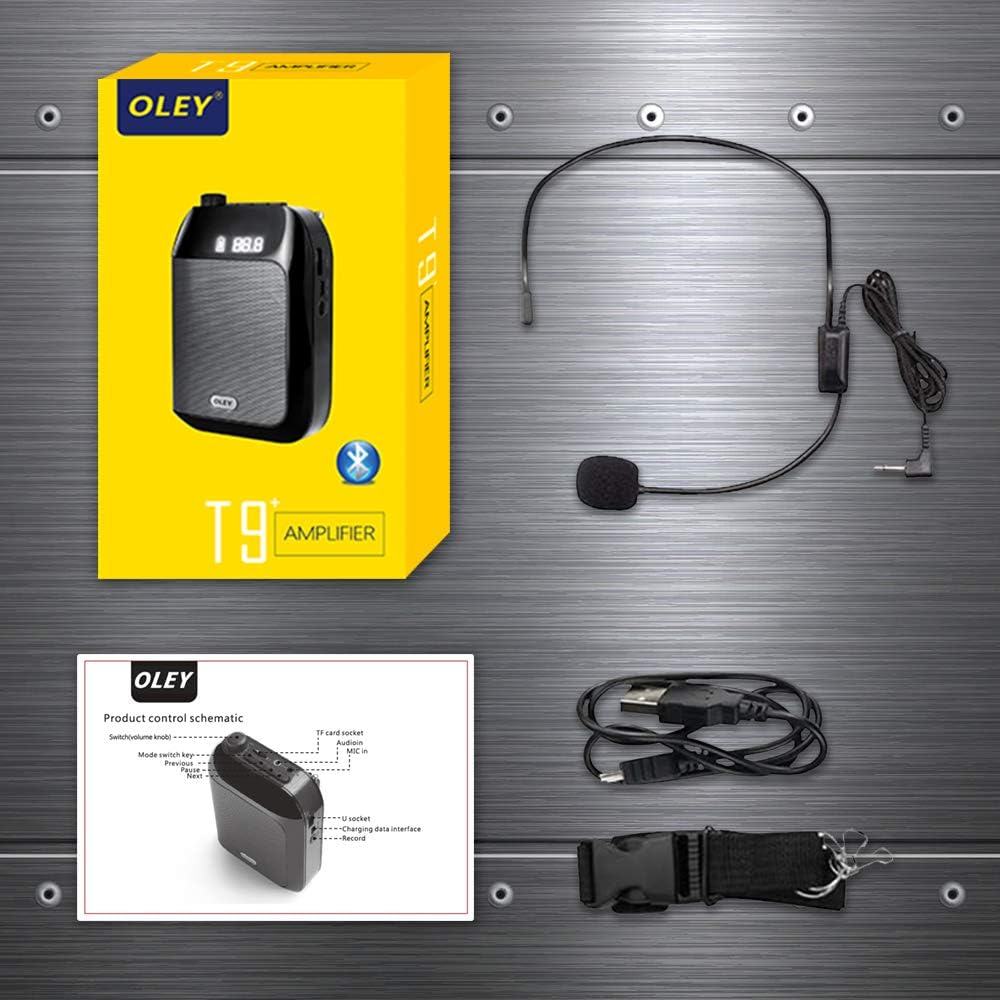
Image: The back of the amplifier unit demonstrating how to attach the waist strap using the buckle points, and an illustration of the amplifier being worn with the strap.
Operating Instructions
Power On/Off and Volume Control
To turn on the amplifier, rotate the "Switch (volume knob)" (5) clockwise. The display will light up. Continue rotating clockwise to increase the volume. Rotate counter-clockwise to decrease the volume and turn off the device.
Voice Amplification
Once powered on and the microphone is connected, speak into the headset microphone. Your voice will be amplified through the speaker. Adjust the volume knob to a comfortable listening level, avoiding feedback (a high-pitched squeal).
Mode Switching
Press the "Mode switch key" (4) to cycle through available modes such as Microphone (amplification), TF Card playback, USB flash drive playback, and AUX input. If Bluetooth is supported, it will also be an option.
Music Playback (TF Card / USB / AUX)
Insert a TF (Micro SD) card into the designated slot or a USB flash drive into the "USB interface" (10) with audio files. Press the "Mode switch key" (4) to select the corresponding playback mode. Use the "NEXT" (1) and "Previous" (3) buttons to navigate tracks, and the "Pause" (2) button to play or pause.
For AUX input, connect an external audio source (e.g., smartphone) to the "Mic port" (7) using a 3.5mm audio cable. Switch to AUX mode if necessary.
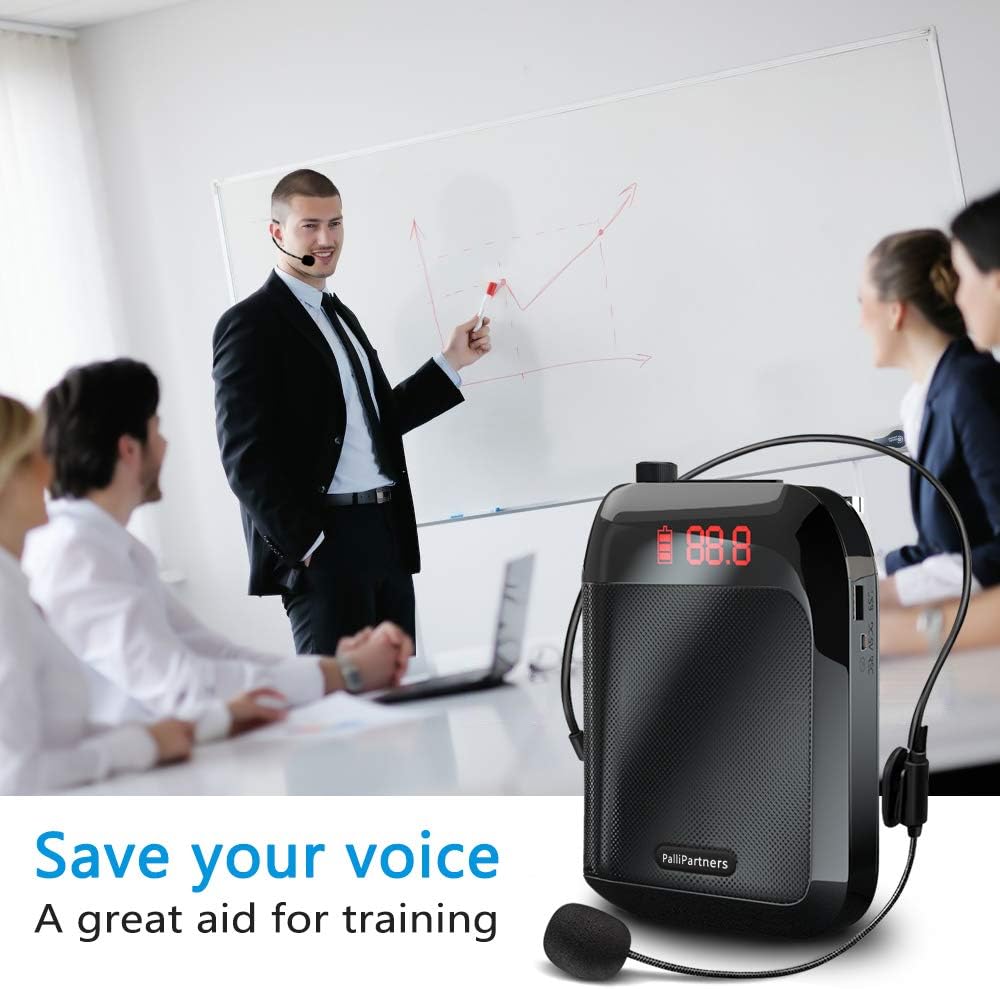
Image: The amplifier unit placed next to a smartphone, illustrating its high fidelity and low noise Bluetooth 5.2 connectivity for audio playback.
Maintenance
Battery Care
- Charge the device regularly, even if not in frequent use, to maintain battery health.
- Avoid completely draining the battery before recharging.
- Do not expose the device to extreme temperatures, as this can affect battery life.
Cleaning
Wipe the amplifier and microphone with a soft, dry cloth. Do not use abrasive cleaners or immerse the device in water.
Storage
Store the amplifier in a cool, dry place away from direct sunlight and moisture when not in use. Keep it away from strong magnetic fields.
Troubleshooting
| Problem | Possible Cause | Solution |
|---|---|---|
| No sound from speaker |
|
|
| High-pitched feedback (squealing) |
|
|
| Distorted sound |
|
|
| Cannot play music from TF card/USB |
|
|
Specifications
| Feature | Detail |
|---|---|
| Output Wattage | 35 Watts |
| Battery Capacity | 3600mAh Lithium Battery |
| Battery Autonomy | Up to 20 hours (usage dependent) |
| Charging Time | 4-6 hours |
| Coverage Area | Approx. 21000 sq. ft (2000 ㎡) |
| Dimensions (L x W x H) | 4.7 x 1.4 x 3.5 inches (Unit) / 8.35 x 5.2 x 2.83 inches (Package) |
| Weight | 0.6 lb (Unit) / 1.26 pounds (Item Weight) |
| Connectivity | AUX, USB, TF Card, Bluetooth 5.2 (implied by image) |
| Microphone Type | Wired Headset Microphone |
| Mounting Type | Clip On, Freestanding, Tie (Waist Strap) |
| Model Number | T9 (APRO) |
| ASIN | B08M97RZGS |
| UPC | 759068903944 |
Warranty and Support
PalliPartners is committed to providing high-quality products. For specific warranty information and customer support, please refer to the warranty card included with your product or contact PalliPartners customer service directly through their official website or the retailer where you purchased the product. Please have your model number (T9) and ASIN (B08M97RZGS) ready when contacting support.
For further assistance, you may visit the PalliPartners Store on Amazon.