
1. Introduction
Thank you for choosing the Yaheetech Armless Office Chair. This manual provides essential information for the safe assembly, operation, and maintenance of your new chair. Please read these instructions carefully before use and retain them for future reference.
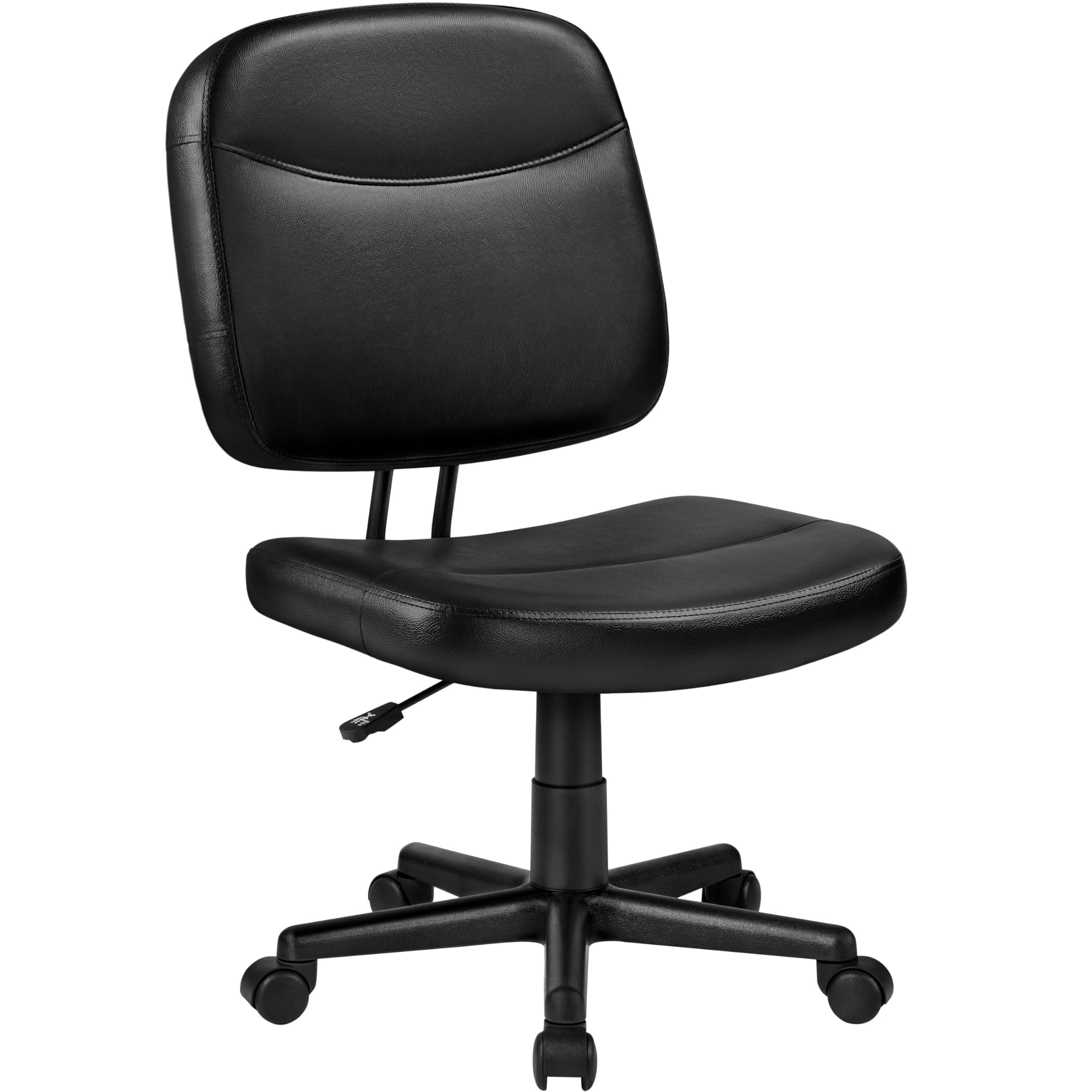
Image 1: Yaheetech Armless Office Chair in a home office setting.
2. Safety Information
- Do not exceed a weight capacity of 276 lb (125 kg).
- Ensure proper seating height adjustment for ergonomic support.
- Assemble the chair correctly before use, following all instructions provided.
- Refer to this manual for detailed safety information and proper usage.
3. Package Contents
Please verify that all components are present before beginning assembly:
- Seat Cushion (A)
- Backrest (B)
- Chair Base (C)
- Mechanism Plate (D)
- Gas Lift (F)
- Casters (G) - 5 pieces
- Backrest Support Frame (H)
- Screws (E, I) and Allen Wrench
4. Setup and Assembly
Follow these steps to assemble your Yaheetech Armless Office Chair:
- Attach Casters to Base: Insert the five casters (G) into the holes at the ends of the chair base (C) until they click securely into place.
- Install Gas Lift: Place the gas lift (F) into the center hole of the assembled chair base (C).
- Assemble Backrest Support: Attach the backrest support frame (H) to the backrest (B) using screws (E) and the provided Allen wrench. Ensure they are tightened securely.
- Attach Mechanism Plate: Align the mechanism plate (D) with the pre-drilled holes on the underside of the seat cushion (A). Secure it with screws (I) and the Allen wrench. Ensure the front of the mechanism plate faces the front of the seat cushion.
- Connect Backrest to Seat: Attach the assembled backrest (B) to the mechanism plate (D) on the seat cushion (A) using the remaining screws (I).
- Final Assembly: Carefully place the assembled seat and backrest onto the gas lift (F) on the chair base (C). Press down firmly to ensure a secure connection.
Video 1: Official Yaheetech guide on how to set up this office chair.
5. Operating Instructions
Your office chair is designed for comfort and adjustability:
- Height Adjustment: To adjust the seat height, pull the lever located under the seat upwards. While seated, lift your weight slightly to raise the chair, or remain seated and apply pressure to lower it. Release the lever to lock the height.
- Swivel Function: The chair features 360-degree swivel casters for convenient mobility and rotation.
- Ergonomic Backrest: The mid-back backrest provides lumbar support. Note that the backrest is stationary and does not recline.

Image 2: Key features including height adjustment lever and casters.
6. Maintenance
To ensure the longevity and appearance of your chair:
- Cleaning: Wipe clean with a damp cloth. For faux leather, use a mild soap solution if necessary, then wipe dry. Avoid harsh chemicals.
- Inspection: Periodically check all screws and bolts to ensure they are tight. Re-tighten if necessary to prevent wobbling or creaking.
- Caster Care: Keep casters free of debris (hair, dust) to ensure smooth movement and prevent floor scratches.
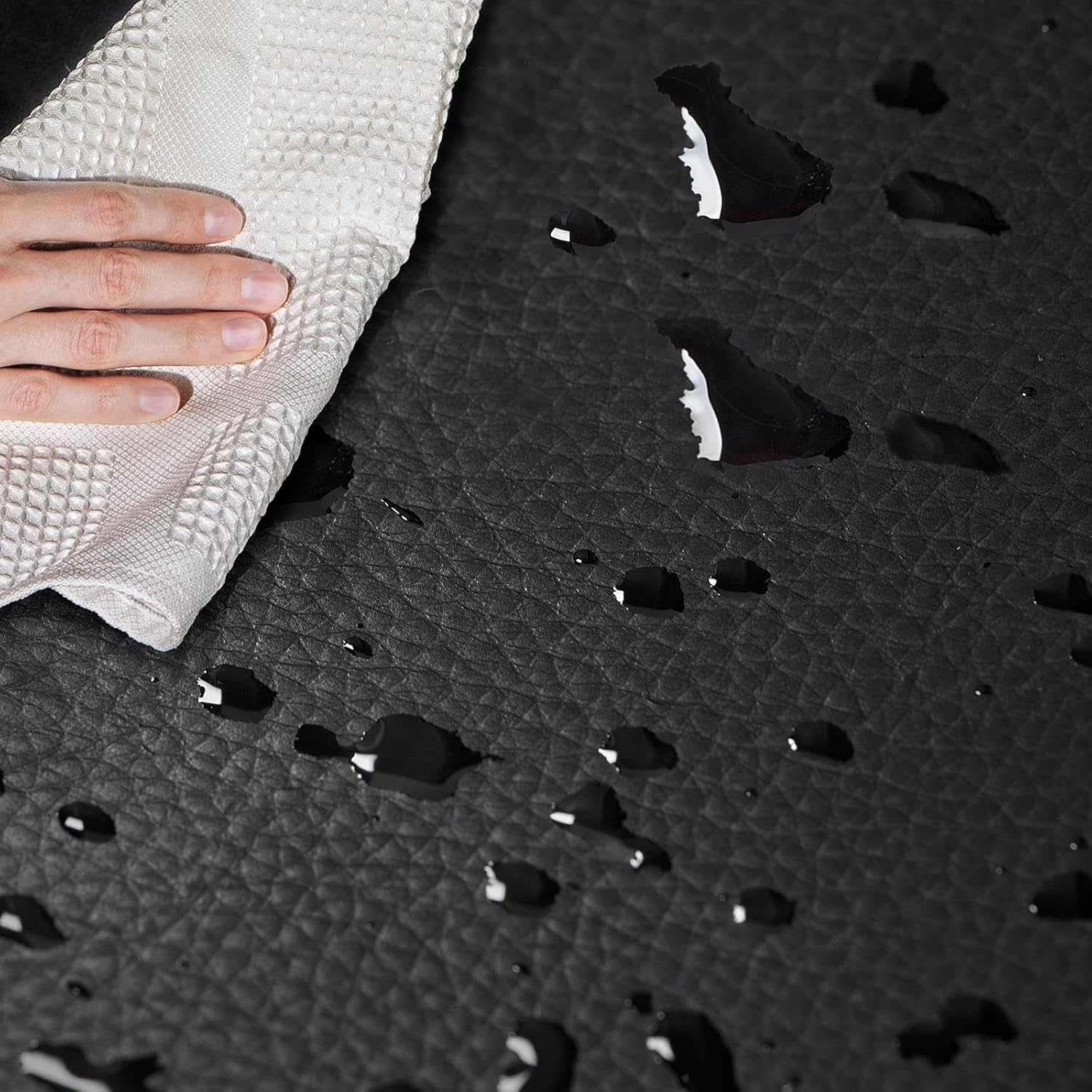
Image 3: Demonstrating the water-resistant faux leather for easy cleaning.
7. Troubleshooting
If you encounter any issues with your chair, refer to the following common problems and solutions:
- Chair Sinks or Loses Height: Ensure the height adjustment lever is fully engaged. If the issue persists, the gas lift may need replacement. Contact customer support for assistance.
- Chair is Wobbly: Check all assembly screws (especially those connecting the mechanism plate to the seat and the backrest support). Tighten any loose screws. Ensure the gas lift is properly seated in the base.
- Creaking Noises: Creaking can often be resolved by tightening all assembly screws. Applying a small amount of silicone lubricant to moving parts (like the gas lift connection points or caster stems) can also help.
- Casters Not Rolling Smoothly: Inspect casters for trapped hair or debris and clean them. Ensure the casters are fully inserted into the chair base.
8. Specifications
| Feature | Detail |
|---|---|
| Model Number | YT-00099923A |
| Color | Black |
| Material | Faux Leather, Foam, Iron, Nylon |
| Product Dimensions (D x W x H) | 18"D x 24.5"W x 35"H |
| Adjustable Height Range | 35" - 39.5" |
| Seat Dimensions (W x D) | 20" W x 18" D |
| Maximum Weight Recommendation | 276 Pounds (125 kg) |
| Special Features | Adjustable Height, Ergonomic, Space Saving, Upholstered Leather |
| Assembly Instructions | Included |

Image 4: Detailed dimensions of the office chair.
9. Warranty and Support
For warranty information, product support, or to purchase replacement parts, please contact Yaheetech customer service. Keep your purchase receipt and model number (YT-00099923A) handy for faster service.
You can typically find contact information on the Yaheetech official website or through your original point of purchase.