
Ring Ring Wired Doorbell Plus
Ring Wired Doorbell Plus User Manual
Model: Ring Wired Doorbell Plus
Introduction
The Ring Wired Doorbell Plus is an upgraded 1080p HD wired video doorbell designed to enhance your home security. It features Two-Way Talk, Quick Replies, Advanced Motion Detection, built-in Alexa Greetings, enhanced dual-band Wi-Fi, and customizable privacy settings. This manual provides essential information for setting up, operating, and maintaining your device.

Front view of the Ring Wired Doorbell Plus, showcasing its sleek design and camera lens.
The Ring Wired Doorbell Plus is the same great product and features as the Video Doorbell Pro, now with a new name.
What's Included
Your Ring Wired Doorbell Plus package includes the following components:
- Wired Doorbell Plus (Video Doorbell Pro)
- Satin Nickel faceplate
- Pro Power Kit
- Installation tools and screws
- Wedge and Corner kits
- User manual
- Security sticker
Setup
Before beginning installation, ensure you have a compatible doorbell system, Ring plug-in adapter, or transformer (not included) providing 16-24 VAC, 40VA max, 50/60Hz. Only Ring DC transformer/power supply is recommended. Avoid halogen or garden-lighting transformers. The average installation time is approximately 15 minutes.
- Download the Ring app on your smartphone or tablet.
- Create a Ring account or log in to your existing account.
- Follow the in-app instructions to add your new Ring Wired Doorbell Plus.
Installation
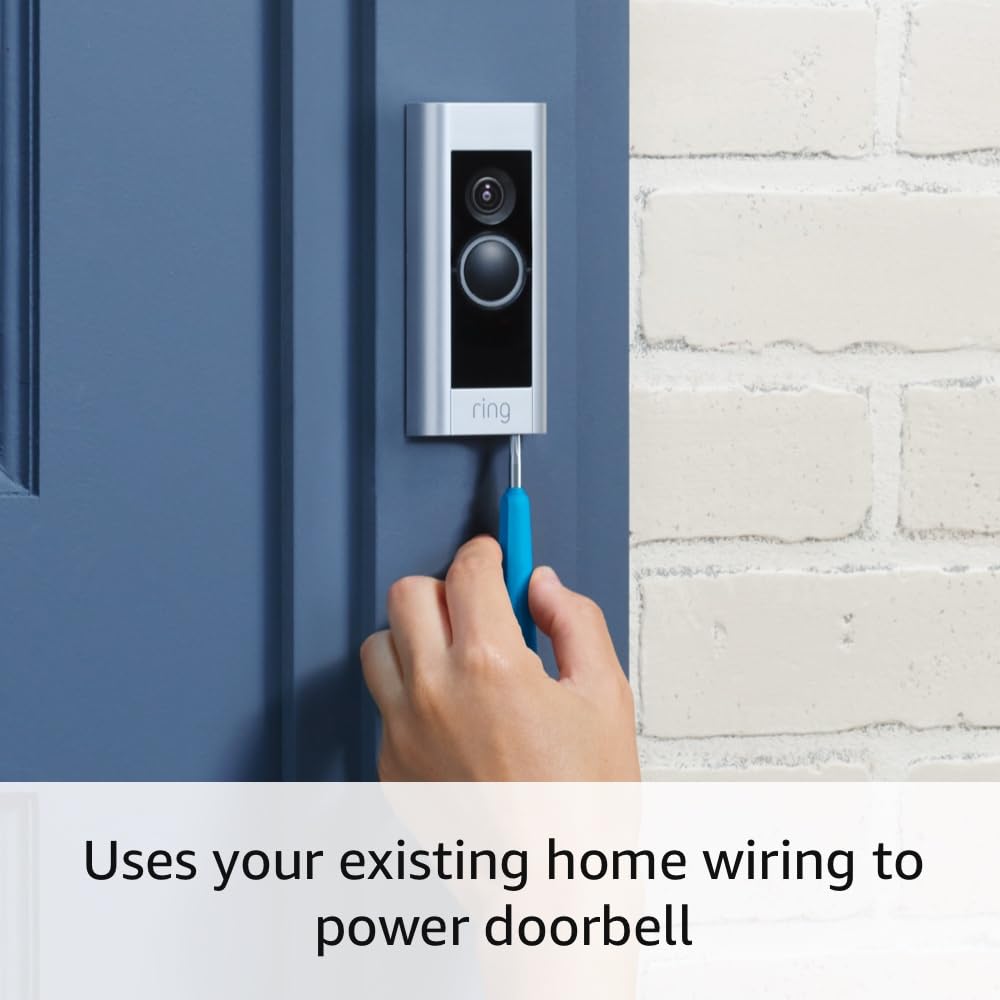
The Ring Wired Doorbell Plus requires existing doorbell wiring for continuous power. Use the included tool kit for installation.
- Turn off power: Locate your doorbell's circuit breaker and turn off the power to your existing doorbell system to prevent electrical shock.
- Remove existing doorbell: Carefully remove your old doorbell button from the wall.
- Install Pro Power Kit: Attach the included Pro Power Kit to your existing doorbell chime inside your home. This kit ensures proper power delivery to your Ring Doorbell. Refer to the Pro Power Kit instructions for detailed wiring.
- Connect Ring Doorbell: Connect the two wires from your existing doorbell wiring to the terminals on the back of your Ring Wired Doorbell Plus. Ensure a secure connection.
- Mount the doorbell: Secure the Ring Wired Doorbell Plus to your wall using the provided screws and installation tools. If needed, use the wedge or corner kits to adjust the viewing angle.
- Restore power: Turn the power back on at your circuit breaker.
- Complete setup in app: Follow the remaining steps in the Ring app to connect your doorbell to your Wi-Fi network and finalize the setup.
The Ring Wired Doorbell Plus uses your existing home wiring for power, ensuring nonstop operation.
Operating Your Ring Wired Doorbell Plus
Video and Audio Features
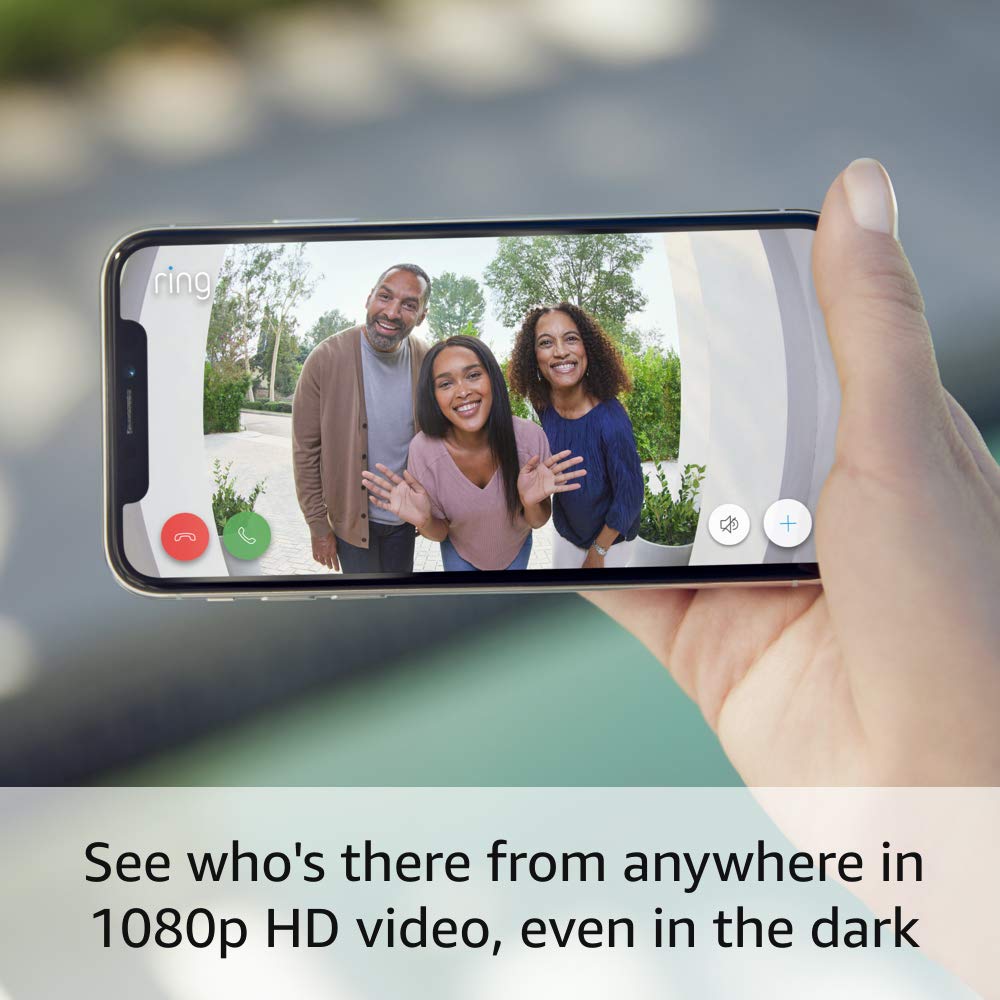
The doorbell provides 1080p HD Live Video, allowing you to see visitors clearly. It also features Color Night Vision for visibility in low-light conditions and two-way audio with noise cancellation for clear communication.

See who's there from anywhere in 1080p HD video, even in the dark, directly from your smartphone.
Motion Detection
Utilize Advanced Motion Detection with Customizable Motion Zones to define specific areas you want to monitor. You will receive motion-activated alerts on your phone, tablet, or PC.
Connectivity
The device supports 802.11 b/g/n Wi-Fi connection at both 2.4GHz and 5.0GHz for reliable connectivity.
Ring App Features
Manage your doorbell through the Ring app. You can check in at home anytime with Live View, receive instant alerts, and customize settings.

Never miss a visitor with instant alerts delivered directly to your Ring app.
Alexa Greetings
With a Ring Protect Plan subscription (sold separately), the built-in Alexa Greetings feature can answer the door for you when you're away, allowing for two-way communication with visitors.
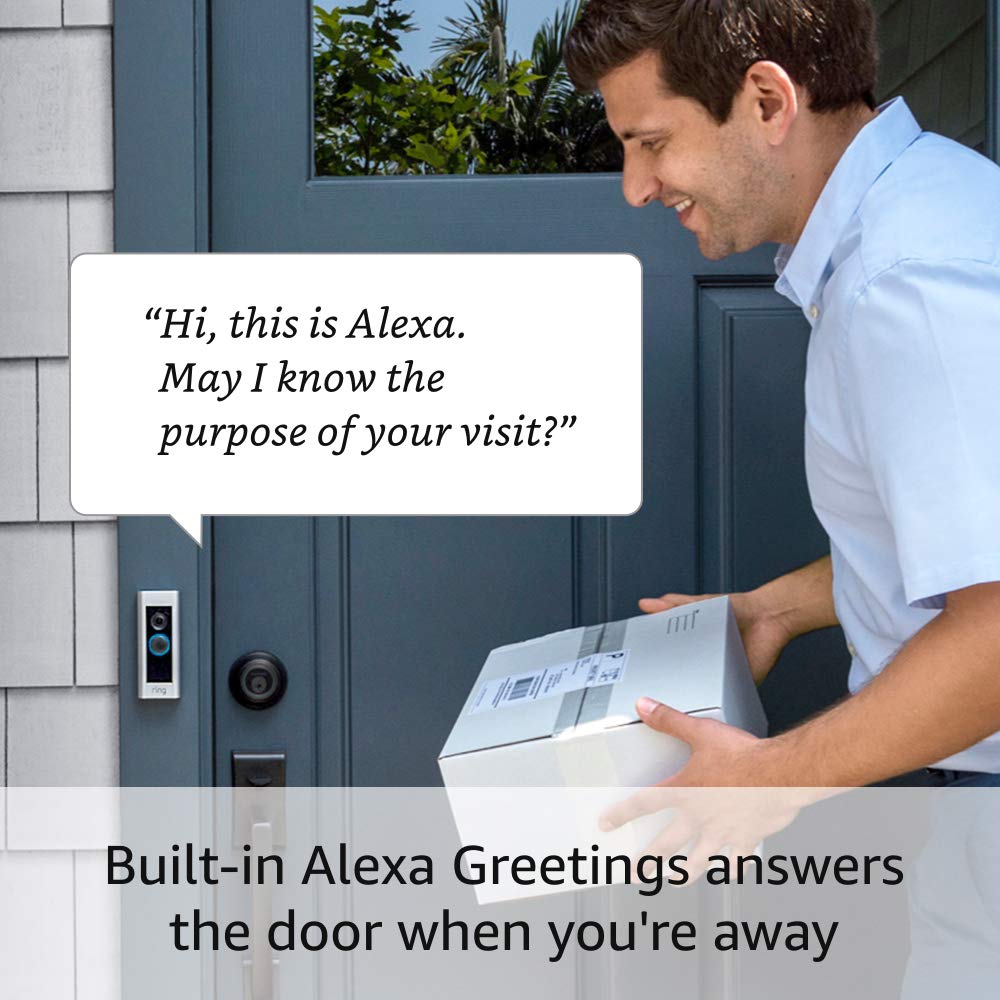
Built-in Alexa Greetings can answer the door when you're away, providing a convenient way to interact with visitors.
Maintenance
To ensure optimal performance and longevity of your Ring Wired Doorbell Plus, consider the following maintenance tips:
- Clean the lens: Periodically wipe the camera lens with a soft, clean cloth to remove dust or smudges that may affect video clarity.
- Check for obstructions: Ensure no objects are blocking the doorbell's field of view or motion detection sensors.
- Software updates: Keep your Ring app and doorbell firmware updated to the latest versions for new features and security enhancements. Updates are typically managed through the Ring app.
Troubleshooting
If you encounter issues with your Ring Wired Doorbell Plus, try the following troubleshooting steps:
- No power/device offline:
- Verify that the circuit breaker for your doorbell system is on.
- Ensure the Pro Power Kit is correctly installed and wired to your indoor chime.
- Check the wiring connections at the doorbell itself for looseness.
- Confirm your transformer meets the power requirements (16-24 VAC, 40VA max).
- Poor video quality or connectivity:
- Ensure your Wi-Fi signal is strong at the doorbell's location. Consider moving your router closer or using a Wi-Fi extender if necessary.
- Check for Wi-Fi interference from other devices.
- Verify your internet speed meets the high-speed internet requirement.
- Motion detection issues:
- Adjust your motion sensitivity settings in the Ring app.
- Review and reconfigure your Customizable Motion Zones to cover desired areas.
- Ensure there are no physical obstructions blocking the sensor.
- Two-way talk problems:
- Check your device's microphone and speaker settings in the Ring app.
- Ensure your internet connection is stable during live view.
For further assistance, refer to the official Ring support page or contact customer service.
Specifications
| Feature | Detail |
|---|---|
| Average Install Time | ~15 minutes |
| Video | 1080 HD Live Video, Live View, Color Night Vision |
| Field of View | 160° horizontal, 90° vertical |
| Motion Detection | Advanced Motion Detection with Customizable Motion Zones |
| Audio | Two-way audio with noise cancellation |
| Power | Hardwired. Requires compatible doorbell, Ring plug-in adapter or transformer (not included): 16-24 VAC, 40VA max, 50/60Hz. No halogen or garden-lighting transformers; Ring DC transformer/power supply only. |
| Internet Requirements | High-speed internet |
| Connectivity | 802.11 b/g/n Wi-Fi connection @2.4GHz and 5.0GHz |
| Operating conditions | -5°F to 120°F (-20.5°C to 48.5°C) |
| Available Colors | Satin Nickel |
| Dimensions | 4.50 in. x 1.85 in. x .80 in. (114.3mm x 46.7mm x 20.3mm) |
| Generation | Ring Wired Doorbell Plus (Video Doorbell Pro) |
Warranty and Support
Warranty: The Ring Wired Doorbell Plus comes with a 1-year limited warranty and service included. Use of the device is subject to the terms found on the official Ring website.
Support: For more information and assistance, visit the Ring Wired Doorbell Plus support page. You can also find detailed FAQs and contact options there.
Disclaimer: Ring Alarm and all Ring Alarm accessories require a subscription for in-app features and digital notifications, including but not limited to: digital arming / disarming and integration with other Ring, Echo, Alexa, and third party products. Subscription sold separately. View Ring Protect Plans for pricing and details. Customer reviews may reference features that require a subscription.
Related documentsRing Wired Doorbell Plus


Ask a question about this manual
Ask about setup, troubleshooting, compatibility, parts, safety, or missing instructions. Manuals+ will review the question and use this page’s manual context to help answer it.