
Introduction
This manual provides essential instructions for the safe and efficient use of your Ponkor 2500mAh Power Recliner Battery Pack. Please read this manual thoroughly before installation and operation, and retain it for future reference.
Safety Information
To ensure safe operation, please observe the following:
- Do not expose the battery pack to extreme temperatures or direct sunlight.
- Keep the battery pack away from water or other liquids.
- Do not attempt to disassemble, repair, or modify the battery pack.
- Use only the provided or compatible charging cables and adapters.
- Ensure proper ventilation during charging.
- Keep out of reach of children and pets.
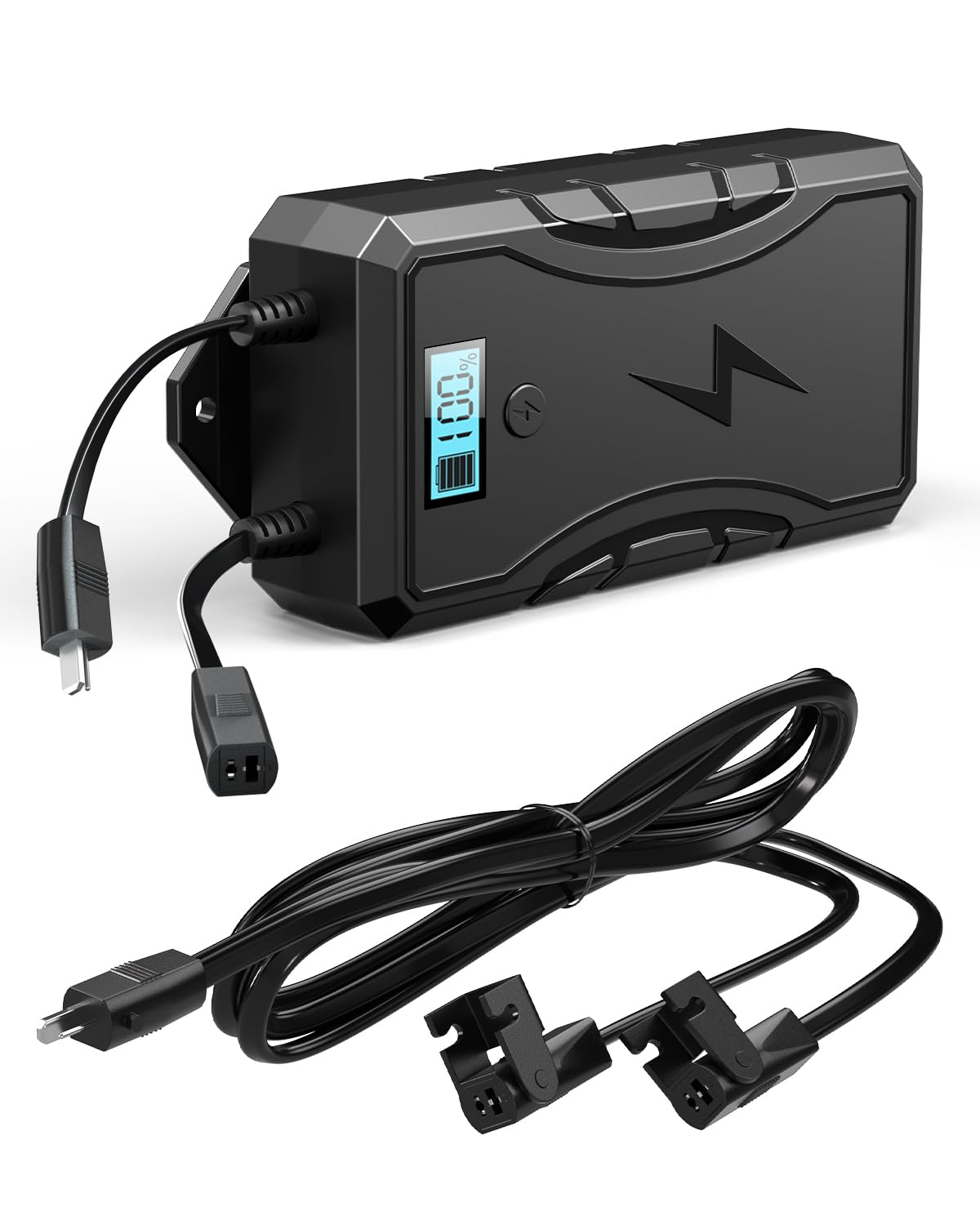
Image: The Ponkor Battery Pack features multiple safety protections including over-temperature, short circuit, over-voltage, and overcurrent protection.
Setup
Compatibility Check
The Ponkor battery pack is designed for reclining furniture that uses a 2-prong connection. It is compatible with most brands including Okin, Limoss, Berkline, and Flexsteel. Verify your furniture's connection type before proceeding.
Connecting the Battery Pack
- Locate the existing power cable connection on your reclining furniture.
- Identify the 'OUT' port on the battery pack.
- Connect the furniture's power cable to the 'OUT' port of the battery pack.
- Ensure the connection is secure.

Image: The battery pack features clearly labeled 'Input' and 'Output' ports for connection to the furniture and charger.
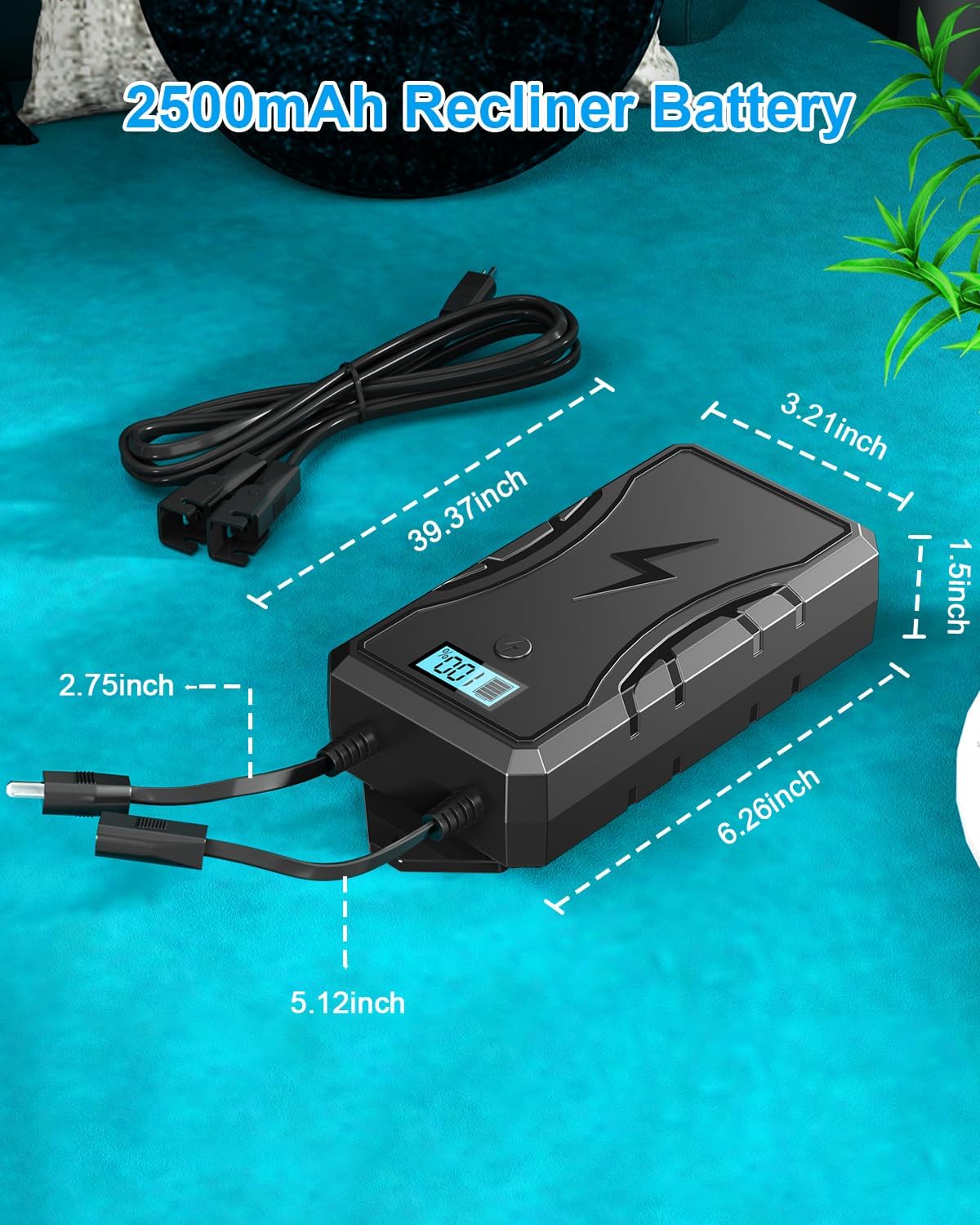
Image: The battery pack connected to a recliner. Note that the external power adapter for charging is typically not included and needs to be purchased separately if not already part of your furniture's power supply.
Operating Instructions
Powering Your Furniture
Once the battery pack is connected to your reclining furniture, press the power button on the battery pack to activate it. The digital display will show the current battery percentage. Your furniture should now operate wirelessly.
Using as a Power Bank
The battery pack includes a USB-A port, allowing you to charge mobile phones or other USB-powered devices. Simply plug your device's USB charging cable into the USB-A port on the side of the battery pack.

Image: The battery pack features an LED display that shows the current battery charge percentage, allowing you to monitor its power level.
Charging the Battery Pack
To charge the battery pack, use your recliner's existing power cable. Connect the power supply to the 'IN' port on the battery pack, then plug the power supply into a wall socket. The battery will charge while still allowing you to use the recliner.
- Charging Time: Approximately 6 hours for a full charge.
- Ensure you use a charger with sufficient power. A low-battery state can cause faster drainage before use.
- More powerful furniture may drain the battery faster.
Maintenance
The Ponkor battery pack requires minimal maintenance. Keep it clean and dry. Avoid dropping or subjecting it to strong impacts. For optimal performance, fully charge the battery before its first use and whenever the charge is low.
Troubleshooting
- No Power to Furniture: Ensure the battery pack is sufficiently charged and the power button is pressed. Verify all connections between the furniture and the battery pack are secure.
- Battery Not Charging: Check that the power adapter is correctly plugged into the 'IN' port of the battery pack and the wall outlet. Confirm the wall outlet is functional.
- Short Battery Life: Ensure the battery is fully charged (approximately 6 hours). Note that furniture with higher power consumption (e.g., those with USB ports or LED lights) will drain the battery faster. If using USB ports for charging devices, battery life for furniture operation will be significantly reduced.
- Incompatibility: This battery pack is not suitable for use with recliners that have touch-sensitive buttons, USB ports, or LED lights on an open-close switch, unless specifically designed to bypass these features.
Specifications
| Model | B08LYXPL34 |
| Brand | Ponkor |
| Battery Capacity | 2500 mAh |
| Battery Cell Composition | Lithium Ion |
| Voltage | 25.9V |
| Amperage | 2.5A |
| Charging Time | Approx. 6 hours |
| Item Dimensions (L x W x H) | 7.9 x 5.1 x 2.1 inches |
| Item Weight | 640 Grams |
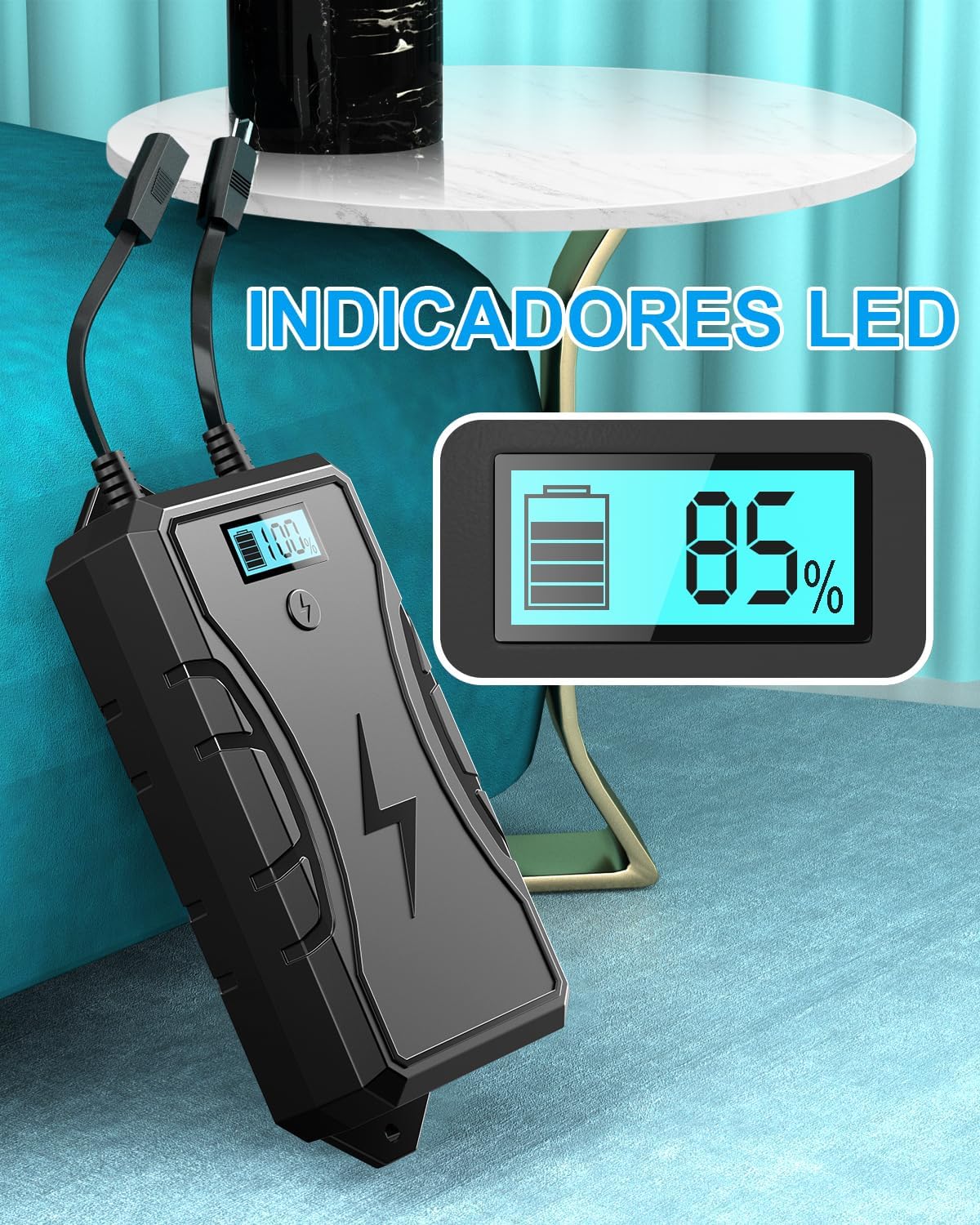
Image: Detailed dimensions of the Ponkor 2500mAh Recliner Battery Pack.
Warranty and Support
For warranty information and customer support, please refer to the documentation included with your purchase or contact Ponkor directly through their official channels. Protection plans may be available from third-party providers at the time of purchase.