
PowerLocus pwl-par-smart1
PowerLocus Smartwatch Activity Tracker User Manual
Model: Activity Tracker (pwl-par-smart1)
1. Introduction
This manual provides essential information for the safe and effective use of your PowerLocus Smartwatch Activity Tracker. Please read it thoroughly before using the device to ensure optimal performance and longevity.
The PowerLocus Smartwatch is designed to monitor various health and fitness metrics, provide notifications, and assist in managing daily activities. It features a 1.4-inch full touch screen and is compatible with both iOS and Android devices.

Image 1.1: Front view of the PowerLocus Smartwatch, displaying time, date, and a moon/stars graphic. The watch has a grey strap and a rectangular screen.
2. Setup
2.1. Charging the Device
Before first use, fully charge your smartwatch. Connect the magnetic charging cable to the charging points on the back of the watch and plug the USB end into a power adapter (not included) or a computer's USB port. A full charge typically takes less than 2 hours.
The watch offers more than 7 days of battery life and up to 15 days in standby mode.

Image 2.1: Rear view of the PowerLocus Smartwatch, highlighting the magnetic charging contacts and the optical heart rate sensor.
2.2. App Installation and Pairing
- Download the App: Search for the dedicated PowerLocus Smartwatch app on your smartphone's app store (iOS or Android).
- Install and Open: Install the app and open it on your smartphone.
- Enable Bluetooth: Ensure Bluetooth is enabled on your smartphone.
- Pair Device: Follow the in-app instructions to search for and connect to your PowerLocus Smartwatch. The app will guide you through the pairing process.
- Grant Permissions: Allow necessary permissions (e.g., notifications, location) for the app to function correctly.
3. Operating Instructions
3.1. Basic Navigation
The smartwatch features a full touch screen for easy navigation. Swipe left, right, up, or down to access different menus and functions. Tap to select an option or confirm an action. The side button typically serves as a back or home button.
3.2. Notifications
Once paired with your smartphone, the smartwatch can display notifications for incoming calls, SMS messages, and various social media applications like WhatsApp and Messenger. Ensure notification permissions are granted in the app.

Image 3.1: A hand wearing the PowerLocus Smartwatch, with notification icons for various applications like WhatsApp, Twitter, Instagram, and Facebook floating around the watch face.
3.3. Health Monitoring
The smartwatch provides continuous monitoring of several health metrics:
- Heart Rate Detection: Monitors your heart rate throughout the day.
- Blood Pressure Detection: Provides estimates of your blood pressure.
- Blood Oxygen (SpO2) Detection: Measures blood oxygen levels.
- Pedometer: Counts your daily steps.
- Calorie Consumption: Estimates calories burned based on activity.
- Distance Calculation: Tracks the distance covered.
Access these features through the watch's menu or view detailed data in the companion app.

Image 3.2: A man in a gym setting, looking at his PowerLocus Smartwatch which displays health metrics such as heart rate, blood pressure, and step count.
3.4. Sleep Tracking
The smartwatch automatically tracks your sleep patterns, distinguishing between light sleep, deep sleep, and awake stages. This data helps you understand your sleep quality. Set bedtime reminders through the app to establish a consistent sleep routine.

Image 3.3: A woman sleeping peacefully, wearing a PowerLocus Smartwatch that shows sleep duration and quality metrics on its screen.
3.5. Sports Activities
The smartwatch supports 8 different sports modes to accurately track your workouts. These modes help monitor performance metrics like steps, distance, calories burned, and heart rate during activities such as running, cycling, basketball, and football.

Image 3.4: The PowerLocus Smartwatch displaying activity tracking data, accompanied by images of a person cycling, running, and playing football, illustrating its multi-sport capabilities.
3.6. Additional Functions
- Camera Control: Remotely control your smartphone's camera.
- Alarm Clock: Set alarms directly from the watch or app.
- Chronometer: Use the stopwatch function for timing activities.
- Sedentary Reminder: Receive alerts to move after periods of inactivity.
- Music Control: Control music playback on your paired smartphone (play, pause, skip tracks).
- Customizable Watch Faces: Change the watch face to suit your style.
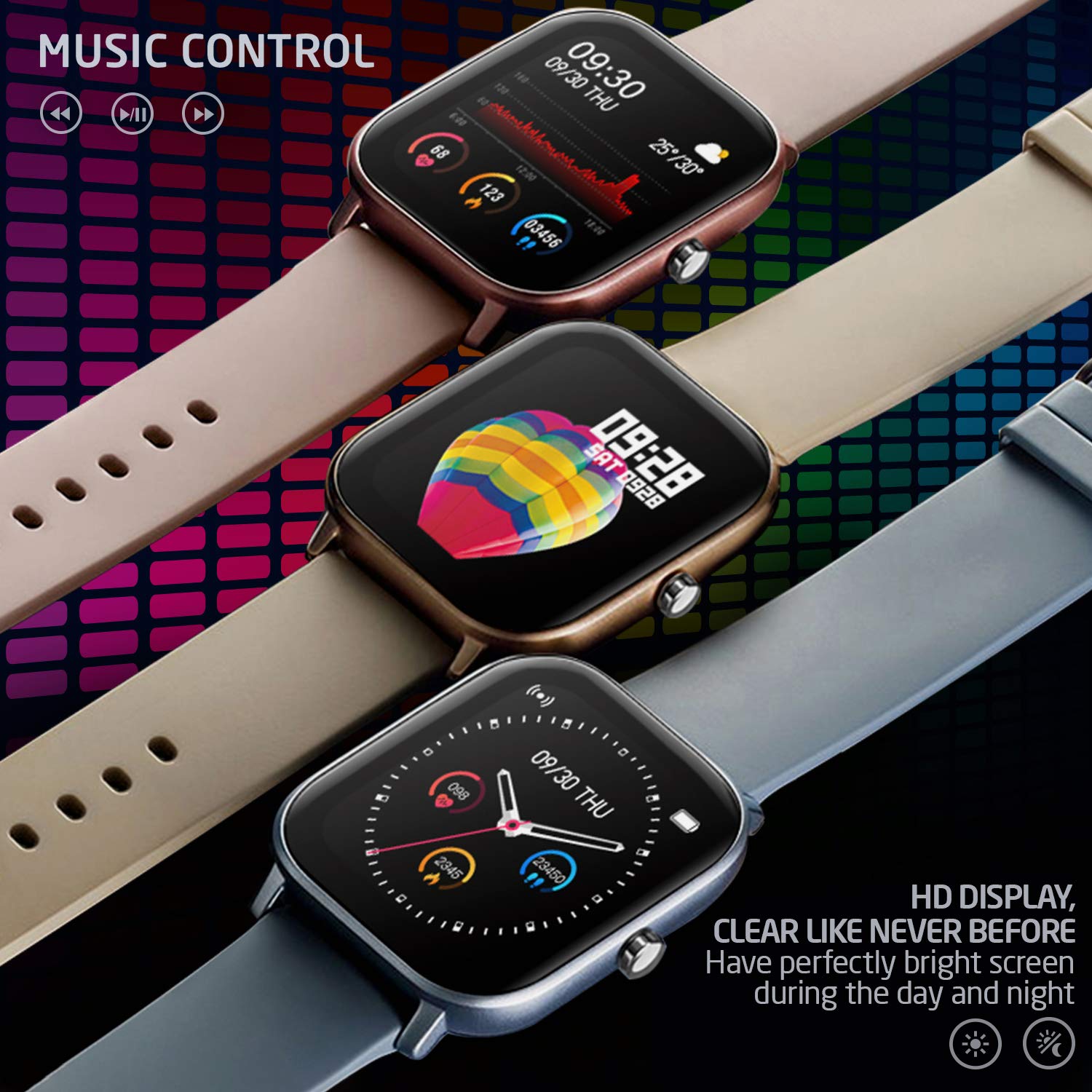
Image 3.5: Three PowerLocus Smartwatches in different colors, showcasing music control features and various customizable watch faces with health data.
4. Maintenance
4.1. Waterproofing
The PowerLocus Smartwatch has an IP67 water resistance rating, meaning it is protected against dust and can withstand immersion in water up to 1 meter for 30 minutes. It is suitable for swimming and jogging in the rain. However, it is not recommended for diving or high-pressure water activities.
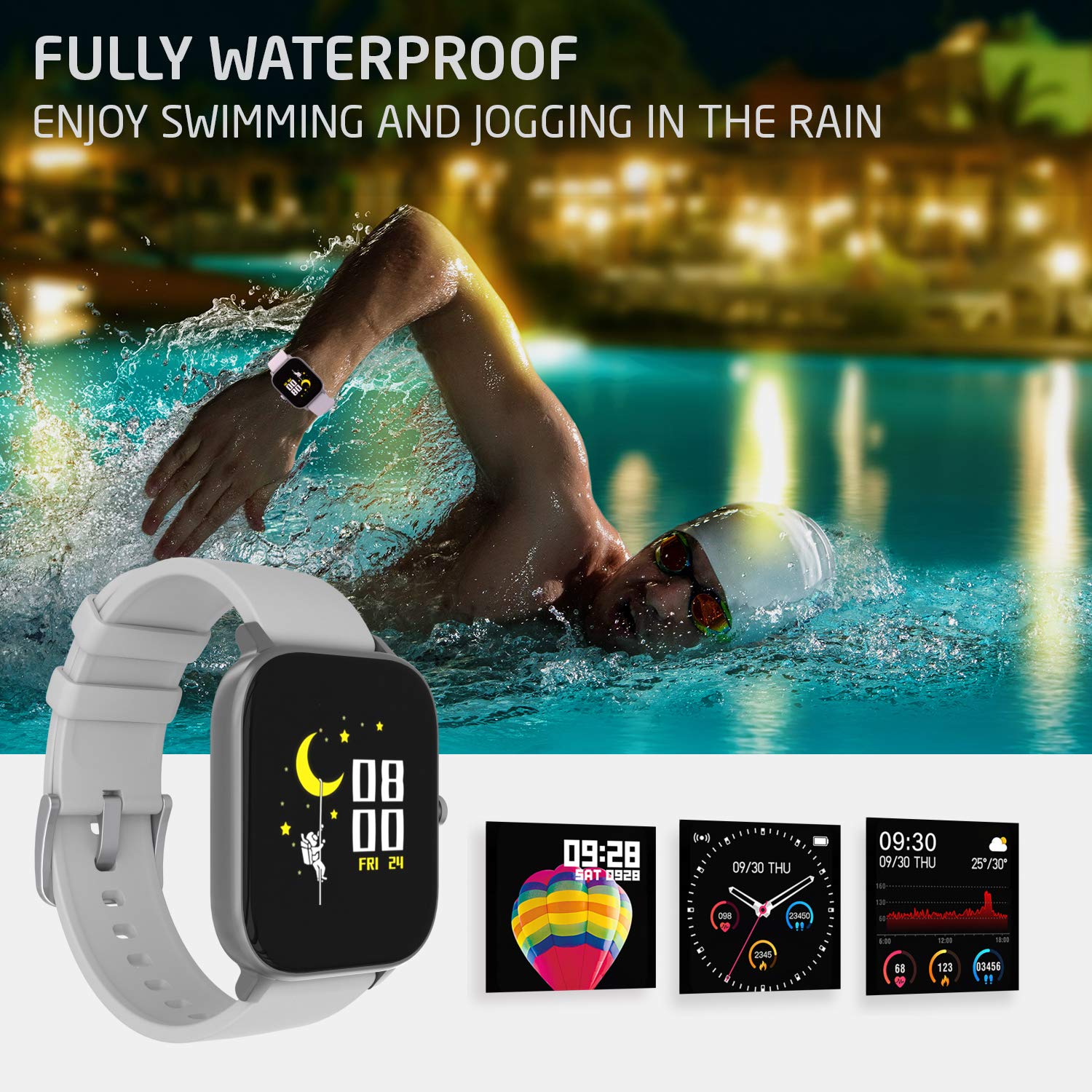
Image 4.1: A person swimming in a pool, wearing the PowerLocus Smartwatch, demonstrating its waterproof capability.
4.2. Cleaning and Care
- Wipe the watch and strap regularly with a soft, damp cloth.
- Avoid using harsh chemicals or abrasive cleaners.
- Ensure the charging contacts are clean and dry before charging.
- Protect the screen from scratches by avoiding contact with sharp objects.
5. Troubleshooting
- Device not turning on: Ensure the watch is fully charged. Connect it to the charger and wait a few minutes before attempting to power it on.
- Cannot pair with smartphone:
- Ensure Bluetooth is enabled on your smartphone.
- Make sure the watch is within range of your smartphone.
- Restart both the watch and your smartphone.
- Check if the app is updated to the latest version.
- If previously paired, try unpairing and re-pairing the device through the app.
- Inaccurate health data:
- Ensure the watch is worn snugly on your wrist, but not too tight.
- Clean the sensor on the back of the watch.
- Environmental factors and individual physiology can affect readings. The device is not a medical instrument.
- Notifications not appearing:
- Verify that notification permissions are enabled for the app on your smartphone.
- Check the app settings to ensure notifications are enabled for specific applications.
- Ensure the watch is connected via Bluetooth.
6. Specifications
| Feature | Detail |
|---|---|
| Model Name | Activity Tracker |
| Model Number | pwl-par-smart1 |
| Screen Size | 1.4 inches |
| Resolution | 240*240 |
| Weight | 46g (device), 141g (package) |
| Bracelet Size | L*W*H=36.6*43*9.3 mm |
| Water Resistance | IP67 (Waterproof) |
| Display Technology | LCD |
| Connectivity | Bluetooth |
| Compatible OS | Android, iOS |
| Battery Type | Lithium Ion (1 C battery included) |
| Battery Life | 7+ days (typical use), 15 days (standby) |
| Charging Time | Less than 2 hours |
| Special Features | Pedometer, Heart Rate Monitor, Blood Pressure Monitor, Blood Oxygen Monitor, Sleep Tracker, Sports Modes, Notifications, Camera Control, Alarm Clock, Chronometer, Sedentary Reminder, Music Control, Customizable Watch Faces |
7. Warranty and Support
7.1. Warranty Information
The PowerLocus Smartwatch Activity Tracker comes with a 24-month full warranty. This warranty covers manufacturing defects and ensures your smartwatch functions as intended for two years from the date of purchase. Please retain your proof of purchase for warranty claims.
7.2. Customer Support
For any questions, technical assistance, or warranty claims, please contact PowerLocus customer support through the official website or the contact information provided with your product packaging. Our team is dedicated to providing prompt and helpful assistance.
Ask a question about this manual
Ask about setup, troubleshooting, compatibility, parts, safety, or missing instructions. Manuals+ will review the question and use this page’s manual context to help answer it.