
Logitech G 910-006103
Logitech G303 Shroud Edition Wireless Gaming Mouse User Manual
Model: 910-006103
Introduction
The Logitech G303 Shroud Edition Wireless Gaming Mouse is a high-performance peripheral designed for precision and speed. Featuring LIGHTSPEED wireless technology and the HERO 25K sensor, this mouse offers ultra-low latency and exceptional tracking. Its lightweight design, weighing 75 grams, is optimized for fast movements and low-sensitivity DPI settings, making it ideal for competitive gaming. This manual provides comprehensive instructions for setting up, operating, maintaining, and troubleshooting your G303 Shroud Edition mouse.
Key Features
- LIGHTSPEED Wireless Technology: Delivers pro-grade performance with ultra-low latency and reliable connectivity.
- HERO 25K Sensor: Provides unrivaled precision, speed, and power efficiency for optimal gaming performance.
- Lightweight Design: Weighs 75 grams, engineered for fast aiming and comfortable use during extended sessions.
- Customizable Buttons: Features 5 programmable buttons, including 2x left side thumb buttons, for personalized control.
- Long Battery Life: Offers up to 145 hours of continuous use on a single charge.
- USB-C Charging: Convenient and modern charging interface.
- Internal USB Wireless Receiver Storage: Securely store the USB receiver when not in use or during travel.
Setup
1. Unboxing and Initial Inspection
Carefully remove all components from the packaging. Ensure the following items are present:
- Logitech G303 Shroud Edition Wireless Gaming Mouse
- LIGHTSPEED USB Wireless Receiver (located inside the mouse or alongside it)
- USB-C Charging Cable
2. Connecting the Mouse
- Locate the LIGHTSPEED USB wireless receiver.
- Plug the USB wireless receiver into an available USB port on your computer (PC or Mac).
- Turn on the mouse using the On/Off switch located on the bottom of the mouse. The mouse should automatically connect to the receiver.
3. Installing Logitech G HUB Software
For full customization and optimal performance, it is recommended to install the Logitech G HUB software.
- Visit the official Logitech G website to download the latest version of G HUB.
- Follow the on-screen instructions to complete the installation.
- Once installed, G HUB will detect your G303 Shroud Edition mouse, allowing you to customize DPI settings, button assignments, and more.
Operating the Mouse
1. Button Functions
The Logitech G303 Shroud Edition features 5 programmable buttons:
- Left Click (M1): Primary mouse button.
- Right Click (M2): Secondary mouse button.
- Scroll Wheel Click: Can be assigned to various functions.
- Side Thumb Buttons (2x): Located on the left side, these buttons are typically used for forward/back navigation or can be customized for in-game actions.
2. DPI Adjustment
The mouse utilizes the HERO 25K sensor, offering a wide range of DPI (Dots Per Inch) settings for precise control. DPI can be adjusted via the Logitech G HUB software to match your preference and game requirements.
3. Charging the Mouse
Connect the USB-C charging cable to the front of the mouse and to a USB power source. The mouse can be used while charging. A full charge provides approximately 145 hours of battery life.
Maintenance
1. Cleaning
To maintain optimal performance and appearance, regularly clean your mouse:
- Use a soft, lint-free cloth dampened with water or a mild cleaning solution.
- Avoid using harsh chemicals or abrasive materials that could damage the surface.
- Clean the sensor area on the bottom of the mouse periodically to ensure accurate tracking.
2. Battery Care
To prolong battery life:
- Avoid fully discharging the battery frequently.
- Store the mouse in a cool, dry place when not in use for extended periods.
- Turn off the mouse using the On/Off switch when not in use to conserve battery.
Troubleshooting
- Mouse not responding:
- Ensure the mouse is turned on.
- Check if the USB wireless receiver is securely plugged into a working USB port.
- Verify the mouse battery has sufficient charge. Connect the charging cable to test.
- Try plugging the receiver into a different USB port.
- Restart your computer.
- Lag or intermittent connection:
- Ensure the mouse is close to the USB receiver.
- Avoid placing the receiver near other wireless devices or sources of interference (e.g., Wi-Fi routers, cordless phones).
- Update Logitech G HUB software and mouse firmware.
- DPI or button settings not saving:
- Ensure Logitech G HUB software is running and up to date.
- Check if profiles are correctly configured and active in G HUB.
Product Images
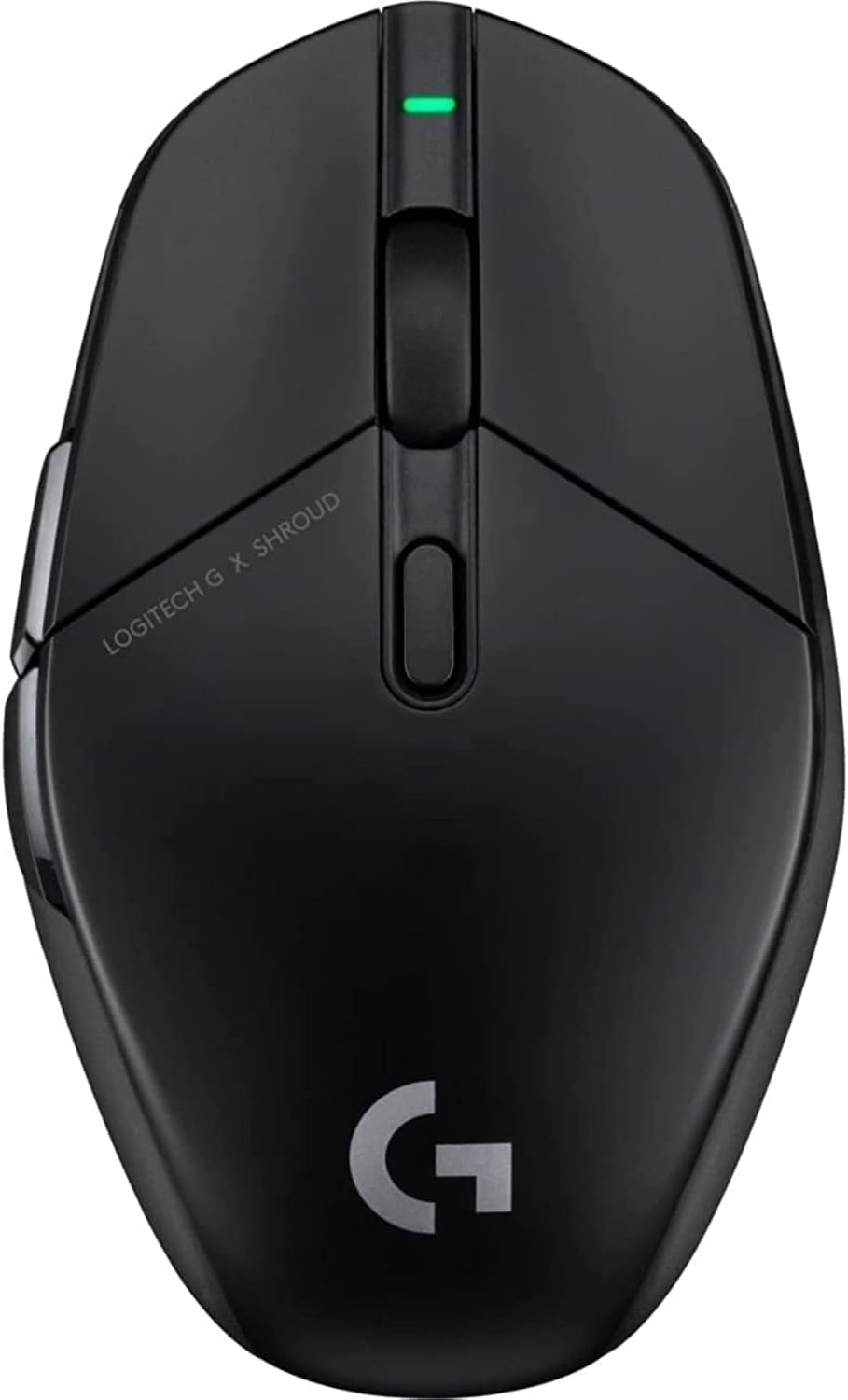
Top view of the Logitech G303 Shroud Edition Wireless Gaming Mouse, showcasing its sleek black design and central scroll wheel.
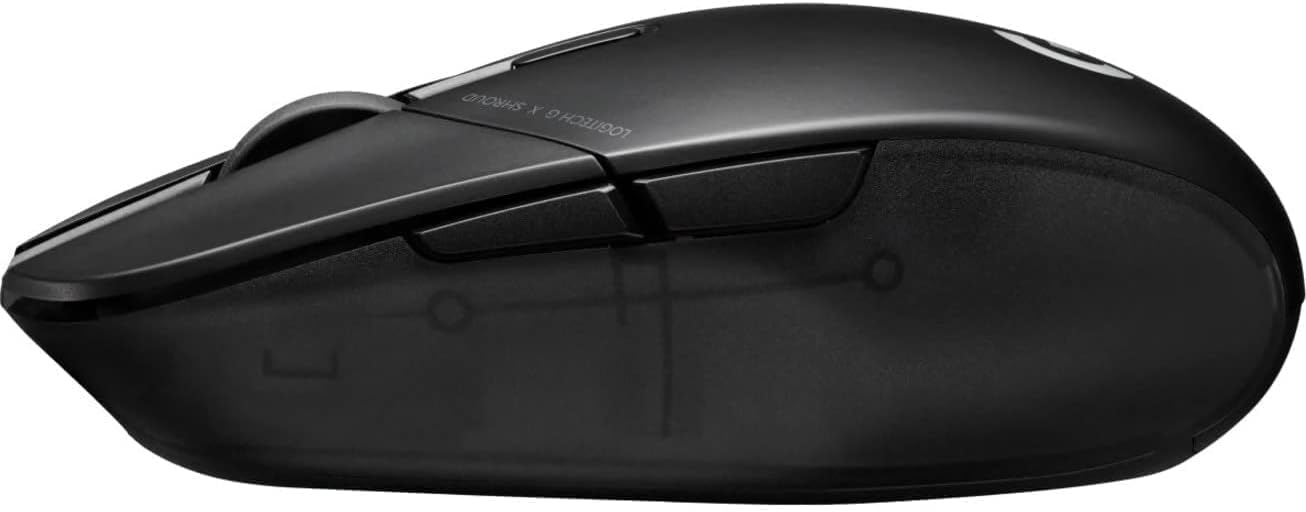
Side view of the mouse, highlighting the ergonomic shape and the two customizable thumb buttons.

Angled top view, providing a better perspective of the mouse's contours and button placement.

Bottom view of the mouse, showing the HERO 25K sensor, On/Off switch, and PTFE feet.
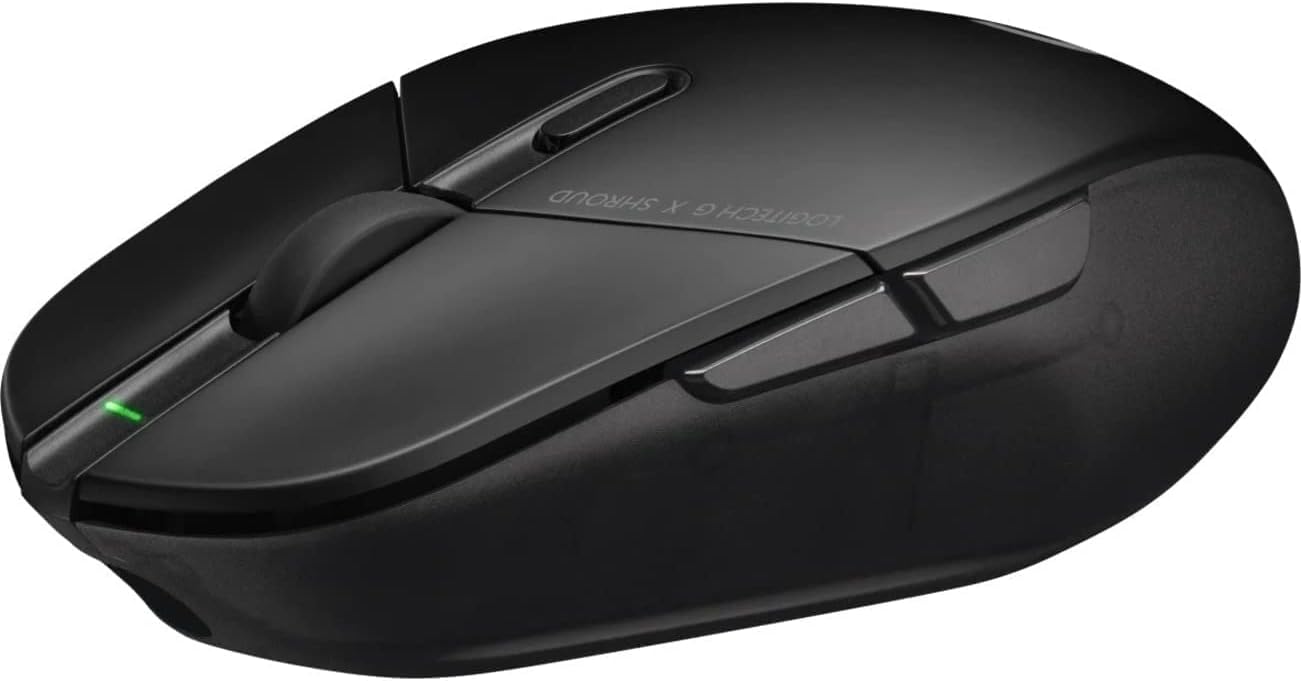
Dynamic angled view of the mouse, emphasizing its lightweight and streamlined design.

View of the mouse from the opposite side, showing the smooth, non-buttoned right side.

The Logitech G303 Shroud Edition mouse displayed alongside its included accessories, such as the charging cable and USB receiver.
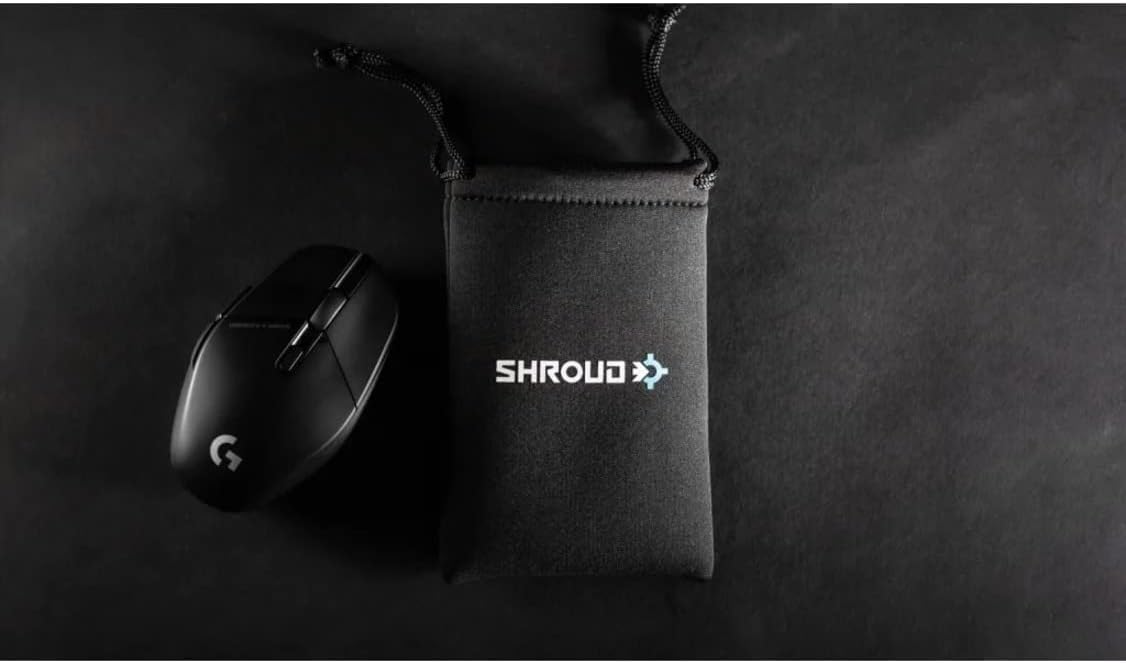
The gaming mouse positioned within a typical gaming setup, demonstrating its size and presence on a desk.

A close-up top view of the mouse, highlighting the texture and finish of the buttons and palm rest.
Official Product Video
This video provides an overview of the Logitech G303 Shroud Edition, showcasing its design, features, and the collaboration with Shroud. It highlights the mouse's performance capabilities and ergonomic considerations.
Specifications
| Feature | Value |
|---|---|
| Brand | Logitech G |
| Series | G303 Shroud Edition |
| Model Number | 910-006103 |
| Connectivity Technology | USB (LIGHTSPEED Wireless) |
| Movement Detection Technology | Optical (HERO 25K Sensor) |
| Item Weight | 2.65 ounces (75 grams) |
| Product Dimensions (LxWxH) | 4.6 x 2.75 x 1.57 inches |
| Color | Black |
| Power Source | Battery Powered (1 Lithium Polymer battery included) |
| Average Battery Life | 145 Hours |
| Hardware Platform | Mac, PC |
| Operating System | Windows, macOS |
| Special Features | Lightweight, Rechargeable, Wireless |
Warranty and Support
Logitech G products are designed for durability and performance. For detailed warranty information, please refer to the warranty card included with your product or visit the official Logitech G support website.
For further assistance, troubleshooting guides, and driver downloads, please visit the Logitech G support page or consult the official user manual PDF:
Related documents910-006103


Ask a question about this manual
Ask about setup, troubleshooting, compatibility, parts, safety, or missing instructions. Manuals+ will review the question and use this page’s manual context to help answer it.