
PETLIBRO PLDP001
PETLIBRO Dog Clippers User Manual
Model: PLDP001 | Brand: PETLIBRO
Introduction
Thank you for choosing the PETLIBRO Dog Clippers. This comprehensive kit is designed to provide a comfortable, safe, and efficient grooming experience for your furry friends at home. With its low-noise operation, cordless design, and durable blades, grooming becomes a breeze for both you and your pet. Please read this manual thoroughly before first use to ensure proper operation and maintenance.
What's in the Box
The PETLIBRO Dog Clippers Kit includes the following components:
- 1 x Grooming Clipper
- 1 x Clipper Oil
- 1 x Charging Cable
- 1 x Cleaning Brush
- 4 x Size Combs (3/6/9/12mm)
- 1 x Stainless Steel Comb
- 1 x Stainless Steel Scissors
- 1 x User Guide

Image: All components included in the PETLIBRO Dog Clippers Kit, including the clipper, various guide combs, scissors, a metal comb, charging cable, oil, and cleaning brush.
Product Overview
The PETLIBRO Dog Clipper is designed for optimal performance and user comfort, ensuring a smooth grooming process for your pet.
Sharp and Safe Blade
The clipper features a sharp 24-tooth clog-proof cutter head with an R-shaped blade and self-sharpening design. This ensures a smooth and efficient cut while providing a skin-friendly grooming experience. The cutting lengths are precisely adjustable from approximately 0.8mm to 2mm, suitable for various hair types.

Image: A close-up view of the clipper's sharp, durable blade, highlighting its dual stainless steel construction and self-sharpening feature for consistent performance.

Image: The clipper blade positioned near a human hand, demonstrating the R-shaped design that prevents skin irritation and ensures safe trimming for pets.
Long Battery Life & Cordless Operation
The cordless design offers exceptional flexibility, allowing you to groom your pet anywhere. The rechargeable 2500mAh Li-ion battery provides up to 5 hours of continuous run time on a single charge (approximately 3 hours charging time), ensuring an uninterrupted trimming experience. The clipper can also be used while plugged in.

Image: The PETLIBRO clipper displayed with graphics indicating its impressive 300-minute (5-hour) cordless run time and 2500mAh Li-ion battery capacity, highlighting its long-lasting performance.
Low Noise & Low Vibration
Designed with low noise and low vibration technology, this clipper helps pets feel at ease during grooming, reducing anxiety and making the haircut process more comfortable for them.
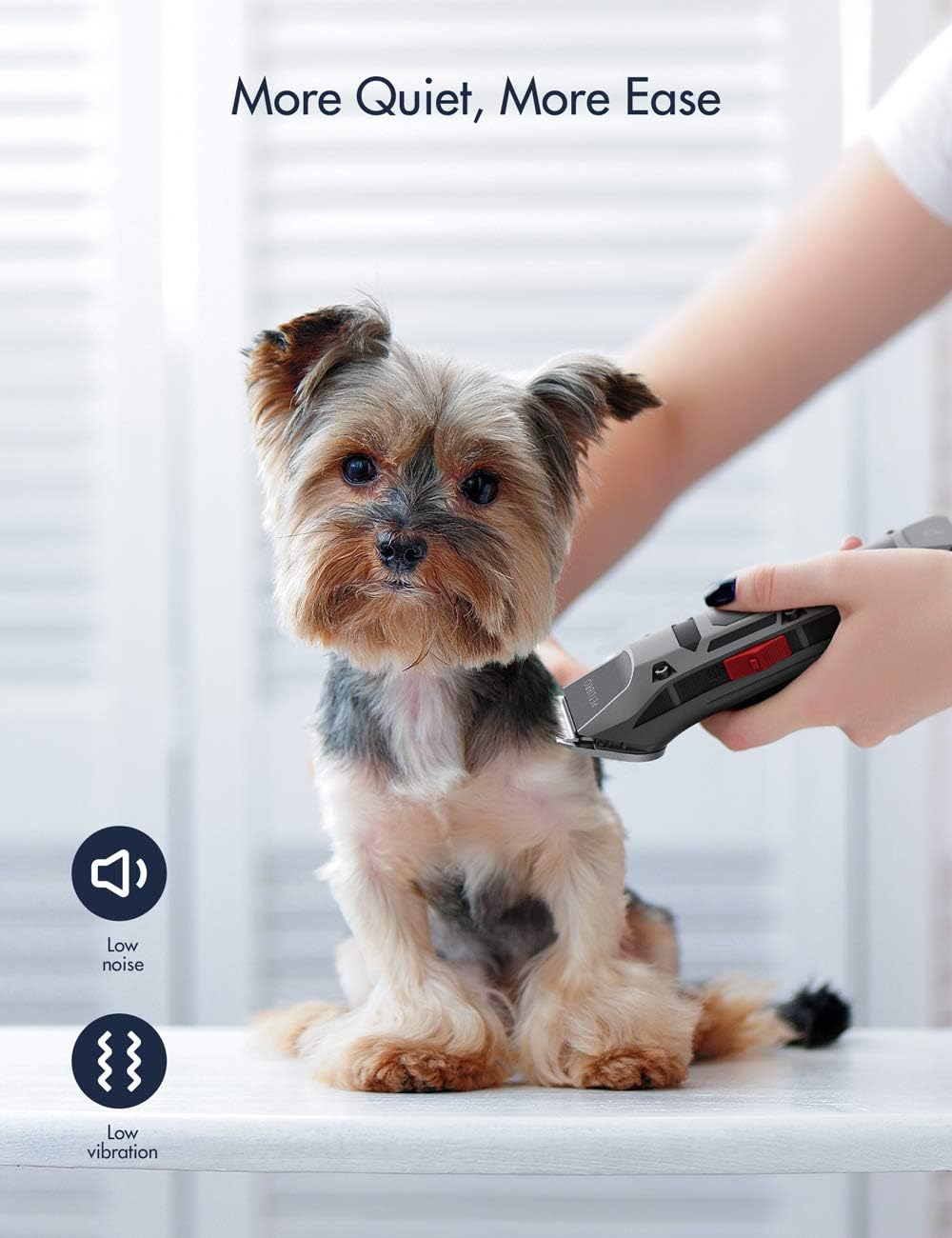
Image: A small dog calmly being groomed with the PETLIBRO clipper, emphasizing the low noise and low vibration features that contribute to a more comfortable experience for the pet.
Detachable Blade for Easy Cleaning
The blade of the clipper is detachable, making it easy to clean and maintain hygiene after each use.

Image: The PETLIBRO clipper with its blade detached, shown alongside water, to demonstrate the ease of cleaning the blade for optimal hygiene and maintenance.
Clear LCD Display
The integrated LCD display shows the remaining battery percentage during use and charging, allowing you to monitor power levels and recharge the clipper in a timely manner for maximum convenience.
Setup
- Charge the Clipper: Before first use, fully charge the clipper. Connect the charging cable to the clipper and a suitable USB power adapter (not included). The LCD display will show the charging progress.
- Attach a Guide Comb: Select the desired size comb (3mm, 6mm, 9mm, or 12mm) based on the desired hair length. Align the comb with the clipper blade and slide it on until it clicks into place securely.
- Apply Clipper Oil: Before each use, apply 1-4 drops of the included clipper oil onto the blade. This lubricates the blades, reduces friction, and ensures smooth operation.
Operating Instructions
Follow these steps for effective and safe pet grooming:
- Prepare Your Pet: Ensure your pet's coat is clean, dry, and free of tangles. For pets with long and thick hair, it is recommended to use the stainless steel scissors to cut the hair shorter first. This prevents the clipper from jamming and ensures proper operation.
- Turn On the Clipper: Press the power button to turn on the clipper. The LCD display will illuminate, showing the battery level. The clipper operates at 2 motor speeds via touch control; select the appropriate speed for your pet's hair type.
- Begin Trimming: Hold the clipper firmly and move it in the direction of hair growth. Use smooth, even strokes. Start with a longer comb length if you are unsure, and then switch to a shorter one if needed.
- Use Stainless Steel Comb: Use the included stainless steel comb to help guide the hair and ensure an even cut.
- Take Breaks: For longer grooming sessions, take short breaks to allow the clipper to cool down and to give your pet a rest.
- Turn Off the Clipper: Once grooming is complete, press the power button to turn off the clipper.

Image: A collage of different pets, including a cat, various dog breeds, and a rabbit, alongside the PETLIBRO clipper, illustrating its versatility for grooming all types of furry companions.
Maintenance
Proper maintenance ensures the longevity and performance of your PETLIBRO Dog Clippers.
- Cleaning the Blade: After each use, detach the blade by pushing it forward. Use the included cleaning brush to remove any trapped hair from the blade and the clipper body. The blade can be rinsed under running water, but ensure the clipper body remains dry. Allow the blade to dry completely before reattaching.
- Oiling the Blade: Regularly apply 1-4 drops of clipper oil to the blade before each use. This keeps the blades lubricated, sharp, and prevents rust.
- Storage: Store the clipper and its accessories in a cool, dry place, away from direct sunlight and moisture.
Troubleshooting
If you encounter any issues with your PETLIBRO Dog Clippers, refer to the following common problems and solutions:
- Clipper Jams or Doesn't Cut Properly:
- Ensure the blade is clean and free of hair buildup.
- Apply clipper oil to the blade.
- If your pet has very long or thick hair, use the included scissors to pre-trim the hair to a shorter length before using the clippers.
- Check if the guide comb is properly attached.
- Clipper Not Turning On or Holding Charge:
- Ensure the clipper is fully charged. Connect it to the charging cable and a working power source.
- Verify the charging cable is not damaged.
- Unusual Noise or Vibration:
- Clean and oil the blade thoroughly.
- Ensure the blade is correctly attached and secured.
If the issue persists after trying these solutions, please contact PETLIBRO customer support for further assistance.
Specifications
| Feature | Detail |
|---|---|
| Model | PLDP001 |
| Power | 3W |
| Rated Voltage | 3.7V |
| Power Input | 100-240V 50/60Hz |
| Output | DC 5.0V 1A |
| Battery Capacity | 2500mAh |
| Charging Time | Approx. 3 hours |
| Cordless Run Time | Up to 5 hours (300 minutes) |
| Net Weight | 2600g / 5.7lbs (Note: Product description states 2600g, but item weight in specs is 8.8 ounces. Using 8.8 ounces as it's more likely for a clipper.) |
| Dimensions (L x W x H) | 182x45x45mm / 7.2 x 1.8 x 1.8 inches |
| Blade Material | Stainless Steel |
| Adjustable Cutting Lengths | 0.8mm - 2mm (without comb) |
| Guide Comb Sizes | 3mm, 6mm, 9mm, 12mm |
Warranty & Support
PETLIBRO products are manufactured to the highest quality standards. For information regarding warranty coverage, technical support, or any product-related inquiries, please refer to the contact information provided in your product packaging or visit the official PETLIBRO website. Please retain your proof of purchase for warranty claims.
Ask a question about this manual
Ask about setup, troubleshooting, compatibility, parts, safety, or missing instructions. Manuals+ will review the question and use this page’s manual context to help answer it.