
1. Product Overview
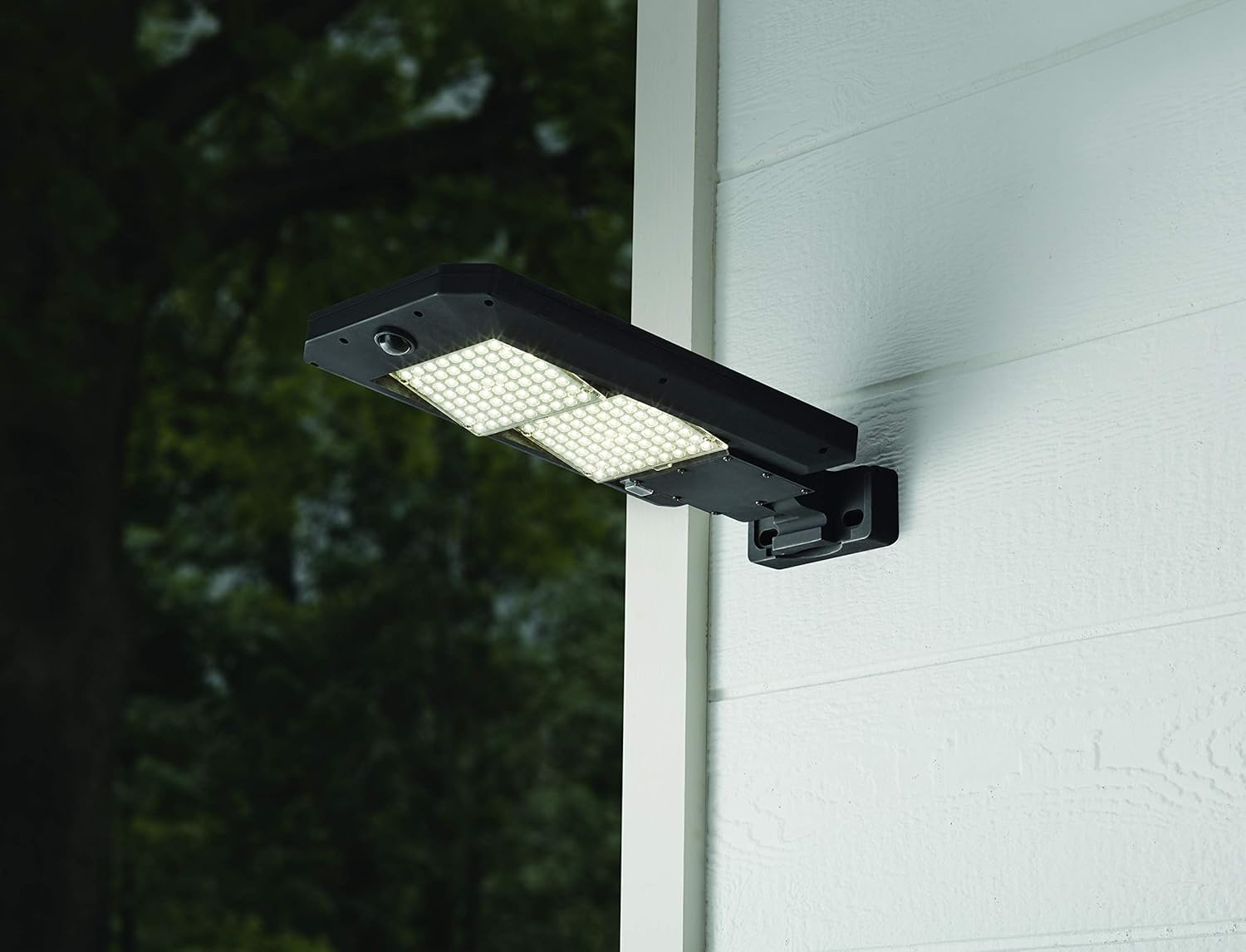
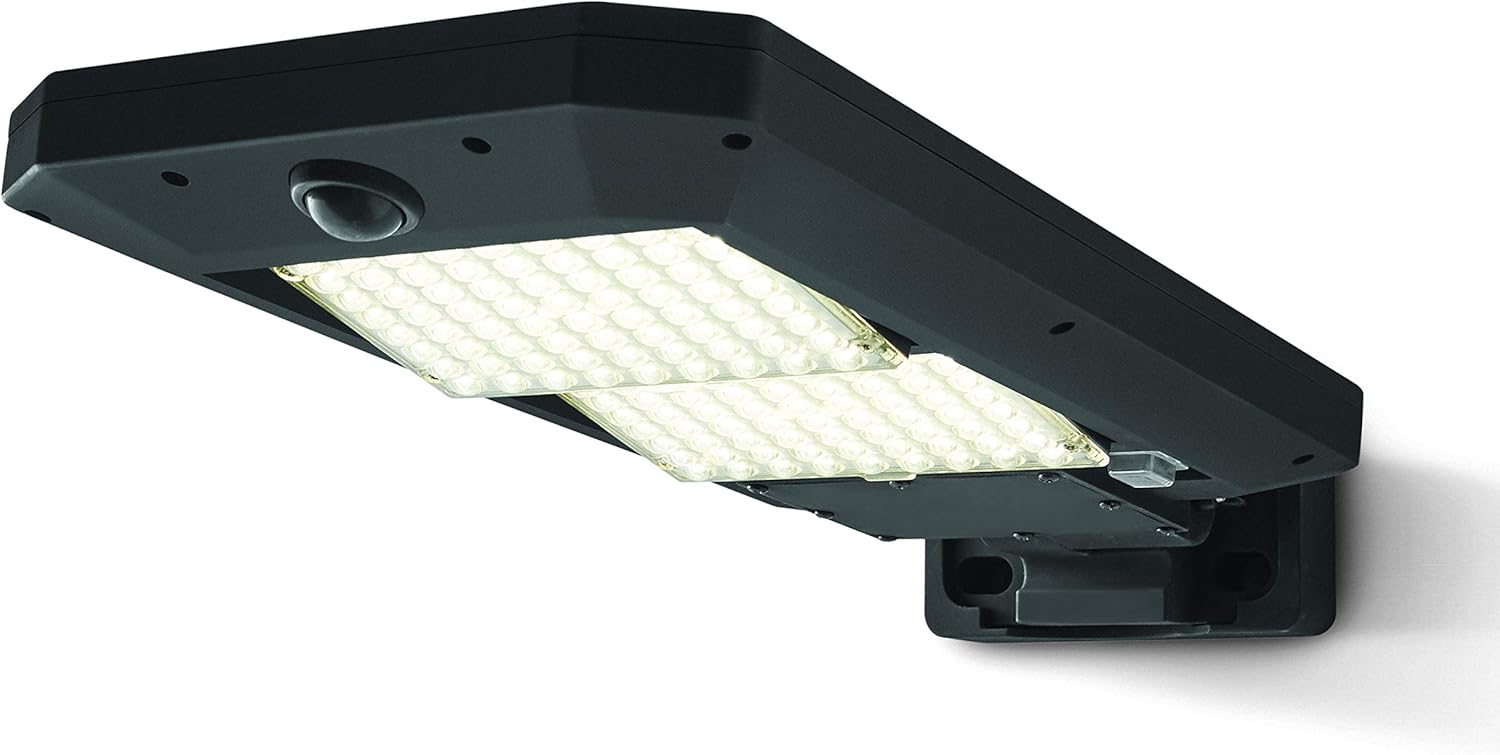
The Hyper Tough 5000 Lumen Motion Sensor Solar Street Light is a powerful and efficient outdoor lighting solution designed for easy installation without the need for wiring. It features a high-brightness LED light source, a wide-angle motion sensor, and durable, weatherproof construction.
- Brightness: 5000 Lumens
- Motion Sensor: 120-degree detection, up to 26 feet range
- Power Source: Solar Powered
- Installation: Wall-mounted, DIY, no wiring needed
- Durability: Weatherproof, durable plastic construction
- Control: Remote control included

2. What's in the Box
Carefully unpack the contents and ensure all items are present and undamaged:
- Hyper Tough 5000 Lumen Motion Sensor Solar Street Light Unit
- Mounting Hardware (screws, anchors)
- Remote Control
- Plastic Shade (integrated)
3. Setup and Installation
The Hyper Tough Solar Street Light is designed for easy DIY wall-mounted installation with no wiring required. Choose a location that receives ample direct sunlight throughout the day for optimal charging.
3.1 Choosing an Installation Location
Select a wall or pole where the solar panel on top of the light can receive at least 6-8 hours of direct sunlight daily. Avoid locations under eaves, trees, or other obstructions that may shade the panel.
3.2 Mounting the Light
- Identify the mounting bracket on the back of the light unit.
- Mark the desired drilling points on the wall using the bracket as a template.
- Drill pilot holes and insert wall anchors if necessary (for masonry or drywall).
- Secure the light unit to the wall using the provided mounting hardware. Ensure it is firmly attached.


4. Operating Instructions
The Hyper Tough Solar Street Light operates automatically, charging during the day and activating at night. It features a motion sensor for enhanced security and energy efficiency.
4.1 Automatic Operation
The light will automatically turn on at dusk and turn off at dawn. During the night, it will operate in a low-light mode until motion is detected.
4.2 Motion Sensor Function
When motion is detected within its 120-degree range and up to 26 feet away, the light will illuminate to full 5000 lumens brightness. After a period of no motion, it will revert to low-light mode or turn off, depending on the selected setting (if adjustable via remote).
4.3 Remote Control (If Applicable)
Use the included remote control to adjust settings such as brightness levels, motion sensor sensitivity, or to manually turn the light on/off. Refer to the remote control's specific instructions for detailed functionality.
5. Maintenance
To ensure optimal performance and longevity of your solar street light, follow these simple maintenance guidelines:
- Clean the Solar Panel: Periodically wipe the solar panel with a soft, damp cloth to remove dust, dirt, leaves, or snow. A clean panel ensures maximum sunlight absorption and charging efficiency.
- Inspect for Obstructions: Ensure no new obstructions (e.g., growing tree branches, new structures) are shading the solar panel.
- Check Mounting: Occasionally check that the light remains securely mounted to prevent accidental falls.
- Weather Resistance: The unit is weatherproof, but extreme weather conditions (e.g., prolonged heavy snow, severe storms) may temporarily affect performance.
6. Troubleshooting
If your Hyper Tough Solar Street Light is not functioning as expected, consider the following common issues and solutions:
| Problem | Possible Cause | Solution |
|---|---|---|
| Light does not turn on at night. | Insufficient solar charge. | Ensure the solar panel receives 6-8 hours of direct sunlight daily. Clean the solar panel. |
| Light stays dim or turns off quickly. | Battery not fully charged or aging battery. | Allow several sunny days for full charge. If problem persists after extended use, battery may need replacement (contact support). |
| Motion sensor not detecting. | Sensor obstructed or incorrect setting. | Clear any obstructions from the sensor. Check remote control settings for sensitivity. |
| Light flickers. | Loose connection or low battery. | Ensure all connections are secure. Allow for full solar charge. |
7. Specifications
| Feature | Detail |
|---|---|
| Brand | Hyper Tough |
| Model Number | Q01DA1206-08 |
| Brightness | 5000 Lumens |
| Motion Sensor Range | Up to 26 feet |
| Motion Sensor Angle | 120 degrees |
| Power Source | Solar Powered |
| Light Source Type | LED |
| Installation Type | Wall-mounted |
| Material | Durable Plastic |
| Indoor/Outdoor Usage | Outdoor |
| Special Feature | Motion Sensor, Remote Control |
| Color | Black |
| Voltage | 12 Volts (DC) |
| UPC | 842353119370 |
8. Warranty and Support
For warranty information or technical support, please contact Hyper Tough customer service. Keep your purchase receipt as proof of purchase.
Note: Specific warranty terms and conditions may vary. Please refer to the product packaging or the manufacturer's official website for the most up-to-date information.