
1. Introduction
Thank you for choosing the MEDca Premium Active Model MZ-60 Hearing Amplifier. This device is designed to be compact, lightweight, discreet, and durable, providing an enhanced listening experience. This manual provides essential information for setting up, operating, maintaining, and troubleshooting your new hearing amplifier to ensure optimal performance and longevity.
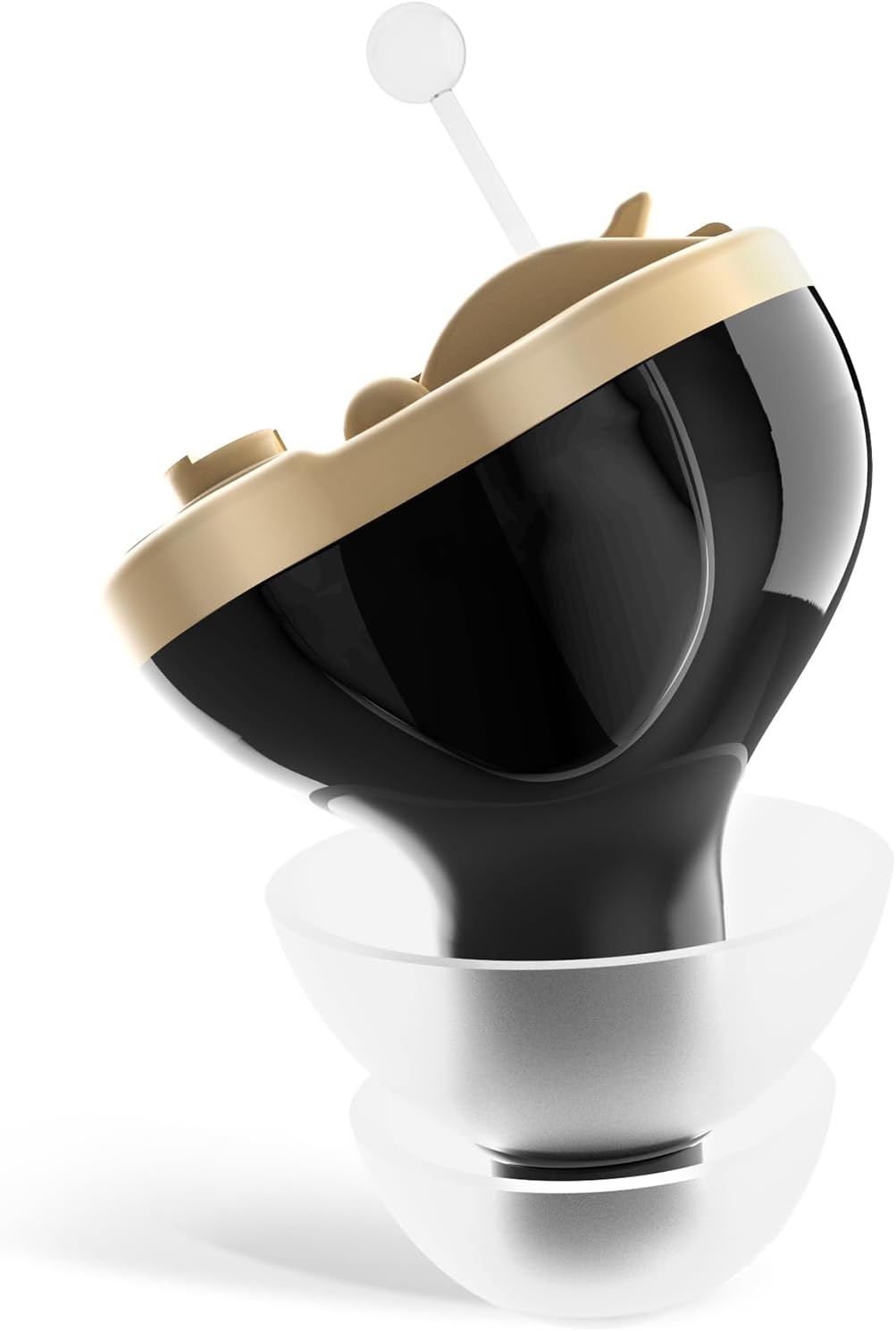
2. Product Features
- Compact and Lightweight: Designed for comfortable, all-day wear.
- Discreet Design: Nearly invisible when worn.
- Intelligent Noise Cut: Reduces background noise for clearer sound.
- 15-Second Delay Start: Prevents whistling during insertion.
- Easy Volume Control: Integrated dial for simple adjustments.
- A10 Battery Powered: Convenient and travel-friendly, no charging required.


3. Package Contents
Upon opening your MEDca MZ-60 package, please ensure all the following items are present:
- CIC Amplifier (1 unit)
- Carrying Case
- A10 Batteries (3 included)
- Lanyard
- Cleaning Brush
- Volume Adjusting Tool
- Single Layer Ear Domes (various sizes)
- Double Layer Ear Domes (various sizes)
- Instruction Manual (this document)

4. Setup and First Use
The MEDca MZ-60 is designed for quick and easy setup. Follow these steps to begin using your device:
- Choose the Right Ear Tip: Select an ear tip (dome) that fits snugly and comfortably in your ear canal. A proper fit is crucial for sound quality and to prevent whistling.
- Insert the A10 Battery: Open the battery door on the amplifier. Insert one A10 battery with the positive (+) side facing up, then gently close the battery door.
- Wear & Adjust the Volume: Carefully insert the amplifier into your ear. The device features a 15-second delay start to prevent whistling during insertion. Once inserted, use the included volume adjusting tool to set the desired volume level.
Allow a short period to adjust to the sound and feel of the amplifier. Experiment with different ear tips and volume settings to find what is most comfortable and effective for you.


5. Operating the Device
The MEDca MZ-60 is designed for straightforward operation.
5.1 Component Identification
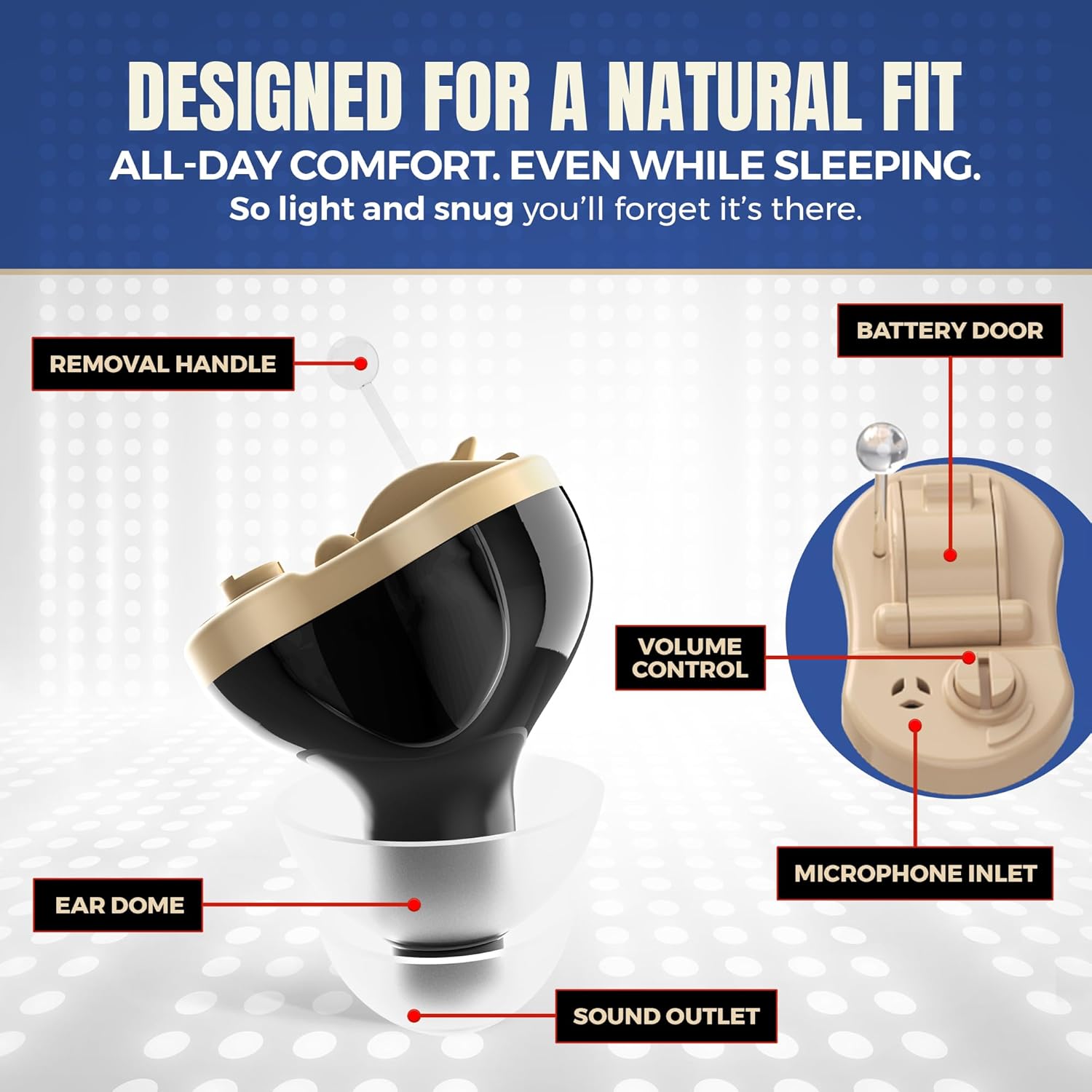
- Volume Control: Located on the device, use the provided tool to adjust the amplification level. Turn clockwise to increase volume, counter-clockwise to decrease.
- Microphone Inlet: This is where sound enters the amplifier. Keep it clear of debris.
- Sound Outlet: This is where amplified sound exits into your ear canal. Ensure it is not blocked.
- Removal Handle: A small, clear string or tab to assist in safely removing the device from your ear.
5.2 Powering On/Off
The device powers on automatically when the battery door is fully closed and powers off when the battery door is opened. To conserve battery life, open the battery door when not in use.
5.3 Wearing the Amplifier
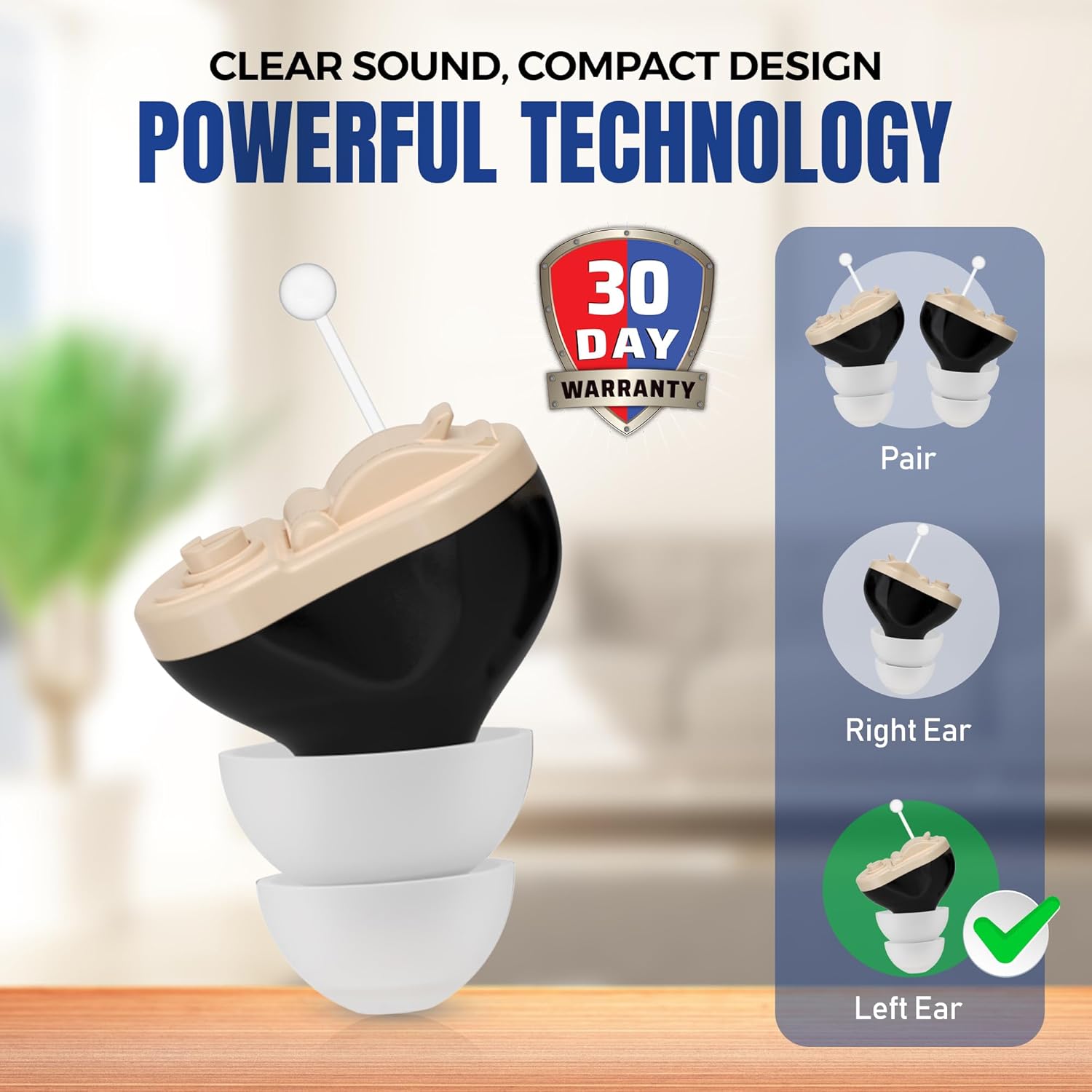
The MZ-60 is designed for either the left or right ear. Ensure you have the correct device for the intended ear, or adjust the ear tip for a comfortable fit if using a universal model.
6. Maintenance and Care
Proper maintenance ensures the longevity and optimal performance of your hearing amplifier.
- Daily Cleaning: Use the provided cleaning brush to gently remove earwax and debris from the ear tip, microphone inlet, and sound outlet.
- Storage: When not in use, store the amplifier in its carrying case in a cool, dry place. Remove the battery if storing for an extended period.
- Battery Replacement: Replace the A10 battery when sound becomes weak or stops. Always dispose of used batteries responsibly.
- Avoid Moisture: Keep the device away from water, humidity, and extreme temperatures.
- Handle with Care: Avoid dropping the device or exposing it to strong impacts.
7. Troubleshooting
If you experience issues with your MEDca MZ-60, refer to the following common problems and solutions:
| Problem | Possible Cause | Solution |
|---|---|---|
| No sound or weak sound | Dead battery, blocked sound outlet, incorrect volume setting. | Replace battery, clean sound outlet, increase volume. |
| Whistling or feedback | Improperly fitted ear tip, earwax buildup, device not fully inserted. | Try a different size ear tip, clean ear canal, re-insert device firmly. The 15-second delay start helps prevent this during initial insertion. |
| Distorted sound | Low battery, blocked microphone, moisture inside device. | Replace battery, clean microphone inlet, ensure device is dry. |
| Device does not turn on | Battery inserted incorrectly, dead battery, battery door not fully closed. | Check battery orientation, replace battery, ensure battery door is securely closed. |
If the problem persists after attempting these solutions, please contact MEDca customer support for further assistance.
8. Specifications
Detailed technical specifications for the MEDca Premium Active Model MZ-60:
| Specification | Detail |
|---|---|
| Brand | MEDca |
| Model Name | MZ-60 |
| Item Model Number | MZ-60 |
| Product Dimensions (L x W x H) | 1 x 1 x 1 cm |
| Product Weight | 150 grams (device and packaging) / 1.3 grams (net weight of device) |
| Color | Black |
| Material | Silicone |
| Power Source | Battery Powered |
| Battery Type | A10 (3 included) |
| Fit Type | In-Ear |
| Special Feature | Mini CIC Hearing Technology, Discreet, Nearly Invisible, User-Friendly |
| Country of Origin | Belgium |
9. Warranty and Support
MEDca stands by the quality of its products. Your MEDca Premium Active Model MZ-60 comes with a 30-Day Warranty from the date of purchase, ensuring your satisfaction.
We are committed to providing a 100% Satisfaction Guarantee. If you have any questions, concerns, or require assistance with your device, please do not hesitate to contact MEDca customer support. Refer to the contact information provided with your purchase documentation or visit the official MEDca website for support details.