
WONNIE W-1020

WONNIE 10.5" Dual Portable DVD Player
User Manual
Introduction
This manual provides comprehensive instructions for the setup, operation, maintenance, and troubleshooting of your WONNIE 10.5" Dual Portable DVD Player (Model W-1020). Please read this manual thoroughly before using the product to ensure proper function and longevity.

The WONNIE 10.5" Dual Portable DVD Player system, including the main player, slave monitor, headphones, and remote control.
What's in the Box
Upon opening your WONNIE Dual Portable DVD Player package, verify that all the following components are included:
- 1 x Main DVD Player + 1 x Slave Monitor
- 2 x Headphones + 2 x Headrest Straps
- 1 x AC Adapter + 1 x Car Charger
- 1 x AV Cable + 1 x DC Cable
- 1 x Remote Control + 1 x RCA Cable + 1 User Manual

All accessories and components included with your WONNIE Dual Portable DVD Player system.
Setup Instructions
1. Connecting the Main Player and Slave Monitor
To enable synchronized playback across both screens, connect the main DVD player to the slave monitor using the provided AV cable and DC cable. The AV cable transmits video and audio signals, while the DC cable provides power to the slave monitor from the main player.

Connect the main DVD player to the slave monitor using the AV and DC cables for synchronized playback in a vehicle.
This video demonstrates the setup and connection of the WONNIE 10.5" Dual Screen Car DVD Player, highlighting its HD display and features.
2. Powering the Devices
The main player has a built-in rechargeable battery providing up to 5 hours of playback. For extended use, especially with both units, connect to a power source. You have three options:
- Rechargeable Battery: Provides portable power for up to 5 hours (main player only) or 2.5-3 hours (both units).
- Car Charger: Use the included car charger to power the units and charge the battery while in your vehicle.
- AC Adapter: Use the included AC adapter for home use or when a standard power outlet is available.

The three versatile power options for your WONNIE DVD player: built-in battery, car charger, and AC adapter.
Operating Instructions
1. Media Playback
The WONNIE DVD player supports a wide range of media formats, making it versatile for various content types. Insert your DVD/CD disc into the main player or connect a USB drive/SD card to the designated ports.
- DVD Formats: DVD, DVD+R, DVD-R, DVD+RW, DVD-RW, CD, CD+R, CD-R, CD+RW, CD-RW, VCD, SVCD (Blu-Ray not supported).
- Video Formats: VOB, AVI, MPEG1, MPEG2, XVID.
- Audio Formats: MP3, WMA.
- Image Formats: JPG, JPEG.

The player supports various media formats for versatile entertainment options.
2. Connecting to External Displays (TV/Projector)
Enhance your viewing experience by connecting the main DVD player to a larger screen such as a TV or projector. Use the provided RCA cable for TV connection or an AV cable for projector connection.

Enjoy movies with family by syncing the screen to a TV using the 3.5mm RCA Cable.
This video demonstrates how to connect the WONNIE DVD player to a projector for a movie theater effect.
This video illustrates how to sync playback from the WONNIE Car DVD Player to a large TV screen.
3. Adjusting Volume and Settings
Volume can be adjusted directly on the main player using the volume buttons or via the remote control. The slave monitor's volume can be adjusted independently using its dedicated buttons. Access other settings like picture (contrast, color) and system options through the menu buttons on the player or remote.
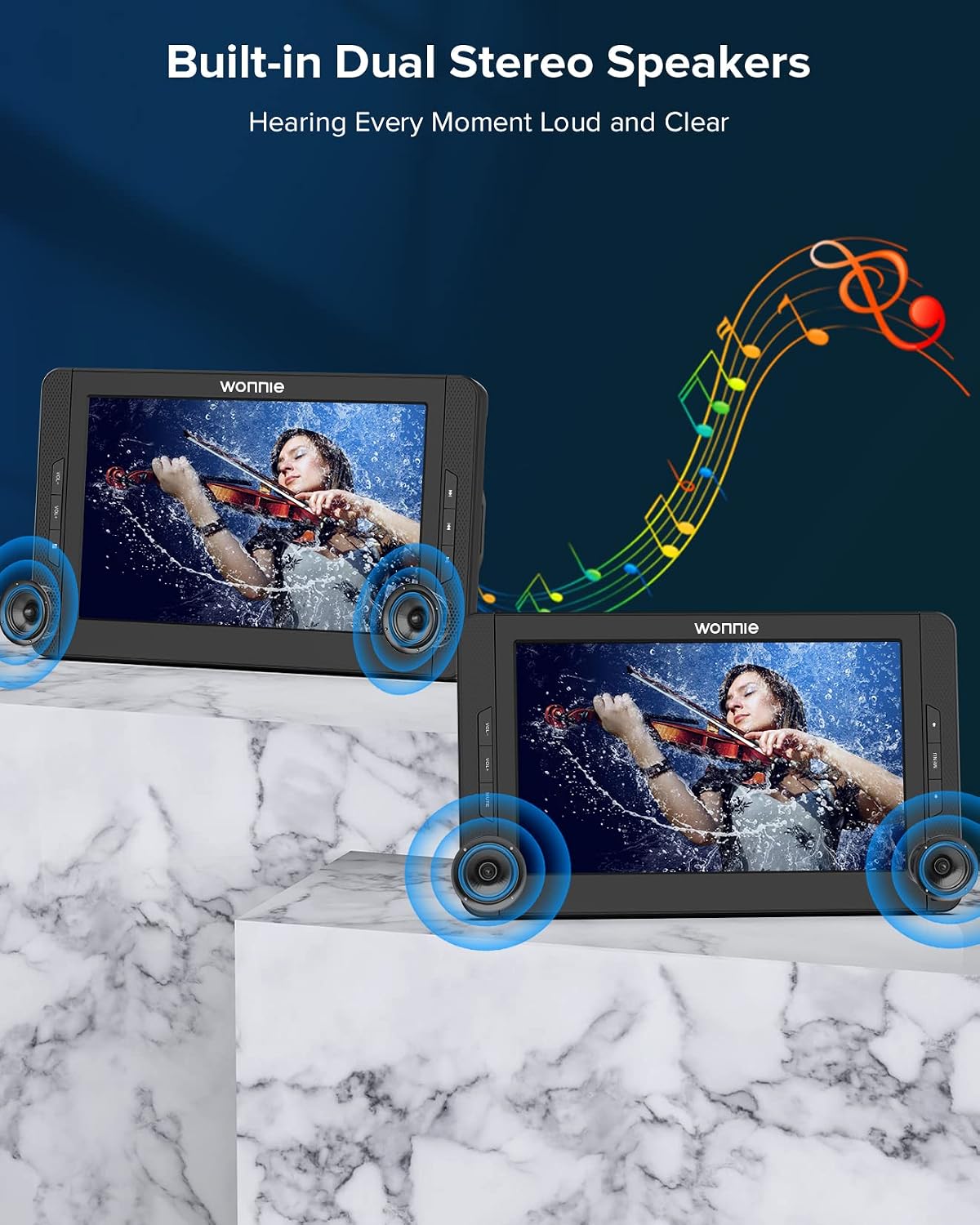
The players feature built-in dual stereo speakers for clear audio. Volume can be adjusted on the unit or via remote.
4. Last Memory Function
The player features a "Last Memory" function, allowing it to resume playback from where you left off, even after powering off the device. This ensures a seamless viewing experience.

The Last Memory Function allows the player to resume from the last watched point.
Maintenance
Proper maintenance ensures the longevity and optimal performance of your WONNIE Dual Portable DVD Player. Follow these guidelines:
- Cleaning: Use a soft, dry cloth to clean the screens and exterior. Avoid abrasive cleaners or solvents. For the DVD lens, use a specialized DVD lens cleaner disc.
- Storage: When not in use, store the players and accessories in a cool, dry place, away from direct sunlight and extreme temperatures.
- Battery Care: To maintain battery health, avoid fully discharging the battery frequently. If storing for a long period, charge the battery to about 50% every few months.
- Handling Discs: Always handle discs by their edges. Keep them clean and free from scratches to prevent playback issues.
Troubleshooting
If you encounter issues with your WONNIE Dual Portable DVD Player, refer to the common problems and solutions below. If the problem persists, please contact customer support.
| Problem | Possible Cause | Solution |
|---|---|---|
| No Power | Battery drained, power adapter/charger not connected properly, power switch off. | Ensure power adapter/car charger is securely connected. Check if the power switch is in the 'ON' position. Charge the battery. |
| Disc Not Reading | Disc is dirty, scratched, or incompatible format. Lens is dirty. | Clean the disc with a soft cloth. Try a different disc. Ensure the disc format is supported. Use a lens cleaner disc. |
| No Sound | Volume too low, headphones not connected properly, audio settings incorrect. | Increase volume using player buttons or remote. Check headphone connection. Verify audio settings in the menu. |
| Poor Picture Quality | Disc quality, screen settings (brightness, contrast), external connection issues. | Try a different disc. Adjust brightness and contrast settings. Check AV/RCA cable connections if using an external display. |
| Slave Monitor Not Displaying | DC cable or AV cable not connected correctly between main and slave units. | Ensure both the DC OUT and AV OUT ports on the main player are correctly connected to the DC IN and AV IN ports on the slave monitor. |

If issues persist, please refer to the troubleshooting section or contact customer support.
Specifications
| Feature | Detail |
|---|---|
| Brand | WONNIE |
| Model Number | W-1020 |
| Screen Size | 10.5 Inches (Visible screen diagonal: 11" / 27 cm) |
| Display Type | LCD |
| Color | Black |
| Media Type Supported | DVD, DVD-R/+R, DVD-RW/DVD+RW, USB, SD, MMC, SVCD, VCD, CD, CD-R/+R, CD-RW/+RW, MP3/WMA/WAV, JPEG, MPEG2/AVI/DIVX |
| Battery | 1 A battery required (included), Built-in 5 Hours Rechargeable Battery |
| Item Weight | 5.61 pounds |
| Package Dimensions | 13.62 x 12.68 x 5.24 inches |
Warranty and Support
WONNIE is committed to providing high-quality products and excellent customer service. If you encounter any issues or have questions regarding your Dual Portable DVD Player, please do not hesitate to contact our professional support team.
- Customer Service: WONNIE offers professional teams dedicated to helping you solve any problems within 24 hours.
- Product Support: Our team can assist with technical queries, operational guidance, and troubleshooting.
- Warranty: While specific warranty terms may vary, WONNIE is known for its responsive support, including replacements and refunds for product issues, as evidenced by customer feedback. Please retain your proof of purchase for any warranty claims.
For direct support, please visit the official WONNIE website or contact us through the platform where you purchased the product.
Ask a question about this manual
Ask about setup, troubleshooting, compatibility, parts, safety, or missing instructions. Manuals+ will review the question and use this page’s manual context to help answer it.