
Introduction
Thank you for purchasing the NUMSKULL NS2258 Braided Xbox Charging Cable. This manual provides essential information on how to set up, operate, and maintain your charging cable to ensure optimal performance and longevity. Please read this manual thoroughly before use.
Product Features
- Officially Licensed Microsoft Product: Ensures full compatibility with all Xbox One accessories and games.
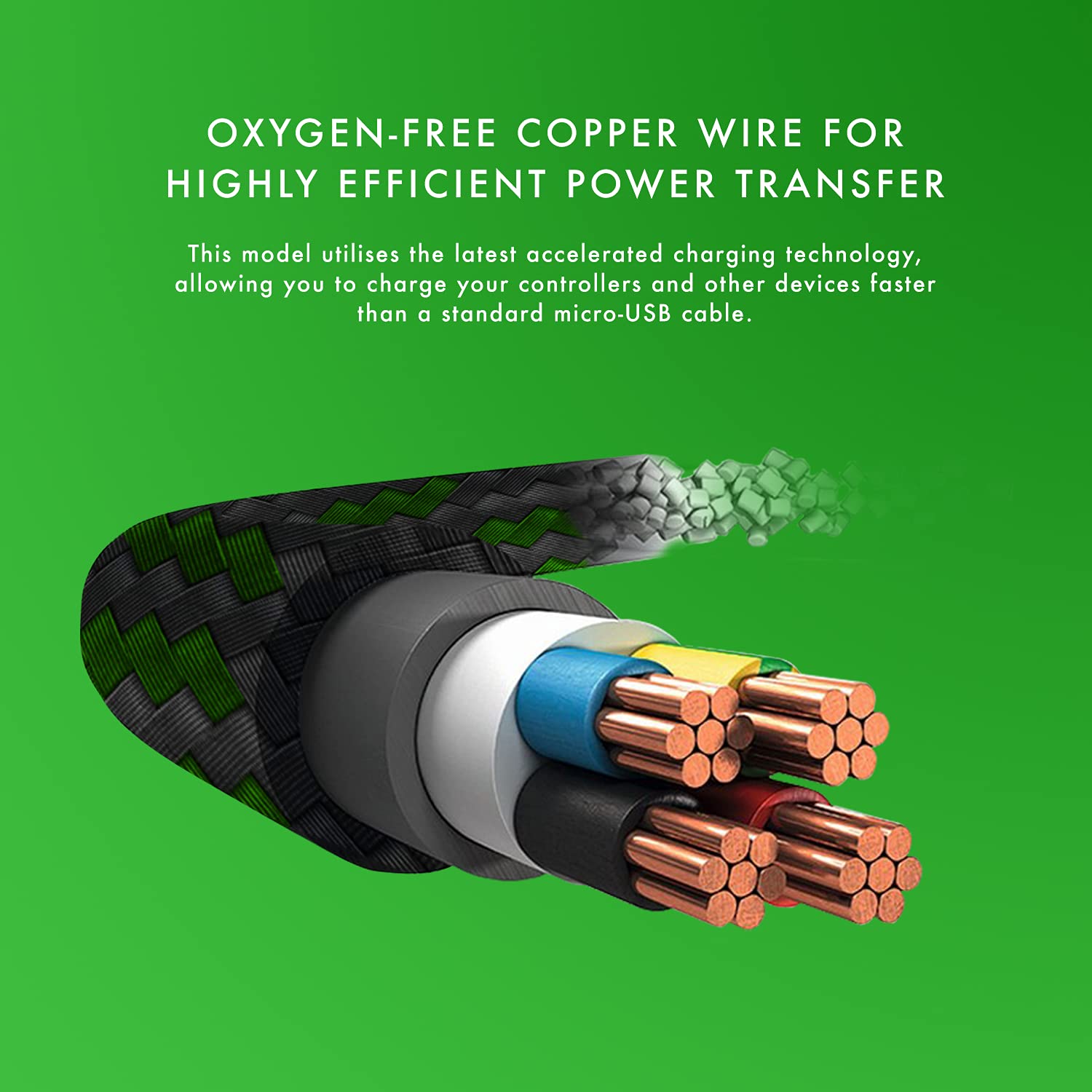
- Simultaneous Play and Charge: Efficiently recharges your Xbox One controllers and other micro USB devices using accelerated charging technology while you continue to play.
- Extended 4-Meter (13-Foot) Length: Provides ample reach, allowing you to charge your Xbox controller comfortably from across the room without interrupting your gaming experience.
- Unparalleled Durability: Features a sturdy nylon braided jacket that provides anti-aging, anti-twisting, moisture protection, and abrasion resistance. Designed to withstand over 8,000 bends.
- Charge-Only Functionality for PC: Please note that this cable is designed to charge controllers and micro USB devices. It cannot be used to connect a controller as an input device on a PC.
Setup
Setting up your NUMSKULL NS2258 Braided Xbox Charging Cable is straightforward:
- Locate the micro-USB port on your Xbox One controller or other compatible micro USB device.
- Insert the micro-USB end of the cable firmly into the device's port.
- Insert the standard USB-A end of the cable into an available USB port on your Xbox console, PC, or a compatible USB wall adapter.
- Ensure both connections are secure. The device should begin charging automatically.

Operating Instructions
Once connected, the cable allows for seamless operation:
- Charging: The cable will automatically begin charging your connected Xbox One controller or micro USB device. An indicator light on your controller (if applicable) will typically show charging status.
- Playing While Charging: The 4-meter length allows you to continue playing your Xbox One games comfortably while your controller charges, eliminating the need to pause or switch controllers due to low battery.
- Data Transfer (Limited): This cable is primarily designed for charging. While it may support minimal data transfer for charging protocols, it is not intended for high-speed data synchronization or for connecting controllers as input devices to a PC.

Maintenance
To ensure the longevity and optimal performance of your charging cable, follow these maintenance guidelines:
- Storage: When not in use, coil the cable loosely. Avoid tight coiling or sharp bends, especially near the connectors, to prevent internal wire damage.
- Cleaning: Wipe the cable and connectors with a soft, dry cloth. Do not use harsh chemicals or abrasive cleaners.
- Protection: Keep the cable away from extreme temperatures, direct sunlight, and moisture. Avoid placing heavy objects on the cable.
- Handling: Always grasp the connector head when plugging or unplugging the cable. Do not pull on the cable itself, as this can damage the internal wiring.

Troubleshooting
If you encounter issues with your charging cable, try the following:
- Cable Not Charging:
- Ensure both ends of the cable are securely connected to the device and the power source (console, PC, or wall adapter).
- Try using a different USB port or power source.
- Test the cable with a different compatible device to determine if the issue is with the cable or the original device.
- Intermittent Charging:
- Check for any visible damage to the cable or connectors.
- Ensure the connections are not loose.
- Cable Not Recognized by PC as Input Device:
- This cable is designed primarily for charging. It does not support full data transfer for controller input on a PC. This is normal operation.
Specifications
| Feature | Specification |
|---|---|
| Brand | Numskull |
| Model Number | NUM-XBO-MUSB-4MB |
| Product Dimensions (L x W x H) | 400 x 1.5 x 1.5 cm (157.5 x 0.6 x 0.6 inches) |
| Weight | 30 grams |
| Connector Type | Micro USB (Male to Male) |
| Cable Type | USB |
| Special Feature | Fast Charging |
| Compatible Devices | Xbox One Controllers, Micro USB Devices |
| Color | Xbox Braided (Black and Green) |
| Country of Origin | China |
Warranty and Support
For warranty information and customer support, please refer to the packaging or contact Numskull directly through their official website. Keep your proof of purchase for any warranty claims.
For further assistance or inquiries, please visit the official Numskull website or contact their customer service department.

