
1. Introduction
The KZ EDX In-Ear Monitors are designed to provide high-fidelity audio for musicians, audiophiles, and general listeners. These wired earphones feature a comfortable ergonomic design, a powerful dynamic driver, and a detachable cable for enhanced durability and upgrade options. This manual provides essential information for the proper setup, operation, and maintenance of your KZ EDX In-Ear Monitors.

Image: KZ EDX In-Ear Monitors in black, highlighting their ergonomic shape and detachable cable.
2. Product Features
- High-Fidelity Sound: Equipped with a Φ10mm composite magnetic dynamic driver, offering a low-frequency response down to 10Hz and clear mid-range details.
- Ergonomic Design: Skin-friendly imported resin material with a UV varnish finish, designed for comfortable and stable wear with pre-formed ear hooks.
- Noise Isolation: The ergonomic fit effectively reduces external noise interference, allowing for an immersive listening experience.
- Detachable 2-Pin Cable: Features a 0.75mm standard gold-plated 2-pin connector, allowing for cable replacement or upgrade to a wireless Bluetooth module (modules sold separately).
- Color Options: Available in Black, Translucent Black, Translucent Cyan, and Transparent finishes.
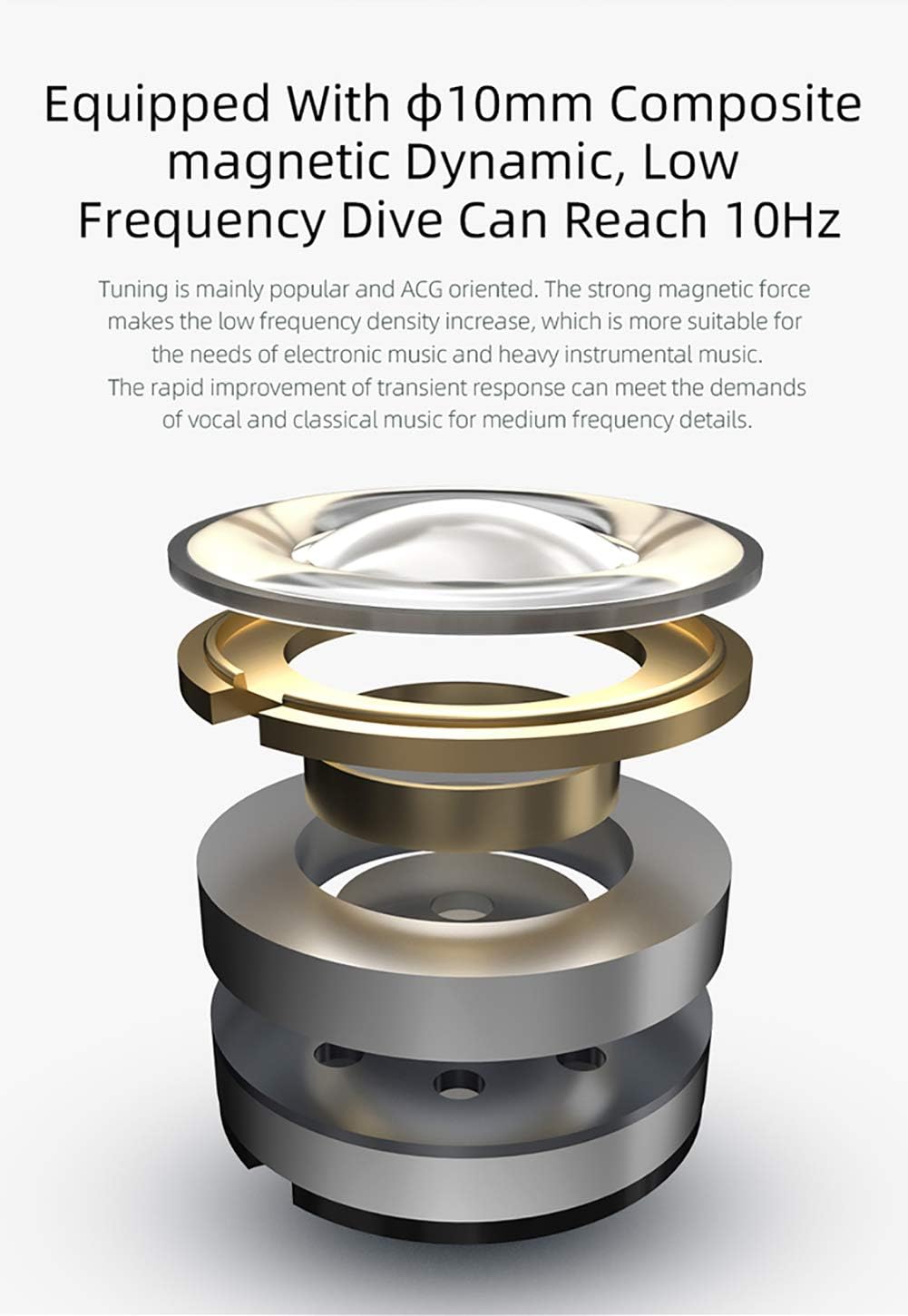
Image: Exploded view of the Φ10mm composite magnetic dynamic driver, illustrating its internal components.
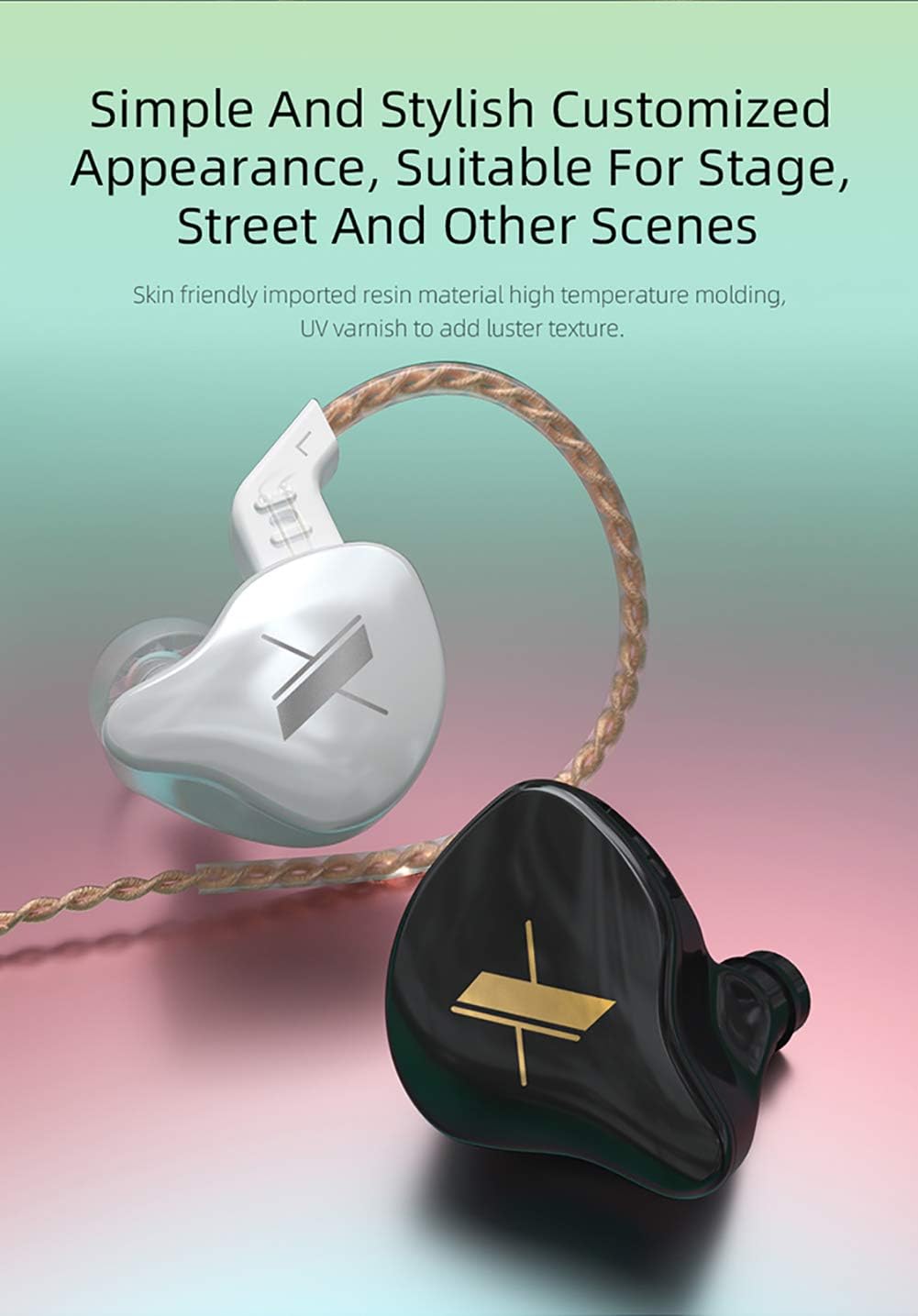
Image: Black and white KZ EDX In-Ear Monitors, highlighting their customized appearance and ergonomic shape.
3. Setup
- Connecting the Cable:
Identify the left (L) and right (R) earphone units and the corresponding connectors on the detachable cable. Gently align the 2-pin connectors and push them firmly into the earphone units until they are securely seated. Ensure the cable is oriented correctly to avoid damage to the pins.
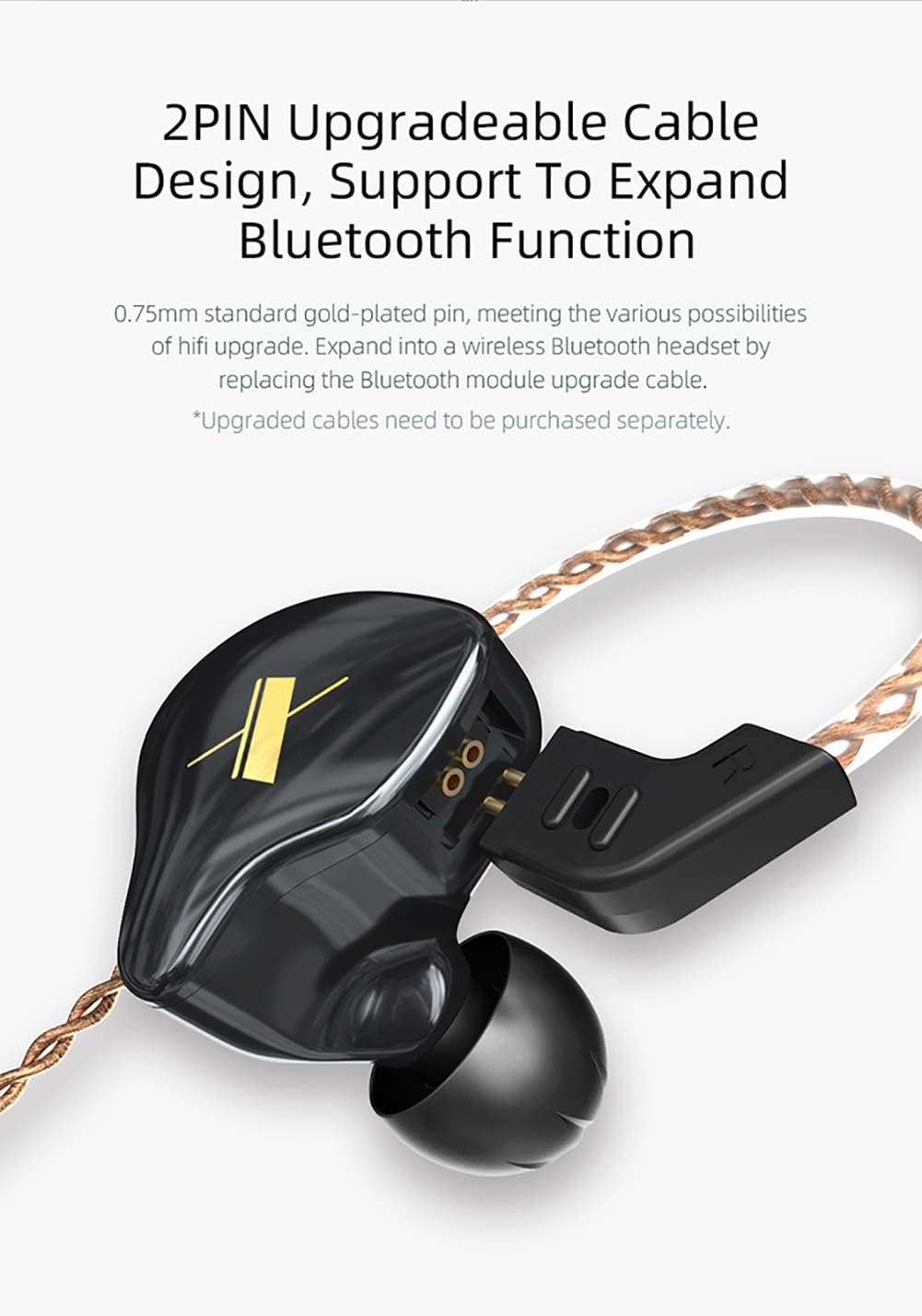
Image: Detailed view of the 2-pin detachable cable connection point on the earphone unit.
- Wearing the Earphones:
Place the earphone units into your ears, ensuring a snug and comfortable fit. The pre-formed ear hooks should rest over the top of your ears to provide stability. Adjust the cable behind your ears for optimal comfort and to minimize microphonics.
- Connecting to an Audio Source:
Plug the 3.5mm jack of the cable into your audio device (e.g., smartphone, music player, computer). Ensure the connection is secure.
- Optional Bluetooth Module Upgrade:
For wireless functionality, you can replace the standard cable with a compatible Bluetooth module (sold separately). Follow the instructions provided with the Bluetooth module for pairing and operation.
4. Operating Instructions
The KZ EDX In-Ear Monitors are designed for straightforward use. For models equipped with an inline microphone and control button, the following functions are available:
- Play/Pause: Short press the control button once.
- Next Song: Double press the control button twice.
- Previous Song: Press the control button three times.
- Answer/End Call: Short press the control button once during an incoming or active call.
- Reject Call: Long press the control button once during an incoming call.
Note: This specific product variant (Without Mic, Black) does not include an inline microphone or control button. These functions apply to KZ EDX models equipped with a microphone cable.
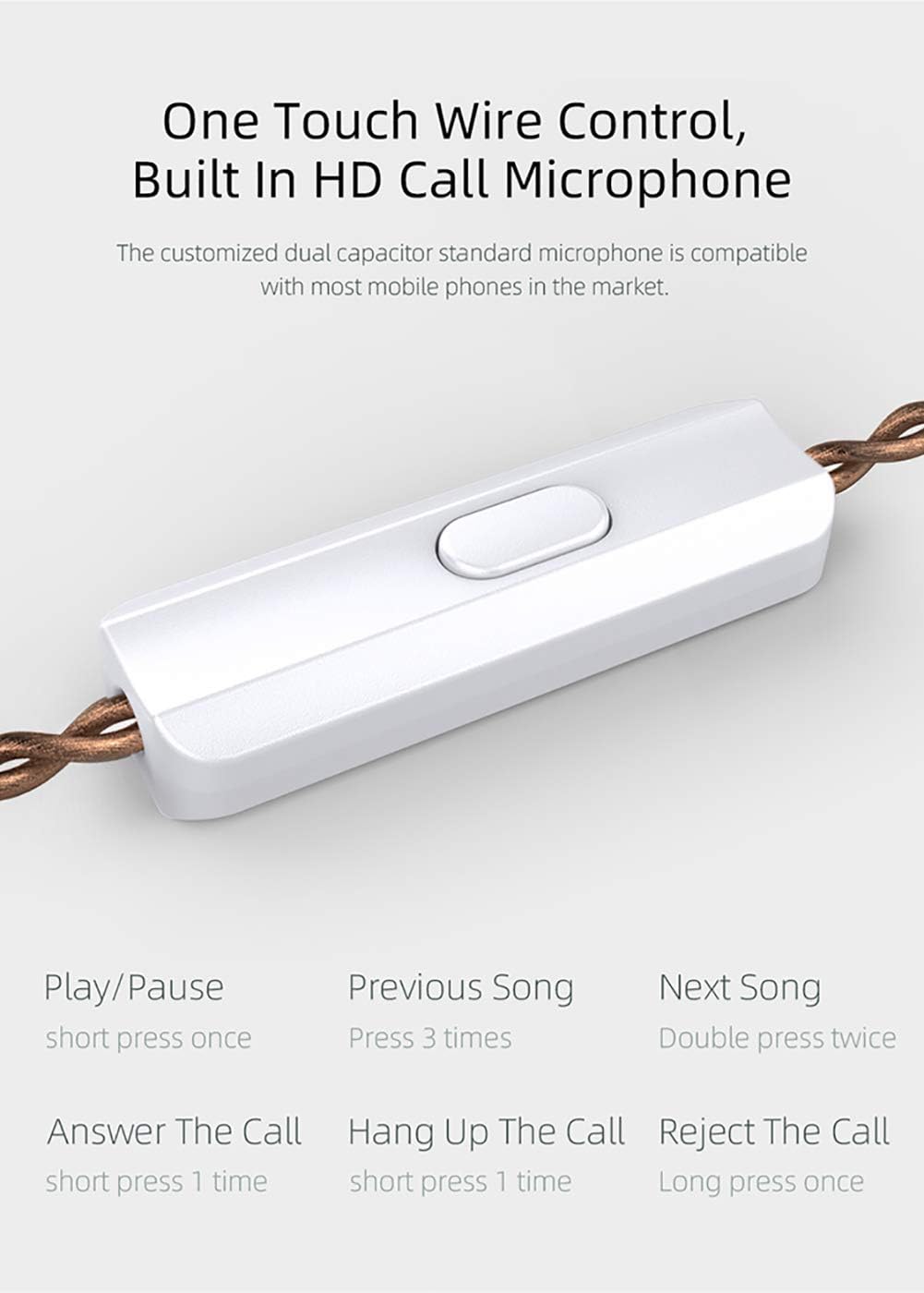
Image: Illustration of the one-touch wire control functions for models with an integrated microphone.
5. Maintenance
- Cleaning Earphone Units:
Gently wipe the earphone units with a soft, dry cloth. Avoid using harsh chemicals or abrasive materials. Ensure no moisture enters the driver or connector areas.
- Cleaning Ear Tips:
Remove the silicone ear tips and wash them with mild soap and water. Rinse thoroughly and allow them to dry completely before reattaching. Replace ear tips if they become worn or damaged.
- Cable Care:
Avoid sharp bends or excessive pulling on the cable. Store the cable neatly to prevent tangling. If the cable becomes damaged, it can be replaced due to its detachable design.
- Storage:
When not in use, store your KZ EDX earphones in a clean, dry place, preferably in a protective case, to prevent dust accumulation and physical damage.
6. Troubleshooting
| Problem | Possible Cause | Solution |
|---|---|---|
| No sound or intermittent sound |
|
|
| Poor sound quality (e.g., muffled, lacking bass) |
|
|
| Earphones fall out easily |
|
|
7. Specifications

Image: Detailed specifications of the KZ EDX In-Ear Monitors.
- Brand: KZ (erjigo)
- Model: EDX
- Wear Type: Ear hook
- Configuration: Φ10mm composite magnetic dynamic driver
- Plug Type: 3.5mm
- Pin Type: 0.75mm 2PIN
- Impedance: 23Ω
- Sensitivity: 112dB/mW
- Frequency Range: 10Hz-20kHz
- Detachable Cable: Yes
- Microphone: Optional (This model is Without Mic)
- Product Weight: 23±3g
- Line Length: 125±5cm
- Material: Imported Resin (housing)
- Noise Control: Sound Isolation
- Connectivity Technology: Wired (Upgradeable to Bluetooth with separate module)
8. Warranty and Support
Your KZ EDX In-Ear Monitors come with a 12-month warranty from the date of purchase. This warranty covers manufacturing defects. Please retain your proof of purchase for warranty claims.
For technical support, troubleshooting assistance, or warranty inquiries, please contact your retailer or the manufacturer's customer service. Refer to the product packaging or the retailer's website for specific contact details.
9. Official Product Video
Video: Official overview of the KZ EDX In-Ear Monitors, showcasing key features and design. This video is provided by Amazon Videos.

