
Introduction
The Amazon Smart Thermostat is an easy way to upgrade your home's climate control system, designed to help you save money and energy while maintaining optimal comfort. This intelligent thermostat seamlessly integrates with Alexa and compatible Echo devices. It is ENERGY STAR certified, ensuring energy efficiency and potential savings on utility bills. This manual provides detailed instructions for installation, operation, and maintenance to help you get the most out of your new thermostat.
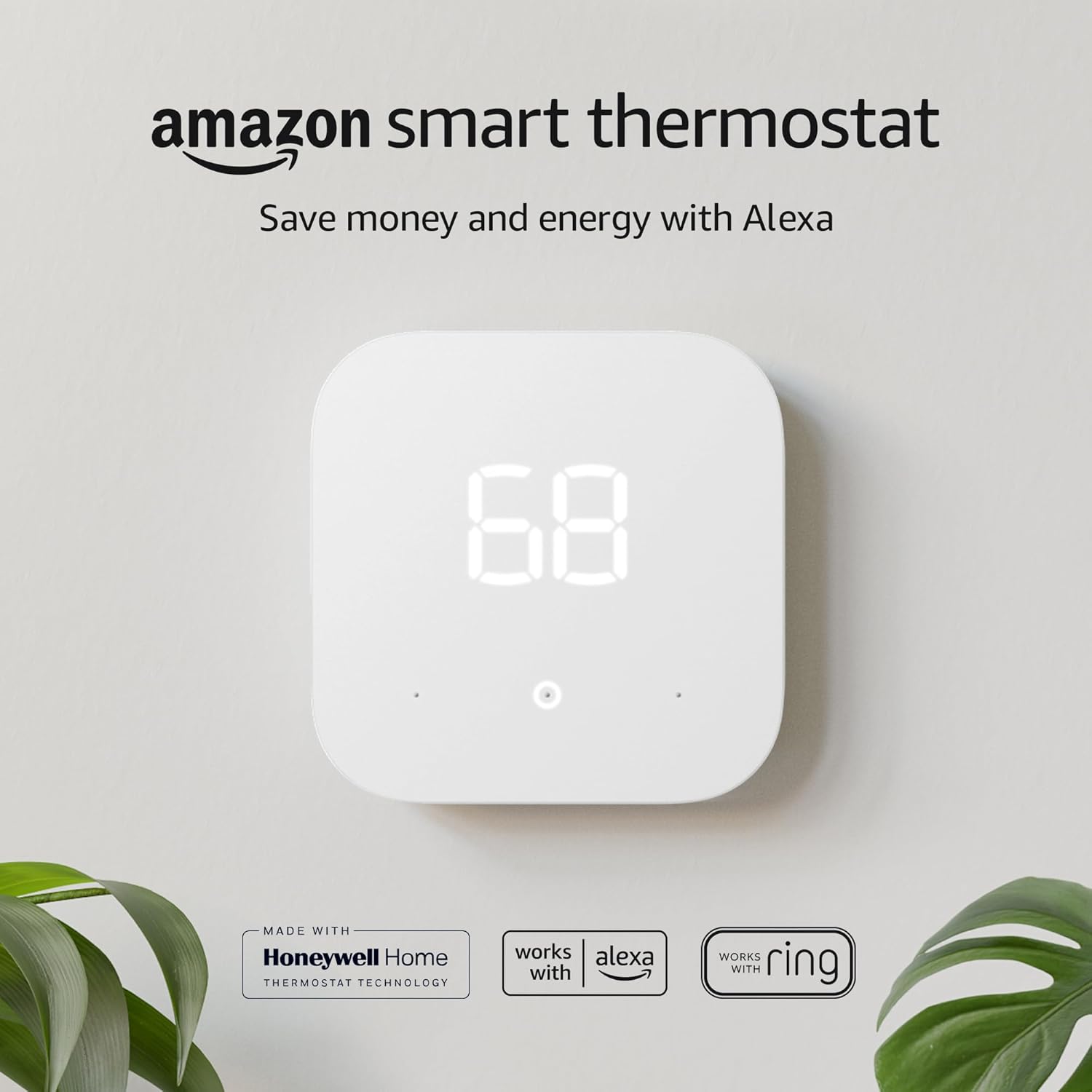
The Amazon Smart Thermostat, designed for modern homes, offers intelligent climate control and energy savings.
What's in the Box
- Amazon Smart Thermostat
- Installation tool
- Wall plate
- Cosmetic plate
- Quick start guide
Specifications
| Size | 3.56 x 3.56 x 0.84 in (90.4 x 90.4 x 21.4 mm) |
| Weight | 3.86 oz (109.5 g) |
| Model Number | S6ED3R |
| Compatibility | Compatible with most 24V HVAC systems (conventional force air, heat pump, radiant boiler). Not compatible with 110-240V HVAC systems. Requires a C-wire or power adapter kit (sold separately). |
| Certifications | ENERGY STAR, ECOLOGO Silver |
| Network Connectivity | 2.4 GHz only, 802.11 b/g/n. Does not support 5GHz networks. |
| Audio | No far-field microphone; Alexa-enabled device required for voice control. |
| On-device Control | 3 touch buttons (Temperature Up, Temperature Down, Select/Mode). |
| On-the-go Control | Alexa app, voice control, on-device, and Echo device compatible. |
| Installation Method | Guided installation in the Alexa app. |
| Setup Technology | Amazon Wi-Fi Simple Setup. |
| App-based Features | Control with Ring app and Alexa app. Includes humidity sensing, schedules, emergency heat, vacation mode, energy saving incentives, energy dashboard, automatic air filter ordering. |
| Thermostat Hunches | Alexa can adjust thermostat automatically based on hunches (e.g., nobody is home, everyone is asleep). |
| Warranty and Service | 1-year limited warranty and service included. |
| Generation | 1st Generation - 2021 release |
| Standby Power | 0.89 Watts |
Setup and Installation
The Amazon Smart Thermostat is designed for easy DIY installation. The Alexa app provides a guided installation process to walk you through each step. Before beginning, ensure you have a power drill, 3/16” drill bit, and a level if needed.
Watch this product overview video for a quick introduction to the Amazon Smart Thermostat and its features.
Pre-Installation Steps:
- Check C-wire Compatibility: The Amazon Smart Thermostat requires a C-wire for power. Most homes have one, but if not, a power adapter kit (sold separately) may be needed. The Alexa app can help you check compatibility.
- Turn Off Power: Before touching any wires, ensure the power to your HVAC system is turned off at the circuit breaker.
- Label Existing Wires: Take a photo of your current thermostat's wiring. Use the included labels to mark each wire before disconnecting them. This is crucial for correct re-installation.
- Remove Old Thermostat: Carefully remove the old thermostat's faceplate and then unscrew the mounting plate from the wall.

The Amazon Smart Thermostat is designed for straightforward DIY installation, with all necessary tools provided or commonly available.
New Thermostat Installation:
- Mount the Wall Plate: Secure the new wall plate to the wall using the provided screws and drywall anchors. Ensure it is level.
- Connect Wires: Connect the labeled wires to the corresponding terminals on the new thermostat's backplate. Refer to your photo and the Alexa app's guided instructions.
- Attach Thermostat: Snap the Amazon Smart Thermostat onto the mounted wall plate.
- Restore Power: Turn the power back on to your HVAC system at the circuit breaker.
- Complete Setup in Alexa App: Follow the on-screen prompts in the Alexa app to connect your thermostat to your Wi-Fi network and complete the setup process.
Operating Instructions
The Amazon Smart Thermostat offers multiple ways to control your home's temperature, ensuring comfort and energy efficiency.
Control via Alexa App:
The Alexa app provides comprehensive control over your thermostat from anywhere. You can adjust temperatures, create schedules, and monitor energy usage.
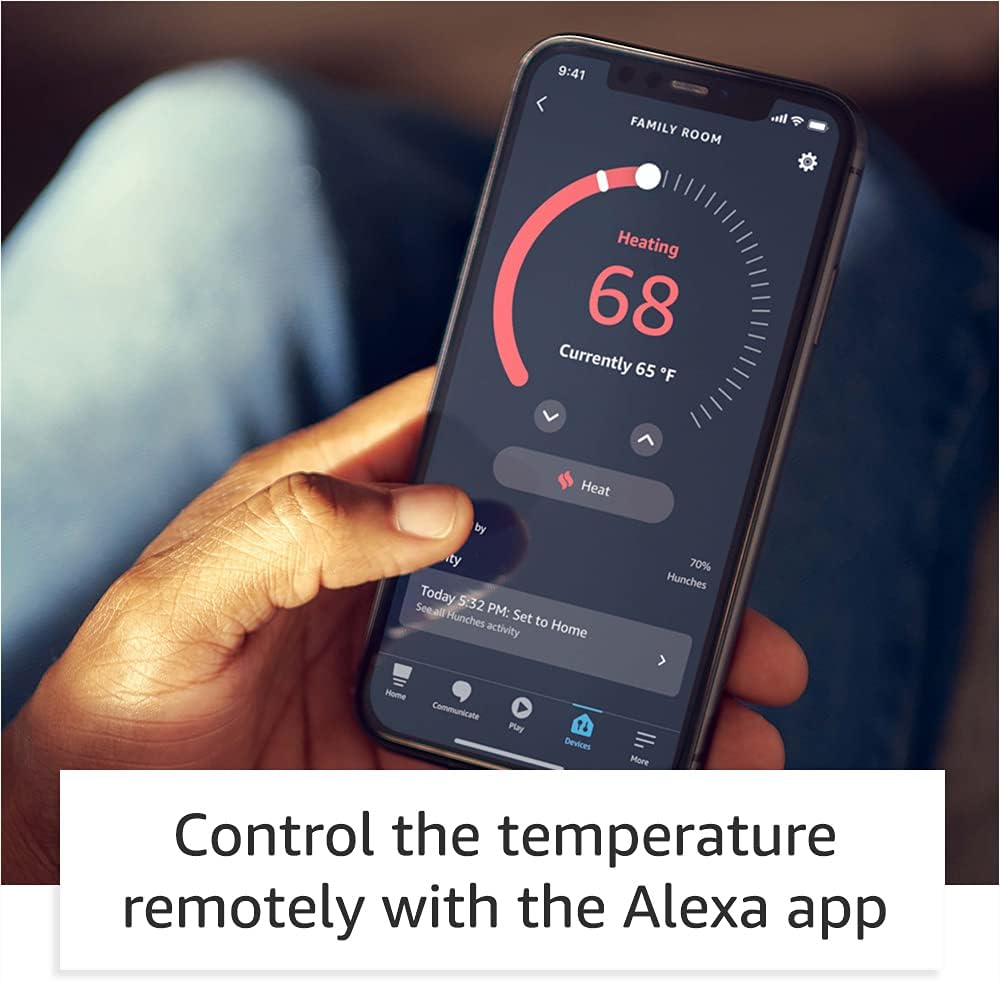
Control your thermostat remotely using the Alexa app, allowing temperature adjustments from anywhere.
Voice Control with Alexa:
If you have an Alexa-enabled device (like an Echo Dot), you can use simple voice commands to control your thermostat. For example, say "Alexa, set thermostat to 72 degrees" or "Alexa, turn on the heat."
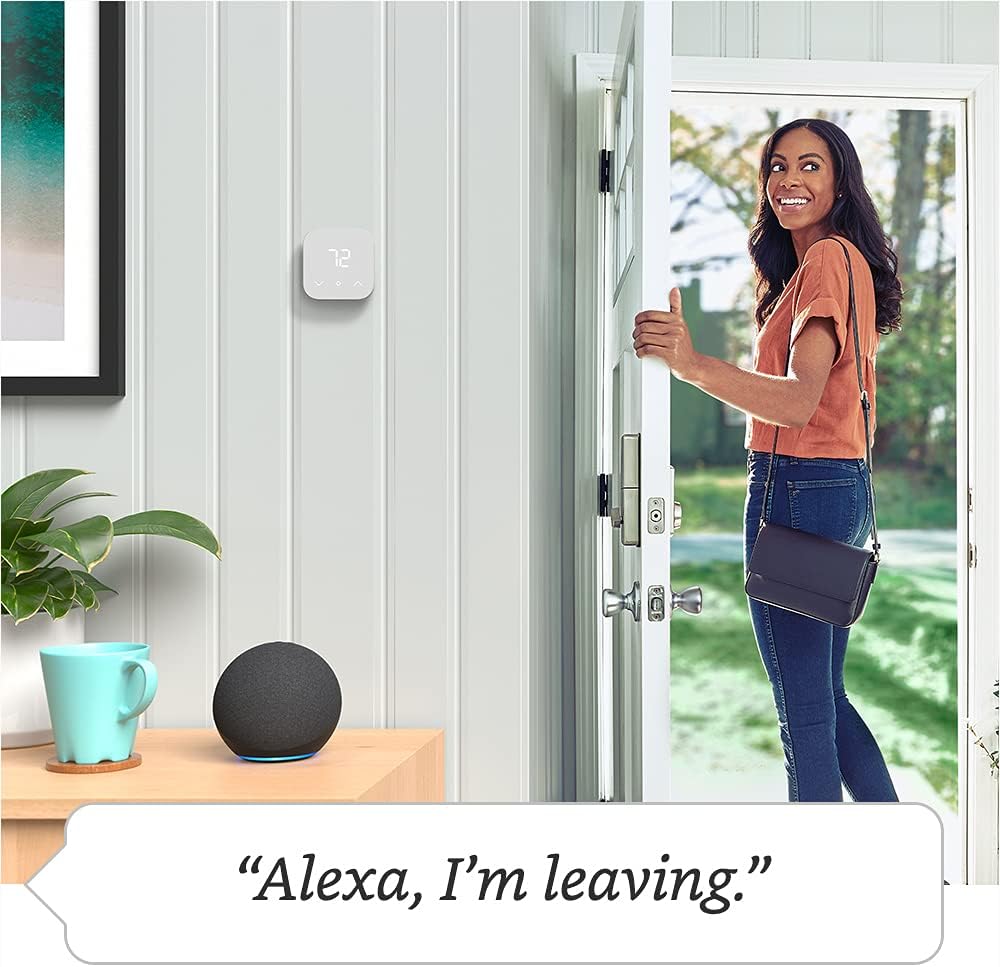
Use voice commands with Alexa to adjust your thermostat settings hands-free.
On-Device Control:
The thermostat itself has three touch buttons for basic control: Temperature Up, Temperature Down, and Select/Mode. This allows for quick adjustments directly on the unit.
Advanced Features
Energy Dashboard:
Monitor your energy usage directly from the Alexa app's energy dashboard. This feature helps you track your HVAC energy consumption and identify opportunities for savings.
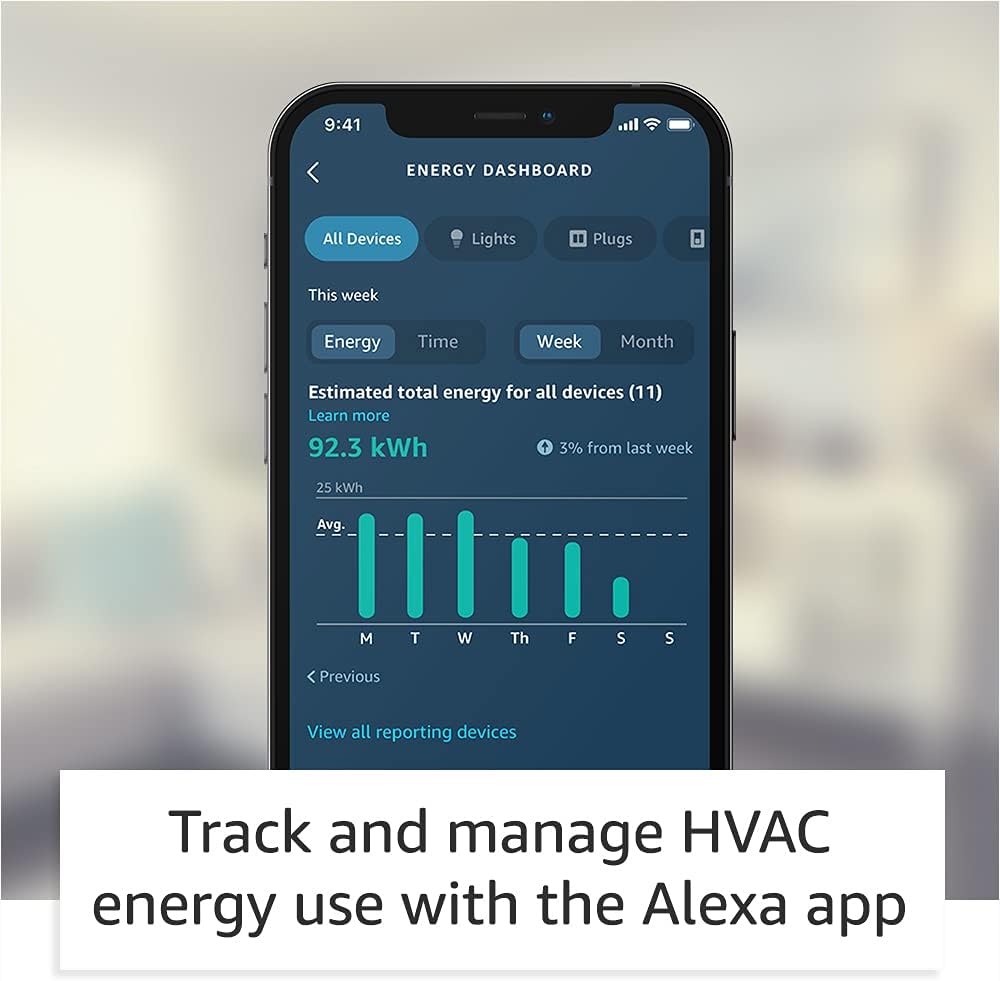
Track and manage your HVAC energy use with the comprehensive Alexa app energy dashboard.
Thermostat Hunches:
Enable Thermostat Hunches in the Alexa app. If Alexa detects that nobody is home or everyone is asleep, she can automatically adjust the thermostat to save energy. You can also help Alexa learn by saying "Alexa, goodnight" or "Alexa, I'm leaving."
Air Filters:
The Alexa app can send you notifications and reorder settings for air filters, ensuring timely replacements and optimal system performance.
Maintenance
Regular maintenance ensures the longevity and efficiency of your Amazon Smart Thermostat and HVAC system.
- Air Filter Replacement: Replace your air filters regularly as recommended by your HVAC system manufacturer or when prompted by the Alexa app.
- Cleaning: Gently wipe the thermostat's screen and exterior with a soft, dry cloth. Avoid using abrasive cleaners or solvents.
Troubleshooting
For common issues and troubleshooting tips, refer to the following resources:
- Online Support: Visit the Amazon support page for the Smart Thermostat for help using and troubleshooting common issues.
- Community Forum: Explore questions and answers from other Amazon customers on the Amazon Digital and Device Forum.
Warranty and Support
The Amazon Smart Thermostat comes with a 1-year limited warranty and service. Use of the device is subject to Amazon's terms and conditions.


