
1. Introduction
The HBUDS K16 Robot Dog Toy is an interactive electronic pet designed for children aged 3 years and up. This programmable robot puppy responds to remote control commands, performs various stunts, sings, dances, barks, and walks. It offers an engaging play experience, helping children learn about responsibility and interaction.
2. Package Contents
- 1 x HBUDS K16 Robot Dog
- 1 x Remote Control
- 2 x 3.7V Rechargeable Lithium-Ion Battery Packs
- 1 x USB Charging Cable
- 1 x Instruction Manual
3. Safety Information
- This product is suitable for children aged 3 years and up. Adult supervision is recommended.
- Do not expose the toy to water or excessive moisture.
- Avoid dropping the toy or subjecting it to strong impacts.
- Use only the provided USB charging cable and battery packs.
- Do not attempt to disassemble or modify the toy or its components.
- Keep small parts away from young children to prevent choking hazards.
4. Setup
4.1. Battery Installation (Robot Dog)
- Locate the battery compartment on the underside of the robot dog.
- Use a screwdriver to open the battery compartment cover.
- Insert one of the provided 3.7V rechargeable Lithium-Ion battery packs, ensuring correct polarity.
- Close the battery compartment cover and secure it with the screw.
4.2. Battery Installation (Remote Control)
The remote control requires 2 x AAA batteries (not included). Locate the battery compartment on the back of the remote control, open it, insert the batteries with correct polarity, and close the cover.
4.3. Charging the Robot Dog
- Connect the USB charging cable to the charging port on the robot dog.
- Connect the other end of the USB cable to a compatible USB power source (e.g., computer, USB wall adapter).
- The indicator light on the robot dog will show charging status (refer to the specific light behavior in your product's quick start guide if available).
- A full charge provides over 40 minutes of playtime. Use the second battery pack for extended play.

Figure 4.3: Robot dog with two battery packs and USB charging cable.
5. Operating Instructions
5.1. Powering On/Off
- To power on the robot dog, press the power button located on its chest.
- To power off, press and hold the power button.
- The toy features a smart energy-saving design and will enter sleep mode after 80 seconds of inactivity to preserve battery life.
5.2. Remote Control Functions
The remote control allows you to command the robot dog to perform various actions:
- Go Forward: Moves the robot dog forward.
- Demo: Initiates a demonstration sequence of various actions.
- Handstand: Makes the robot dog perform a handstand.
- Push-ups: Commands the robot dog to do push-ups.
- Sit Down: Makes the robot dog sit.
- Crouch Down: Commands the robot dog to crouch.
- Bark: Triggers barking sounds.
- Play Nice: Initiates a friendly interaction sequence.
- Act Protective: Commands the robot dog to act protectively.
- Volume Adjustment: Use the volume buttons on the remote to adjust the sound level.
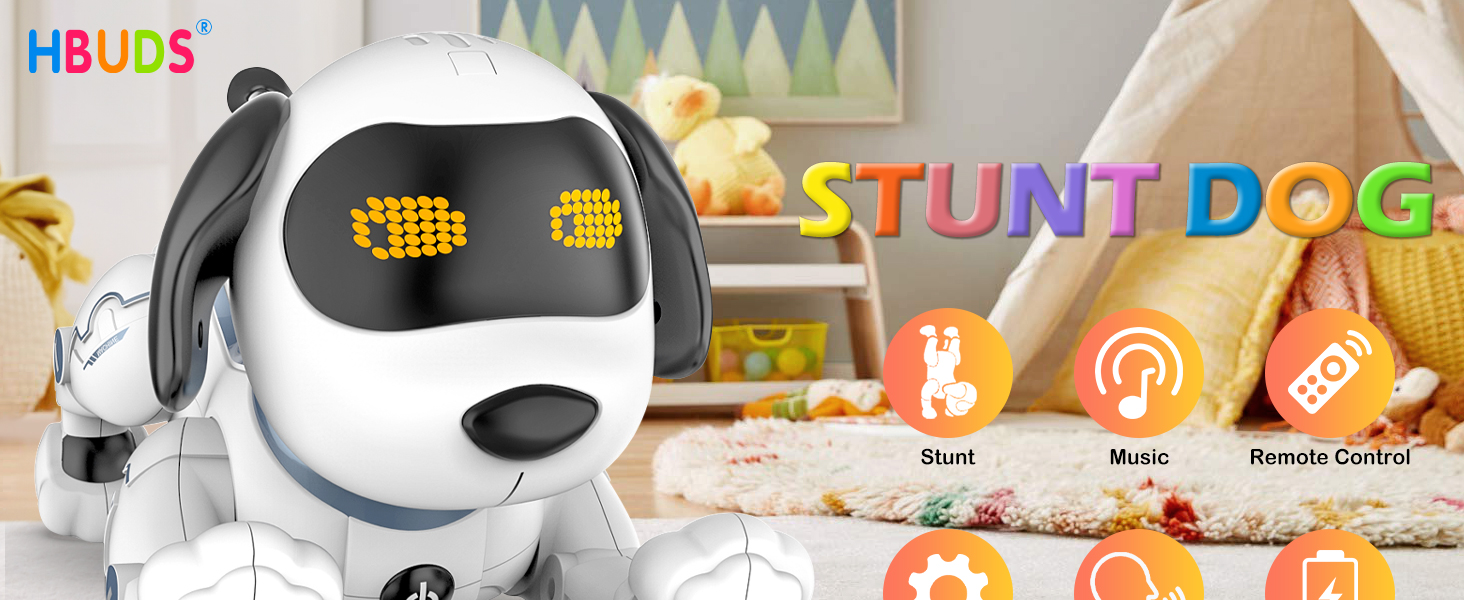
Figure 5.2: Robot dog responding to commands.
6. Programming Functions
The robot dog can be programmed to perform a sequence of actions. Refer to the remote control for specific programming buttons (e.g., "Start Programming" and "Stop Programming"). Once in programming mode, input the desired actions using the remote control buttons. After stopping programming, the robot dog will execute the recorded sequence.
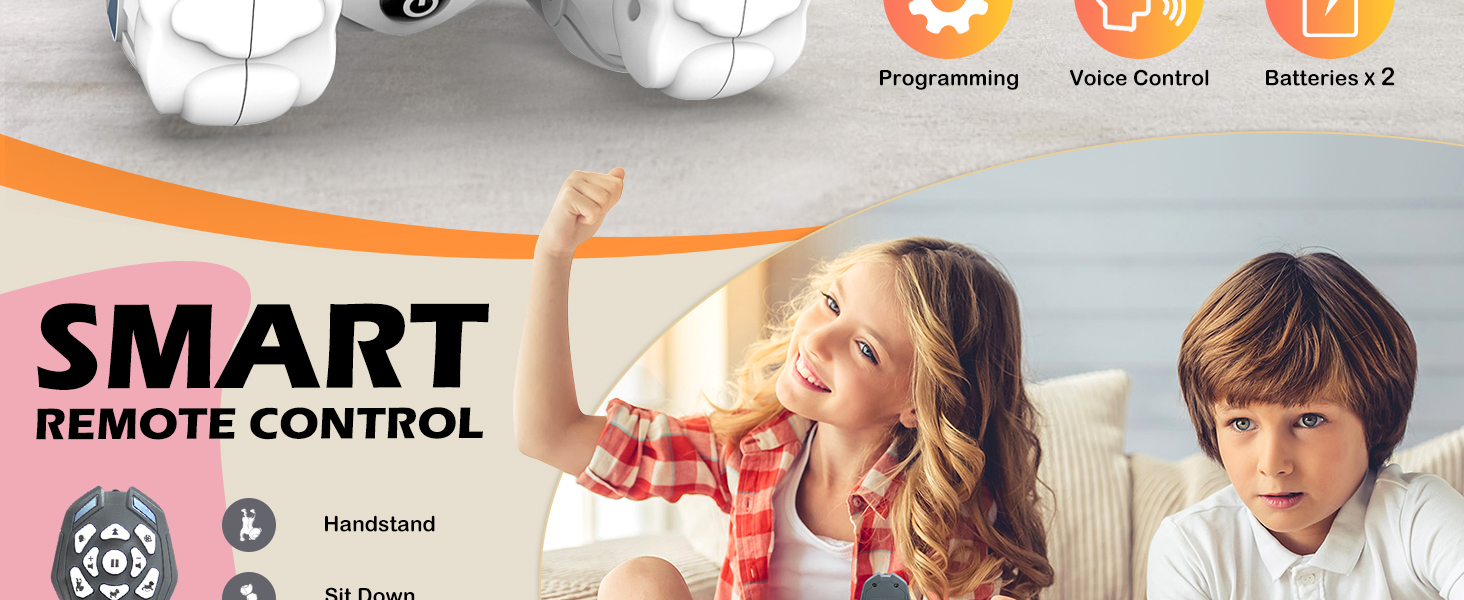
Figure 6.1: Intelligent programming sequence for the robot dog.
7. Interactive Features
7.1. Touch Interaction
Touch the chin of the robot dog to trigger cute gestures, sounds, and interactive responses.
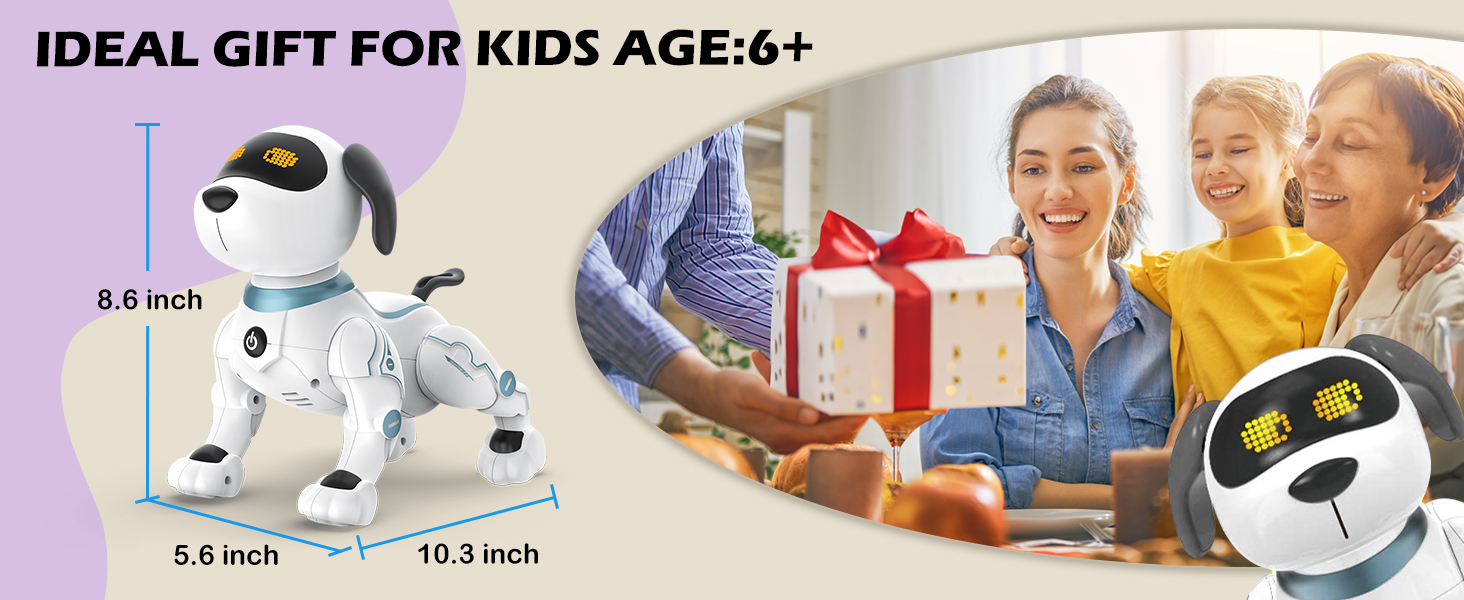
Figure 7.1: Touch interaction with the robot dog.
7.2. Singing and Dancing
The robot dog is pre-programmed with 3 sets of dance routines and will dance along to music. Use the remote control to activate these features.
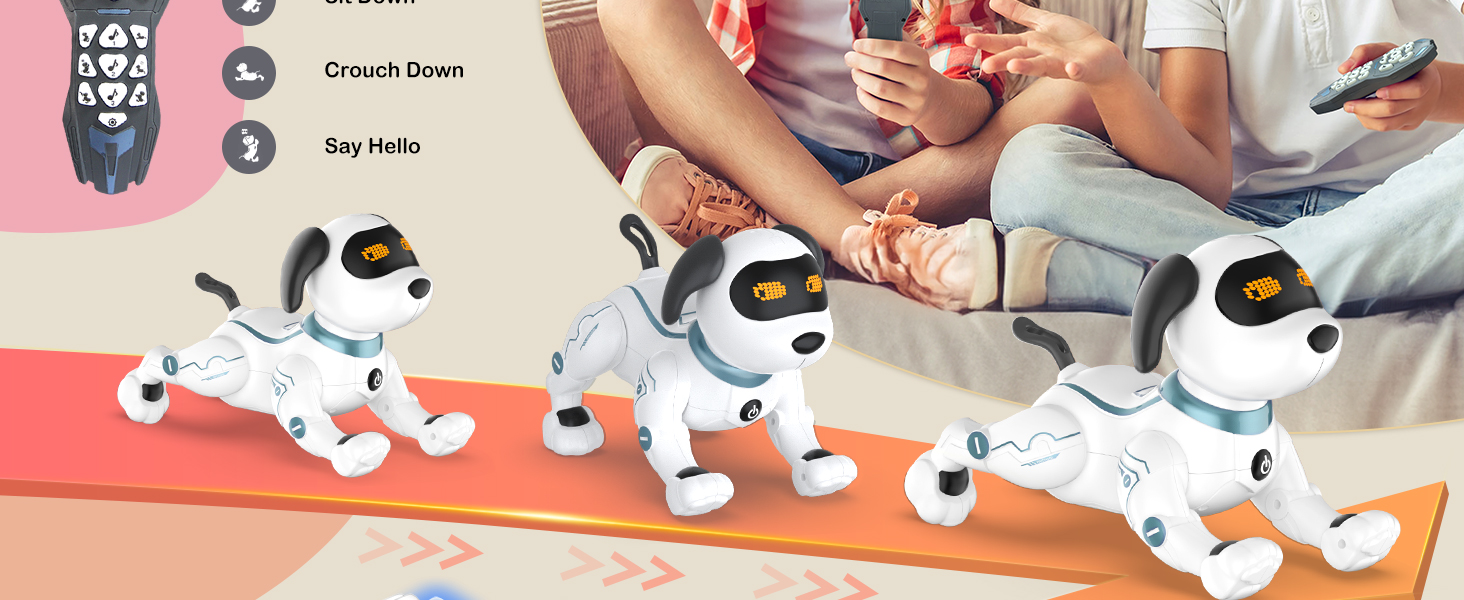
Figure 7.2: Robot dog performing a dance routine.
8. Maintenance
- Clean the robot dog with a soft, dry cloth. Do not use water or cleaning solutions.
- When not in use for an extended period, remove batteries from both the robot dog and the remote control.
- Store the toy in a cool, dry place away from direct sunlight.
9. Troubleshooting
| Problem | Possible Cause | Solution |
|---|---|---|
| Robot dog does not turn on. | Low or uncharged battery; incorrect battery installation. | Ensure battery is fully charged and correctly installed. |
| Remote control not working. | Dead or incorrectly installed AAA batteries. | Replace AAA batteries, ensuring correct polarity. |
| Robot dog not responding to commands. | Out of range; interference; low battery in robot or remote. | Move closer to the robot; ensure no obstructions; charge robot battery; replace remote batteries. |
| Robot dog enters sleep mode frequently. | Normal energy-saving feature; prolonged inactivity. | Wake the robot dog by pressing the power button or using the remote control. |
10. Specifications
| Feature | Detail |
|---|---|
| Model Number | K16 |
| Product Dimensions | 22 x 21 x 19 inches |
| Item Weight | 1.76 pounds |
| Recommended Age | 3 years and up |
| Robot Dog Battery | 1 x 3.7V Lithium Ion (rechargeable, 2 included) |
| Remote Control Battery | 2 x AAA (not included) |
| Manufacturer | SHANTOU CHENGHAI LENENG TOYS INDUSTRIAL CO., LTD (BRAND: HBUDS) |
11. Official Product Video
Video 11.1: HBUDS Robot Dog Toy in action, demonstrating various features and commands.
12. Warranty and Support
HBUDS is committed to providing high-quality products. For any questions, concerns, or support regarding your K16 Robot Dog Toy, please contact the manufacturer or seller. Refer to your purchase documentation for specific warranty details and contact information.