
1. Introduction
The Jectse DC20D MKII is an electronic generator controller module designed for engine or generator applications. It provides essential functions such as automatic start/stop, alarm indication, and monitoring of various operational parameters. This manual provides detailed instructions for the installation, operation, and maintenance of the DC20D MKII controller.

Figure 1: Front view of the Jectse DC20D MKII Generator Controller. This image displays the controller's user interface, including the digital LED display, the 'MANUAL' (green), 'AUTO' (white), and 'STOP' (red) control buttons, and various icons for monitoring parameters like RPM, Hz, Voltage, Amperage, Oil Pressure, Water Temperature, and Battery Voltage.
2. Key Features
The DC20D MKII controller offers a comprehensive set of features for reliable generator management:
- Manual and automatic start/stop capabilities.
- 5-digit LED digital display for unit operating status and parameter values.
- LED indicators and fault code display for alarm conditions.
- Two sets of programmable output relays for flexible control.
- Adaptable for various engine types through self-setting configurations.
- Front panel rated IP54 for splash protection after installation.
- Automatic engine control functions.
- Start delay control.
- Local manual start/stop operation.
- Remote automatic start/stop functionality.
- Preheat control.
- Automatic cold start control.
- Parking/idle control.
- Damper control.
3. Setup and Installation
Proper installation is crucial for the safe and effective operation of the DC20D MKII controller. Ensure all power is disconnected before proceeding with installation.
3.1 Panel Cut-out
The controller is designed for panel mounting. The required panel cut-out dimensions are approximately 67mm x 67mm (2.6in x 2.6in).
3.2 Wiring Connections
Connect the controller to the generator or engine system using the provided interface wiring. Refer to the wiring diagram (not included in this manual, typically provided separately or available from the manufacturer) for specific connection points for DC supply, sensors, and output relays. Ensure all connections are secure and correctly polarized.

Figure 2: Side view of the Jectse DC20D MKII Generator Controller. This image shows the green terminal block at the bottom of the controller, where all external electrical connections are made. Proper wiring to these terminals is essential for functionality.
3.3 Mounting
Secure the controller into the panel cut-out using the two provided fixing screws. Ensure the controller is firmly seated and the front panel is flush with the mounting surface.
4. Operating Instructions
The DC20D MKII controller allows for both manual and automatic operation of your generator or engine.
4.1 Manual Operation
To manually start or stop the engine/generator, use the dedicated 'MANUAL' (green) and 'STOP' (red) buttons on the front panel. Pressing 'MANUAL' initiates the start sequence, while 'STOP' will shut down the unit.
4.2 Automatic Operation
For automatic control, press the 'AUTO' (white) button. In this mode, the controller will manage start/stop sequences based on configured parameters and remote signals (if applicable).
4.3 Parameter Display
The 5-digit LED display cycles through various operational parameters. These include:
- Engine speed (RPM)
- Generator frequency (Hz)
- Generator AC voltage (V)
- Load current (A)
- Engine battery voltage (V)
- Current running time
- Cumulative running time
- Engine oil pressure (Bar)
- Engine water temperature (°C)
5. Maintenance
To ensure the longevity and optimal performance of your DC20D MKII controller, regular maintenance is recommended:
- Cleaning: Periodically wipe the front panel with a soft, dry cloth to remove dust and dirt. Avoid using abrasive cleaners or solvents.
- Connection Checks: Annually inspect all wiring connections to ensure they are tight and free from corrosion. Loose connections can lead to intermittent operation or faults.
- Environmental Conditions: Ensure the operating environment remains within the specified temperature and humidity ranges to prevent damage to internal components.
6. Troubleshooting
The DC20D MKII controller provides alarm indications to help diagnose issues. If an alarm is triggered, the LED indicator will illuminate, and a fault code may be displayed.
6.1 Common Alarm Indications
The controller can indicate various alarm conditions, including:
- Over Frequency / Low Frequency
- Over Voltage / Under Voltage
- Low Oil Pressure
- High Temperature
- Low Water Level
- Low Oil Level
- General Failure
- Over-time Stop
- Emergency Stop
- Low Battery Voltage
When an alarm occurs, consult your generator/engine manual for specific troubleshooting steps related to the indicated fault. If the issue persists or if you require detailed wiring diagrams, it is recommended to contact a qualified technician or the manufacturer for support.
7. Specifications
| Parameter | Value |
|---|---|
| DC Supply | DC 8-36V |
| Power Consumption | 3W |
| Measuring Frequency | 10-70Hz |
| Input Voltage Range | AC 20-80V |
| Current Measurement Range | 0-2000A |
| Speed Sensor Frequency | 30-9999Hz |
| Fuel Relay Output | 5A |
| Start Relay Output | 5A |
| Configurable Output 1 | 2.5A |
| Configurable Output 2 | 2.5A |
| Excitation Output | 1A |
| Size | Approx. 78mm x 78mm x 55mm (3.1in x 3.1in x 2.2in) |
| Panel Cut-out | Approx. 67mm x 67mm (2.6in x 2.6in) |
| Level | Front panel splash-proof after installation (IP54) |
| Operating Temperature | -30°C to 70°C |
| Storage Condition | -40°C to 85°C |
| Panel Language | Chinese/English Optional (This manual refers to the English version) |
8. Package Contents
The following items are included with your Jectse DC20D MKII Generator Controller:
- 1 x DC20D MKII Controller Module
- 2 x Fixing Screws
- 1 x Interface Wiring Harness

Figure 3: Included accessories. This image shows the two metal fixing screws used for mounting the controller and the multi-colored interface wiring harness for electrical connections.
9. Safety Information
Please observe the following safety precautions:
- Always disconnect power before installing or servicing the controller.
- Ensure all wiring is performed by a qualified individual and complies with local electrical codes.
- Do not expose the controller to excessive moisture or extreme temperatures outside its specified operating range.
- This product is not a toy. Store the product separately from children's toys and other items to avoid accidental ingestion or choking hazards.
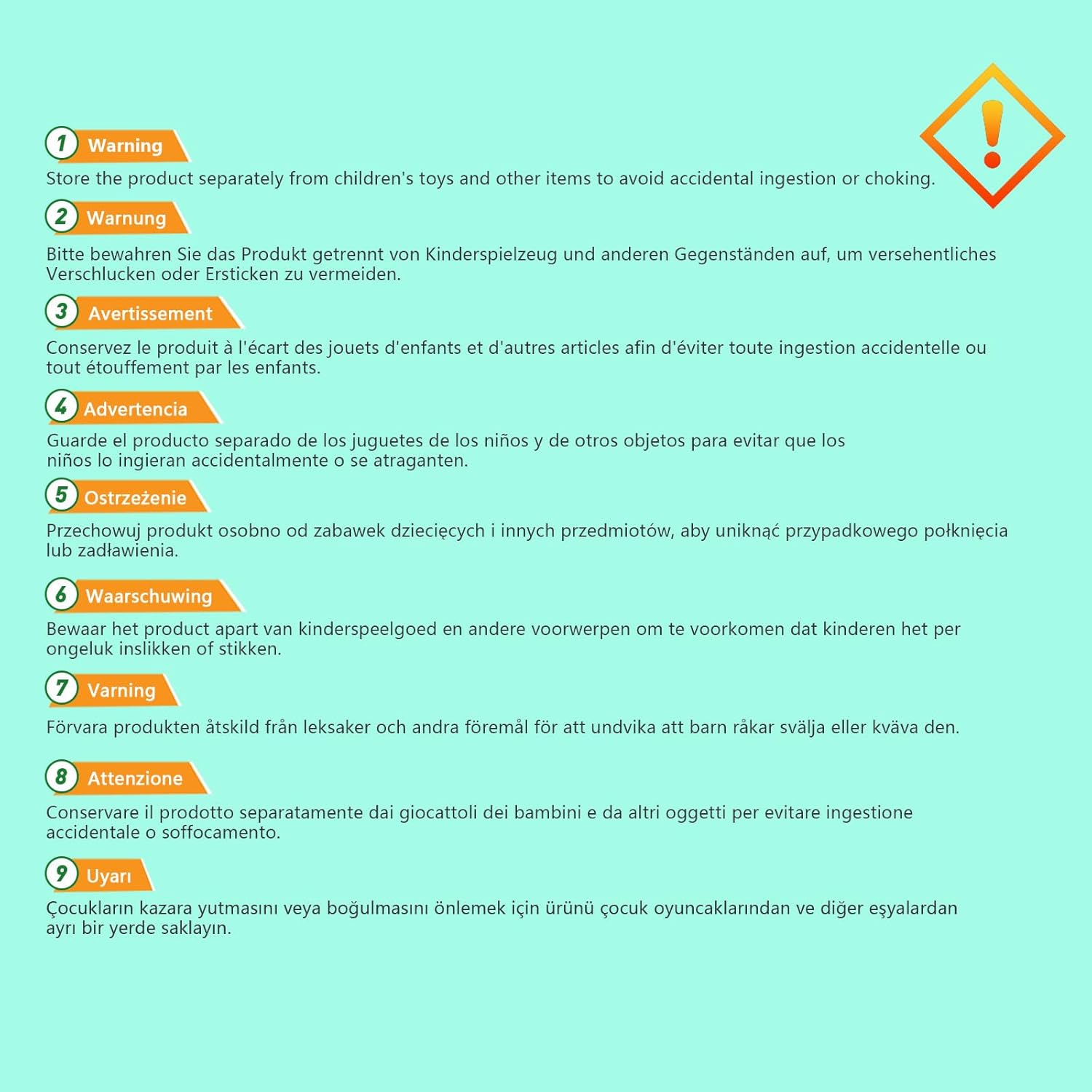
Figure 4: Multilingual safety warning. This label emphasizes the importance of keeping the product away from children to prevent potential hazards.
10. Warranty and Support
For warranty information or technical support, please refer to the documentation provided at the time of purchase or contact Jectse customer service directly. Keep your purchase receipt as proof of purchase.