
Introduction
This manual provides detailed instructions for the proper use and maintenance of your Retevis RB26 GMRS Two-Way Radios. The Retevis RB26 is designed for reliable communication over extended ranges, featuring a 2000mAh rechargeable battery, USB-C charging, and a built-in flashlight, making it suitable for various outdoor activities.
Product Overview
Components Included
- 2 x Retevis RB26 Two Way Radio
- 2 x 2000mAh Li-ion Battery
- 2 x Belt Clip
- 2 x Hand Strap
- 2 x English User’s Manual
- 2 x Type-C Charging Line
- 2 x Desktop Charger
- 2 x Adapter
Key Features
- Long Range GMRS Communication: Utilizes higher power for extended communication range.
- 2000mAh Rechargeable Battery: Provides approximately 20-21 hours of continuous use (based on 10% transmission, 90% standby).
- USB-C Charging: Convenient charging capability via USB-C port.
- Built-in Flashlight: Integrated large-caliber flashlight for illumination in low-light conditions.
- Crystal-Clear Sound Quality: Features tail noise cancellation and 0-9 level squelch for clear audio output.
- Portable Design: Equipped with a sturdy belt clip for easy carrying.
- CTCSS/DCS Codes: Pre-set codes on each channel to minimize unwanted transmissions.
- Programmable Functions: Security emergency alarm, low battery alarm, and VOX (Voice Operated Exchange) can be activated via firmware programming.

Image: Two Retevis RB26 walkie talkies shown with their individual charging bases and USB-C power adapters.

Image: A detailed view of the Retevis RB26 walkie talkie, highlighting its antenna, built-in flashlight, side ports for accessories and USB-C charging, the sturdy belt clip, and the desktop charging cradle.
Setup
1. Battery Installation
- Ensure the radio is powered off.
- Locate the battery compartment cover on the back of the radio.
- Slide the battery cover latch to unlock and remove the cover.
- Align the 2000mAh Li-ion battery with the contacts inside the compartment and gently press it into place.
- Replace the battery cover and slide the latch to secure it.

Image: The rear view of the Retevis RB26 radio with its battery compartment open, displaying the internal contacts, alongside the separate 2000mAh Li-ion battery ready for installation.
2. Charging the Battery
Before initial use, fully charge the battery.
- Using the Desktop Charger: Connect the adapter to the desktop charger and plug it into a power outlet. Place the radio (with battery installed) into the charging cradle. The indicator light will show charging status.
- Using USB-C Cable: Connect the USB-C charging line directly to the USB-C port on the side of the radio and to a compatible USB power source.
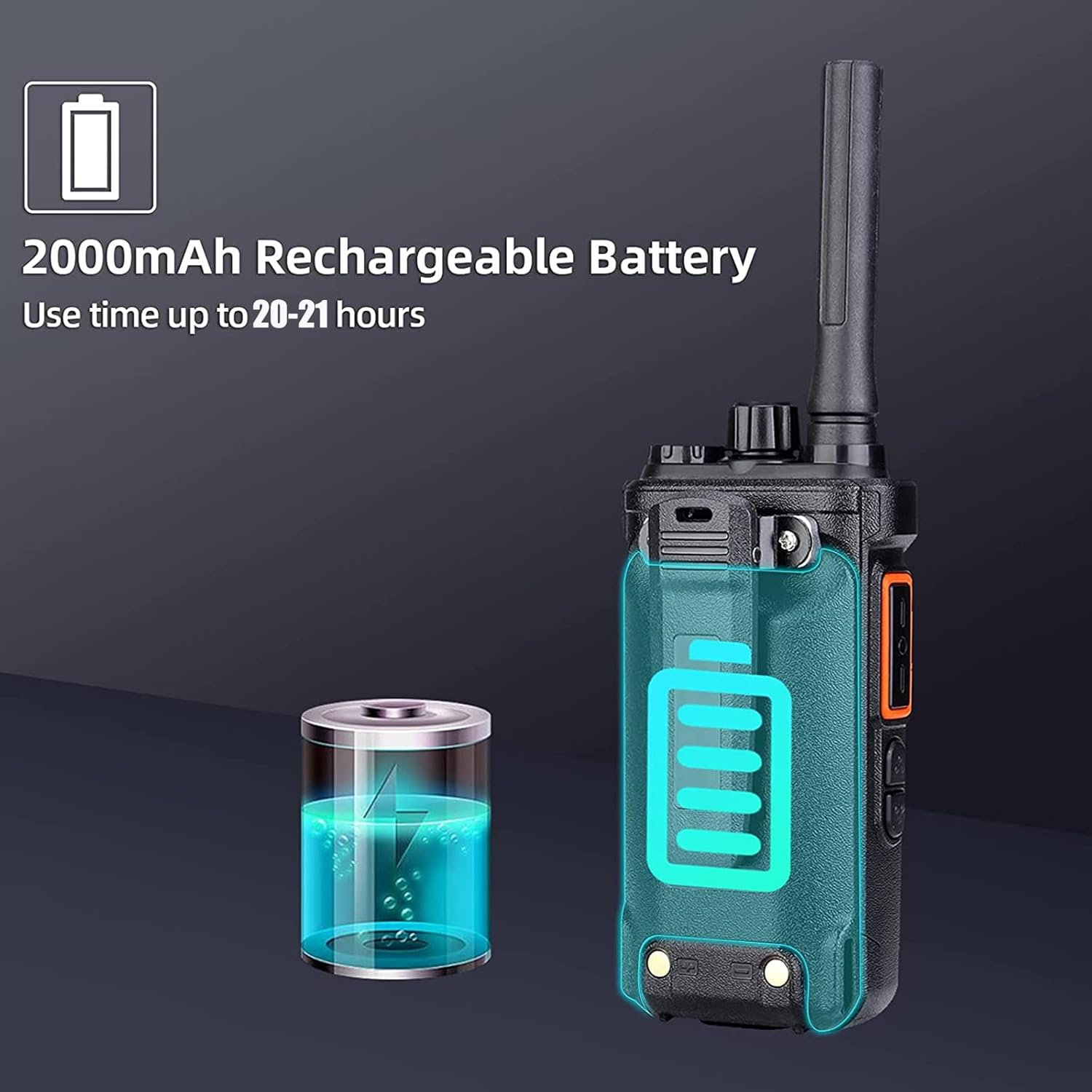
Image: A Retevis RB26 walkie talkie next to an illustration of a battery being charged, emphasizing its 2000mAh rechargeable capacity and extended use time.
3. Attaching the Belt Clip and Hand Strap
- Attach the belt clip to the designated slot on the back of the radio using the provided screws.
- Thread the hand strap through the loop on the top or side of the radio for secure carrying.

Image: A person with a backpack, showing a Retevis RB26 walkie talkie securely clipped to the backpack strap, illustrating its portability.
Operating Instructions
1. Power On/Off
Rotate the Power/Volume knob clockwise to turn the radio on. Rotate it counter-clockwise until a click is heard to turn the radio off.
2. Volume Adjustment
After powering on, continue rotating the Power/Volume knob to adjust the listening volume to a comfortable level.
3. Channel Selection
Use the Channel Selector knob (usually located on top of the radio) to choose one of the 30 available channels. Ensure all radios intended for communication are set to the same channel.
4. Transmitting and Receiving
- To transmit, press and hold the Push-to-Talk (PTT) button located on the side of the radio. Speak clearly into the microphone. Release the PTT button to stop transmitting.
- To receive, simply ensure the radio is on and tuned to the correct channel. The radio will automatically receive transmissions when the PTT button is not pressed.
5. Flashlight Operation
The Retevis RB26 includes a built-in flashlight. Refer to your specific radio's button layout for the dedicated flashlight button or combination key press to activate and deactivate it.
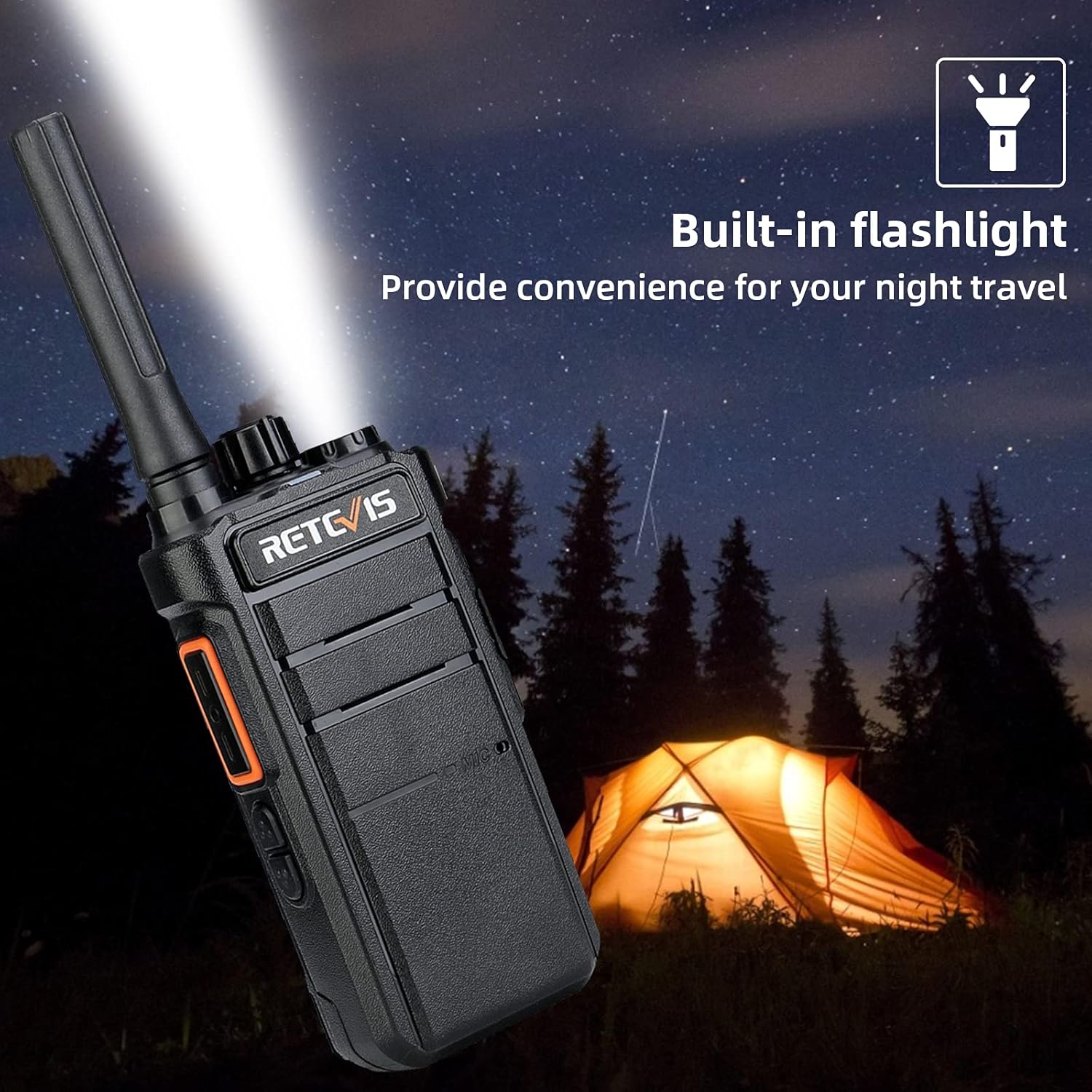
Image: A Retevis RB26 walkie talkie with its integrated flashlight shining brightly in a nighttime camping environment, demonstrating its utility.
6. Sound Quality and Squelch
The radio features crystal-like sound quality with tail noise cancellation and a 0-9 level squelch function. Adjusting the squelch level can help filter out background noise, providing clearer audio in noisy environments.

Image: A Retevis RB26 walkie talkie depicted with sound wave graphics, symbolizing its crystal-clear sound quality, tail noise cancellation, and adjustable squelch features.
7. Compatibility
The Retevis RB26 radios can communicate directly with other Retevis models such as H-777, RT21, RT22, RT68, RT27, and H777S on channels 1-5. Please note that RB26 radios cannot communicate directly with other brands of walkie talkies without specific programming. For communication with other brands, contact Retevis support for potential firmware solutions.

Image: A table illustrating the compatibility of Retevis RB26 with various Retevis models (16-channel, 22-channel, GMRS 30-channel) and noting its inability to communicate directly with other brands without specific firmware.
8. Advanced Functions (Programmable)
Certain functions like security emergency alarm, low battery alarm, and VOX (Voice Operated Exchange) can be enabled or configured using specific programming software (Chirp). These functions require firmware activation.
Maintenance
- Cleaning: Use a soft, damp cloth to clean the radio's exterior. Avoid using harsh chemicals or abrasive cleaners.
- Battery Care: To prolong battery life, avoid overcharging and fully discharging the battery frequently. Store the radio and battery in a cool, dry place when not in use for extended periods.
- Storage: Store the radio in a dry environment, away from extreme temperatures and direct sunlight.
Troubleshooting
| Problem | Possible Cause | Solution |
|---|---|---|
| Radio does not power on | Battery is depleted or not properly installed. | Charge the battery fully. Ensure the battery is correctly installed and secured. |
| Cannot transmit or receive | Incorrect channel selected. Volume too low. Battery low. Radios out of range. | Verify both radios are on the same channel. Increase volume. Charge battery. Move closer to the other radio. |
| Poor sound quality or static | Squelch level too low/high. Interference. Out of range. Obstructions. | Adjust squelch level. Move to an area with less interference. Reduce distance between radios. Avoid large obstructions. |
| Cannot communicate with other brands of walkie talkies | Incompatibility without specific programming. | The RB26 may require specific firmware programming to communicate with non-Retevis radios. Contact Retevis support for assistance. |
Specifications
- Item Weight: 3.53 ounces (100 Grams)
- Product Dimensions: 4.17 x 2.4 x 1.34 inches
- Model Number: FA9200AX2-C9034AX2
- Batteries: 1 Lithium Ion battery required (included)
- Brand: Retevis
- Color: Black
- Number of Channels: 30
- Special Features: High power, long range, flashlight, USB-C charging
- Frequency Range: GMRS
- Voltage: 3.7 Volts (DC)
- Water Resistance Level: Not Water Resistant
Warranty and Support
Retevis provides the following warranty and support:
- Warranty: 2-year warranty for the radio body and 1-year warranty for accessories.
- Return Policy: 30 days no-reason return.
- Post-Warranty Service: Maintain service is offered beyond the warranty period; buyers are responsible for associated costs.
- Customer Support: For any inquiries or support, please contact Retevis via Amazon. Responses are typically provided within 12 hours.
Safety Information
The Retevis RB26 walkie talkie has an FCC ID of 2ASNSRB26 and meets FCC Part 95E rule requirements. Please operate the device in accordance with all applicable regulations.


