
PETLIBRO PLAF301
PETLIBRO Automatic Cat Feeder Instruction Manual
Model: PLAF301
Brand: PETLIBRO
1. Setup
1.1 Unboxing and Initial Assembly
Carefully remove all components from the packaging. Ensure all parts listed in the packing list are present: the feeder unit, stainless steel bowl, bowl tray, 5V power adapter, power cable, and user manual.

Image: PETLIBRO Automatic Cat Feeder showing the main unit, app interface, and RFID tag.
1.2 Power Connection
Connect the 5V power adapter to the feeder unit. The feeder is designed with a built-in rechargeable lithium battery, providing up to 30 days of battery life on a full charge (8 hours). This allows for flexible placement without constant reliance on power outlets and ensures continuous operation during power outages.

Image: Close-up of the feeder's display panel and control buttons.
1.3 Wi-Fi and App Connection
The feeder supports 2.4GHz Wi-Fi networks. Download the "PETLIBRO" mobile app to connect the feeder to your home network. This enables remote control and customized feeding schedules. The built-in rechargeable battery helps maintain a stable wireless connection even during power fluctuations.

Image: The PETLIBRO feeder shown alongside a smartphone displaying the companion app interface for remote control.
1.4 Filling the Food Tank
Open the twist-lock lid on top of the feeder. Fill the food tank with dry pet food only, ensuring kibble size is between 2-15mm (0.078-0.6in) in diameter. Securely lock the lid to prevent pets from accessing the food prematurely.
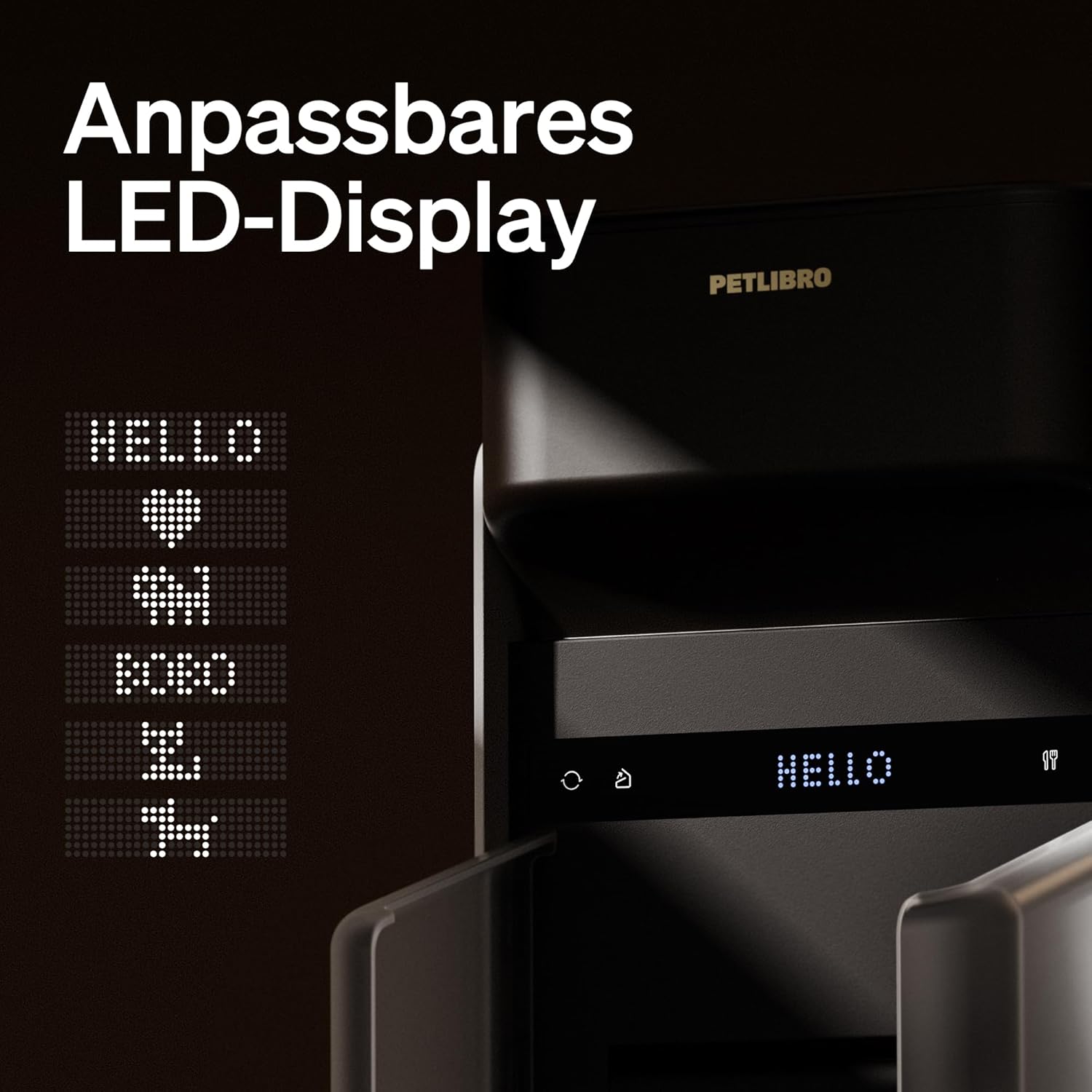
Image: Close-up of the feeder's lid showing the twist-lock mechanism for the food tank lid.
2. Operating Instructions
2.1 Setting Time and Feeding Schedule
Use the control panel on the feeder or the mobile app to set the current time. Program a customized feeding schedule, including the number of meals per day and portion sizes. The feeder supports up to 6 meals per day.

Image: A cat eating from the PETLIBRO feeder as food is dispensed.
2.2 Recorded Voice Calling
The feeder allows you to record a personalized voice message to call your pet at feeding times. This feature can help encourage your pet to eat and make meal times more engaging.
2.3 Manual Feeding
In addition to scheduled feedings, you can manually dispense food portions as needed using the control buttons on the feeder or through the mobile app.
3. Maintenance
3.1 Disassembly and Cleaning
The PETLIBRO feeder is designed for easy disassembly, allowing for thorough cleaning. Follow the instructions in the user manual for three-step disassembly. Ensure all food contact parts are cleaned regularly to maintain hygiene.

Image: The PETLIBRO feeder shown in disassembled parts for easy cleaning.
3.2 Desiccant Bag Replacement
To keep pet food fresh, the feeder utilizes a desiccant bag located in the lid. Replace the desiccant bag every two weeks to ensure optimal freshness. Desiccant bags can be purchased separately.

Image: Close-up of the feeder's lid showing the compartment for the desiccant bag.
4. Troubleshooting
Common Issues and Solutions:
- Food Clogging: If food gets stuck in the dispenser, ensure the kibble size is within the recommended 2-15mm range. Regularly clean the dispenser mechanism to prevent buildup.
- Wi-Fi Disconnection: Verify your Wi-Fi network is 2.4GHz. Ensure the feeder is within range of your router. The built-in battery provides continuous operation even if Wi-Fi temporarily disconnects.
- Battery Life: A full charge takes 8 hours and provides up to 30 days of battery life. If battery life is shorter, ensure the unit is fully charged.
- Dispensing Inaccuracies: Ensure the food tank is not overfilled, which can sometimes affect portion accuracy.
For more detailed troubleshooting, please refer to the official User Manual (PDF).
5. Specifications
| Feature | Detail |
|---|---|
| Model Name | RFID cat feeder |
| Item Model Number | PLAF301 |
| Color | Black |
| Size | 6L |
| Material | Stainless Steel, Acrylonitrile Butadiene Styrene |
| Item Dimensions (LxWxH) | 9.84 x 7.8 x 14.76 inches |
| Item Weight | 3.97 pounds |
| Power Source | DC 5V power adapter; 3 x lithium batteries (rechargeable) |
| Battery Life | Up to 30 days (8 hours full charge) |
| Wi-Fi Connectivity | 2.4GHz Wi-Fi networks only |
| Kibble Size Compatibility | 2-15mm (0.078-0.6in) in diameter |
6. Warranty and Support
6.1 Warranty Information
The PETLIBRO Automatic Cat Feeder comes with a 24-month warranty from the date of purchase. This warranty covers manufacturing defects and issues arising from normal use.
6.2 Customer Support
For any questions, technical assistance, or warranty claims, please contact PETLIBRO customer support. Refer to the contact information provided in your product packaging or visit the official PETLIBRO website for support details.
You can also visit the PETLIBRO Store on Amazon for more products and information.
Related documentsPLAF301


Ask a question about this manual
Ask about setup, troubleshooting, compatibility, parts, safety, or missing instructions. Manuals+ will review the question and use this page’s manual context to help answer it.