
Arteck HB192-MAC
Arteck Bluetooth Keyboard HB192-MAC Instruction Manual
Model: HB192-MAC
1. Product Overview
The Arteck Bluetooth Keyboard is a multi-device wireless keyboard designed for Apple operating systems, including Mac OS, iOS, and iPad OS. It features a full-size layout with a number pad, arrow keys, and system-specific function keys. Constructed with stainless steel, it offers a durable and comfortable typing experience with low-profile, quiet keys.

Image: Top-down view of the Arteck Bluetooth Keyboard, showcasing its full layout with a number pad.
2. Package Contents
- Arteck Stainless Bluetooth Keyboard
- USB charging cable
- Welcome guide
3. Setup and Pairing
3.1 Powering On/Off
Locate the power switch on the top right edge of the keyboard. Slide it to the "ON" position to power on the keyboard. Slide it to "OFF" to power it down.
3.2 Initial Pairing with a Device
- Ensure the keyboard is powered on.
- On your Apple device (Mac, iPad, iPhone), go to Bluetooth settings.
- Long press one of the blue Bluetooth keys (labeled "01", "02", or "03") on the keyboard. The indicator light above the key will flash, indicating it's in pairing mode.
- On your device, select "Arteck Bluetooth Keyboard" from the list of available devices.
- Follow any on-screen prompts to complete the pairing process. The indicator light on the keyboard will stop flashing and remain solid for the selected channel once successfully paired.

Image: Close-up of the Arteck Bluetooth Keyboard highlighting the blue "01", "02", "03" keys used for multi-device pairing.
3.3 Switching Between Multiple Devices
This keyboard supports connection to up to three devices simultaneously. After initial pairing, you can switch between connected devices by simply pressing the corresponding blue Bluetooth key (01, 02, or 03) once. The keyboard will connect to the selected device automatically.
4. Operating Instructions
4.1 Mac Layout and Function Keys
The keyboard features a layout compatible with Mac Magic Keyboard, including system-specific function keys (F1-F12) for quick access to common functions such as brightness, volume control, and media playback. It also includes arrow keys and a number pad for enhanced productivity.

Image: Diagram illustrating the Mac layout and function keys on the Arteck Bluetooth Keyboard, including media controls and device switching keys.
4.2 Typing Experience
The low-profile keys with scissors kick construction provide a quiet and comfortable typing experience. The design is ergonomic, reducing strain during extended use.

Image: Close-up view of a key on the Arteck keyboard, showing the internal X-structure for comfortable keystrokes.
5. Maintenance and Battery
5.1 Charging the Battery
The keyboard features a built-in rechargeable Li-polymer battery. Connect the provided USB charging cable to the keyboard's charging port and to a USB power source. The charging indicator light will show the charging status.
5.2 Battery Life
A single full charge provides approximately 6 months of use, based on 2 hours of non-stop use per day. To conserve battery life, switch off the keyboard when not in use for extended periods.
5.3 Cleaning
To clean the keyboard, power it off and gently wipe the surface with a soft, damp cloth. Avoid using harsh chemicals or abrasive materials.
6. Troubleshooting
- Keyboard not connecting: Ensure Bluetooth is enabled on your device and the keyboard is powered on. Re-enter pairing mode by long-pressing a blue Bluetooth key and re-attempt pairing.
- Keys not responding or double-typing: Check battery level and charge if necessary. Ensure the keyboard is within the effective Bluetooth range of your device.
- Connection drops frequently: Ensure no other devices are causing interference. Try re-pairing the keyboard.
- Screen not waking up: After the keyboard goes to sleep, a single key press should wake it. Another key press will wake your iMac or connected device.
7. Specifications
| Feature | Detail |
|---|---|
| Model Number | HB192-MAC |
| Connectivity | Bluetooth |
| Compatible Devices | Mac OS, iOS, iPad OS (iMac, Mac mini, MacBook, iPhone, iPad) |
| Material | Stainless Steel (backside) |
| Battery Type | Rechargeable Lithium Ion |
| Estimated Battery Life | 6 months (based on 2 hours/day use) |
| Item Weight | 1.21 pounds (approx. 549 grams) |
| Dimensions | 17.2 x 6.26 x 0.67 inches (approx. 43.7 x 15.9 x 1.7 cm) |
| Color | White |

Image: The Arteck Bluetooth Keyboard on a scale, showing its dimensions and weight.
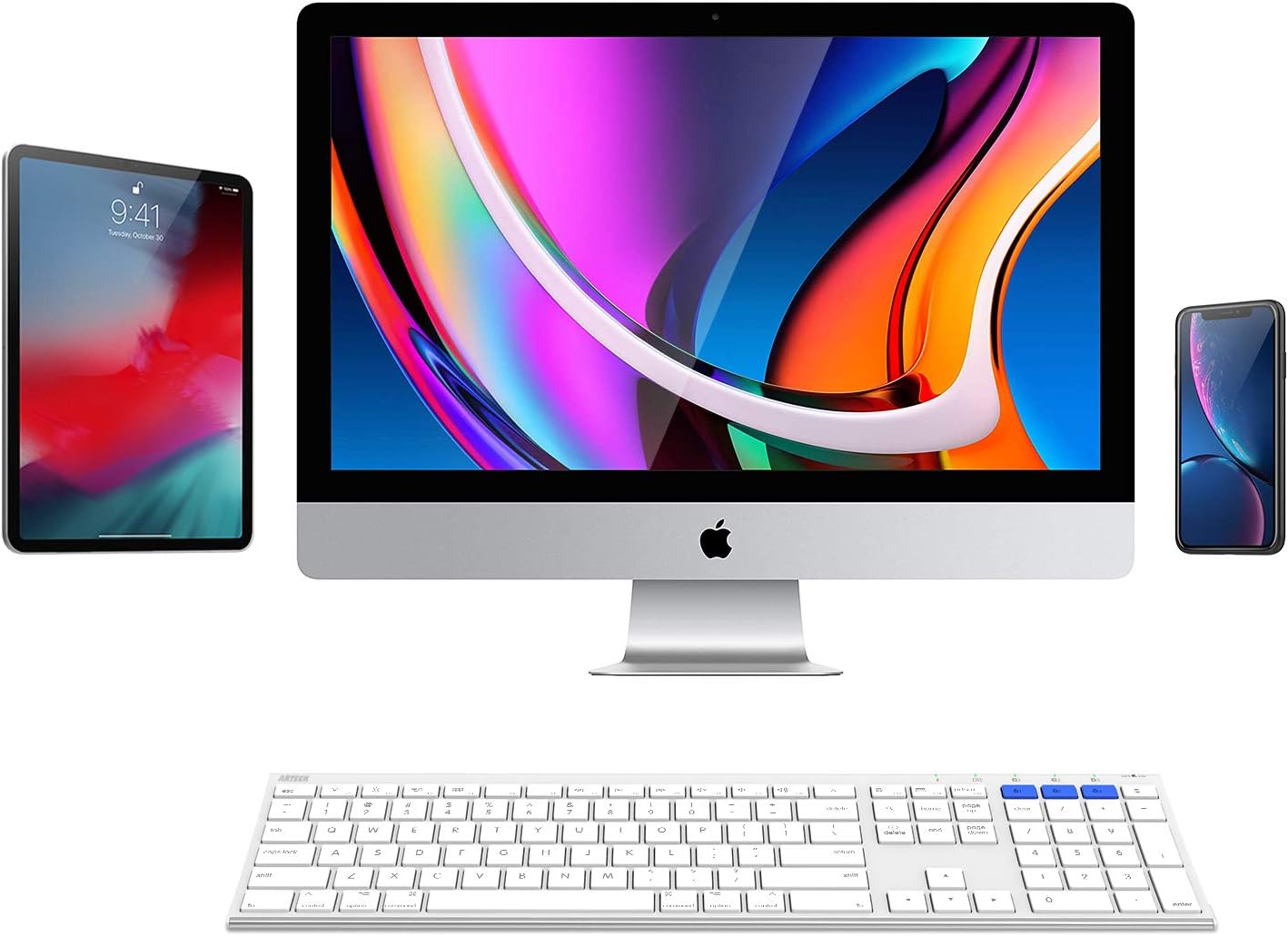
Image: Close-up of the keyboard's brushed stainless steel backside and silicone non-slip feet.
8. Warranty and Support
Arteck provides a 24-month warranty for this product. For any issues or support, please refer to the contact information provided in your welcome guide or visit the official Arteck website for customer service.
Related documentsHB192-MAC


Ask a question about this manual
Ask about setup, troubleshooting, compatibility, parts, safety, or missing instructions. Manuals+ will review the question and use this page’s manual context to help answer it.