
Introduction
The Amazfit Zepp E Circle Smart Watch is a sophisticated health and fitness tracker designed for both Android and iPhone users. It features an ultra-slim metal body with a 3D curved bezel-less design, offering a sleek and comfortable wearing experience. This manual provides essential information on setting up, operating, maintaining, and troubleshooting your device to ensure optimal performance.

Image: The Amazfit Zepp E Circle Smart Watch, featuring a black circular display and a black strap.
Setup
What's in the Box
Your Amazfit Zepp E Circle Smart Watch package includes:
- Smart Watch
- Magnetic Charging Base
- User Manual
Initial Charging
Before first use, fully charge your Amazfit Zepp E Circle Smart Watch using the provided magnetic charging base. Connect the charging base to a USB power source. Align the watch with the magnetic pins on the base until it snaps into place and the charging indicator appears on the watch screen.
Connecting to Your Smartphone
To utilize all features of your smart watch, you need to connect it to your smartphone via Bluetooth and the Zepp App.
- Download the Zepp App: Search for "Zepp App" on your smartphone's app store (available for Android and iPhone) and install it.
- Create an Account: Open the Zepp App and follow the on-screen instructions to create a new account or log in if you already have one.
- Pair Your Watch:
- Ensure Bluetooth is enabled on your smartphone.
- In the Zepp App, navigate to "Profile" > "My Devices" > "Add device".
- Select "Watch" and then choose "Zepp E Circle".
- Follow the prompts in the app and on your watch to complete the pairing process. This usually involves scanning a QR code displayed on the watch or confirming a pairing request.

Image: Screenshot of the Zepp App interface, demonstrating fitness, sleep, and other lifestyle metric tracking.
Operating Your Smart Watch
Display and Navigation
The Zepp E Circle features an Always-On Display, allowing you to see the time and essential information at a glance without needing to raise your wrist or press a button. The touchscreen interface enables intuitive navigation through menus and features by swiping and tapping.
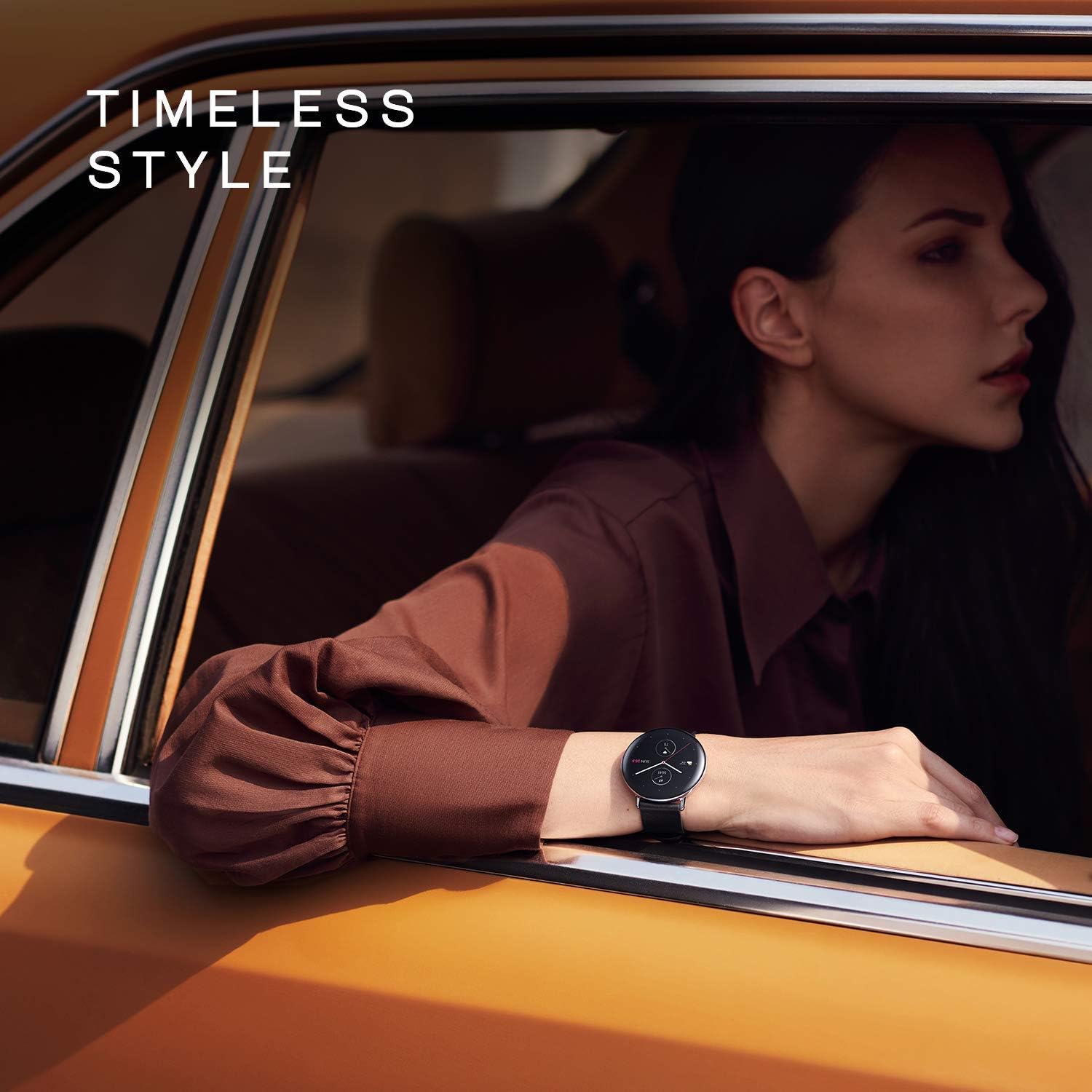
Image: The Amazfit Zepp E Circle Smart Watch showcasing its Always-On Display feature.
Health Monitoring Features
The watch is equipped with advanced sensors to monitor various health metrics:
- Heart Rate Monitoring: Provides 24-hour heart rate tracking. You will receive notifications if your heart rate exceeds recommended limits.
- Blood Oxygen Saturation (SpO2) Measurement: Instantly measure your current blood-oxygen saturation from your wrist, an important indicator of health, especially in high-altitude or low-oxygen environments, or during high-intensity sports.
- Sleep Quality Monitoring: Tracks light sleep, deep sleep, rapid eye movement (REM), and awake time. It provides a score for overall sleep quality and breathing quality, and can even monitor short naps during the day.
- Stress Monitoring: Measures your stress levels throughout the day.
- PAI™ Health Assessment System: This system converts complex data like heart rate, activity duration, and other health statistics into a single, intuitive score, helping you understand your physical state more easily.

Image: A woman sleeping, wearing the Amazfit Zepp E Circle Smart Watch, illustrating the sleep quality monitoring feature.
Fitness Tracking
The Zepp E Circle supports 11 sports modes, allowing you to track various activities and monitor your performance. Data such as steps, distance, calories burned, and activity duration are recorded and can be viewed in the Zepp App.

Image: A man on a bicycle, wearing the Amazfit Zepp E Circle Smart Watch, demonstrating its use during sports activities.
Notifications and Alarms
Receive notifications for incoming calls, emails, messages, and other applications directly on your watch, even when your phone is not immediately accessible. The watch also provides sedentary reminders if you have been inactive for too long.
Battery Life
The Zepp E Circle offers up to 7 days of battery life in typical usage mode on a single full charge, reducing the need for frequent recharging.

Image: A woman outdoors, checking her Amazfit Zepp E Circle Smart Watch, highlighting its long battery life for extended use.
Water Resistance
The watch is 5 ATM waterproof, meaning it can withstand pressures equivalent to a depth of 50 meters. This makes it suitable for splashes, rain, showering, and shallow-water swimming. It is not suitable for diving, high-pressure water activities, or hot water.
Customization and Music Control
Customize your watch face to match your style or mood. You can also control music playback on your smartphone directly from your watch.
Maintenance
- Cleaning: Regularly clean your watch and strap with a soft, dry cloth. If necessary, use a slightly damp cloth and mild soap, then rinse and dry thoroughly. Avoid harsh chemicals or abrasive materials.
- Charging: Always use the original magnetic charging base provided with your watch. Ensure the charging contacts on both the watch and the base are clean and dry before charging.
- Water Exposure: While the watch is 5 ATM waterproof, it is recommended to dry the watch thoroughly after exposure to water to prevent skin irritation and ensure proper sensor function. Avoid prolonged exposure to saltwater or chlorinated water.
- Storage: Store the watch in a cool, dry place when not in use.
Troubleshooting
- Watch Not Turning On: Ensure the watch is fully charged. Connect it to the magnetic charging base and a power source for at least 30 minutes.
- Connection Issues (Bluetooth):
- Check if Bluetooth is enabled on your smartphone.
- Ensure the watch is within the Bluetooth range of your phone.
- Restart both your watch and your smartphone.
- Try unpairing and re-pairing the watch through the Zepp App.
- Inaccurate Step Count: Ensure the watch is worn snugly on your wrist. Arm movements during activities like pushing a stroller or shopping cart may affect accuracy. For best results, ensure your arm can swing freely.
- Short Battery Life:
- Disable features like Always-On Display or frequent heart rate monitoring if not needed constantly.
- Reduce the brightness of the screen.
- Ensure the watch's software is up to date.
- Sensors Not Reading: Ensure the back of the watch, particularly the sensor area, is clean and dry. Wear the watch snugly on your wrist, not too loose or too tight.
Specifications
| Feature | Detail |
|---|---|
| Product Dimensions | 1.66 x 1.66 x 0.35 inches |
| Item Weight | 1.12 ounces |
| Model Number | W1936OV2N |
| Batteries | 1 Lithium Polymer battery (included) |
| Operating System | Zepp OS |
| Wireless Communication | Bluetooth |
| GPS | GPS Via Smartphone |
| Special Features | Heart Rate Monitor, Blood Oxygen, Sleep, Stress Monitoring |
| Human Interface Input | Touchscreen |
| Color | Polar night black |
| Manufacturer | Zepp |
| Screen Size | 1.28 Inches |
Warranty and Support
For detailed warranty information, please refer to the official Amazfit website or the warranty card included with your product. For further assistance or support, you can visit the official Amazfit store or contact their customer service.
- Official User Manual (PDF): Download User Manual
- Official User Guide (PDF): Download User Guide
- Visit the Amazfit Store: Amazfit Official Store on Amazon


