
1. Introduction
The Instax Square SQ1 is an instant camera designed for capturing and printing square-format photographs. It features automatic exposure control and a dedicated selfie mode for ease of use.

Image: The Instax Square SQ1 camera in Terracotta Orange, held by a user, demonstrating its compact size and ergonomic design.
2. Setup
2.1. What's in the Box
- Instax SQ1 camera
- 2 x CR2 Lithium batteries
- Hand strap
- User manual
- Rubber thumb grip
Note: Instax SQUARE film is sold separately and is required for printing photos.
2.2. Battery Installation
- Open the battery compartment cover located on the side of the camera.
- Insert the two CR2 lithium batteries, ensuring correct polarity (+/-).
- Close the battery compartment cover securely.
2.3. Film Loading
- Open the film compartment cover on the back of the camera.
- Align the yellow mark on the film pack with the yellow mark on the camera.
- Insert the film pack straight into the compartment. Do not press the two rectangular holes on the back of the film pack.
- Close the film compartment cover. The film counter will display "S" (Start) and then "10" after the dark slide is ejected.
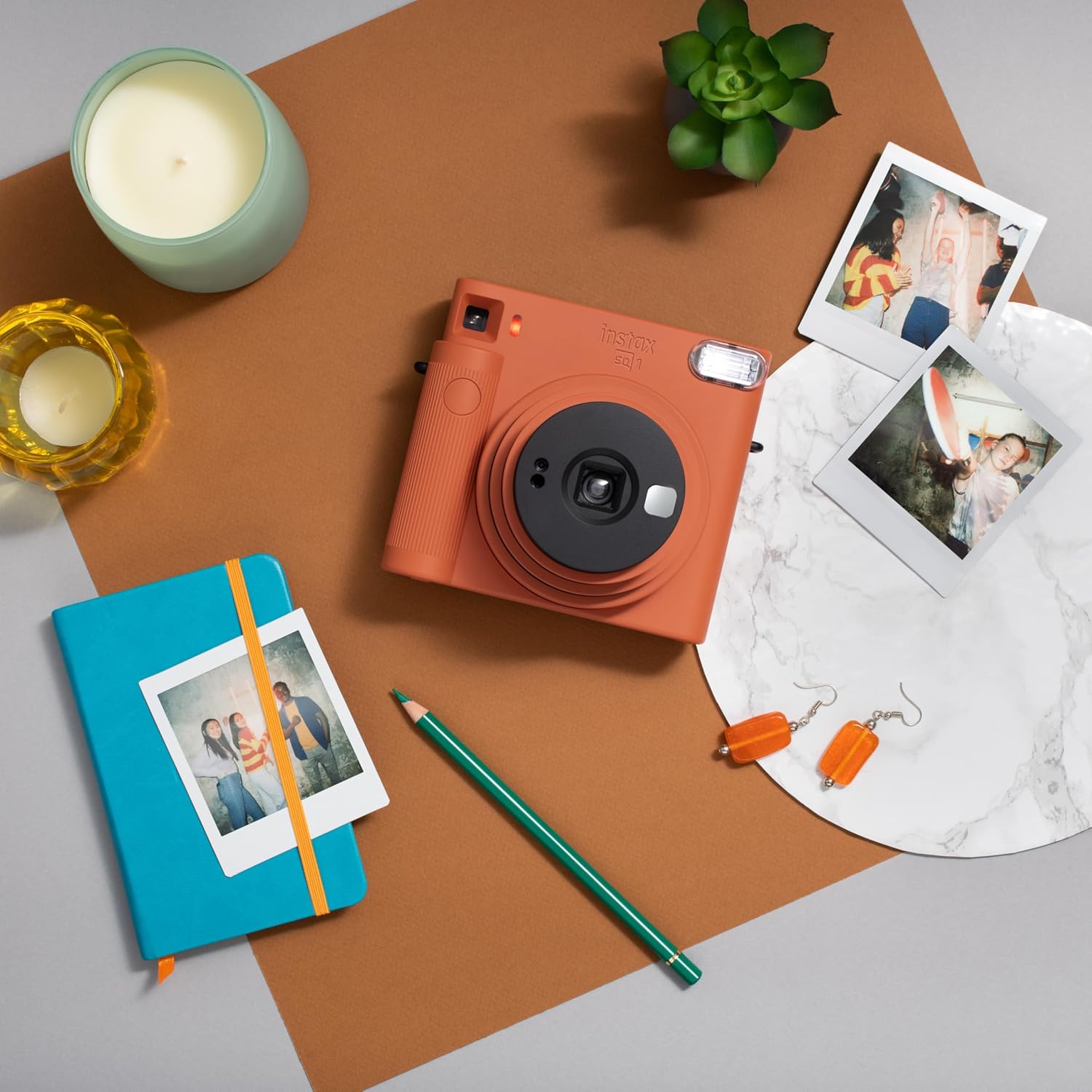
Image: The Instax Square SQ1 camera alongside a pack of Instax Square film and several printed instant photos, illustrating the film type used.
2.4. Attaching the Hand Strap
Thread the hand strap through the strap eyelet on the camera and secure it. This helps prevent accidental drops.
3. Operating Instructions
3.1. Turning On/Off and Selecting Modes
To turn the camera on, rotate the lens ring from "OFF" to "ON". The lens will extend. To activate Selfie Mode, rotate the lens ring further to "SELFIE". To turn the camera off, rotate the lens ring back to "OFF".
3.2. Taking a Picture
- Turn the camera on by rotating the lens ring to "ON".
- Look through the viewfinder to frame your shot.
- Press the shutter button to take a picture. The film will automatically eject from the top slot.
- Allow the photo to develop for approximately 90 seconds. Avoid bending or shaking the print during development.
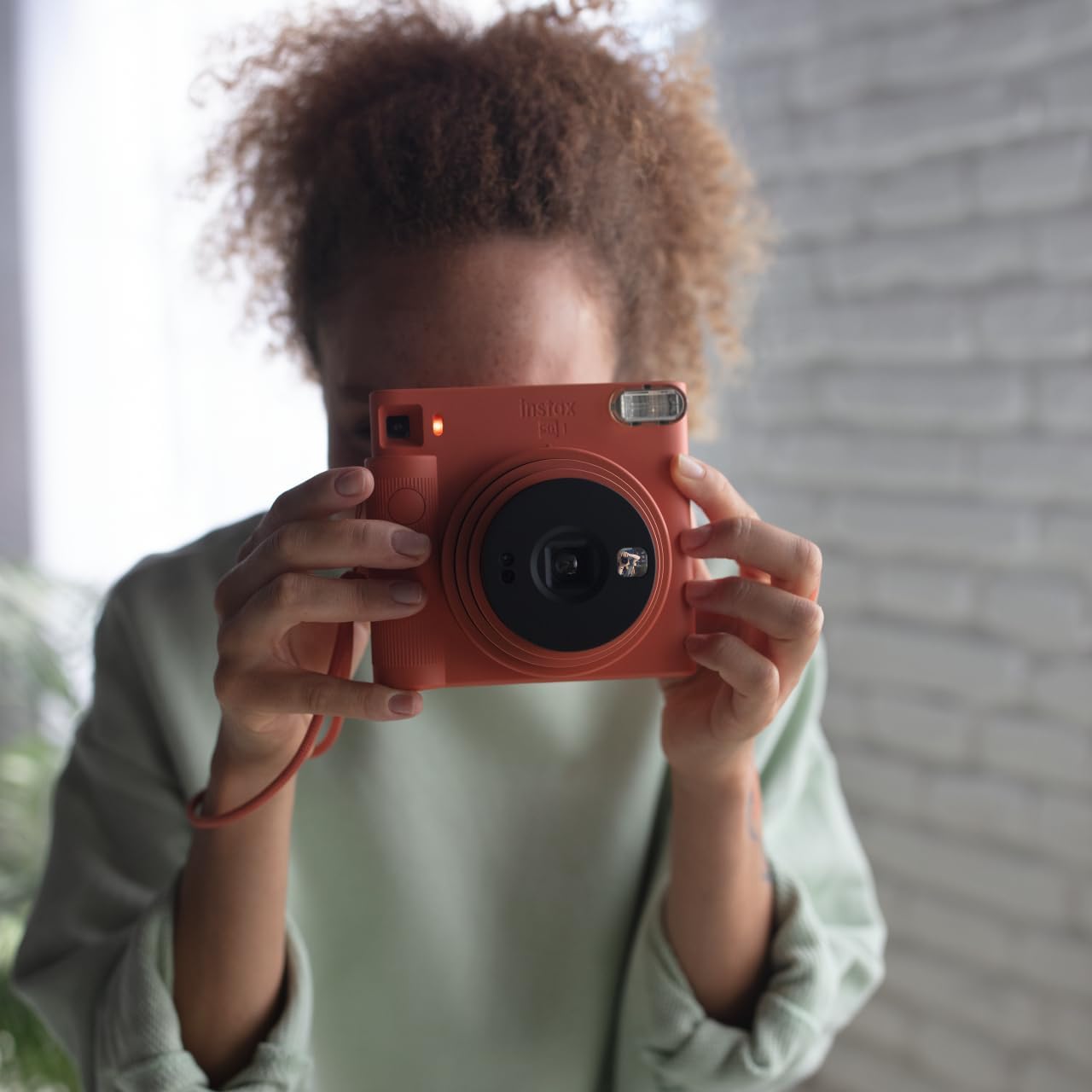
Image: A user holding the Instax Square SQ1 camera, demonstrating the typical posture for taking a photograph through the viewfinder.
3.3. Using Selfie Mode
For selfies, rotate the lens ring to "SELFIE". This extends the lens further and adjusts the focus for close-up shots (30-50 cm). Use the small mirror next to the lens to check your framing before pressing the shutter button.
3.4. Automatic Exposure
The SQ1 features automatic exposure, which senses the ambient light and adjusts the shutter speed and flash output accordingly. This ensures optimal brightness for your photos in various lighting conditions.
4. Maintenance
- Cleaning: Use a soft, dry cloth to clean the camera body, lens, and viewfinder. Do not use alcohol, thinner, or other solvents.
- Storage: Store the camera in a cool, dry place away from direct sunlight and high temperatures.
- Battery Life: Replace batteries when the flash charging lamp takes longer to light up or does not light up at all.
- Film Handling: Keep film packs in their original packaging until ready to use. Avoid exposing film to high temperatures or direct sunlight.
5. Troubleshooting
| Issue | Possible Cause | Solution |
|---|---|---|
| Camera does not turn on. | Dead or incorrectly inserted batteries. | Check battery polarity or replace with new CR2 batteries. |
| Film does not eject. | Film pack empty or improperly loaded. | Ensure a new film pack is correctly loaded. If the film counter shows "0", the pack is empty. |
| Photos are too dark/light. | Extreme lighting conditions or flash not firing. | The camera has automatic exposure; ensure the flash is not obstructed. For very dark scenes, the flash will fire automatically. |
| Blurry photos. | Camera shake or subject too close/far. | Hold the camera steady. For close-ups (30-50 cm), use Selfie Mode. |
For more detailed troubleshooting, please refer to the complete user manual or contact customer support.
6. Specifications
- Model Name: SQ1
- Film Format Type: Instax Square
- Film Size: 72 mm x 86 mm (Image size: 62 mm x 62 mm)
- Lens: 65.75 mm, f/12.6
- Viewfinder: Inverted Galilean finder, 0.4x with target spot
- Shutter Speed: Programmed electronic shutter 1/2 to 1/400 sec. Slow synchro for low light.
- Exposure Control: Automatic, Lv 5.0 to 15.5 (ISO 800)
- Flash: Constant firing flash (automatic light adjustment), recycling time: 6.5 seconds or less (with new batteries), effective flash range: 0.3 to 2.2 m
- Power Supply: Two CR2 lithium batteries
- Dimensions (W x H x D): 130.7 mm x 118.6 mm x 57.5 mm (2.36 x 5.12 x 4.72 inches)
- Weight: 390 g (13.8 ounces) (without batteries, strap, and film)
7. Warranty and Support
The Instax Square SQ1 camera comes with a manufacturer's warranty. For specific warranty details, registration, or technical support, please refer to the warranty card included in your product packaging or visit the official instax website.
Online Support: www.instax.com/support


