
1. Introduction
This manual provides detailed instructions for the safe and effective use of your Boltune BT-BH021W Bluetooth Wireless Earbuds. Please read this manual thoroughly before using the product and retain it for future reference. Understanding these instructions will ensure optimal performance and longevity of your device.
2. Package Contents
Verify that all items listed below are present in your package:
- 2 x Boltune BT-BH021W Wireless Earbuds
- 1 x USB-C Charging Cable
- 1 x Charging Case
- 6 x Ear Tips (two are pre-installed on the earbuds)
- 1 x User Guide (this document)
3. Product Overview
The Boltune BT-BH021W earbuds are designed for comfort, high-quality audio, and reliable wireless connectivity.

Image 3.1: Boltune BT-BH021W Wireless Earbuds and Charging Case. This image displays the white charging case with its lid open, revealing two earbuds nestled inside. One earbud is also shown outside the case, highlighting its compact design.
3.1 Ergonomic Design
The earbuds feature an ergonomic anti-slip design, weighing approximately 0.2 ounces (5.66g) per bud, ensuring a secure and comfortable fit in the ear canal for extended wear.
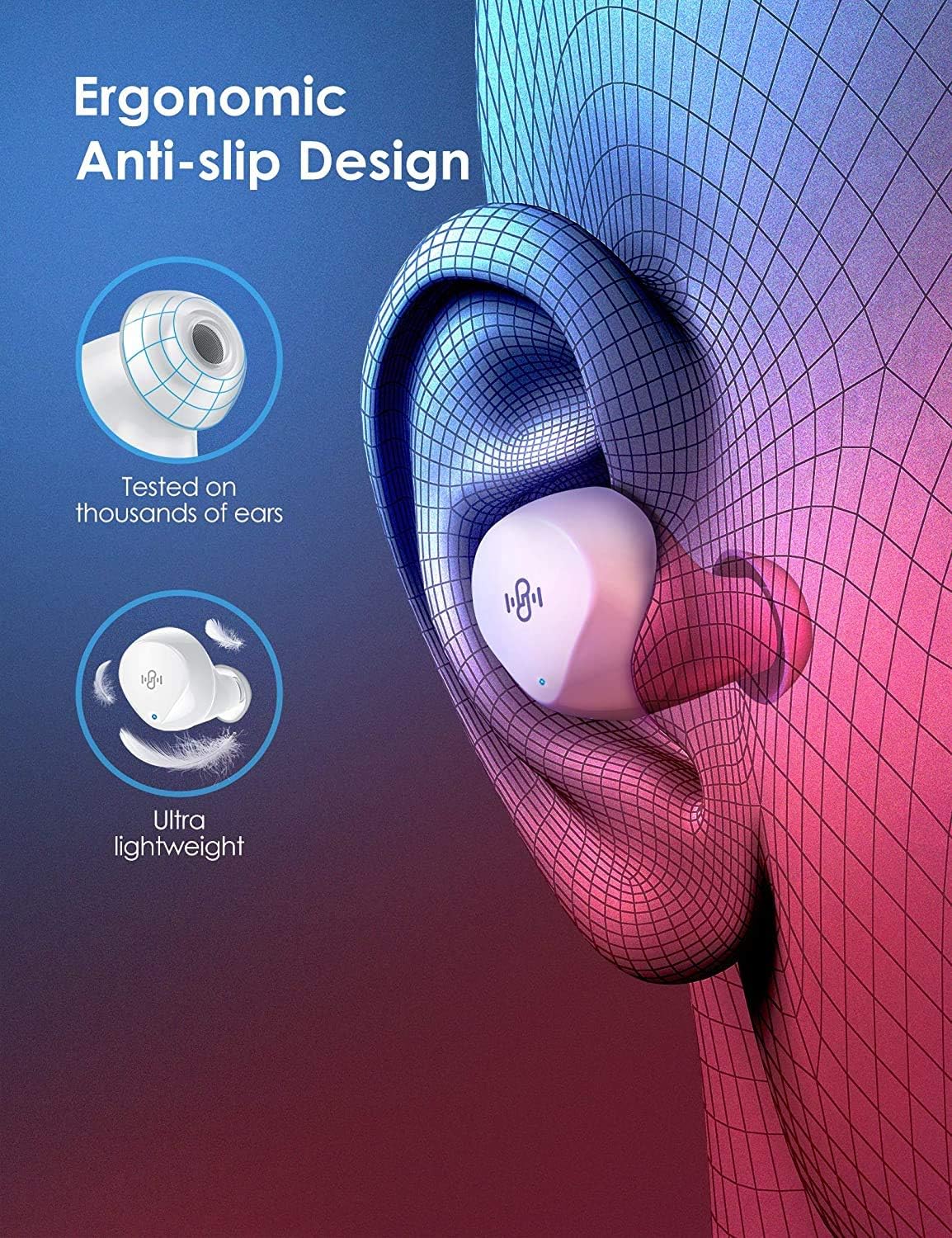
Image 3.2: Ergonomic Anti-slip Design. This graphic illustrates how the earbud fits securely within the ear, emphasizing its lightweight and anti-slip properties for comfortable use.
3.2 Sound Quality
Equipped with graphene drivers and highly sensitive diaphragms, these earbuds deliver stereophonic audio with deep bass, minimizing signal loss for a responsive sound experience.
Image 3.3: Hi-Fi Sound Perfected. This image visually represents the immersive audio experience, highlighting powerful deep bass and a wider soundstage.
3.3 Connectivity and Microphones
The earbuds utilize Bluetooth 5.1 technology for stable and fast connections up to 15 meters (50 feet) without obstacles. Each earbud incorporates two microphones, working together with a noise-suppressed algorithm to ensure clear voice pickup during calls by isolating your voice from background noise.
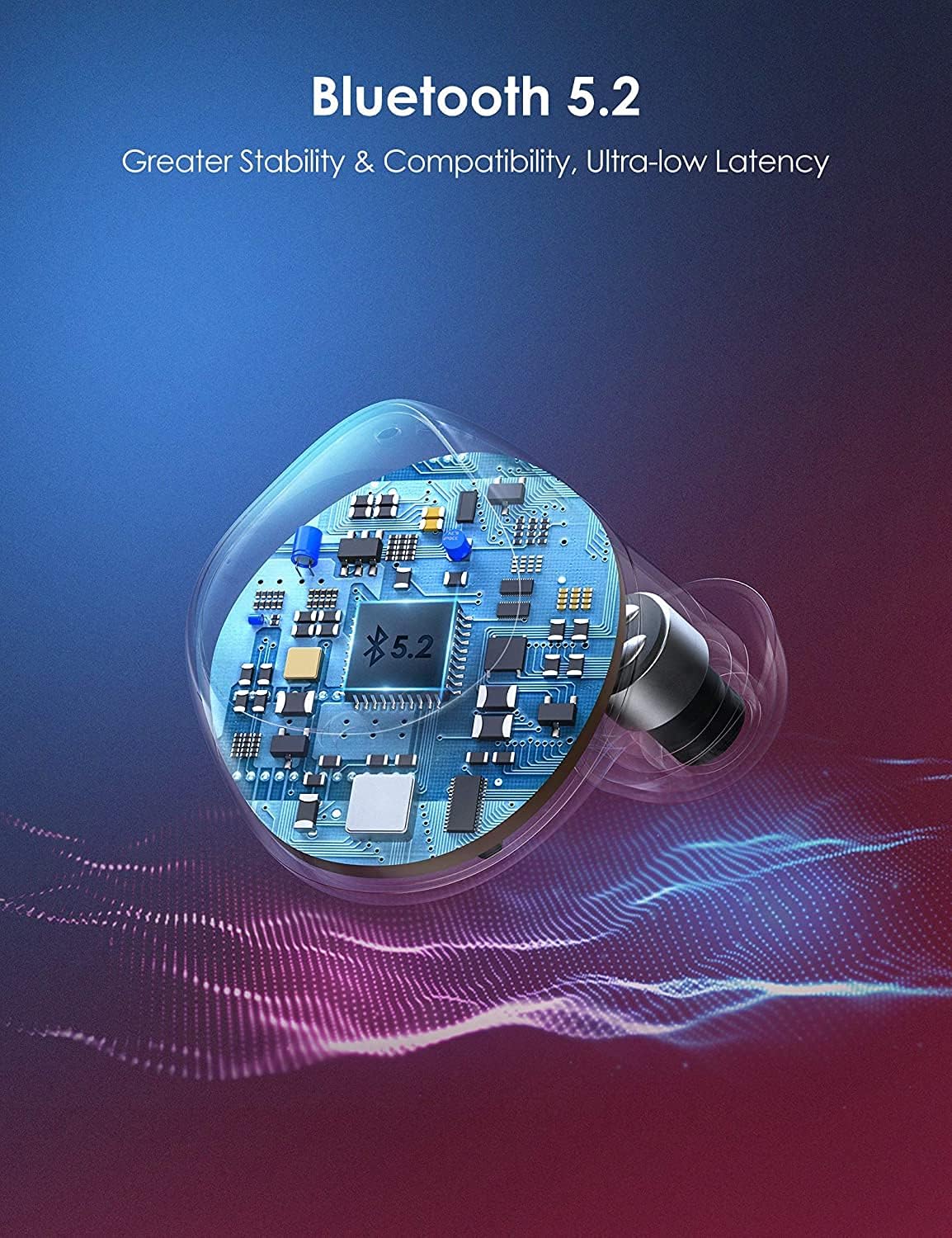
Image 3.4: Internal Bluetooth Chip. This image provides a close-up view of the internal circuitry, illustrating the advanced Bluetooth chip responsible for stable wireless communication.

Image 3.5: Dual Microphones. This graphic depicts the placement and function of the dual microphones on the earbuds, emphasizing their role in picking up voice clearly and isolating external noise.
3.4 Durability
The earbuds are IPX8 waterproof, offering resistance to sweat, water, and rain, making them suitable for various activities.

Image 3.6: IPX8 Waterproof. This image highlights the earbuds' IPX8 waterproof rating, indicating their resistance to water exposure.
4. Setup
4.1 Initial Charging
Before first use, fully charge the charging case and earbuds.
- Connect the USB-C charging cable to the charging port on the case and to a 5V DC power source.
- The charging indicator on the case will show charging status. A full charge for the case takes approximately 1.5 hours.
- Place the earbuds into the charging case. They will begin charging automatically. Earbuds charge fully in approximately 1.5 hours.
A 10-minute rapid charge provides approximately 1 hour of playtime.

Image 4.1: Battery Life and Charging Overview. This graphic illustrates the battery performance, showing 6 hours of playback per charge, 34 hours additional with the charging case, and 1.5 hours for a full case charge, totaling 40 hours.
4.2 Pairing with Your Device
The Boltune BT-BH021W earbuds feature one-step pairing for convenience.
- Ensure the earbuds are charged.
- Open the charging case. The earbuds will automatically power on and enter pairing mode.
- On your device (smartphone, tablet, etc.), enable Bluetooth and search for new devices.
- Select "Boltune BT-BH021" from the list of available devices.
- Once connected, a voice prompt will confirm successful pairing.
The earbuds will automatically reconnect to the last paired device when removed from the case, if Bluetooth is enabled on the device.

Image 4.2: Easy and Fast Connect. This image demonstrates the one-step pairing process, showing a smartphone's Bluetooth settings screen with the "Boltune BT-BH021" device listed as connected.
5. Operating Instructions
The Boltune BT-BH021W earbuds are controlled via touch sensors on each earbud.
5.1 Power On/Off
- Power On: Open the charging case, or long-press the touch control area on both earbuds for 2 seconds if they are outside the case and off.
- Power Off: Place the earbuds back into the charging case and close the lid, or long-press the touch control area on both earbuds for 5 seconds.
5.2 Music Playback
- Play/Pause: Single tap on either earbud.
- Next Track: Double tap the right earbud.
- Previous Track: Double tap the left earbud.
5.3 Call Management
- Answer/End Call: Single tap on either earbud.
- Reject Call: Long-press on either earbud for 2 seconds.
5.4 Voice Assistant
- Activate Voice Assistant: Triple tap on either earbud.
5.5 Volume Control
- Increase Volume: Long-press the right earbud.
- Decrease Volume: Long-press the left earbud.
5.6 Single/Twin Mode
You can use either earbud independently (Single Mode) or both together (Twin Mode).
- Single Mode: Simply take one earbud out of the charging case. It will automatically connect to your device.
- Twin Mode: Take both earbuds out of the charging case. They will automatically connect to each other and then to your device.
6. Maintenance
6.1 Cleaning
- Regularly clean the earbuds and charging case with a soft, dry, lint-free cloth.
- Do not use harsh chemicals, cleaning solvents, or strong detergents.
- Ensure charging contacts on both earbuds and case are clean and dry to prevent charging issues.
6.2 Storage
- When not in use, store the earbuds in their charging case to protect them and keep them charged.
- Avoid storing in extreme temperatures (hot or cold) or in highly humid environments.
6.3 Battery Care
- To preserve battery life, charge the earbuds and case at least once every 3 months if not used regularly.
- Avoid fully depleting the battery frequently.
7. Troubleshooting
If you encounter issues with your Boltune BT-BH021W earbuds, refer to the following common solutions:
- Earbuds not pairing with device:
- Ensure earbuds are charged and out of the case.
- Turn off and on Bluetooth on your device.
- Delete "Boltune BT-BH021" from your device's Bluetooth list and attempt to pair again.
- Reset the earbuds (refer to the full product manual for specific reset instructions if needed).
- Only one earbud working:
- Place both earbuds back into the charging case, close the lid, and then take them out again simultaneously.
- Ensure both earbuds are charged.
- No sound:
- Check the volume level on both your device and the earbuds.
- Ensure the earbuds are properly connected to your device.
- Try playing audio from a different application or source.
- Earbuds not charging:
- Ensure the charging cable is securely connected to both the case and the power source.
- Verify the power source is active.
- Clean the charging contacts on the earbuds and inside the case with a dry cotton swab.
8. Specifications
| Feature | Specification |
|---|---|
| Model Number | BT-BH021W |
| Bluetooth Standard | V5.1 |
| Wireless Profile | HFP, A2DP, HSP, AVRCP |
| Operating Range | 15 meters (50 feet) without obstacles |
| Charging Time (Earbuds) | Approx. 1.5 hours |
| Charging Time (Case) | Approx. 1.5 hours |
| Charging Voltage | DC 5V |
| Total Playtime | Up to 40 hours (with charging case) |
| Playtime per Charge | Up to 6 hours |
| Rapid Charge | 10 mins charge for 1 hour playtime |
| Water Resistance | IPX8 |
| Control Method | Touch |
| Microphones | 4 (2 per earbud) with CVC 8.0 Noise Suppression |
| Earbud Weight | Approx. 5.66 g (0.2 oz) per earbud |
| Connector Type | USB Type C (for charging case) |
9. Warranty and Support
Boltune products are designed and manufactured to high-quality standards. For warranty information, technical support, or customer service inquiries, please refer to the contact information provided with your purchase or visit the official Boltune website. Please have your model number (BT-BH021W) and purchase details ready when contacting support.