
EKASN MP02
EKASN Portable Movie Projector MP02 User Manual
Brand: EKASN | Model: MP02
1. Introduction
Welcome to the EKASN Portable Movie Projector MP02 user manual. This guide provides essential information to help you set up, operate, and maintain your projector for an optimal home entertainment experience. Please read this manual thoroughly before using the product and retain it for future reference.
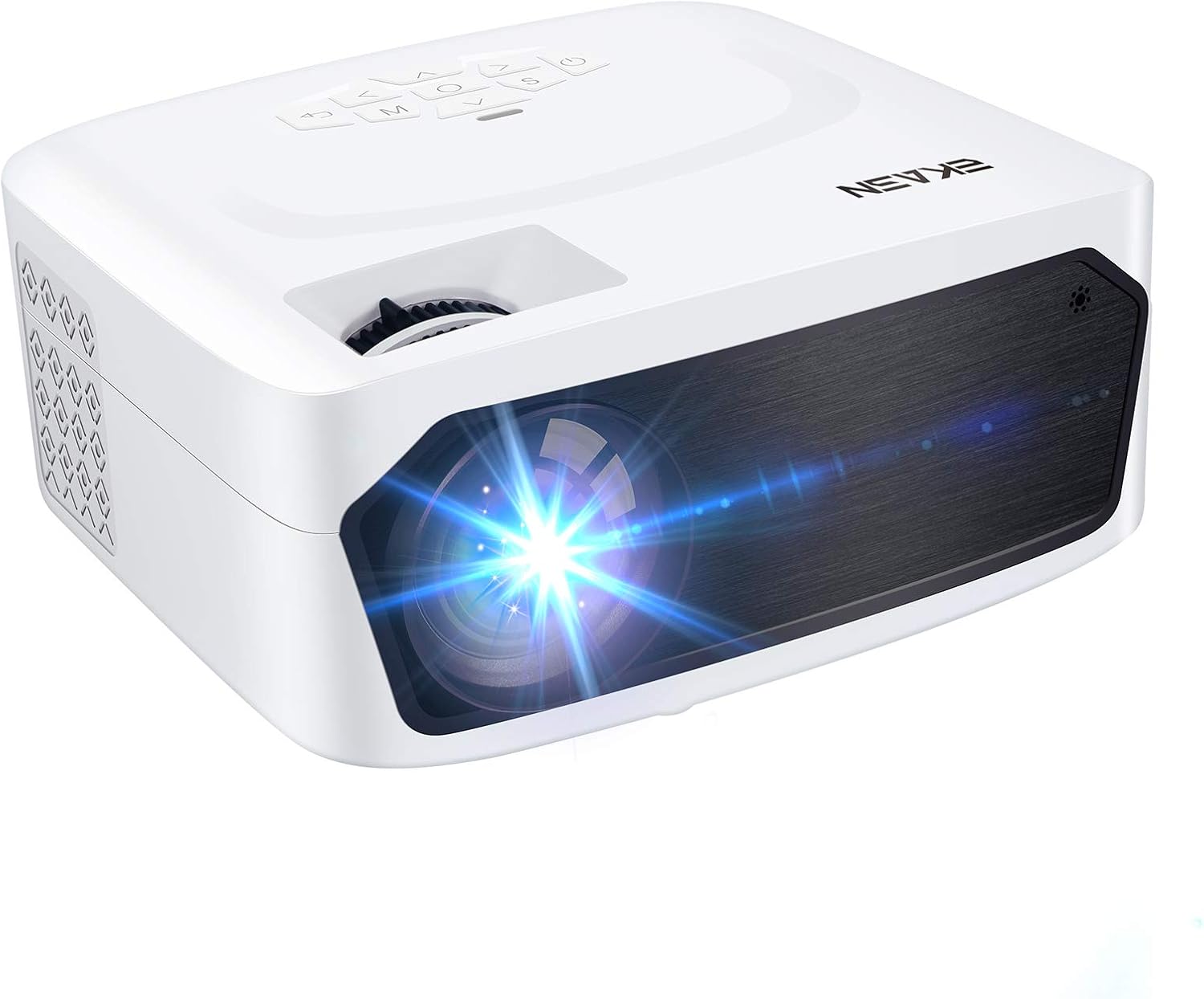
Image 1.1: The EKASN Portable Movie Projector MP02, a compact and versatile device designed for home theater and outdoor entertainment.
2. Important Safety Instructions
- Do not block the ventilation openings. Ensure adequate space around the projector for proper airflow.
- Do not expose the projector to rain or moisture to prevent fire or electric shock.
- Use only attachments/accessories specified by the manufacturer.
- Unplug the projector during lightning storms or when unused for long periods.
- Refer all servicing to qualified service personnel.
- Avoid looking directly into the projector lens when the lamp is on.
3. Package Contents
Please check the box for the following items:
- EKASN Portable Movie Projector MP02
- Power Cable
- Remote Control
- HDMI Cable
- AV Cable
- User Manual
4. Product Overview
Familiarize yourself with the various parts and functions of your EKASN projector.

Image 4.1: This image highlights the flexible adjustment features of the EKASN projector, including the keystone correction and focus adjustment dials, which are crucial for achieving vivid and clear images.
Key components include:
- Lens: Projects the image onto the screen.
- Focus Ring: Adjusts image clarity.
- Keystone Correction: Corrects trapezoidal distortion of the image.
- Control Panel: Buttons for navigation and settings.
- Input Ports: HDMI, VGA, AV, USB for connecting various devices.
- Built-in Speaker: Provides audio output.
5. Setup
5.1 Placement
Place the projector on a stable, flat surface. Ensure the projector is positioned directly in front of the projection surface (wall or screen) for best results. The optimal projection distance ranges from 3.9ft to 8.2ft, providing a screen size from 50" to 120".

Image 5.1: This illustration demonstrates the adjustable big projection screen capability of the EKASN projector, showing various screen sizes achievable at different projection distances.
5.2 Power Connection
- Connect the power cable to the projector's power input.
- Plug the other end of the power cable into a power outlet.
- Press the power button on the projector or remote control to turn it on.
5.3 Focus and Keystone Adjustment
After powering on, adjust the focus and keystone correction for a clear, rectangular image.
- Focus: Rotate the focus ring on the projector lens until the image appears sharp and clear.
- Keystone: Use the keystone correction dial to adjust the image if it appears trapezoidal (wider at the top or bottom).
6. Operating Instructions
6.1 Connecting Devices
The EKASN MP02 projector supports multiple input sources:

Image 6.1: This image illustrates the broad compatibility of the EKASN projector, showing connections to smart phones/tablets, DVD players, Chromecast, Fire TV, PS4, flash drives, and external audio systems.
- HDMI: Connect your laptop, game console (PS4, Xbox), Fire TV Stick, or other HDMI-enabled devices using an HDMI cable. Select 'HDMI' as the input source.
- VGA: Connect older computers or devices using a VGA cable. Select 'VGA' as the input source.
- AV: Use the included AV cable to connect devices with RCA outputs (e.g., DVD players). Select 'AV' as the input source.
- USB: Insert a USB flash drive to play media files (videos, photos, music). Select 'USB' as the input source and navigate to your files.
6.2 Screen Mirroring (via HDMI)
To mirror your smartphone screen, an additional adapter is required (not included):

Image 6.2: This image demonstrates the screen mirroring capability of the EKASN projector, showing how to connect an iPhone (with a Lightning to HDMI adapter) and an Android phone (with a Micro USB/Type C to HDMI adapter) to the projector for displaying content.
- For iPhone: Use a Lightning to HDMI adapter.
- For Android Phone: Use a Micro USB/Type C to HDMI adapter.
Connect the adapter to your phone, then connect an HDMI cable from the adapter to the projector. Select 'HDMI' as the input source.
6.3 Audio Output
The projector features a built-in stereo speaker for convenient audio playback. For enhanced sound quality, you can connect external speakers or headphones using the 3.5mm audio output jack.
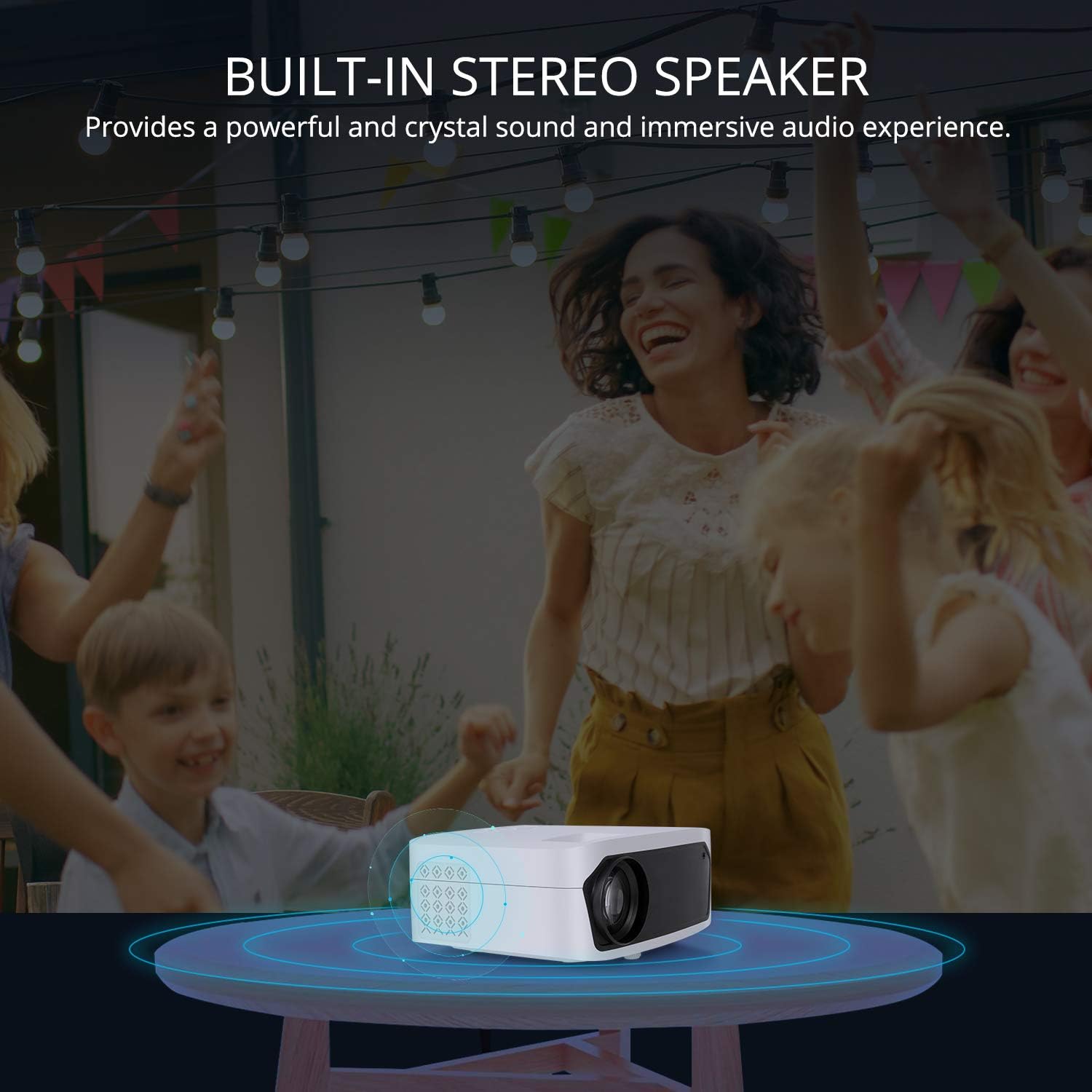
Image 6.3: This image illustrates the built-in stereo speaker feature of the EKASN projector, emphasizing its ability to provide powerful and clear sound for an immersive audio experience.
7. Maintenance
- Lens Cleaning: Use a soft, lint-free cloth or lens cleaning paper to gently wipe the projector lens. Avoid abrasive materials or harsh chemicals.
- Ventilation: Regularly check and clean the ventilation openings to prevent dust buildup, which can affect performance and lifespan. Use a soft brush or compressed air.
- Storage: When not in use, store the projector in a cool, dry place, away from direct sunlight and extreme temperatures.
8. Troubleshooting
| Problem | Possible Cause | Solution |
|---|---|---|
| No image on screen | Incorrect input source selected; Loose cable connection; Power issue. | Select the correct input source (HDMI, VGA, AV, USB). Check all cable connections. Ensure the projector is powered on. |
| Image is blurry | Focus not adjusted; Projector too close/far from screen. | Adjust the focus ring on the lens. Adjust projection distance. |
| Image is trapezoidal | Keystone not adjusted; Projector not perpendicular to screen. | Adjust the keystone correction dial. Reposition the projector. |
| No sound | Volume too low; Muted; External audio device not connected properly. | Increase volume. Unmute the projector. Check external audio connections. |
| Remote control not working | Batteries low/dead; Obstruction between remote and projector. | Replace batteries. Ensure no obstructions and point remote directly at the IR receiver. |
9. Specifications
| Feature | Detail |
|---|---|
| Brand | EKASN |
| Model Number | MP02 |
| Display Resolution | 1920 x 1080 (Full HD Supported) |
| Connectivity Technology | HDMI, USB, VGA, AV |
| Special Features | Built-In Speaker, Portable |
| Speaker Type | Built-In, Stereo |
| Item Weight | 3.23 pounds |
| Package Dimensions | 11.42 x 8.23 x 4.92 inches |
| Color | White |
| Recommended Uses | Home Entertainment |
10. Warranty and Support
EKASN products are designed and manufactured to the highest quality standards. For information regarding warranty coverage, technical support, or service inquiries, please refer to the warranty card included in your package or visit the official EKASN website.
For further assistance, please contact EKASN Customer Service:
- Website: www.ekasn.com (placeholder)
- Email: support@ekasn.com (placeholder)
Related documentsMP02

Ask a question about this manual
Ask about setup, troubleshooting, compatibility, parts, safety, or missing instructions. Manuals+ will review the question and use this page’s manual context to help answer it.