
1. Introduction
Thank you for choosing the Klarstein Wonderwall Air Art Smart Infrared Heating Panel. This manual provides essential information for the safe and efficient installation, operation, and maintenance of your new heating device. Please read these instructions thoroughly before use and retain them for future reference.
The Klarstein Wonderwall Air Art Smart is an infrared heating panel designed for efficient and comfortable heating of indoor spaces. It features smart control capabilities, a decorative design, and operates silently without circulating dust.
2. Safety Instructions
Always observe the following safety precautions to prevent electric shock, fire, injury, or damage to the appliance.
- Read all instructions before using this heater.
- This heater is hot when in use. To avoid burns, do not let bare skin touch hot surfaces.
- Keep combustible materials, such as furniture, pillows, bedding, papers, clothes, and curtains at least 3 feet (0.9 meters) from the front of the heater and keep them away from the sides and rear.
- Extreme caution is necessary when any heater is used by or near children or invalids and whenever the heater is left operating and unattended.
- Do not operate any heater with a damaged cord or plug or after the heater malfunctions, has been dropped or damaged in any manner. Return heater to authorized service facility for examination, electrical or mechanical adjustment, or repair.
- Do not use outdoors.
- This heater is not intended for use in bathrooms, laundry areas, and similar indoor locations. Never locate heater where it may fall into a bathtub or other water container. The device has an IP44 rating, making it splash-proof, but it should not be submerged or exposed to direct water jets.
- Do not run cord under carpeting. Do not cover cord with throw rugs, runners, or similar coverings. Arrange cord away from traffic area and where it will not be tripped over.
- To disconnect heater, turn controls to off, then remove plug from outlet.
- Do not insert or allow foreign objects to enter any ventilation or exhaust opening as this may cause an electric shock or fire, or damage the heater.
- To prevent a possible fire, do not block air intakes or exhaust in any manner. Do not use on soft surfaces, like a bed, where openings may become blocked.
- A heater has hot and arcing or sparking parts inside. Do not use it in areas where gasoline, paint, or flammable vapors or liquids are used or stored.
- Use this heater only as described in this manual. Any other use not recommended by the manufacturer may cause fire, electric shock, or injury to persons.
- Always plug heaters directly into a wall outlet/receptacle. Never use with an extension cord or relocatable power tap (outlet/power strip).
- Ensure the power supply voltage matches the rating label on the appliance.
3. Product Overview
The Klarstein Wonderwall Air Art Smart Infrared Heating Panel combines efficient heating with a decorative design. It utilizes IR ComfortHeat technology to directly warm objects and people, similar to natural sunlight, without heating the air directly. This results in a comfortable, dust-free, and silent heating experience.

Image 1: Klarstein Wonderwall Air Art Smart Infrared Heating Panel with 'Blue Waves in Kanagawa' design.
Key Features:
- Smart Home Integration: Control the device conveniently via the Klarstein app, including voice control via Alexa or Google Assistant.
- IR ComfortHeat Technology: Warms people, furniture, and walls directly with healthy infrared rays, providing a pleasant warmth.
- Silent and Dust-Free Operation: The infrared panel heats without a fan, making it ideal for allergy sufferers and noise-sensitive environments.
- Efficient Heating: 350 watts of power with 98% energy conversion into heat rays, suitable for areas up to approximately 7m².
- Decorative Design: Features a graphic design surface, making it a stylish addition to any room.
- Splash-Proof: Protection class IP44, suitable for use in bathrooms and other damp areas.
- Integrated Controls: Equipped with a thermostat and weekly timer for precise temperature management and scheduling.
- OpenWindow Detection: Automatically shuts off the heater when an open window is detected, saving energy.
- Space-Saving Design: Flat panel for wall hanging, minimizing space requirements.
4. Setup and Installation
The Klarstein Wonderwall Air Art Smart is designed for wall mounting. Ensure you have the necessary tools and follow these steps carefully.
4.1 Unpacking
- Carefully remove the heating panel and all accessories from the packaging.
- Check for any damage during transit. If damage is found, do not use the product and contact your supplier.
- Retain the packaging for future storage or transport.
4.2 Wall Mounting
The package includes mounting material for easy installation.
- Choose a suitable location on a wall, ensuring it is free from obstructions and combustible materials. The panel should be mounted securely.
- Use the provided mounting template (if available) or measure the mounting points on the back of the panel.
- Drill holes in the wall at the marked positions. Ensure the drill bit size is appropriate for the wall plugs.
- Insert the wall plugs into the drilled holes.
- Secure the mounting brackets or screws into the wall plugs.
- Carefully hang the heating panel onto the secured brackets/screws, ensuring it is level and firmly attached to the wall.

Image 2: Dimensions of the heating panel (60 x 60 cm).
4.3 Electrical Connection
Connect the power cable to a suitable electrical outlet. Ensure the outlet provides 220-240V~| 50Hz and is properly grounded. Do not use extension cords.
4.4 App Connection (Smart Control)
To utilize the smart features, connect your heating panel to your local WiFi network.
- Download the Klarstein App from your smartphone's app store (available for iOS and Android).
- Register or log in to your Klarstein account.
- Follow the in-app instructions to add a new device. This typically involves putting the heating panel into pairing mode (refer to the panel's LCD display or manual controls for this option) and connecting it to your home WiFi network.
- Once connected, you can control the heating panel remotely via the app and integrate it with voice assistants like Alexa or Google Assistant.

Image 3: Conveniently control multiple devices via the Klarstein app.
5. Operating Instructions
The Klarstein Wonderwall Air Art Smart can be operated manually via its control panel or remotely via the Klarstein app and voice control.
5.1 Manual Control
The heating panel features an LCD display and control buttons for direct operation.

Image 4: Control panel with LCD display and app interface.
- Power Button: Press to turn the heater on or off.
- Temperature Adjustment: Use the '+' and '-' buttons to set the desired room temperature (range: 0-37°C).
- Mode/Function Button: Cycle through different modes or access settings like the weekly timer.
- LCD Display: Shows current room temperature, set temperature, timer settings, and other status indicators.
5.2 App Control and Voice Control
Once connected to the Klarstein app, you can access all functions remotely.
- Remote On/Off: Turn the heater on or off from anywhere.
- Temperature Setting: Adjust the target temperature via the app.
- Weekly Timer: Program specific heating schedules for each day of the week.
- OpenWindow Detection: Enable or disable this feature. When active, the heater will automatically shut off if a sudden drop in temperature (indicating an open window) is detected, conserving energy.
- Voice Control: Integrate with Amazon Alexa or Google Assistant for hands-free operation. Follow the instructions in the Klarstein app to link your device to your preferred voice assistant.
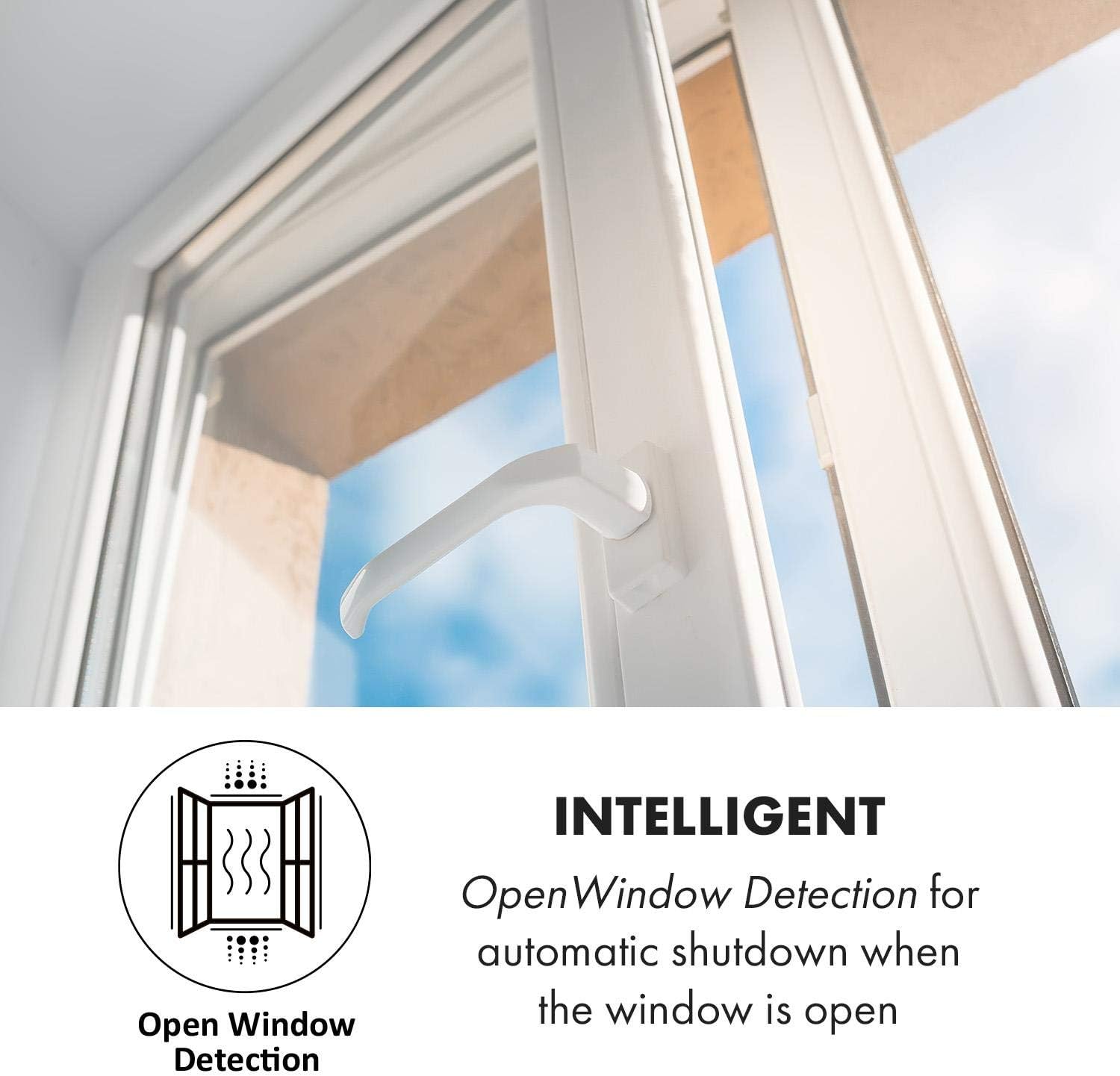
Image 5: OpenWindow Detection feature.
5.3 IR ComfortHeat Principle
The infrared panel emits healthy infrared rays that directly warm objects and surfaces in the room, rather than heating the air. This creates a comfortable and even warmth, similar to sunlight.

Image 6: Explanation of IR ComfortHeat technology.

Image 7: The heater operates without dust or noise, ideal for sensitive areas.
6. Maintenance
Regular cleaning and proper care will ensure the longevity and efficient operation of your heating panel.
6.1 Cleaning
- Always unplug the heater from the power outlet and allow it to cool completely before cleaning.
- Wipe the exterior surface with a soft, damp cloth. Do not use abrasive cleaners, solvents, or harsh chemicals, as these can damage the surface.
- Ensure no water enters the internal components of the heater.
- Dry the heater thoroughly before plugging it back in.
6.2 Storage
If the heater is not used for an extended period, store it in a cool, dry place, preferably in its original packaging, away from direct sunlight and moisture.
7. Troubleshooting
If you encounter issues with your Klarstein Wonderwall Air Art Smart, refer to the following common problems and solutions.
- Heater does not turn on:
- Check if the power cord is securely plugged into a working outlet.
- Ensure the main power switch on the device (if present) is in the 'ON' position.
- Verify that the room temperature is below the set temperature.
- Check your home's circuit breaker.
- No heat output:
- Confirm the heater is powered on and the set temperature is higher than the ambient temperature.
- Ensure the OpenWindow Detection feature is not active due to an open window.
- App connectivity issues:
- Ensure your smartphone is connected to a 2.4 GHz WiFi network during the pairing process.
- Check if your WiFi router is working correctly and the signal strength is adequate where the heater is installed.
- Restart the heater and attempt the pairing process again.
- Ensure the Klarstein app is updated to the latest version.
- Heater turns off unexpectedly:
- The heater may have reached its set temperature.
- The OpenWindow Detection feature might have been triggered.
- The overheat protection may have activated. Unplug the heater, let it cool down for 30 minutes, and then plug it back in. If the issue persists, contact support.
If the problem persists after attempting these solutions, please contact Klarstein customer support for further assistance.
8. Technical Specifications
| Feature | Specification |
|---|---|
| Product Power | 350 Watts |
| Coverage Area | Up to 7m² |
| Protection Type | IP44 (Splash-proof) |
| Temperature Range | 0-37°C |
| Heat Panel Surface Temperature | 85 to 95 °C |
| Overheat Protection | Yes |
| Dimensions (W x H x D) | Approx. 60 x 60 x 5 cm |
| Cable Length | 150 cm |
| Weight | Approx. 3.6 kg (7.92 pounds) |
| Power Supply | 220-240V~| 50Hz |
| Mounting Type | Wall Mount |
| Special Feature | App Control, Voice Control, OpenWindow Detection |
| Color/Design | Blue Waves in Kanagawa |
9. Warranty and Support
For warranty information and customer support, please refer to the documentation provided with your purchase or visit the official Klarstein website. In case of technical issues or questions not covered in this manual, please contact Klarstein customer service.
You can find more information and support resources by visiting the KLARSTEIN Store on Amazon.


