
1. Introduction
Thank you for choosing the Rampage KB-R95 X-TITAN Gaming Mechanical Keyboard. This manual provides essential information for setting up, operating, maintaining, and troubleshooting your new keyboard. Please read this manual thoroughly before use to ensure optimal performance and longevity of your device.
2. Package Contents
- Rampage KB-R95 X-TITAN Gaming Mechanical Keyboard
- User Manual
3. Product Overview
The Rampage KB-R95 X-TITAN is a full-size mechanical gaming keyboard designed for performance and durability. It features responsive Red mechanical switches and customizable Full RGB LED backlighting, providing a dynamic gaming experience.
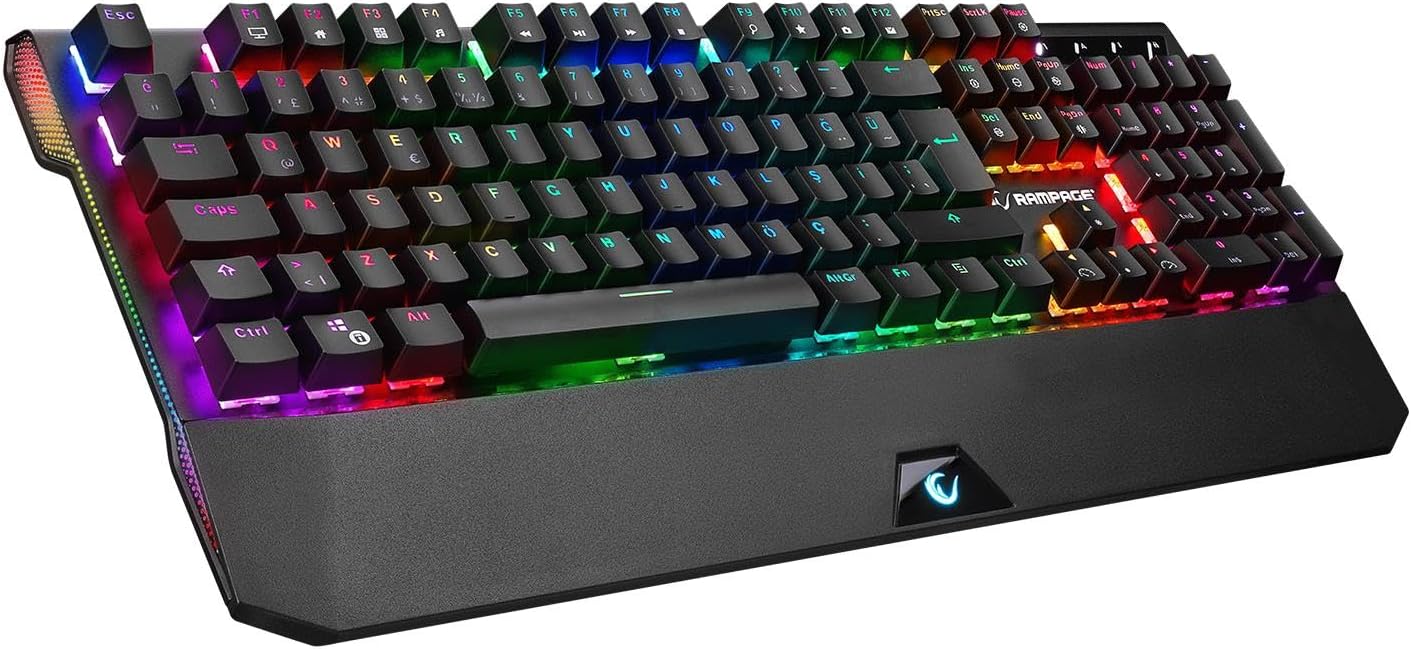
Figure 3.1: The Rampage KB-R95 X-TITAN Gaming Mechanical Keyboard showcasing its full RGB backlighting.
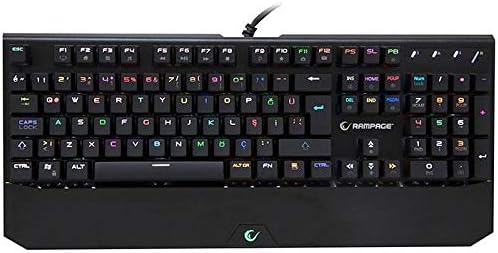
Figure 3.2: Top-down view illustrating the standard QWERTY layout of the KB-R95 X-TITAN keyboard.
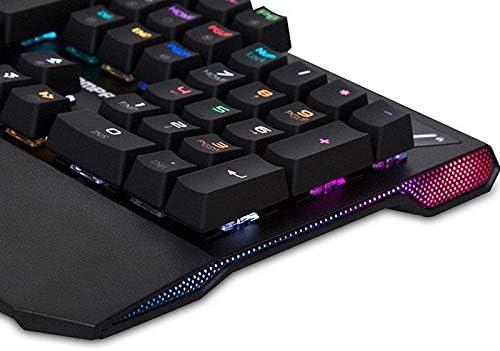
Figure 3.3: Detail of the integrated RGB lighting strip along the side of the keyboard, enhancing its aesthetic appeal.
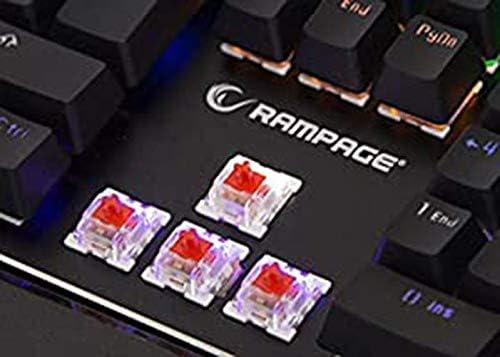
Figure 3.4: Close-up view of the Red mechanical switches, known for their linear feel and quick response.
4. Setup
- Unpack the Keyboard: Carefully remove the keyboard from its packaging.
- Connect to Computer: Plug the USB connector of the keyboard into an available USB port on your computer (desktop or laptop).
- Driver Installation: Your operating system (Windows, macOS, Linux) should automatically detect and install the necessary drivers. No additional software installation is typically required for basic functionality.
- Ready for Use: Once the drivers are installed, the keyboard is ready for use.
5. Operating Instructions
5.1 Basic Keyboard Functions
The KB-R95 X-TITAN functions as a standard QWERTY keyboard for typing and general computer use.
5.2 RGB Lighting Control
The keyboard features various RGB lighting modes and customization options. Use the Function (Fn) key in combination with specific keys to adjust the lighting:
- Fn + PrtSc (Print Screen): Cycle through different RGB lighting effects.
- Fn + Scroll Lock: Adjust the brightness of the backlighting (typically 5 levels).
- Fn + Pause Break: Change the speed of dynamic lighting effects.
- Fn + Up/Down Arrow: Adjust backlight brightness (alternative).
- Fn + Left/Right Arrow: Adjust lighting effect direction or color.
5.3 Multimedia and Function Keys
Utilize the Function (Fn) key in conjunction with the F-keys for multimedia control and other shortcuts:
- Fn + F1: My Computer
- Fn + F2: Search
- Fn + F3: Calculator
- Fn + F4: Media Player
- Fn + F5: Previous Track
- Fn + F6: Next Track
- Fn + F7: Play/Pause
- Fn + F8: Stop
- Fn + F9: Mute
- Fn + F10: Volume Down
- Fn + F11: Volume Up
- Fn + F12: Lock Keyboard
- Fn + Win Key: Lock/Unlock Windows Key (prevents accidental presses during gaming).
6. Maintenance
Proper maintenance ensures the longevity and performance of your keyboard.
- Cleaning: Use a soft, dry cloth to wipe the surface of the keyboard. For dust and debris between keycaps, use compressed air. Avoid using harsh chemicals or abrasive materials.
- Spills: In case of a liquid spill, immediately unplug the keyboard from your computer. Turn it upside down to drain as much liquid as possible. Allow it to dry completely for at least 24-48 hours before plugging it back in. Do not use a hairdryer as excessive heat can damage components.
- Storage: Store the keyboard in a cool, dry place away from direct sunlight and extreme temperatures.
7. Troubleshooting
If you encounter issues with your Rampage KB-R95 X-TITAN keyboard, refer to the following common solutions:
- Keyboard not responding:
- Ensure the USB cable is securely plugged into both the keyboard and the computer.
- Try plugging the keyboard into a different USB port.
- Restart your computer.
- Test the keyboard on another computer to determine if the issue is with the keyboard or the computer.
- RGB lighting not working or stuck:
- Ensure the keyboard is properly connected.
- Try cycling through lighting modes using Fn + PrtSc.
- Adjust brightness using Fn + Scroll Lock or Fn + Up/Down Arrow.
- Unplug and replug the keyboard to reset its lighting controller.
- Keys not registering:
- Clean the affected key area with compressed air to remove any debris.
- If a specific key is consistently failing, it might indicate a hardware issue.
8. Specifications
| Feature | Specification |
|---|---|
| Brand | Rampage |
| Model | KB-R95 X-TITAN |
| Connectivity | USB |
| Switch Type | Red Mechanical Switches |
| Lighting | Full RGB LED |
| Compatible Devices | Laptop, PC |
| Keyboard Layout | Gaming (QWERTY) |
9. Warranty and Support
For warranty information and technical support, please refer to the warranty card included with your product or visit the official Rampage website. Keep your purchase receipt as proof of purchase for warranty claims.

