
1. Introduction
Thank you for purchasing the JAM Retro Classic+ Bluetooth Speaker. This manual provides essential information for setting up, operating, and maintaining your speaker. Please read it thoroughly before use to ensure optimal performance and longevity of your device.
2. Package Contents
Verify that all items are present in your package:
- JAM Retro Classic+ Bluetooth Speaker
- USB Charging Cable
- Quick Start Guide
3. Setup
3.1 Charging the Speaker
Before first use, fully charge the speaker. Connect the provided USB charging cable to the speaker's USB port and the other end to a USB power adapter (not included) or a computer's USB port.
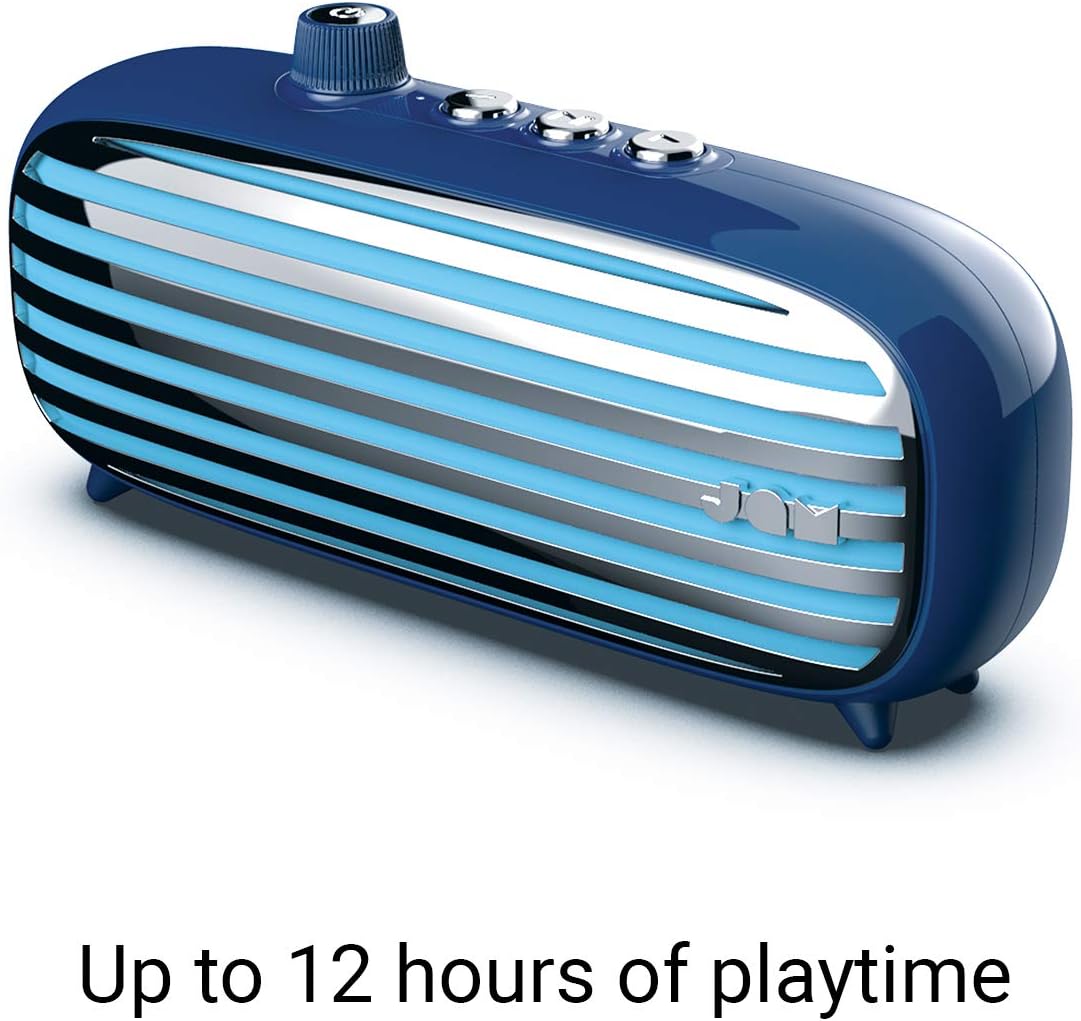
Image: The JAM Retro Classic+ Bluetooth Speaker in blue, with a USB charging cable connected to its side port, indicating the charging process.
3.2 Powering On/Off
To power on the speaker, press and hold the button located in the center of the volume dial on the front for approximately 4 seconds. The dial will light up in neon blue, and an audible sound will confirm it is powered on. To power off, press and hold the same button again.

Image: A blue JAM Retro Classic+ Bluetooth Speaker with its volume dial illuminated in blue, indicating it is powered on.
3.3 Bluetooth Pairing
Once powered on, the speaker will automatically enter Bluetooth pairing mode. On your device (smartphone, tablet, computer), enable Bluetooth and search for "JAM Vintage" in the list of available devices. Select it to pair. An audible confirmation will sound upon successful pairing.
4. Operation
4.1 Music Playback
- Play/Pause: Press the central play/pause button on the top of the speaker.
- Next Track: Press the forward button (right arrow) on the top.
- Previous Track: Press the back button (left arrow) on the top.
- Volume Control: Rotate the large dial on the front of the speaker to adjust the volume.
4.2 Speakerphone Functionality
When connected via Bluetooth to your smartphone, the speaker can be used as a speakerphone:
- Answer Call: Press the play/pause button once.
- End Call: Press the play/pause button once during a call.
- Reject Call: Press and hold the play/pause button.
4.3 Aux-in Connection
For non-Bluetooth devices, connect an audio cable (not included) from your device's headphone jack to the Aux-in port on the side of the speaker. The speaker will automatically switch to Aux-in mode.
5. Key Features
- Retro Design: Aesthetic inspired by classic vintage radios.
- 12 Hours Playtime: Enjoy extended music playback on a single charge.
- Bluetooth Connectivity: Seamless wireless audio streaming.
- Aux-in Port: Wired connection option for various devices.
- USB Charging: Convenient charging via standard USB.
- Speakerphone: Integrated microphone for hands-free calls.
- Stereo Pairing: Connect two Classic+ speakers for enhanced stereo sound.
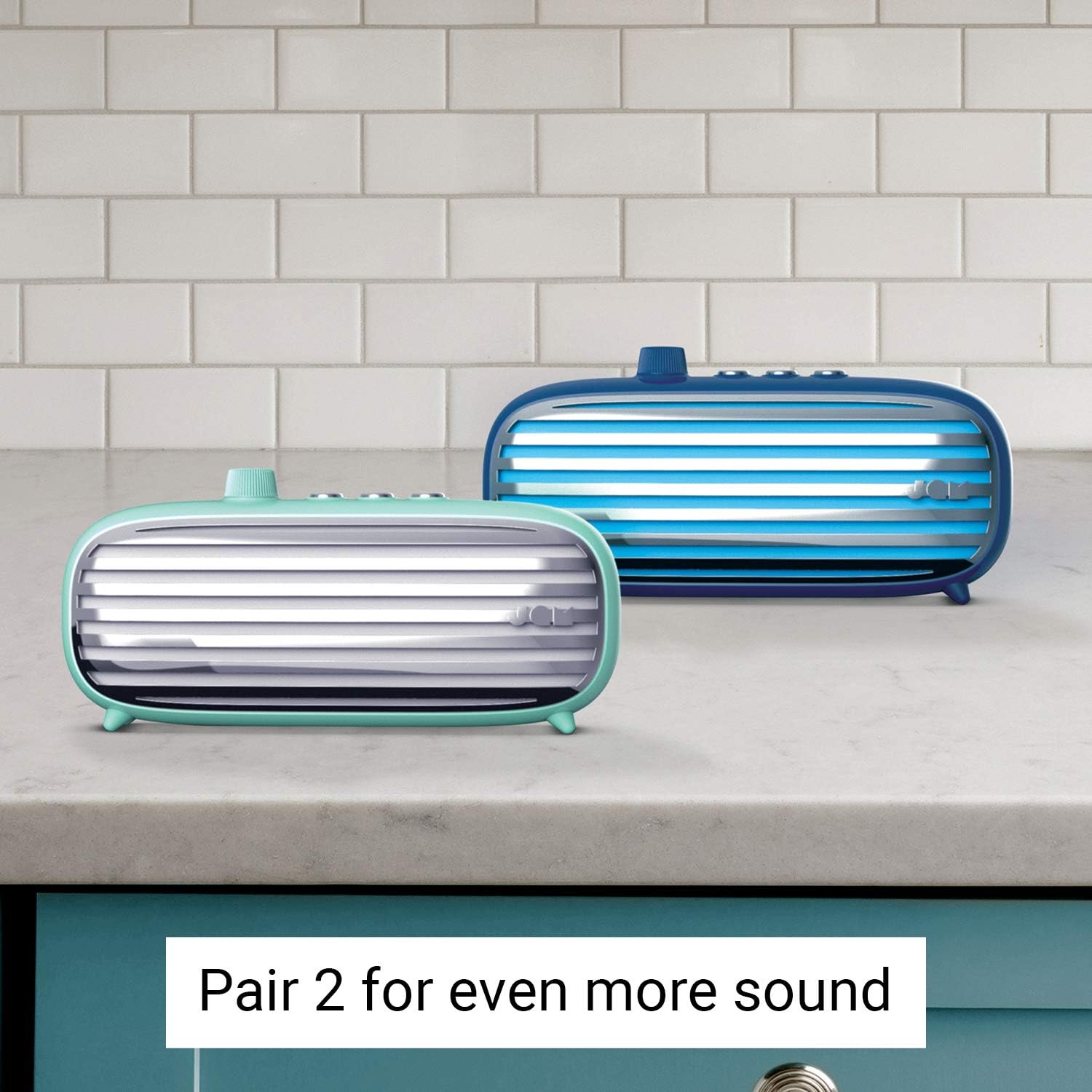
Image: Two JAM Retro Classic+ Bluetooth Speakers, one in blue and one in mint green, positioned side-by-side on a kitchen counter, demonstrating the stereo pairing feature.
6. Maintenance
- Cleaning: Use a soft, dry cloth to clean the speaker. Do not use abrasive cleaners or solvents.
- Storage: Store the speaker in a cool, dry place away from direct sunlight and extreme temperatures.
- Water Resistance: This speaker is not waterproof. Avoid exposure to water or moisture.
7. Troubleshooting
| Problem | Solution |
|---|---|
| Speaker does not power on. | Ensure the speaker is fully charged. Press and hold the power button for 4 seconds. |
| Cannot pair via Bluetooth. | Make sure Bluetooth is enabled on your device and the speaker is in pairing mode. Ensure no other devices are currently connected to the speaker. Try restarting both devices. |
| No sound. | Check the volume levels on both the speaker and your connected device. Ensure the correct input mode (Bluetooth or Aux-in) is selected. |
| Poor sound quality. | Move the speaker closer to your Bluetooth device to reduce interference. Ensure the audio source is of good quality. |
8. Specifications
- Model Number: HX-P425-BL
- Brand: Jam Audio
- Connectivity: Bluetooth, Auxiliary, USB
- Speaker Output Power: 6 Watts
- Audio Output Mode: Stereo
- Battery Life: Up to 12 Hours
- Control Method: Touch
- Power Source: Battery Powered (1 Lithium Ion battery included)
- Color: Blue
- GTIN/UPC: 031262097576
9. Warranty & Support
For warranty information and customer support, please refer to the official Jam Audio website or contact their customer service directly. Keep your purchase receipt for warranty claims.
Official Website: www.jamaudio.com

