
Introduction
This manual provides essential instructions for the safe and effective operation of your Andoer RGB Video Light. Please read this guide thoroughly before using the product and retain it for future reference. This compact and versatile LED light is designed for various photography and videography applications, offering adjustable color temperature, RGB modes, and a durable, portable design.
Safety Information
- Do not look directly at the light source when it is on, as it may cause eye strain or damage.
- Keep the device away from extreme temperatures, direct sunlight, and corrosive liquids.
- Do not disassemble or modify the product. Repairs should only be performed by authorized personnel.
- Ensure the charging cable and port are dry before connecting to a power source.
- This product has an IP65 waterproof rating, meaning it is protected against dust and low-pressure water jets. Do not immerse it in water.
- Keep out of reach of children.
Package Contents
Verify that all items are present in the package:
- 1 x RGB LED Light
- 1 x Type-C Charging Cable
- 1 x Storage Bag
- 1 x User Guide (English & Chinese)
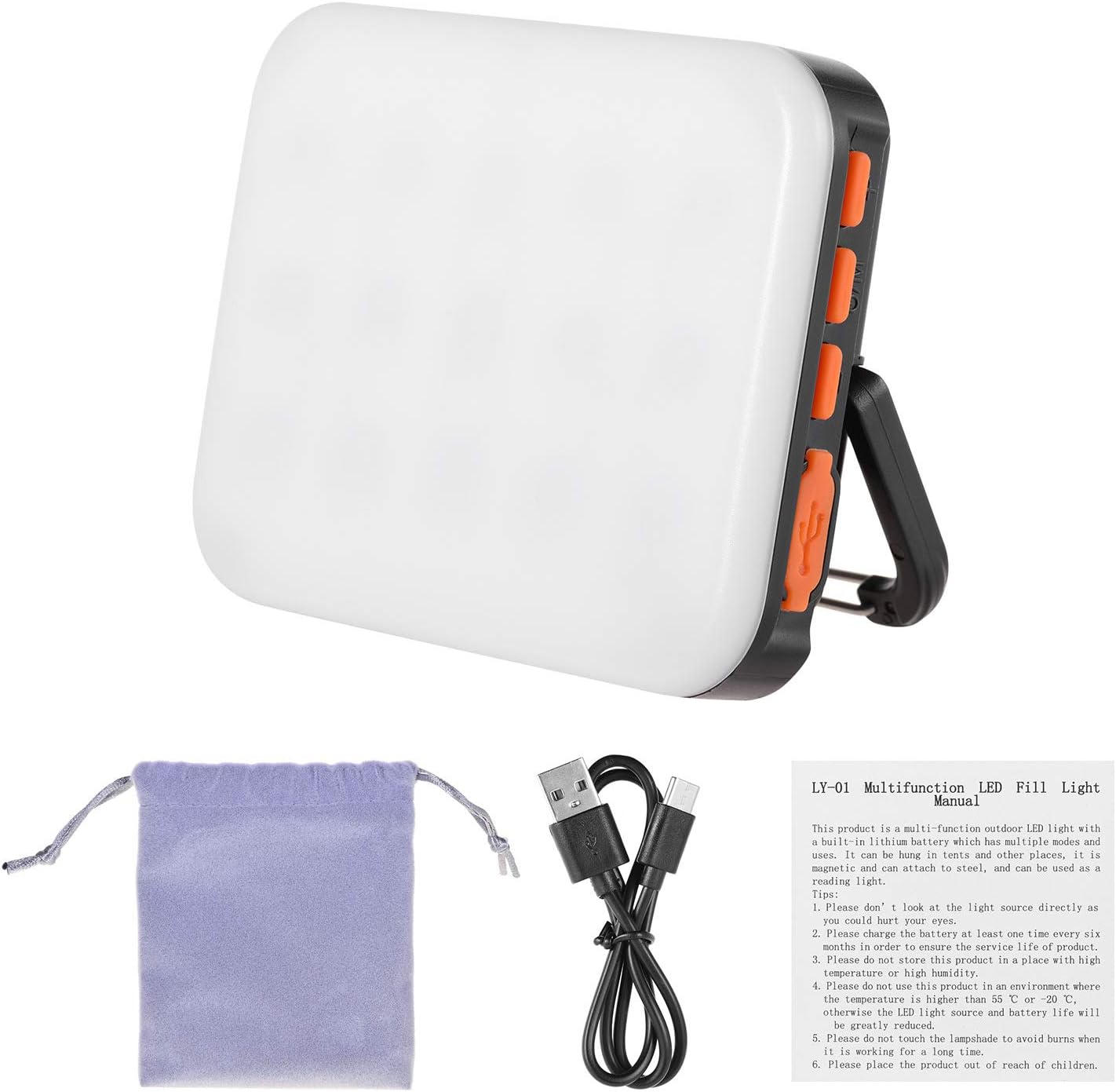
Image: Contents of the Andoer RGB Video Light package, showing the light unit, charging cable, storage bag, and user manual.
Product Overview
The Andoer RGB Video Light is a compact and powerful lighting solution. It features multiple lighting modes, including adjustable color temperature (CCT), Hue-Saturation-Intensity (HSI), and special effects like SOS and RGB color breathing. Its built-in rechargeable battery provides extended operation, and the Type-C charging port ensures convenient power replenishment. The light is designed for portability with a built-in magnet, a portable hook, and a 1/4-inch screw hole for versatile mounting.

Image: Side view of the light, highlighting the control buttons (Luminance+, Power/Mode, Luminance-), portable hook, and Type-C charging port.

Image: Demonstrating the light's portability and mounting options, including hands-free use with a hook, magnetic attachment, compact size, and easy carrying.
Setup
Charging the Battery
The device is equipped with a built-in 4500mAh rechargeable battery. Before first use, fully charge the light. Connect the supplied Type-C charging cable to the light's Type-C input port and the other end to a compatible USB power adapter (not included). A full charge typically takes approximately 2 hours. The charging indicator light will show the charging status.
Mounting Options
- 1/4-inch Screw Hole: Use the 1/4-inch screw hole located at the bottom of the light to attach it to tripods, camera cages, or other accessories with a 1/4-inch screw mount.
- Built-in Magnet: The integrated magnet on the back allows the light to be securely attached to any metallic surface.
- Portable Hook: Utilize the portable hook for hanging the light on various objects, providing hands-free operation.

Image: The 1/4-inch screw hole on the light, demonstrating its compatibility with tripods and camera mounts.
Operating Instructions
Power On/Off and Mode Selection
Press and hold the Pow / Mode button to turn the light on or off. Short press the Pow / Mode button to cycle through the available lighting modes: CCT (Correlated Color Temperature), HSI (Hue-Saturation-Intensity), SOS, and RGB.
Adjusting Brightness (Luminance)
Use the Luminance+ button to increase brightness and the Luminance- button to decrease brightness. Adjust the luminance to your desired level for optimal lighting.
CCT Mode (Color Temperature Adjustment)
In CCT mode, you can adjust the color temperature from 3200K (warm light) to 6500K (cool light). Use the Luminance+ and Luminance- buttons to cycle through the preset color temperatures: 3200K, 4000K, 4800K, 5600K, and 6500K.

Image: Visual representation of different color modes: HSI (Hue-Saturation-Intensity), CCT (Correlated Color Temperature), and WW (Warm White).
RGB Mode
In RGB mode, the light can display a wide spectrum of colors. Use the Luminance+ and Luminance- buttons to change the hue or saturation, depending on the specific RGB sub-mode. The light offers various vibrant color options for creative lighting effects.
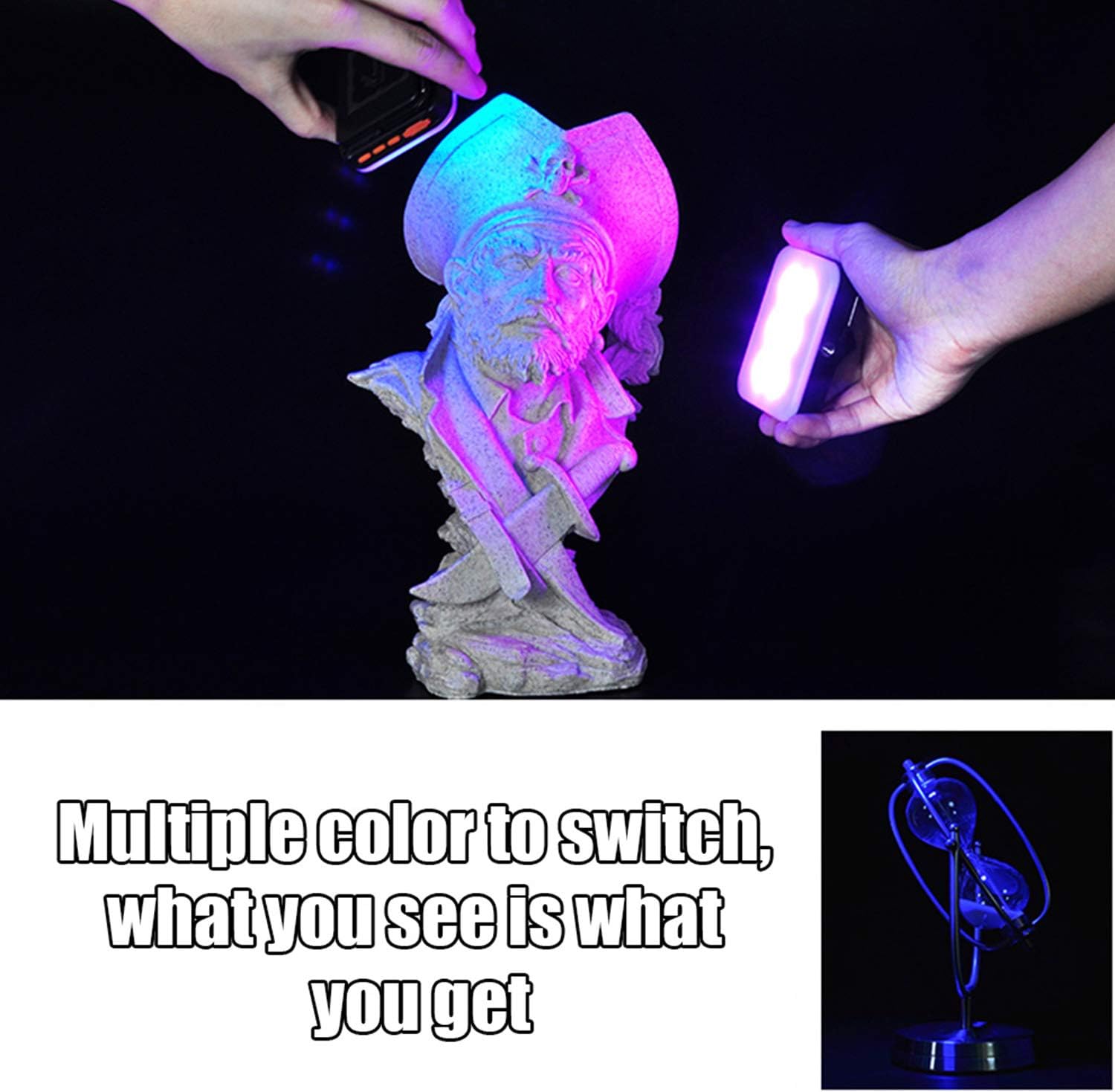
Image: Demonstrating the light's ability to produce multiple colors, allowing for diverse creative lighting.
SOS and Color Breathing Modes
The light includes special effects such as an SOS red flash for emergency signaling and a color breathing light mode for dynamic visual effects. Cycle through these modes using the Pow / Mode button.

Image: Examples of the SOS red flash and various color breathing light effects.
Maintenance
Cleaning
Wipe the light with a soft, dry cloth. Do not use harsh chemicals or abrasive cleaners, as they may damage the surface or internal components.
Battery Care
To prolong battery life, avoid fully discharging the battery frequently. If storing the light for an extended period, charge it to approximately 50% every three months. The battery is designed for a long lifespan, with up to 100 hours of operation at minimum brightness and 5 hours at maximum brightness.
Water Resistance
The light has an IP65 waterproof rating. This means it is protected from dust ingress and low-pressure water jets from any direction. It is suitable for use in light rain or dusty environments but should not be submerged in water.
Troubleshooting
- Light does not turn on: Ensure the battery is charged. Connect the light to a power source using the Type-C cable and try again.
- Battery not charging: Check if the Type-C cable is securely connected to both the light and the power adapter. Try a different Type-C cable or power adapter.
- Light output is dim or inconsistent: The battery might be low. Recharge the device. If the issue persists after charging, contact customer support.
- Controls are unresponsive: Try turning the device off and on again. If the problem continues, ensure the device is not exposed to extreme temperatures.
Specifications
| Feature | Specification |
|---|---|
| Model Number | LCB6289377705185AM |
| Input | TYPE-C 5V/1A (max) |
| Color Temperature | 3200K-4000K-4800K-5600K-6500K |
| Battery Capacity | 4500mAh |
| Working Hours (High Brightness) | Up to 5 hours |
| Working Hours (Low Brightness) | Up to 100 hours |
| Waterproof Grade | IP65 |
| Item Size | 8.5 x 6.6 x 2.1 cm / 3.35 x 2.6 x 0.83 inches |
| Item Weight | 110g / 3.8 oz (product only), 6.3 ounces (with packaging) |
| Connectivity Technology | USB |
| Hardware Interface | USB |
Warranty and Support
Andoer products are manufactured to high quality standards. For warranty information or technical support, please refer to the contact details provided with your purchase documentation or visit the official Andoer website. Please retain your proof of purchase for any warranty claims.