
Introduction
The iHome Zenergy Candle is a portable Bluetooth meditative light and sound therapy device designed to create a calming environment for sleep, meditation, or relaxation. It combines soothing sounds with dynamic LED lighting effects to enhance your well-being.
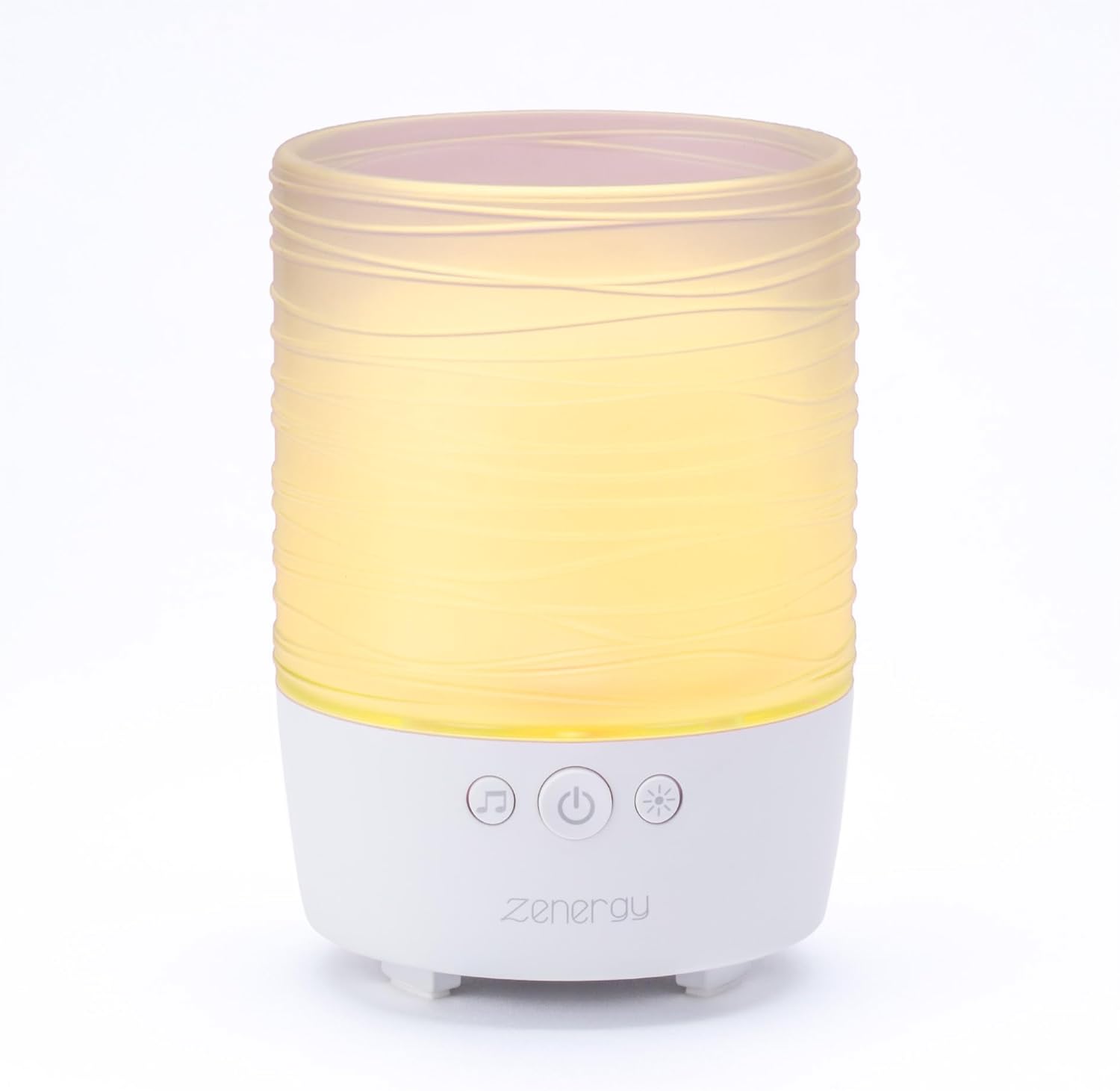
This manual provides detailed instructions on how to set up, operate, and maintain your Zenergy Candle to ensure optimal performance and a fulfilling user experience.
Safety Information
WARNING:
- To prevent injury, do not expose the battery compartment to moisture.
- Never insert foreign objects into the battery compartment.
- This product is intended for adult use only and should be kept out of the reach of children.
- Always use the volume control feature responsibly to avoid hearing damage.
Package Contents
Please check that all items are present in your package:
- iHome Zenergy Candle Unit
- USB Charging Cable
- User Manual (this document)
Controls and Indicators
Familiarize yourself with the buttons and ports on your Zenergy Candle:

- Power Button: Turns the unit on/off.
- Music/Sound Button: Cycles through sound therapy modes.
- Light Button: Cycles through light therapy modes and candle effect.
- Volume Buttons (+/-): Adjusts the sound volume.
- Bluetooth Button: Initiates Bluetooth pairing mode.
- Timer Button: Sets sleep timers for sound and light.
- USB Charging Port: For connecting the charging cable.
Setup
- Charge the Device: Before first use, fully charge your Zenergy Candle using the included USB charging cable. Connect the small end of the USB cable to the charging port on the unit and the larger end to a USB power adapter (not included) or a computer USB port. The charging indicator light will show charging status.
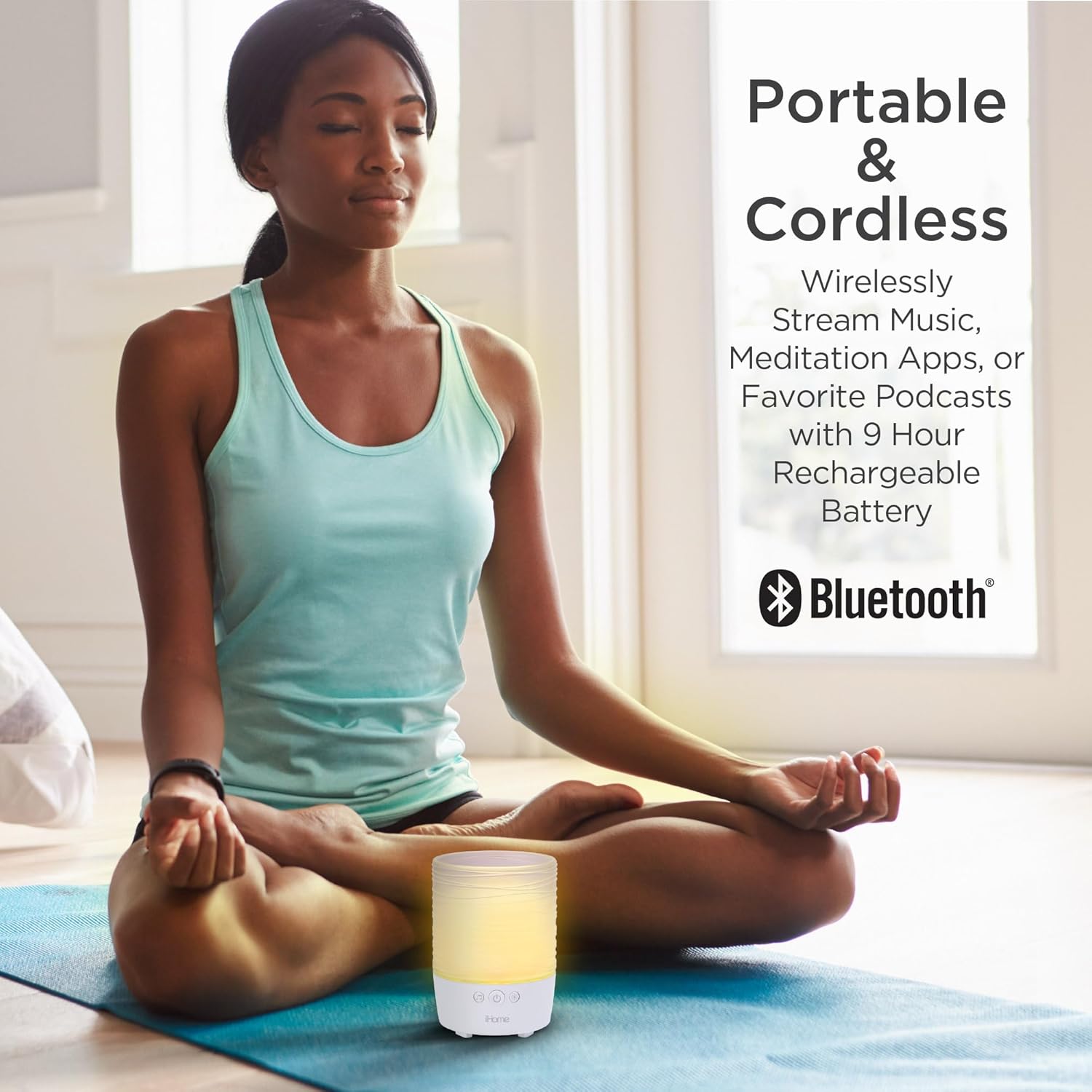
Figure 3: The Zenergy Candle is portable and rechargeable, providing up to 9 hours of audio on a full charge. - Power On: Press and hold the Power Button until the unit turns on.
Operating Instructions
Sound Therapy
The Zenergy Candle features 15 soothing, naturally-recorded environmental and white noise sounds designed to help your mind and body relax.

- Press the Music/Sound Button to cycle through the available sound modes.
- Adjust the volume using the Volume + and Volume - buttons.
- Sound types include: Air, Focus, Quiet, 4-7-8 Breathing, Ocean, Storm, Nature, Wind Chimes, Zen, Dream Tones, Peace, Meditation, Trance, and more.
Light Therapy
Experience ambient lighting with 5 built-in LED light therapy modes and a dynamic flame-effect candle lighting.

- Press the Light Button to cycle through the 5 LED light therapy modes. These modes provide ambient lighting to help you relax, meditate, and induce sleep.
- Continue pressing the Light Button to activate the dynamic flame-effect candle lighting, which simulates a real candle flicker without the safety risks.
- One of the light modes includes a pulse-to-music feature when connected via Bluetooth.

Bluetooth Pairing
Connect your smartphone, tablet, or other compatible device to the Zenergy Candle to wirelessly stream music, meditation apps, or your favorite podcasts.
- Ensure the Zenergy Candle is powered on.
- Press and hold the Bluetooth Button until the Bluetooth indicator light begins to flash, indicating it is in pairing mode.
- On your device, enable Bluetooth and search for "iHome Zenergy Candle" (or similar name).
- Select the Zenergy Candle from the list of available devices to pair. Once paired, the Bluetooth indicator light will become solid.
- You can now stream audio from your device to the Zenergy Candle.
Sleep Timer
Set a timer for the sound and light to automatically turn off after a set period, ideal for falling asleep.
- Press the Timer Button to cycle through available timer settings (e.g., 15, 30, 60, 90 minutes, or OFF).
- The selected timer duration will be indicated by the corresponding light or a voice prompt.
Official Product Video
Watch this official video for a visual guide on the iHome Zenergy Candle's features and operation.
Maintenance
To ensure the longevity and proper functioning of your iHome Zenergy Candle, follow these maintenance guidelines:
- Cleaning: Use a soft, dry cloth to clean the exterior of the unit. Do not use liquid cleaners or abrasive materials.
- Storage: When not in use for extended periods, store the unit in a cool, dry place away from direct sunlight and extreme temperatures.
- Battery Care: To preserve battery life, avoid fully discharging the battery frequently. Recharge the unit regularly, even if not in constant use.
Troubleshooting
If you encounter issues with your iHome Zenergy Candle, please refer to the following common problems and solutions:
| Problem | Possible Cause | Solution |
|---|---|---|
| Unit does not turn on or respond. | Battery is depleted; unit is frozen. | Charge the unit fully. If unresponsive, try resetting by holding the power button for 10 seconds or connecting/disconnecting the charger. |
| No sound or low volume. | Volume too low; sound mode not selected; Bluetooth device volume low. | Increase unit volume using the '+' button. Ensure a sound mode is active. Check volume on connected Bluetooth device. |
| Bluetooth pairing fails. | Unit not in pairing mode; device too far; interference. | Ensure unit is in pairing mode (flashing Bluetooth light). Move device closer to the unit. Turn off other Bluetooth devices to reduce interference. |
| Light effects not working. | Light mode not selected. | Press the Light Button to cycle through light modes. |
Specifications
- Product Dimensions: 3.55 x 3.55 x 4.85 inches; 14.89 ounces
- Item Model Number: iZBT110W
- ASIN: B08GCXF3LW
- Brand: iHome
- Color: White
- Material: Plastic
- Power Source: Battery Powered (Rechargeable)
- Battery Life: Up to 9 hours of audio
- Sound Modes: 15 soothing, naturally-recorded environmental and white noise sounds
- Light Modes: 5 LED light therapy modes, Flame-Effect Candle Lighting
- Connectivity: Bluetooth
Warranty and Support
For warranty information and customer support, please visit the official iHome store or contact their customer service department. Keep your purchase receipt for warranty claims.
You can find more information and support resources on the iHome Store on Amazon.
