
1. Important Safety Information
Important! Please retain these instructions for future reference. Read carefully before assembly and use.
WARNING: TIPPING HAZARD!
Unanchored furniture can tip over. To prevent this furniture from tipping, it must be securely anchored to the wall. Appropriate wall fixing hardware for your home's walls must be used. If you have any questions, consult your local specialized dealer. Follow each step of the instructions carefully.
2. Product Overview
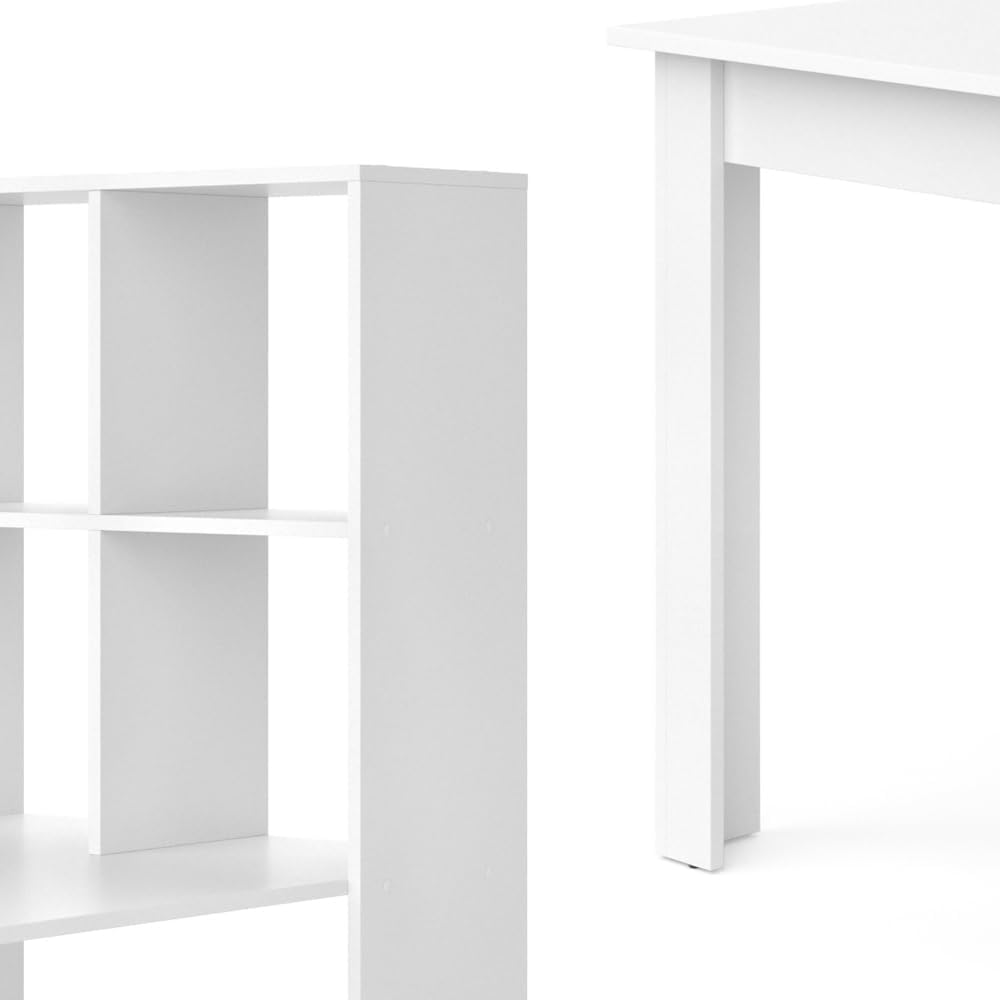
The Vicco Gael Desk is a modern and functional workspace solution designed for home offices or study areas. It features an integrated side shelving unit with six compartments, providing ample storage while optimizing space.
- Dimensions: 122 cm (Depth) x 70 cm (Width) x 145.6 cm (Height).
- Material: 16 mm particle board with a melamine resin coating.
- Color: White.
- Special Feature: Integrated side shelving unit with 6 compartments.
- Weight: Approximately 41.2 kg.
- Maximum Recommended Weight Capacity: 35.9 kg.


3. Package Contents
Before beginning assembly, please ensure all components listed below are present and undamaged. If any parts are missing or damaged, contact customer support immediately.
- Desk components (various particle board panels)
- Assembly instructions manual
- Assembly hardware (screws, dowels, connectors, etc.)
Note: All necessary assembly tools are included in the package.
4. Assembly Instructions
Assembly of the Vicco Gael Desk requires approximately 1 person. Follow the detailed step-by-step guide provided in the separate assembly instructions booklet included in your package. Ensure you have a clear, spacious area for assembly.
General Assembly Tips:
- Unpack all components and lay them out on a soft, clean surface to prevent scratches.
- Identify all parts and hardware using the provided list in the assembly manual.
- Do not overtighten screws, as this can damage the particle board.
- Ensure all connections are secure before moving or using the desk.
- For stability, it is crucial to anchor the desk to a wall using the provided anti-tip hardware.


5. Operating Instructions
The Vicco Gael Desk is designed for general office and study use. Place your computer, laptop, and other work essentials on the main desk surface. Utilize the six integrated shelving compartments for organizing books, documents, office supplies, or decorative items.
- Ensure the desk is placed on a level surface to prevent wobbling.
- Distribute weight evenly across the desk surface and shelves to maintain stability.
- Avoid placing excessively heavy items on the shelves, adhering to the maximum recommended weight capacity.

6. Maintenance and Care
To ensure the longevity and appearance of your Vicco Gael Desk, follow these simple maintenance guidelines:
- Cleaning: Wipe the surfaces with a damp cloth. For stubborn marks, use a mild, non-abrasive cleaner. Dry immediately with a clean cloth.
- Avoid: Do not use harsh chemicals, abrasive cleaners, or solvents, as these can damage the melamine resin coating.
- Protection: Use coasters under drinks and protective pads under hot items to prevent stains and heat damage.
- Sunlight: Avoid prolonged exposure to direct sunlight to prevent fading or discoloration.
- Moisture: Protect the desk from excessive moisture and humidity.
7. Troubleshooting
Most issues with furniture are related to assembly or general use. Here are some common troubleshooting tips:
- Wobbling Desk:
- Ensure all screws and connectors are tightened securely.
- Verify the desk is on a level surface. Use furniture glides or shims if necessary.
- Confirm the wall anchoring system is correctly installed and taut.
- Damaged Surface:
- For minor scratches, furniture repair kits may be used.
- For significant damage, contact customer support for advice on replacement parts or repair options.
- Missing Parts:
- Carefully re-check all packaging materials.
- Contact Vicco customer support with your purchase details and the specific missing part number (refer to the assembly manual).
8. Specifications
| Feature | Detail |
|---|---|
| Brand | Vicco |
| Model Name | Gael |
| Model Number | 33694 |
| Dimensions (D x W x H) | 122 cm x 70 cm x 145.6 cm |
| Color | White |
| Material | 16 mm Particle Board with Melamine Resin Coating |
| Special Feature | Side shelving unit with 6 compartments |
| Number of Shelves | 6 |
| Assembly Required | Yes |
| Recommended Assembly Persons | 1 |
| Max. Recommended Weight | 35.9 kg |
| Care Instructions | Clean with a damp cloth. |
9. Warranty and Support
The Vicco Gael Desk comes with a Limited Warranty. For specific details regarding warranty coverage, duration, and terms, please refer to the warranty information provided with your purchase documentation or contact Vicco customer support.
For any questions, assistance with assembly, missing parts, or warranty claims, please contact Vicco customer support through the retailer where you purchased the product or visit the official Vicco website for contact information.
Manufacturer: Oskar