
Introduction
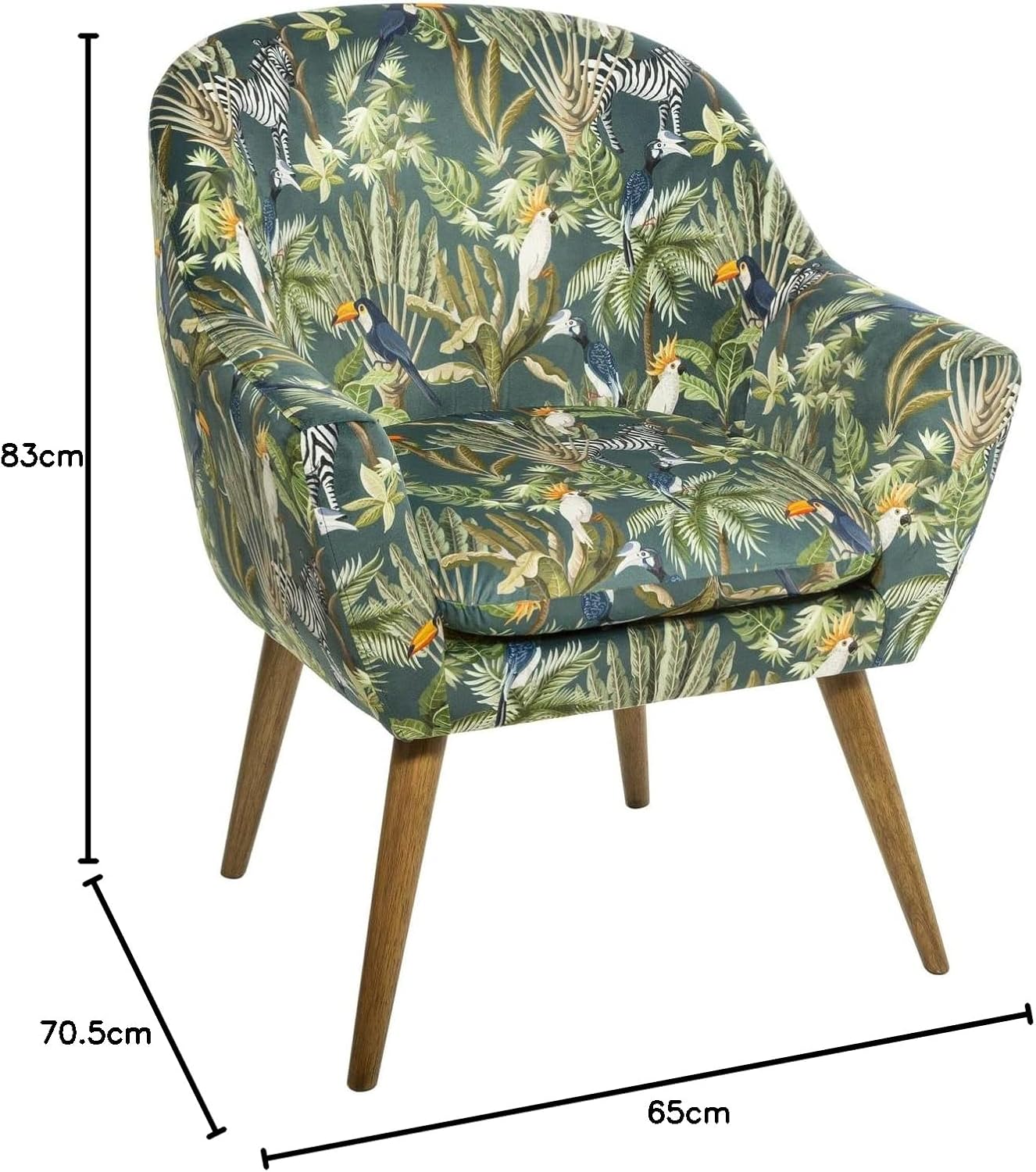
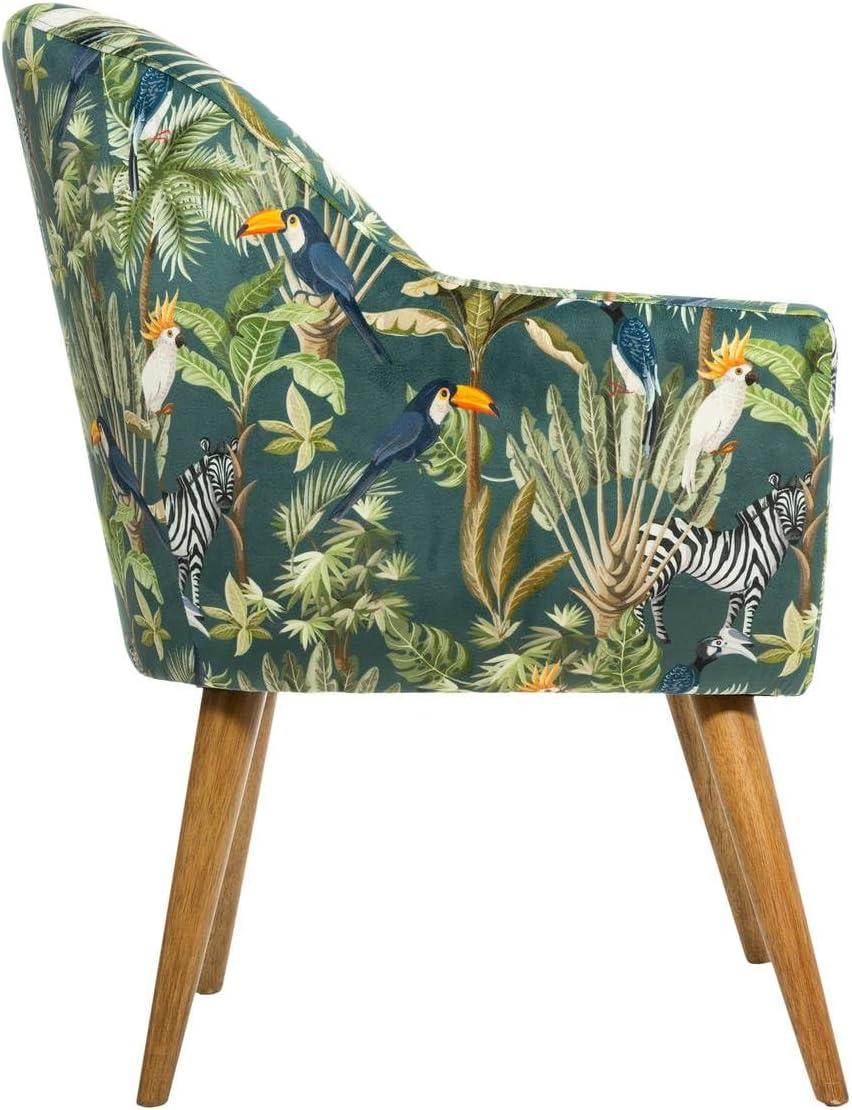
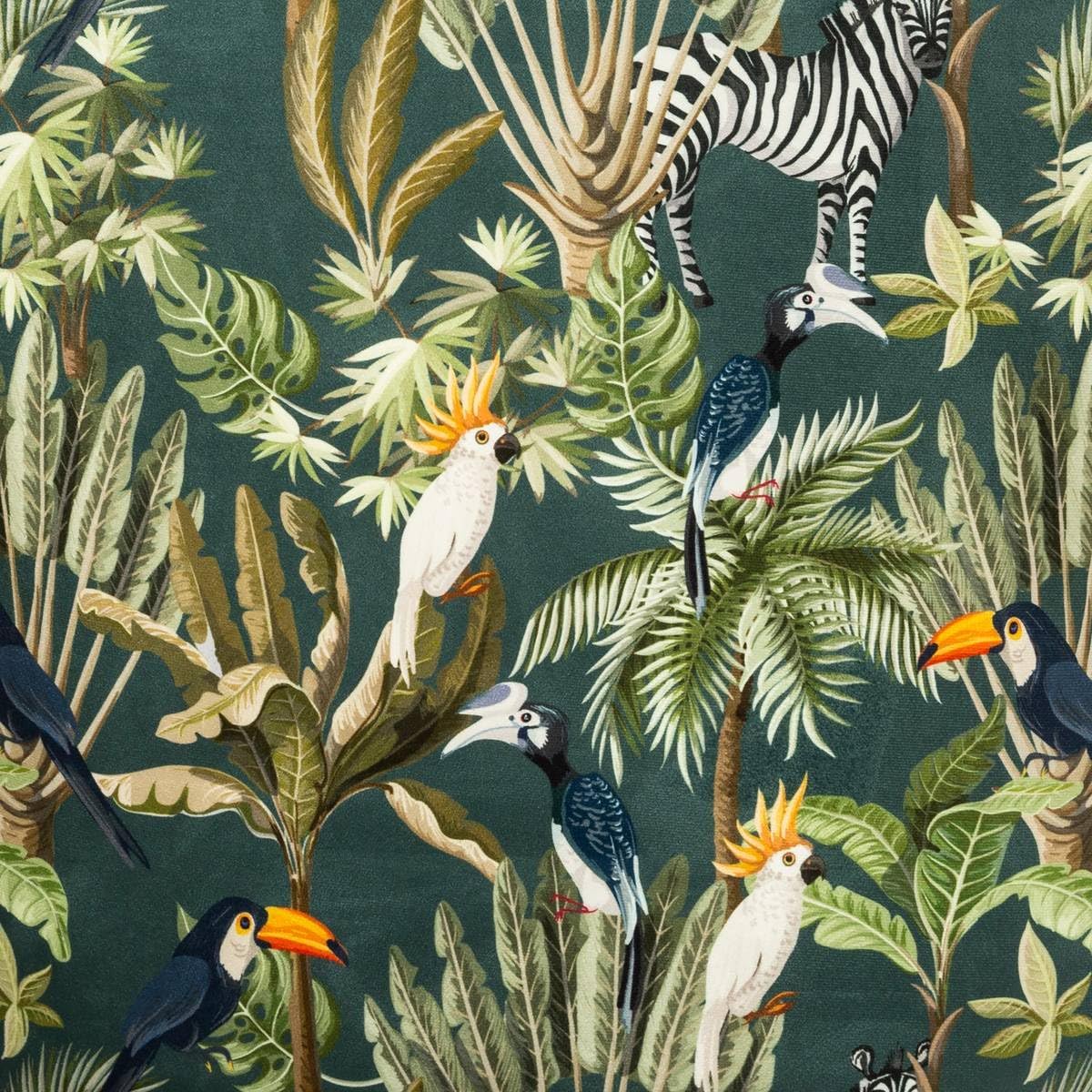
Thank you for choosing the Atmosphera ATM-166571 Fauteuil. This armchair features a unique jungle print velvet upholstery and sturdy wooden legs, designed to provide comfort and style. This manual provides essential information for the safe assembly, use, and maintenance of your new fauteuil.
Safety Information
Please read all safety instructions carefully before assembly and use. Failure to follow these instructions may result in injury or damage to the product.
- Placement: Always place the fauteuil on a flat, stable, and level surface to prevent accidental tipping.
- Children: Supervise children when they are near or using the fauteuil to prevent accidents.
- Weight Limit: Do not exceed the recommended weight limit for the fauteuil. (Note: Specific weight limit not provided in product data.)
- Moving: When moving the fauteuil, lift it rather than dragging it to prevent damage to the legs or floor.
- Heat Sources: Keep the fauteuil away from direct heat sources, such as radiators or fireplaces, to prevent material damage or discoloration.
Product Components
Before beginning assembly, ensure all components are present and undamaged. If any parts are missing or damaged, do not proceed with assembly and contact customer support.
- 1 x Fauteuil Body (upholstered)
- 4 x Wooden Legs
- Hardware Pack (screws, washers, Allen key, if applicable)
Setup and Assembly
The Atmosphera ATM-166571 Fauteuil typically requires minimal assembly, usually involving attaching the legs to the main body. Follow these steps for proper setup:
- Unpack: Carefully remove all components from the packaging. Place them on a soft, clean surface to prevent scratches.
- Identify Leg Attachment Points: Turn the fauteuil body upside down. Locate the pre-drilled holes or mounting plates for the legs on the underside of the chair.
- Attach Legs: Align each wooden leg with its corresponding attachment point. Secure the legs using the provided screws and washers. Tighten all fasteners firmly with the included Allen key or appropriate tool, but do not overtighten.
- Verify Stability: Once all legs are attached, carefully turn the fauteuil upright. Gently rock the chair to ensure it is stable and all legs are evenly touching the floor. Adjust if necessary.
Operating and Usage
The Atmosphera ATM-166571 Fauteuil is designed for comfortable seating in living rooms, bedrooms, or other indoor spaces. Its ergonomic design provides support for relaxation.
- Intended Use: This fauteuil is intended for indoor use only.
- Seating: Sit gently on the fauteuil. Avoid standing on the chair or using it as a step stool.
- Movement: Do not drag the fauteuil across the floor as this can damage the legs or the floor surface. Always lift and carry it when relocating.
Maintenance and Care
Proper care will help maintain the appearance and longevity of your Atmosphera Fauteuil.
- Cleaning Upholstery: For general cleaning, wipe the velvet upholstery with a soft, damp cloth. For spills, blot immediately with a clean, dry cloth. Avoid rubbing, which can spread the stain. For stubborn stains, consult a professional upholstery cleaner. Do not use harsh chemicals or abrasive cleaners.
- Dusting: Regularly dust the fauteuil with a soft brush or vacuum with an upholstery attachment to remove loose dirt and debris.
- Legs: Wipe wooden legs with a dry or slightly damp cloth. Avoid excessive moisture.
- Sunlight: Avoid prolonged exposure to direct sunlight, which can cause fading of the fabric.
- Inspections: Periodically check all fasteners to ensure they remain tight. Retighten if necessary.
Troubleshooting
If you encounter any issues with your fauteuil, refer to the following common solutions:
| Problem | Possible Cause | Solution |
|---|---|---|
| Fauteuil wobbles or is unstable. | Legs are not tightened evenly or placed on an uneven surface. | Ensure the fauteuil is on a flat surface. Check and retighten all leg fasteners evenly. |
| Fabric appears dull or dirty. | Accumulation of dust or light surface dirt. | Vacuum with an upholstery attachment or gently wipe with a soft, damp cloth. |
| Scratches on wooden legs. | Impact or abrasion during use or movement. | Use a wood repair marker or polish designed for furniture. Consider adding felt pads to the bottom of the legs. |
Specifications
| Brand | Atmosphera |
| Model Number | ATM-166571 |
| Color | Green (Jungle Print) |
| Product Dimensions (L x W x H) | 70.5 cm x 65 cm x 83 cm |
| Seat Height | 48 cm |
| Item Weight | 8.9 kg |
| Materials | Rubberwood (legs), Plywood (structure), Velvet Polyester (upholstery) |
| Special Features | Ergonomic design |
| Care Instructions | Wipe with a damp cloth |
Warranty and Support
Specific warranty information is not provided in the product details. For any questions regarding warranty, missing parts, or product support, please contact your retailer or the manufacturer directly. Retain your proof of purchase for any warranty claims.
Manufacturer: Atmosphera
Model Number Item: 3560238706671