
Beeasy AW02
Beeasy Digital Waterproof Watch User Manual
Model: AW02
Introduction
This manual provides detailed instructions for the Beeasy Digital Waterproof Watch, Model AW02. Please read this manual carefully to understand the watch's functions and ensure proper use and maintenance.

Image: Front view of the Beeasy Digital Waterproof Watch, displaying time, day, and date.
Key Features
The Beeasy Digital Waterproof Watch offers a range of features designed for daily wear and active lifestyles.
- Ultra-thin design (6.6 mm case thickness)
- Backlight for low-light conditions
- Dual time zone display
- 12/24 hour format switch
- Automatic calendar
- Daily alarm and hourly chime
- 1/100 second stopwatch
- Countdown timer (max 23 hours, 59 minutes, 59 seconds)
- 50M (5ATM) water resistance

Image: Diagram illustrating various features of the Beeasy Digital Watch, including 12/24H, auto calendar, backlight, dual time, alarm mode, stopwatch, countdown, and split time.
Setup
Initial Power On
The watch comes with a pre-installed battery. If the display is blank, press any button to activate it.
Button Functions
The watch typically has four buttons:
- LIGHT: Activates the backlight.
- MODE: Cycles through different modes (Time, Alarm, Stopwatch, Countdown, Dual Time).
- ST/STOP: Starts/stops functions in Stopwatch/Countdown mode, adjusts settings.
- RESET: Resets functions, adjusts settings.
Image: Close-up of the watch face, highlighting the "LIGHT", "MODE", "ST/STOP", and "RESET" button labels around the bezel.
Operating Instructions
Setting Time and Date
- From the normal time display, press the MODE button repeatedly until the seconds start flashing.
- Press RESET to cycle through the settings: Seconds → Hour → Minute → Year → Month → Day.
- Use ST/STOP to adjust the flashing value.
- Once all settings are correct, press MODE to return to the normal time display.
12/24 Hour Format
In the normal time display, press ST/STOP to toggle between 12-hour (with AM/PM indicator) and 24-hour formats.
Dual Time Setting
This feature allows you to track a second time zone.
- Press MODE until you reach the Dual Time mode (often indicated by "DT" or a second time display).
- Press and hold RESET until the hour flashes.
- Use ST/STOP to adjust the hour, then RESET to move to minutes.
- Use ST/STOP to adjust the minutes.
- Press MODE to save and exit.
Image: Diagram illustrating the dual time feature, showing two different time zones (e.g., London and New York) on the watch display.
Alarm Function
- Press MODE until you reach the Alarm mode (indicated by "AL" or an alarm icon).
- Press RESET to select the hour or minute to set.
- Use ST/STOP to adjust the flashing value.
- Press MODE to save the alarm time.
- To turn the alarm ON/OFF, press ST/STOP in Alarm mode. An alarm icon will appear when active.
- To activate/deactivate the hourly chime, press RESET in Alarm mode (while not setting the alarm time).
Image: Diagram illustrating the alarm mode, showing an alarm clock icon and a person sleeping, indicating the watch's alarm function.
Stopwatch Function
- Press MODE until you reach the Stopwatch mode (indicated by "ST" or "CH").
- Press ST/STOP to start the stopwatch.
- Press ST/STOP again to stop it.
- Press RESET to reset the stopwatch to zero.
- To record split times, press RESET while the stopwatch is running. The display will freeze, but the stopwatch continues to run in the background. Press RESET again to return to the running time.
Image: Diagram illustrating the stopwatch and countdown functions, showing a stopwatch icon and a person exercising, indicating the watch's timing capabilities.
Countdown Timer Function
- Press MODE until you reach the Countdown Timer mode (indicated by "TR" or "CD").
- Press RESET to select the hour, minute, or second to set.
- Use ST/STOP to adjust the flashing value.
- Press MODE to save the countdown time.
- Press ST/STOP to start the countdown.
- Press ST/STOP again to pause/resume.
- Press RESET to reset the countdown to the initial set time.
Backlight
Press the LIGHT button to illuminate the display for a few seconds.
Maintenance
Cleaning
Wipe the watch regularly with a soft, dry cloth. For stubborn dirt, a slightly damp cloth can be used, followed by drying. Avoid harsh chemicals or abrasive cleaners.
Water Resistance
The watch is water-resistant up to 50 meters (5ATM). This means it is suitable for swimming and cold showers.
Important: Avoid contact with hot water or steam, as this can compromise the watch's water resistance seals.
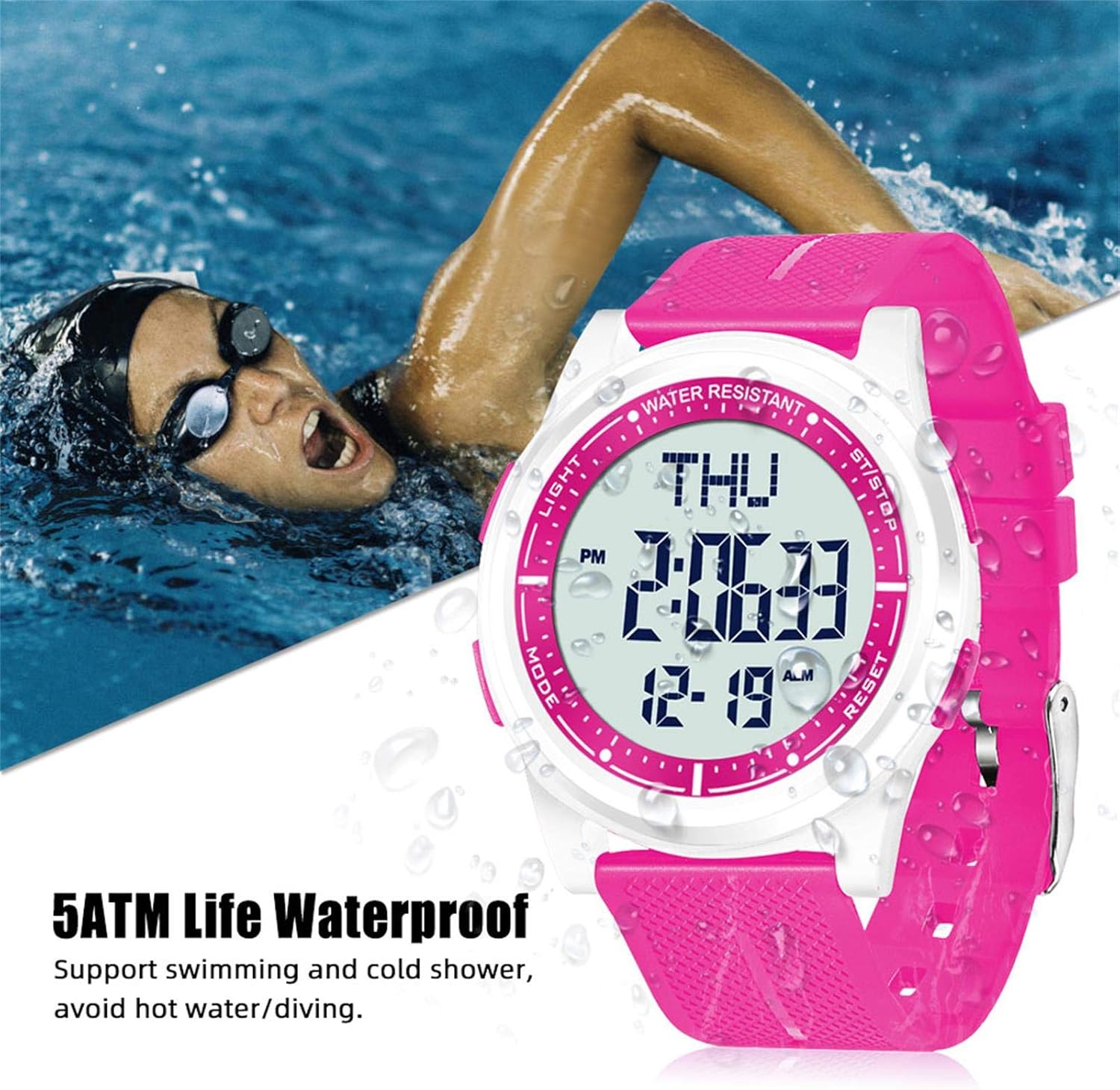
Image: The Beeasy Digital Watch worn by a person swimming, illustrating its 5ATM water resistance. Text on image states "5ATM Life Waterproof, Support swimming and cold shower, avoid hot water/diving."
Battery Replacement
The watch uses a Lithium metal battery. When the display dims or functions become erratic, it may be time to replace the battery. It is recommended to have battery replacement performed by a qualified watch technician to ensure proper sealing and maintain water resistance.
Troubleshooting
| Problem | Possible Cause | Solution |
|---|---|---|
| Display is blank or dim. | Low battery. | Replace the battery. |
| Buttons are unresponsive. | Watch may be in a locked mode or battery is very low. | Try pressing all buttons to see if it responds. If not, replace battery. |
| Time is incorrect. | Time not set correctly or battery is low. | Refer to "Setting Time and Date" section. Replace battery if issue persists. |
| Water inside the watch. | Exposure to hot water/steam or damaged seal. | Stop using the watch immediately. Seek professional repair. Avoid hot water/steam. |
Specifications
- Model Number: AW02
- Dimensions (L x W x H): 24.5 x 4.4 x 0.66 cm (9.65 x 1.73 x 0.26 inches)
- Weight: 36.8 grams (1.3 ounces)
- Case Thickness: 6.6 mm
- Water Resistance: 50 meters (5 ATM)
- Battery Type: 1 Lithium metal battery (required)
- Display Type: Digital
- Functions: Time (12/24H), Date, Day, Alarm, Hourly Chime, Stopwatch (1/100s), Countdown Timer, Dual Time, Backlight
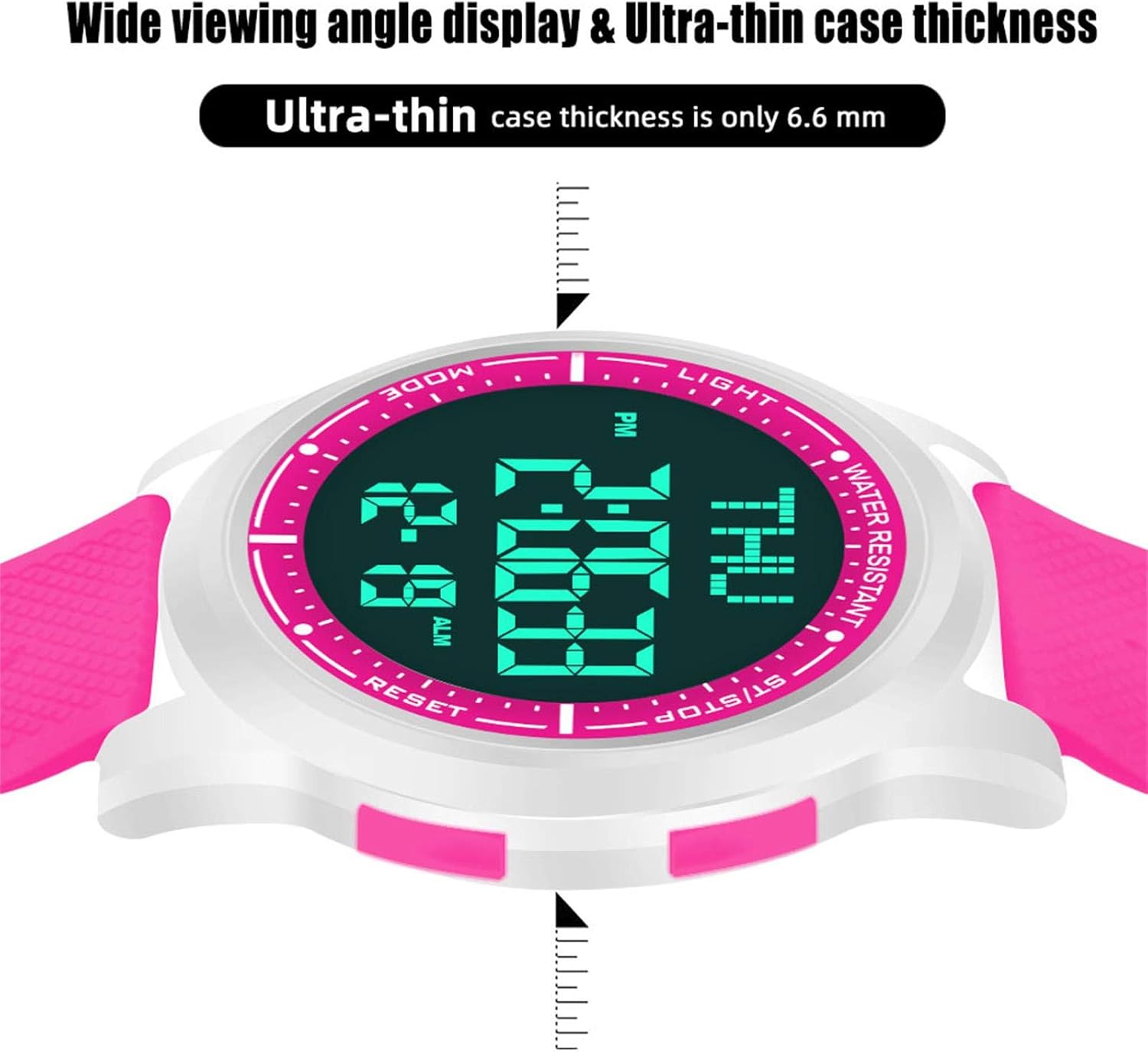
Image: Diagram showing the precise dimensions of the Beeasy Digital Watch, including strap length, case width, and ultra-thin case thickness (6.6mm).
Warranty and Support
For warranty information or technical support, please contact Beeasy customer service. Refer to your purchase documentation for specific warranty terms.
For more information, you may visit the official Beeasy store on Amazon: Beeasy Store
Related documentsAW02


Ask a question about this manual
Ask about setup, troubleshooting, compatibility, parts, safety, or missing instructions. Manuals+ will review the question and use this page’s manual context to help answer it.