1. Setup and Assembly
This section provides general guidelines for assembling your Coleshome L Shaped Computer Desk. All necessary tools and detailed step-by-step instructions with diagrams are included in the product packaging. Please refer to those specific instructions for precise assembly.
Before You Begin:
- Unpack all components and verify against the parts list provided in your package.
- Ensure you have enough clear space for assembly.
- Keep all hardware organized to prevent loss.
General Assembly Steps:
- Assemble the metal frame sections according to the diagrams, ensuring all screws are finger-tight initially.
- Attach the desktop panels to the assembled frame.
- Install the storage shelf unit, ensuring it is securely fastened. The middle board of the shelf can be removed if you intend to place a computer tower inside.
- Once all components are in place, tighten all screws securely. Do not overtighten.
- Adjust the leveling studs on the bottom of the desk legs to ensure stability on uneven floors.

Image 1: Overview of the Coleshome L-shaped desk with key dimensions. The desk measures 55 inches (L) x 55 inches (W) x 19 inches (D) x 30 inches (H), featuring a two-tier storage shelf.
2. Operating and Usage
The Coleshome L Shaped Computer Desk is designed for versatile use in home offices, gaming setups, and study areas, providing ample space and functional features.
Workspace Utilization:
- The L-shaped design offers a large surface area, accommodating multiple monitors, laptops, and other office equipment.
- The desk provides sufficient space underneath for comfortable legroom and stretching during extended use.
Storage Shelf Functionality:
- The integrated 2-layer storage shelf is suitable for organizing books, files, and other essential items.
- The middle board of the shelf can be removed to create a dedicated space for a computer tower, optimizing your workspace.
Cable Management:
- A built-in grommet cable hole allows for neat and safe routing of wires and cables, helping to maintain an organized desktop.

Image 2: The Coleshome L-shaped desk configured for a gaming setup, demonstrating ample space for multiple monitors and accessories.
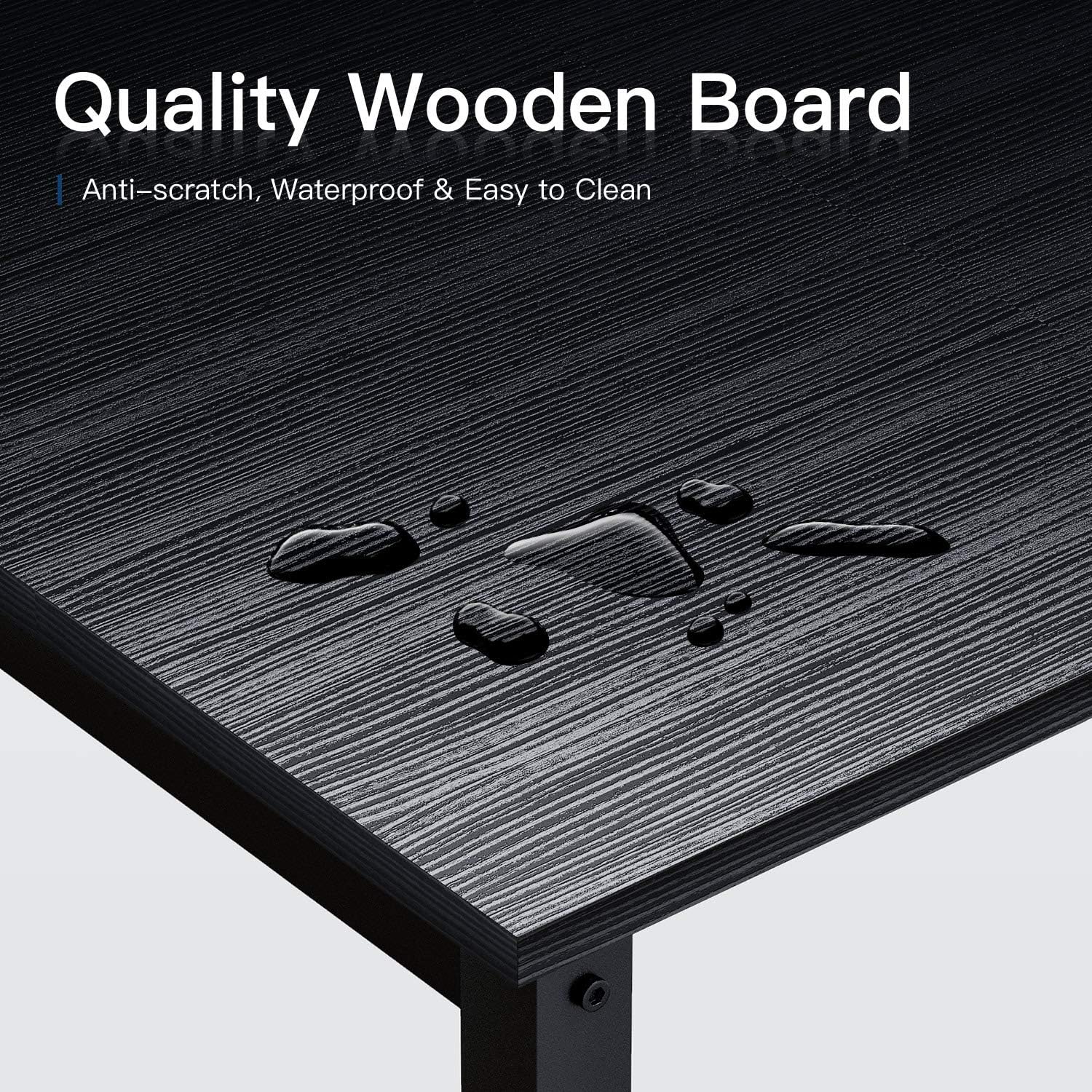
Image 3: Detail of the multifunctional storage shelf, showing its two-tier design and the option to remove the middle board for a CPU tower.
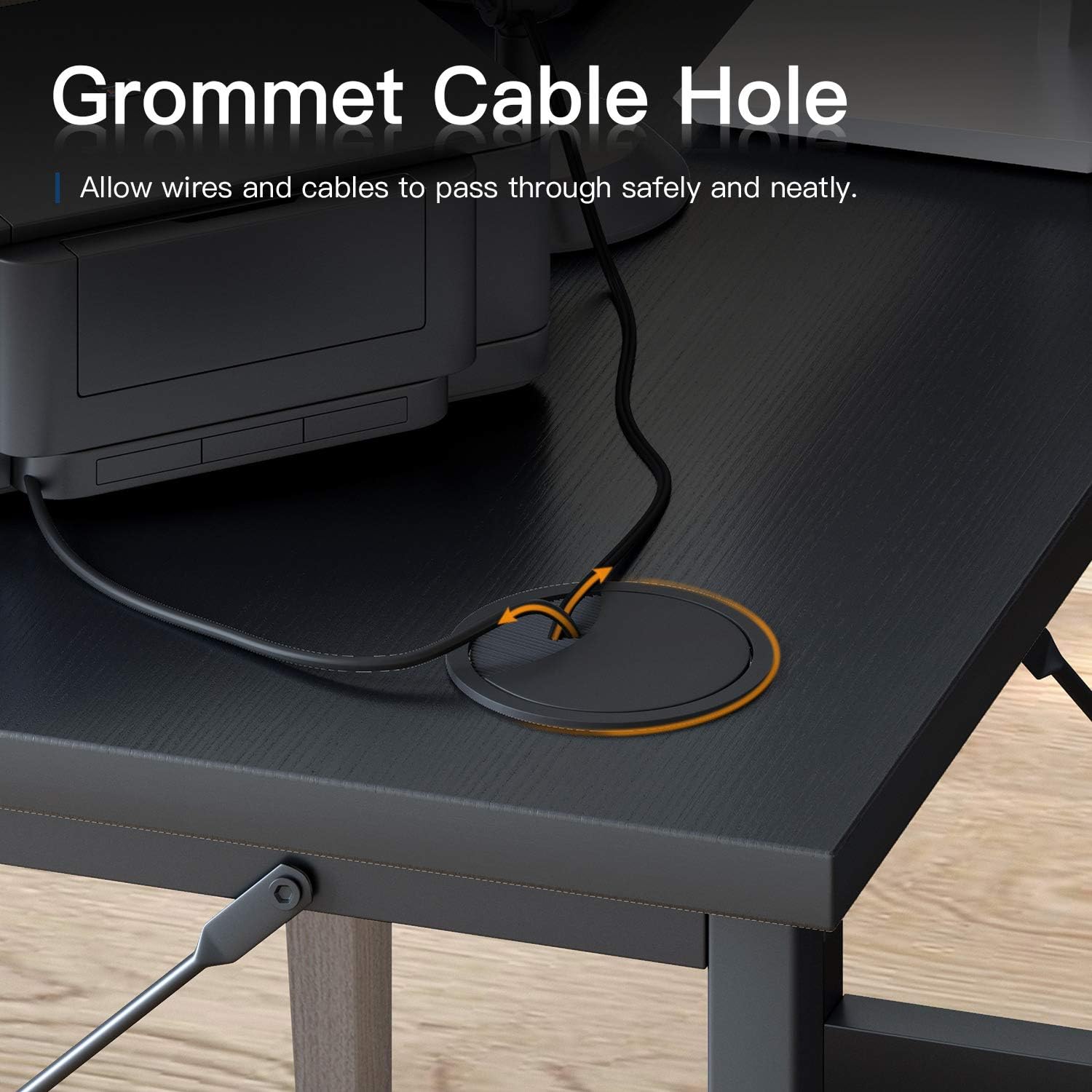
Image 4: Close-up of the integrated grommet cable hole, designed for efficient cable management.
3. Maintenance and Care
Proper maintenance ensures the longevity and appearance of your Coleshome L Shaped Computer Desk. The desk is constructed with durable materials designed for easy care.
Cleaning Instructions:
- The desktop surface is made of particle board, which is waterproof and anti-scratch. For general cleaning, wipe with a soft, damp cloth.
- Avoid using harsh chemicals or abrasive cleaners, as these can damage the finish.
- For spills, wipe immediately with a dry cloth to prevent any potential staining, although the surface is designed to resist water.
- The metal frame can be cleaned with a damp cloth and mild detergent if necessary. Dry thoroughly to prevent rust.
Structural Care:
- Periodically check all screws and fasteners to ensure they remain tight. Retighten if necessary to maintain desk stability.
- Ensure the adjustable leveling studs are correctly set to prevent wobbling and distribute weight evenly.

Image 5: Close-up of the desk surface demonstrating its waterproof and easy-to-clean properties.
4. Troubleshooting
This section addresses common issues you might encounter with your Coleshome L Shaped Computer Desk.
Desk Wobbles or is Unstable:
- Check Leveling Studs: Ensure all adjustable leveling studs on the bottom of the desk legs are in full contact with the floor and adjusted to compensate for any unevenness.
- Tighten Fasteners: Verify that all screws and bolts used during assembly are securely tightened. Loose connections can cause instability.
- Even Weight Distribution: Avoid placing excessively heavy items on one side of the desk. Distribute weight as evenly as possible.
Missing Parts or Damaged Components:
- Review Parts List: Double-check the included parts list against all items received. Sometimes smaller hardware can be overlooked.
- Contact Customer Support: If parts are genuinely missing or damaged upon arrival, refer to the Customer Support section for assistance. Do not attempt to force assembly with incorrect or damaged parts.
Difficulty Assembling:
- Re-read Instructions: Carefully review the step-by-step assembly instructions and diagrams provided in the package.
- Identify Components: Ensure you are using the correct components for each step, as some pieces may look similar.
- Do Not Force: If parts do not fit easily, do not force them. Re-check the orientation and ensure you have the correct pieces.
5. Specifications
| Feature | Detail |
|---|---|
| Model Number | c9131d2d-eda6-4728-873c-22900e8771e8 |
| Dimensions (L x W x D x H) | 55" x 55" x 19" x 30" (139.7 x 139.7 x 48.26 x 76.2 cm) |
| Weight | 23.59 kg (approx. 52 lbs) |
| Material Type | Engineered Wood (Desktop), Heavy Duty Steel (Frame) |
| Color | Black |
| Desk Design | L-Shape Computer Desk |
| Special Features | Adjustable Leveling Studs, 2-Layer Storage Shelf (removable middle board), Grommet Cable Hole |
6. Customer Support and Warranty Information
Coleshome is committed to ensuring your satisfaction with our products. We provide support for any issues related to product quality or problems encountered during use.
Warranty:
While specific warranty terms may vary, Coleshome guarantees easy and fast replacement for product quality issues or problems arising from normal use. Please retain your proof of purchase for any warranty claims.
Contacting Support:
For assistance with assembly, missing parts, product defects, or any other inquiries, please contact Coleshome customer service through the retailer where the product was purchased or refer to the contact information provided in your product packaging.