Introduction
Thank you for choosing the UiiSii Songbirds TWS21 Wireless In-Ear Earbuds. This manual provides essential information for setting up, operating, and maintaining your earbuds to ensure optimal performance and longevity. Please read this manual thoroughly before using the product.
Package Contents
Verify that all items are present in your package:
- UiiSii Songbirds TWS21 Wireless Earbuds (Left and Right)
- Charging Case
- USB Charging Cable
- User Manual
Product Overview
The UiiSii Songbirds TWS21 earbuds feature a lightweight, semi in-ear design for comfortable wear. They are equipped with touch controls for easy management of audio and calls.
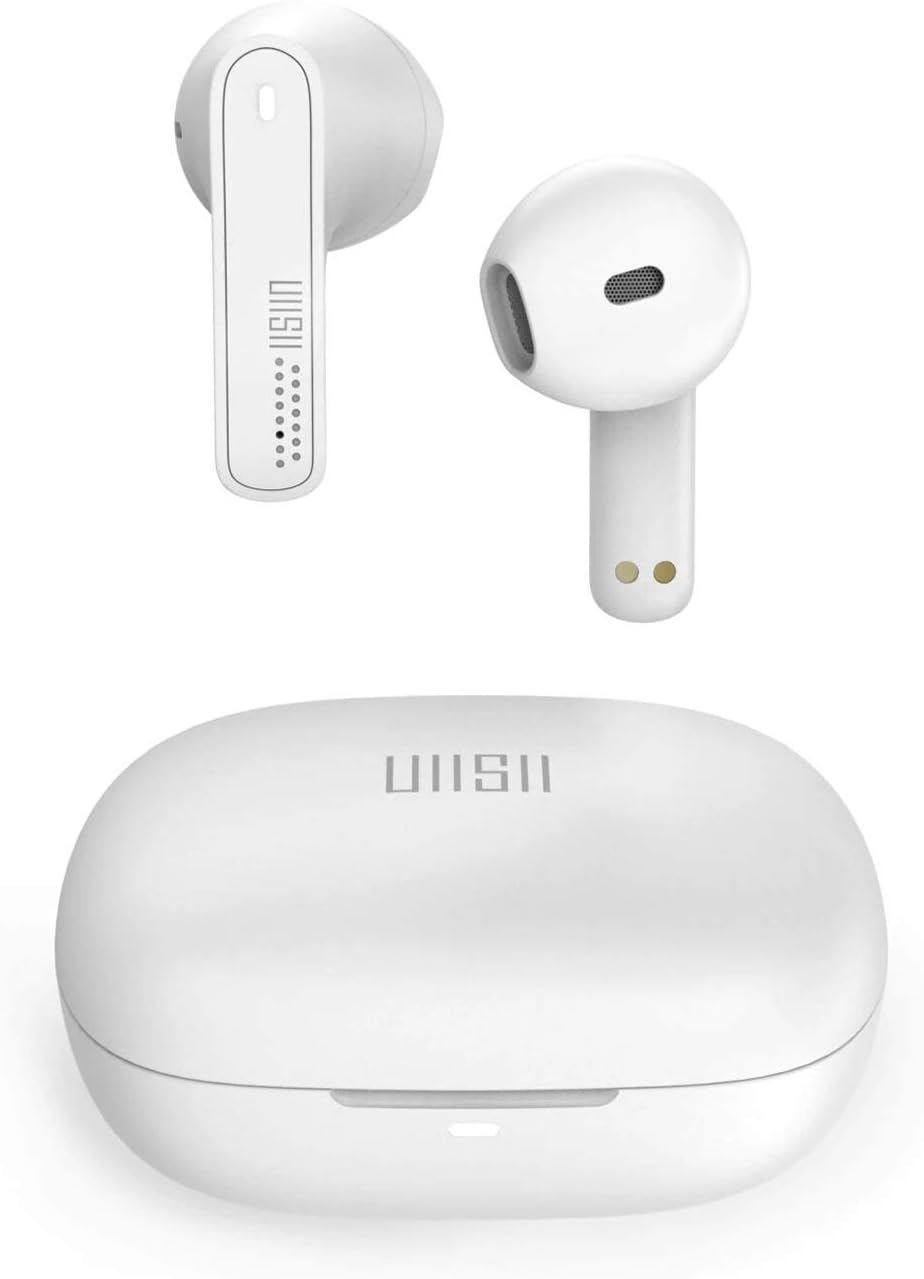
Image: UiiSii TWS21 Earbuds shown inside their charging case, with the case lid open. The earbuds are white, and the case is also white, displaying the UiiSii logo.
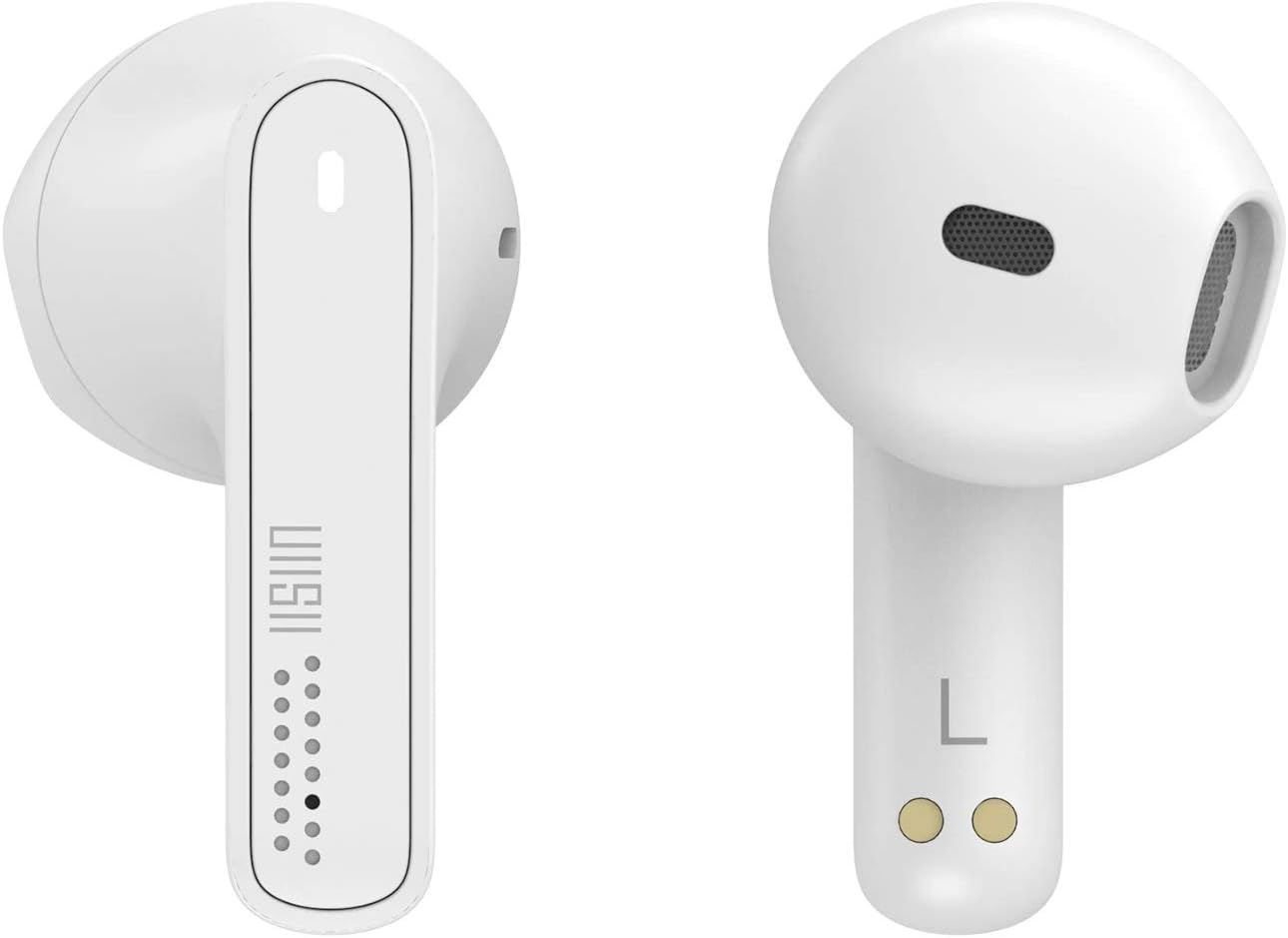
Image: Close-up view of the left and right UiiSii TWS21 earbuds. The design is sleek and white, highlighting the touch sensitive area and charging contacts.
Setup
1. Charging the Earbuds and Case
Before first use, fully charge the earbuds and the charging case. Place the earbuds into the charging case. Connect the USB charging cable to the charging port on the case and to a power source. The indicator lights on the case will show the charging status.
2. Pairing with a Device
- Ensure the earbuds are charged.
- Open the charging case. The earbuds will automatically enter pairing mode, and an indicator light will flash.
- On your device (smartphone, tablet, etc.), enable Bluetooth.
- Search for available Bluetooth devices and select "UiiSii TWS21" from the list.
- Once connected, the indicator light on the earbuds will stop flashing.
The earbuds will automatically reconnect to the last paired device when taken out of the case, if Bluetooth is enabled on the device.
Operating Instructions
The UiiSii TWS21 earbuds feature intuitive touch controls. The touch-sensitive area is located on the outer surface of each earbud.

Image: An illustration demonstrating the touch control functions of the UiiSii TWS21 earbuds, showing icons for Siri, Google Assistant, Call, and Music.
Touch Control Functions:
- Play/Pause: Single tap on either earbud.
- Next Track: Double tap on the right earbud.
- Previous Track: Double tap on the left earbud.
- Answer/End Call: Single tap on either earbud.
- Reject Call: Press and hold on either earbud for 2 seconds.
- Volume Up: Triple tap on the right earbud.
- Volume Down: Triple tap on the left earbud.
- Activate Voice Assistant (Siri/Google Assistant): Press and hold on either earbud for 3 seconds.
Hands-Free Calling:
The earbuds support hands-free calling. You can use a single earbud while the other charges, providing up to 6 hours of non-stop call time in mono mode.

Image: An illustration showing one UiiSii TWS21 earbud in use for hands-free calling, with a microphone icon indicating its function.
Maintenance
Cleaning:
- Regularly clean the earbuds and charging case with a soft, dry, lint-free cloth.
- Do not use abrasive cleaners, alcohol, or chemical solvents.
- Ensure charging contacts are free from dust and debris.
Storage:
- Store the earbuds in their charging case when not in use to protect them and keep them charged.
- Avoid extreme temperatures and high humidity.
Troubleshooting
Earbuds not pairing:
- Ensure both earbuds are charged.
- Turn off Bluetooth on your device, then turn it back on.
- Forget the device from your Bluetooth list and try pairing again.
- Place earbuds back in the case, close the lid, wait a few seconds, then open to re-initiate pairing mode.
No sound or low volume:
- Check the volume level on both your device and the earbuds.
- Ensure earbuds are properly connected to your device.
- Clean any debris from the earbud speakers.
Charging issues:
- Ensure the charging cable is securely connected to both the case and the power source.
- Check if the charging contacts on the earbuds and inside the case are clean.
- Try a different USB charging cable or power adapter.
Specifications
| Feature | Description |
|---|---|
| Model Name | TWS21 |
| Brand | UiiSii |
| Connectivity Technology | Wireless (Bluetooth 5.0) |
| Control Method | Touch |
| Headphone Form Factor | In-Ear |
| Noise Control | Active Noise Cancellation |
| Water Resistance | IPX5 (Nano ceramic plasma-coated) |
| Wireless Range | Up to 40 feet (12 meters) |
| Call Time (Mono Mode) | Up to 6 hours |
| Listening Time (Single Charge) | Around 3.5 hours |
| Total Listening Time (with Case) | More than 24 hours |
| Quick Charge | 8 minutes charge for 1 hour listening |
| Included Components | Protective Case |
| Materials | Metal, Rubber, Ceramic |
| Color | White |

Image: Visual representation of the UiiSii TWS21 earbuds' battery life, indicating over 24 hours total listening time with the case, 6 hours call time in mono mode, and approximately 3.5 hours listening time on a single charge.

Image: Graphic highlighting the wireless immersive sound features of the UiiSii TWS21 earbuds, including Bluetooth 5, Stereo Audio DAC, and Smart Dynamic Gain.
Warranty Information
UiiSii products are covered by a limited warranty from the date of purchase. Please refer to the warranty card included in your package or visit the official UiiSii website for detailed warranty terms and conditions. This warranty typically covers manufacturing defects but does not cover damage caused by misuse, accidents, unauthorized modifications, or normal wear and tear.
Support
For further assistance, technical support, or customer service inquiries, please contact UiiSii customer support through their official website or the contact information provided in your product packaging. When contacting support, please have your product model (TWS21) and proof of purchase ready.


