
Andis WDS-1
Andis 31015 Close Curves Electric Shaver (Model WDS-1) User Manual
Comprehensive Guide for Safe and Effective Use
1. Introduction
Thank you for choosing the Andis 31015 Close Curves Electric Shaver. This manual provides essential information for the proper setup, operation, maintenance, and troubleshooting of your new shaver. Please read these instructions carefully before first use and retain them for future reference.
The Andis 31015 (Model WDS-1) is a rechargeable, cordless, wet and dry electric shaver designed for efficient hair removal on various body areas, including legs, arms, and the bikini area. Its advanced lithium-ion battery ensures consistent power and performance.

Front view of the Andis 31015 Close Curves Electric Shaver, featuring a white body with rose gold accents and dual foil heads.
2. Important Safety Information
To reduce the risk of electric shock, burns, fire, or injury, always observe the following safety precautions:
- Always unplug the shaver before cleaning or performing any maintenance.
- Do not use the shaver near water, in a bathtub, or while charging in a wet environment.
- Ensure your hands are dry when plugging or unplugging the charger.
- Do not operate the shaver if it has a damaged cord or plug, if it is not working properly, or if it has been dropped or damaged. Contact customer support for assistance.
- Keep the shaver and its accessories out of reach of children and pets.
- Use this appliance only for its intended household use as described in this manual.
- Do not use attachments not recommended by the manufacturer.
- Store the shaver in a dry place when not in use.
3. Package Contents
Your Andis 31015 Close Curves Electric Shaver kit includes the following items:
- Andis 31015 Electric Shaver (Model WDS-1)
- Charging Stand
- Power Adapter
- Charging Cable
- Bikini Attachment Comb
- Cleaning Brush
- Travel Pouch

All components of the Andis 31015 kit, including the shaver, charging stand, power adapter, charging cable, bikini attachment comb, cleaning brush, and travel pouch.
4. Product Features
- Dual Foil Heads: Equipped with two hypoallergenic stainless-steel foil heads for a close and smooth shave, minimizing skin irritation.
- Integrated Trimmer Blade: A built-in trimmer blade effectively cuts longer hairs before the foil heads for optimal performance.
- Bikini Attachment Comb: Transforms the shaver into a trimmer, allowing for even cutting of longer hair in sensitive areas.
- Wet & Dry Operation: Fully waterproof design allows for comfortable use in or out of the shower.
- Cordless and Rechargeable: Powered by a lithium-ion battery, offering up to 60 minutes of cordless operation on a 1.5-hour charge.
- Lightweight Design: Ergonomic and lightweight for comfortable handling and ease of use.

A detailed view of the shaver's dual hypoallergenic foil heads and integrated trimmer blade, designed for efficient hair removal.
5. Setup and Charging
Initial Charge
Before using your shaver for the first time, it is recommended to fully charge the battery. A full charge takes approximately 1.5 hours and provides up to 60 minutes of cordless use.
- Connect the charging cable to the power adapter.
- Insert the small end of the charging cable into the charging port at the bottom of the shaver or into the charging stand.
- Plug the power adapter into a suitable electrical outlet.
- The charging indicator light (if present) will illuminate to show that the shaver is charging.
- Once fully charged, unplug the shaver from the power outlet.

The Andis 31015 Electric Shaver with its charging cable connected to the base of the unit.

The Andis 31015 Electric Shaver securely placed in its dedicated charging stand, ready for charging.
6. Operating Instructions
General Shaving Tips
- Ensure your skin is clean and free of oils or lotions.
- For best results, hold the shaver at a 90-degree angle to your skin.
- Stretch the skin taut with your free hand to help the shaver glide smoothly.
- Move the shaver slowly against the direction of hair growth.
- Do not press too hard; let the shaver do the work.
Wet Shaving
The Andis 31015 shaver is fully waterproof and can be used with water, shaving cream, or gel for a comfortable wet shave.
- Apply your preferred shaving cream or gel to the area to be shaved.
- Turn on the shaver and glide it over your skin as described in the general tips.
- Rinse the shaver head under running water during and after use to remove hair and product residue.
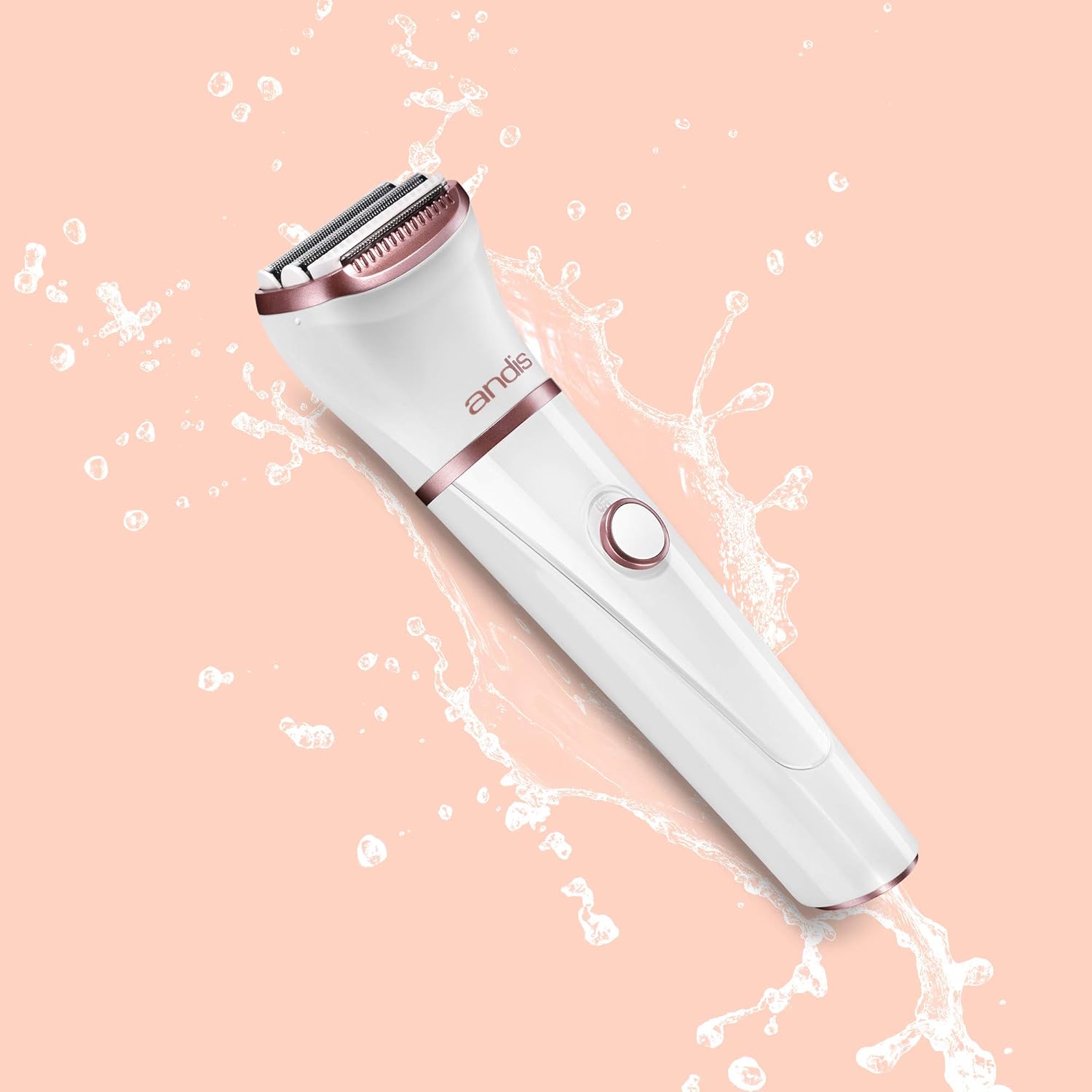
The Andis 31015 Electric Shaver depicted with water splashes, demonstrating its waterproof design suitable for wet shaving.
Dry Shaving
For quick touch-ups or when water is not available, the shaver can be used dry.
- Ensure your skin is completely dry and clean.
- Turn on the shaver and glide it over your skin.
- Clean the shaver head after each dry use with the provided cleaning brush.
Using the Bikini Attachment Comb
The bikini attachment comb is designed to trim longer hair evenly, making it suitable for the bikini area or for pre-trimming before a closer shave.
- Ensure the shaver is turned off.
- Carefully place the bikini attachment comb over the shaver head until it clicks into place.
- Turn on the shaver and gently glide it over the desired area. The comb will ensure a consistent hair length.
- After use, turn off the shaver and remove the attachment comb.

An illustrative diagram highlighting the shaver's two foil heads, hair separator, trimmer blade, and the bikini attachment comb for even hair cutting.
7. Maintenance and Cleaning
Regular cleaning ensures optimal performance and extends the life of your shaver.
Cleaning After Each Use
- Turn off the shaver and unplug it if it was charging.
- Remove the protective cap or bikini attachment comb (if used).
- Gently tap the shaver head to dislodge loose hairs.
- Use the provided cleaning brush to brush away any remaining hair from the foil heads and trimmer blade.
- For a more thorough clean, especially after wet shaving, rinse the shaver head under warm running water. Ensure the shaver is off during rinsing.
- Allow the shaver head to air dry completely before replacing the protective cap or storing.
Storage
Store the shaver in a cool, dry place, away from direct sunlight and extreme temperatures. Use the provided travel pouch for protection when traveling.

The Andis 31015 Electric Shaver shown with its clear protective cap covering the foil heads.
8. Troubleshooting
If you encounter any issues with your Andis 31015 shaver, please refer to the table below for common problems and solutions.
| Problem | Possible Cause | Solution |
|---|---|---|
| Shaver does not turn on. | Battery is depleted. | Charge the shaver for 1.5 hours. |
| Shaver does not charge. | Charging cable or adapter not properly connected. | Ensure all connections are secure and the power outlet is functional. |
| Poor shaving performance / pulling hair. | Shaver head is clogged with hair or debris. | Clean the shaver head thoroughly as described in the Maintenance section. |
| Skin irritation after shaving. | Incorrect shaving technique or sensitive skin. | Ensure you are shaving against the direction of hair growth with light pressure. Consider wet shaving with shaving cream. |
9. Specifications
| Feature | Detail |
|---|---|
| Model Number | WDS-1 |
| Product Dimensions | 3.8 x 3.8 x 10.7 inches |
| Weight | 7.36 ounces |
| Power Source | Battery Powered (Lithium-ion) |
| Battery Life | Up to 60 minutes cordless operation |
| Charge Time | Approximately 1.5 hours |
| Waterproof | Yes, for wet & dry use |
| UPC | 040102310157 |
10. Warranty and Support
Andis products are manufactured to meet high-quality standards. For information regarding warranty coverage, please refer to the warranty card included with your product or visit the official Andis website. For technical support, replacement parts, or service inquiries, please contact Andis customer service directly.
Andis Customer Service: Please refer to the contact information provided on the product packaging or the official Andis website for the most up-to-date support details.
Related documentsWDS-1


Ask a question about this manual
Ask about setup, troubleshooting, compatibility, parts, safety, or missing instructions. Manuals+ will review the question and use this page’s manual context to help answer it.