
QVEVDACAR Fiber Optic Light-01
QVEVDACAR Interior Car LED Strip Lights APP Control User Manual
Model: Fiber Optic Light-01
Introduction
Thank you for choosing the QVEVDACAR Interior Car LED Strip Lights. This 5-in-1 RGB ambient lighting kit is designed to enhance your vehicle's interior with customizable colors and dynamic lighting modes, all controlled via a smartphone application. This manual provides detailed instructions for installation, operation, and maintenance to ensure optimal performance and enjoyment of your product.
What's in the Box
Please verify that all components are present before beginning installation:
- 5-in-1 LED car lights (main control unit with LED emitters)
- 236" fiber optic cable and transparent tube
- 1 x Car Charger (with built-in fuse)
- 1 x Pry tool
- 1 x User manual (this document)

Image: All components included in the QVEVDACAR Interior Car LED Strip Lights kit.
Specifications
| Feature | Detail |
|---|---|
| Brand | QVEVDACAR |
| Model | Fiber Optic Light-01 |
| Color | RGB (16 Million Colors) |
| Form Factor | Strip |
| Recommended Use | Vehicle Interior |
| Auto Part Position | Center, Inside |
| Light Source Length | 236 Inches (approx. 6 meters) |
| Operating Voltage | 12V |
| Material | Polyvinyl Chloride (PVC) |
| Water Resistance Level | Waterproof |
| Control Method | Wireless APP (iOS/Android) |
| Special Features | Multi-Color, Music Mode, 29 Preset Modes, Dim/Brighten, Speed Adjustment |
Setup and Installation
Follow these steps for a convenient and simple installation. Ensure your vehicle's engine is off and the ignition is disengaged before starting.
1. Prepare for Installation
- Check Fiber Size: Before purchasing or installing, confirm that the fiber optic cable's dimensions (3mm x 6mm x 0.4mm) are suitable for the gaps in your car's interior where you intend to install the lights.
- Download the App: Scan the QR code on the control box or visit http://www.easytrack.net.cn/download/156GUANBODIANZI to download the "Lotus Lantern" app for iOS or Android.
Image: Kit components and fiber optic dimensions. Scan the QR code for the app download.
2. Installation Steps
- Confirm the Size: Identify the gaps in your car's interior where the light guide tube will be inserted. Use the pry tool to gently open the gaps if necessary.
- Pass Fiber Optic: Carefully pass the fiber optic cable through the transparent light guide tube.
- Insert Light Guide Tube: Insert the transparent light guide tube, with the fiber optic inside, into the confirmed gaps in your car's interior.
- Secure to Light Source: Connect the end of the fiber optic cable to the 5050RGB LED light source. Secure it by tightening the screw on the light source housing.
- Hide Connecting Cable: Route and hide the connecting cables inside the leather straps or other interior trim to maintain a tidy appearance.
- Hide Black Wire: Conceal the main black power wire in the foot mat area or under the dashboard.
- Connect Power: Plug the car charger into your vehicle's cigarette lighter socket. The built-in fuse provides protection.

Image: Step-by-step installation guide for the QVEVDACAR LED lights.
Note: If the brightness of the fiber optic cable appears dim at the end, it is recommended to add an additional 1Pc RGB LED light at that end to achieve desired brightness.
Operating Instructions
The QVEVDACAR LED Strip Lights are controlled exclusively via the "Lotus Lantern" smartphone application.
1. App Connection
- Ensure Bluetooth is enabled on your smartphone.
- Open the "Lotus Lantern" app. The app should automatically detect and connect to the LED light kit.
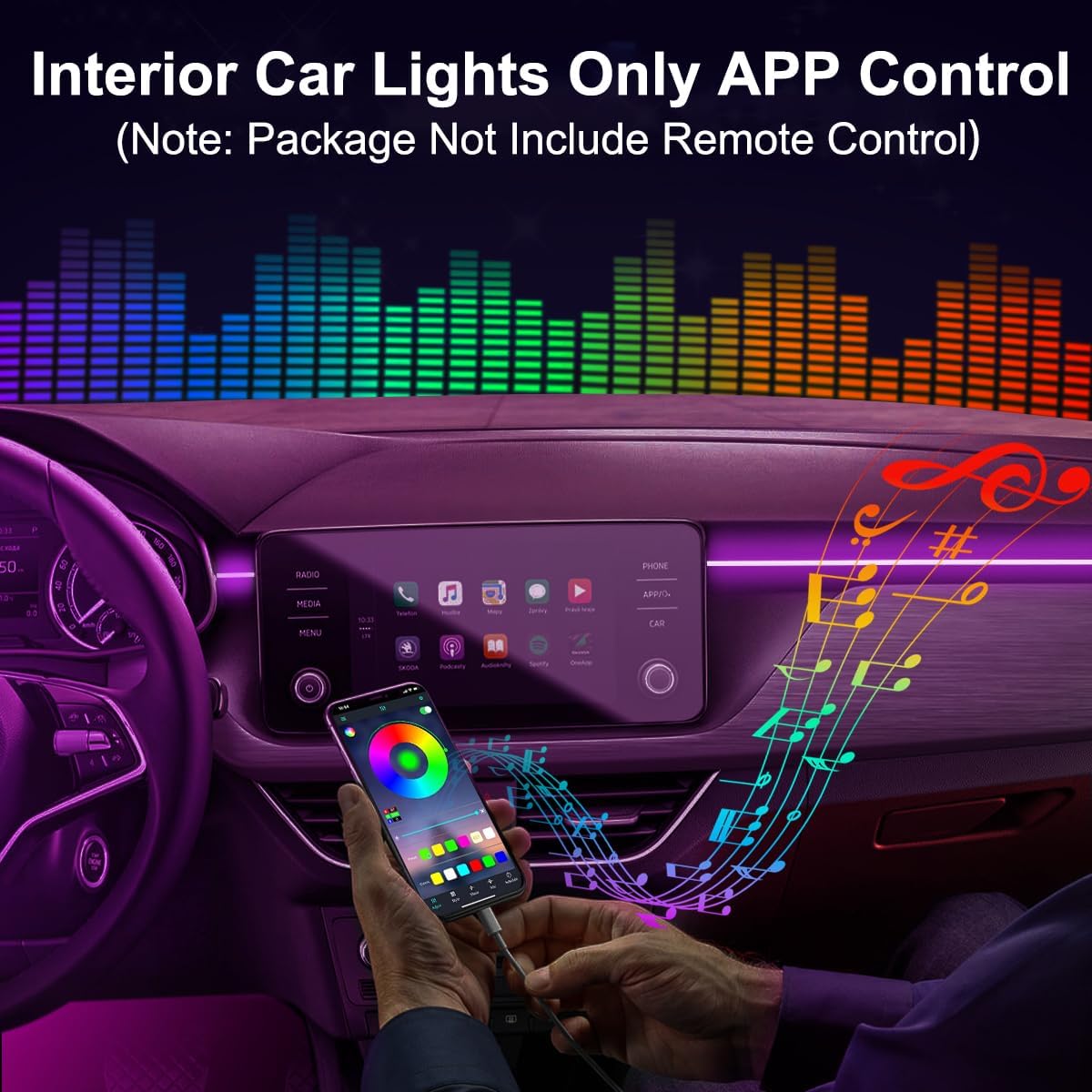
Image: The 'Lotus Lantern' app interface for controlling the lights.
2. Key Features and Modes
- Color Selection: Choose from 16 million colors using the color wheel or preset color options within the app.
- Brightness Adjustment: Dim or brighten the lights to your preferred intensity.
- Preset Modes: Access 29 built-in preset lighting modes for various effects.
- Music Mode: Activate the music sensor function. The lights will sync with the rhythm and beat of music playing in your car, creating a dynamic atmosphere.
- Speed Adjustment: Adjust the speed of dynamic lighting modes.
- On/Off Control: Turn the lights on or off directly from the app.

Image: Overview of the smart APP control features.
Maintenance
To ensure the longevity and optimal performance of your QVEVDACAR LED Strip Lights, follow these simple maintenance guidelines:
- Cleaning: Gently wipe the fiber optic cables and LED emitters with a soft, dry cloth to remove dust or debris. Avoid using harsh chemicals or abrasive cleaners.
- Cable Management: Periodically check that all cables are securely hidden and not exposed to excessive friction or heat, which could cause damage.
- Fuse Check: The car charger has a built-in fuse for protection. If the lights stop working, check the fuse in the car charger and replace it if blown (ensure to use a fuse of the same rating).
- Water Exposure: While the product is waterproof, avoid submerging the control unit or LED emitters in water. Ensure connections remain dry.
Troubleshooting
If you encounter issues with your LED strip lights, refer to the following common problems and solutions:
| Problem | Possible Cause | Solution |
|---|---|---|
| Lights do not turn on. | No power, loose connection, blown fuse. | Ensure the car charger is fully inserted into the cigarette lighter. Check all cable connections. Inspect the fuse in the car charger and replace if necessary. |
| App cannot connect to the lights. | Bluetooth off, app issue, interference. | Verify Bluetooth is enabled on your phone. Restart the app and try again. Ensure no other Bluetooth devices are interfering. Try restarting your phone. |
| Lights are dim or unevenly lit. | Fiber optic not fully inserted, insufficient LED emitters for length. | Ensure the fiber optic cable is fully inserted into the LED light source. If the length is very long, consider adding an additional LED light source at the end of the fiber optic for better brightness. |
| Lights flicker or change colors unexpectedly. | Loose connection, power fluctuation, app glitch. | Check all connections for tightness. Ensure your car's power supply is stable. Restart the app and the lights (by unplugging and replugging the car charger). |
Warranty Information
Specific warranty details for the QVEVDACAR Interior Car LED Strip Lights are not provided in this manual. Please refer to the product packaging or the retailer's website for information regarding warranty coverage and terms. Keep your purchase receipt as proof of purchase.
Customer Support
For further assistance, technical support, or inquiries regarding your QVEVDACAR Interior Car LED Strip Lights, please contact the manufacturer or refer to the brand's official store page:
- Brand Store: Visit the QVEVDACAR Store on Amazon.
- Manufacturer: LEDCARE
When contacting support, please have your product model number (Fiber Optic Light-01) and purchase details readily available.
Related documentsFiber Optic Light-01

Ask a question about this manual
Ask about setup, troubleshooting, compatibility, parts, safety, or missing instructions. Manuals+ will review the question and use this page’s manual context to help answer it.