
Product Overview
The NiteRider Lumina Micro 900 is a compact and lightweight front bike light designed for various cycling conditions, including mountain, road, commuting, and urban environments. It features a powerful 900-lumen output, USB rechargeability, and water resistance, ensuring visibility and safety during your rides.
Key features include a Lock Mode to prevent accidental activation, Intellicharge technology for faster charging, and a durable DuPont fiberglass reinforced nylon housing. The light offers five distinct modes to adapt to different lighting needs and optimize battery life.

Image: NiteRider Lumina Micro 900 compact front bike light.
What's Included
- LED Light Head
- Internal Li-Ion Battery
- Handlebar Clamp Mount (fits up to 35mm)
- USB Charging Cable
Setup and Installation
The NiteRider Lumina Micro 900 comes with a handlebar clamp mount for easy installation. This mount is designed to fit standard and oversized 35mm handlebars.
- Attach the Handlebar Mount: Secure the handlebar clamp mount to your bicycle's handlebar. Ensure it is tightened sufficiently to prevent movement during rides.
- Slide in the Light Head: Slide the LED light head onto the handlebar mount until it clicks securely into place. The quick-release tab allows for convenient removal and installation.
- Adjust Angle: Adjust the angle of the light to ensure optimal illumination of your path without blinding oncoming traffic.

Image: NiteRider light securely mounted on bicycle handlebars.
Operating Instructions
Lock Mode Operation
The Lumina Micro 900 features a Lock Mode to prevent accidental power-on during transport or storage, conserving battery life. The light is set to Lock Mode at the factory.
To Unlock the Light:
- Press and hold the power button for approximately 7-10 seconds.
- The LED indicator in the switch will change from red to blue, indicating the light is unlocked.
- Press and release the power button again to turn the light on.
To Lock the Light:
- With the light on, press and hold the power button for approximately 7-10 seconds.
- The light will cycle through flash modes and then turn off, with the LED indicator turning red, signifying it is now in Lock Mode.
Video: Instructions on how to unlock the NiteRider Lumina light when the button is lighting up red.
Video: Demonstrates how to unlock Lumina Series lights that are factory-locked for safety.
Light Modes and Run Times
The Lumina Micro 900 offers five distinct lighting modes:
- Low Steady: 200 lumens @ 11:00 hours
- Medium: 450 lumens @ 4:30 hours
- High: 900 lumens @ 2:00 hours
- Safety Flash: @ 11:00 hours
- Walk Mode: 30 lumens @ 60:00 hours
Charging the Light
The Lumina Micro 900 is USB rechargeable. The Intellicharge™ feature reduces charging time, allowing you to spend more time riding.
- Connect the provided USB charging cable to the light and a power source (e.g., computer, USB wall adapter) outputting over 500 mA.
- The typical charge time is 2 hours and 30 minutes.
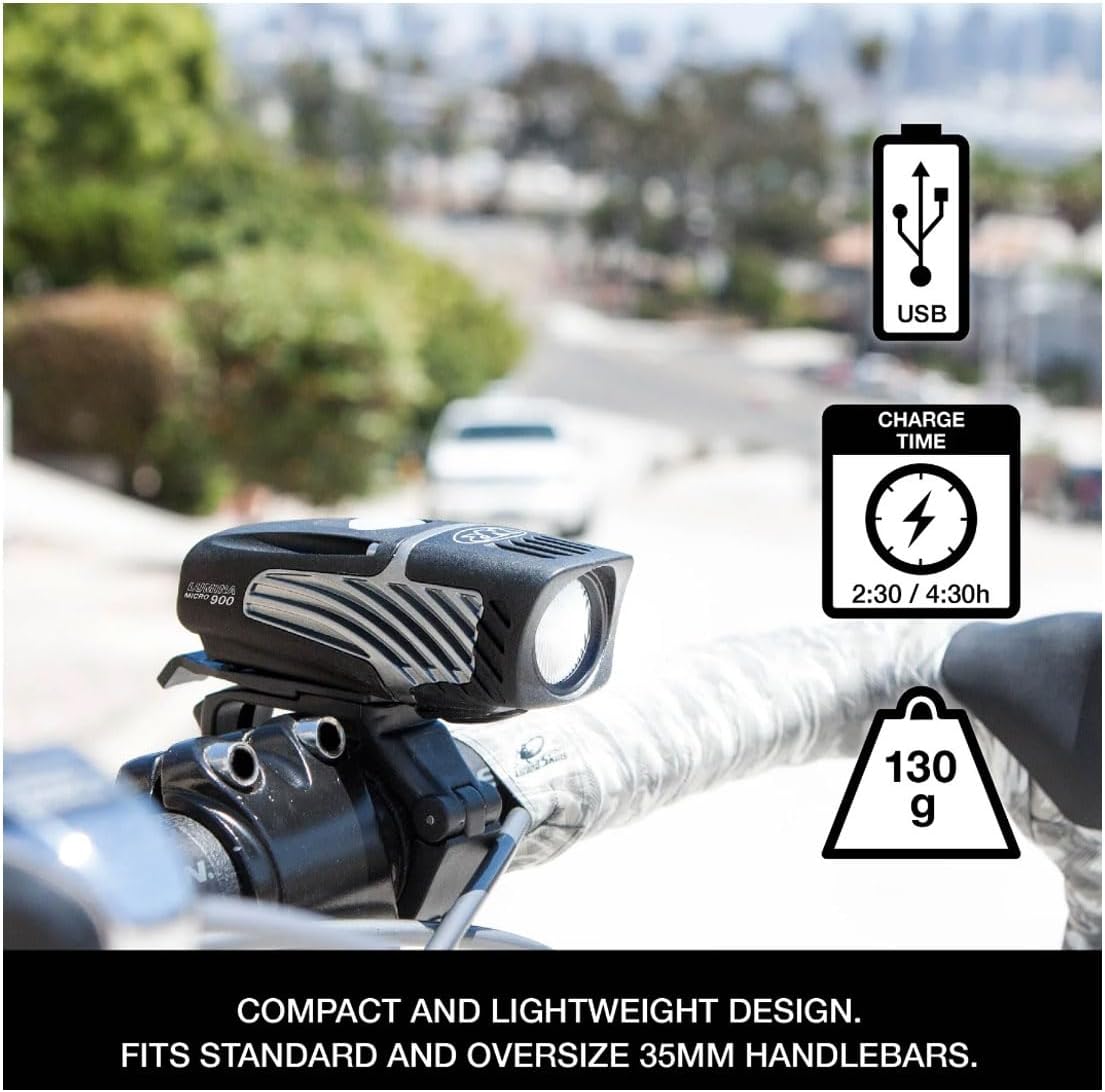
Image: NiteRider Lumina Micro 900 highlighting USB charging and charge time.
Battery Level Indicator
The power button doubles as a battery level indicator:
- Blue Light: Indicates a good battery level remaining.
- Red Light: Indicates the battery level is below 20% remaining.
Maintenance
- Cleaning: Wipe the light with a soft, damp cloth to remove dirt and debris. Avoid using harsh chemicals or abrasive materials.
- Storage: Store the light in a cool, dry place when not in use. If storing for an extended period, ensure the battery is partially charged (around 50%) and recharge every few months to maintain battery health.
- Water Resistance: The light is water resistant (IP64 rated). While it can withstand splashes and light rain, avoid submerging it in water. Ensure the USB port cover is securely closed to maintain water resistance.
Troubleshooting
- Light Not Turning On: If the light does not turn on, it may be in Lock Mode. Refer to the "Lock Mode Operation" section to unlock the device. Ensure the battery is charged.
- Short Run Time: Ensure the light is fully charged before use. Battery performance can decrease over time and in cold temperatures.
- Charging Issues: Verify the USB cable is properly connected and the power source is functioning. If the light still doesn't charge, try a different USB cable or power source.
Specifications
| Feature | Detail |
|---|---|
| Model Name | NiteRider Lumina Micro 900 LED Front Bike Headlight |
| Light Output Maximum | 900 Lumens |
| Number of Settings | 5 (Low Steady, Medium, High, Safety Flash, Walk Mode) |
| Power Source | Battery Powered (Internal Li-Ion) |
| Charge Time | 2:30 hours (with >500 mA power source) |
| Water Resistance Level | IP64 (Water Resistant) |
| Item Weight | 130 grams (light head + handlebar mount) |
| Material | DuPont fiberglass reinforced nylon housing |
| Mounting Type | Handlebar Mount (up to 35mm) |
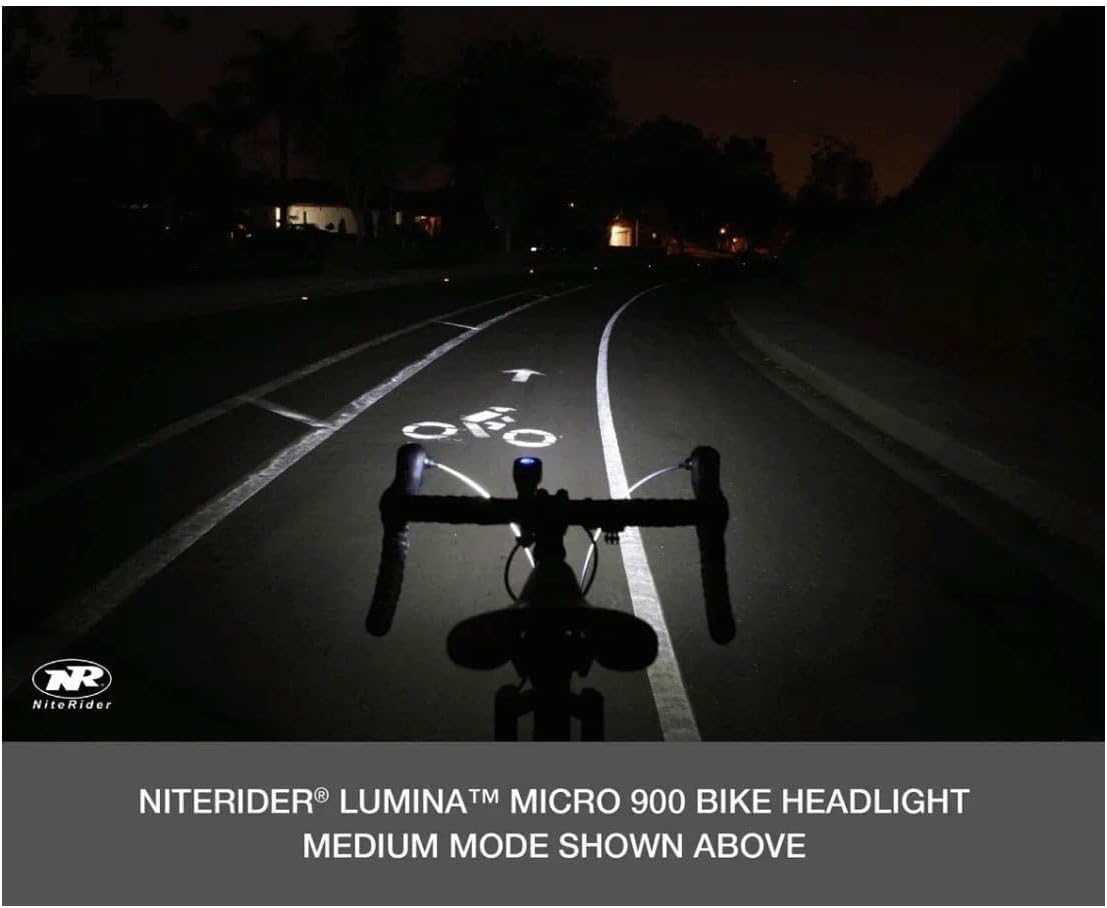
Image: Lumina Micro Series light dimensions.
Warranty and Support
NiteRider offers comprehensive warranty coverage for the Lumina Micro 900:
- Limited Lifetime Warranty: Covers defects in mechanical components (housings, covers, mounts, fasteners) and LEDs.
- 2-Year Warranty: Covers printed circuit boards, switches, and AC adapters.
- 1-Year Warranty: Covers rechargeable battery cells.
For further support or warranty claims, please visit the official NiteRider website or contact their customer service.
You can find more information and products at the NiteRider Store.


