
NUTRI FIT B08F28YZHB
NUTRI FIT Digital Kitchen Scale Instruction Manual
Model: B08F28YZHB
Product Overview
The NUTRI FIT Digital Kitchen Scale is designed for precise measurement of food ingredients, liquids, and other items up to 11 lbs (5 kg). Its ultra-slim design and stainless steel platform make it a practical and durable tool for any kitchen.

Image: NUTRI FIT Digital Food Scale, Slim & Compact design with a bowl of berries and tomatoes on the scale.
Key Features:
- High Accuracy: Equipped with high-precision sensors for measurements from 0.1 oz / 1 g up to 11 lbs / 5 kg.
- Multiple Units: Easily switch between lb:oz, g, ml, and fl.oz.
- Tare Function: Zero out the weight of containers for accurate net weight measurements.
- Ultra-Slim Design: Compact dimensions (7 x 5.2 x 1.1 inches) for easy storage.
- Durable Material: Stainless steel platform for easy cleaning and longevity.
- Energy Efficient: Auto-off function after 2 minutes of inactivity to conserve battery life.
- Clear Display: Large backlit LCD screen for easy readability.
Setup
- Unpack the Scale: Carefully remove the scale from its packaging.
- Install Batteries:
- Locate the battery compartment on the underside of the scale.
- Open the compartment cover.
- Insert two (2) AAA batteries, ensuring correct polarity (+/-).
- Close the battery compartment cover securely.
- Placement: Place the scale on a hard, flat, and stable surface to ensure accurate readings. Avoid soft or uneven surfaces.
Operating Instructions
- Power On/Off:
- Press the ON/OFF/ZERO button to turn on the scale. The LCD will display "8888" and then "0".
- To turn off the scale, press and hold the ON/OFF/ZERO button for a few seconds, or wait for the automatic 2-minute auto-off feature.
- Unit Conversion:
- Press the UNIT/M button to cycle through the available measurement units: grams (g), pounds and ounces (lb:oz), milliliters (ml), and fluid ounces (fl.oz).
- The selected unit will be displayed on the LCD screen.

Image: Digital scale displaying various measurement units like lb:oz, g, fl'oz, and ml.
- Tare Function (Zeroing):
- Place an empty container on the scale platform. The display will show the weight of the container.
- Press the ON/OFF/ZERO button. The display will reset to "0", effectively subtracting the container's weight.
- You can now add ingredients to the container, and the scale will display only the net weight of the ingredients.

Image: A four-step visual guide demonstrating how to use the tare function to weigh food accurately by subtracting the bowl's weight.
- Weighing Items:
- Turn on the scale and ensure it displays "0".
- Place the item(s) directly onto the scale platform or into a tared container.
- The weight will be displayed on the LCD screen.
Video: Official NUTRI FIT demonstration of the digital ultra-slim food scale, showcasing its features and ease of use.
Maintenance
- Cleaning:
- Wipe the scale with a soft, damp cloth. Do not use abrasive cleaners or immerse the scale in water.
- The stainless steel platform is resistant to stains and easy to clean.
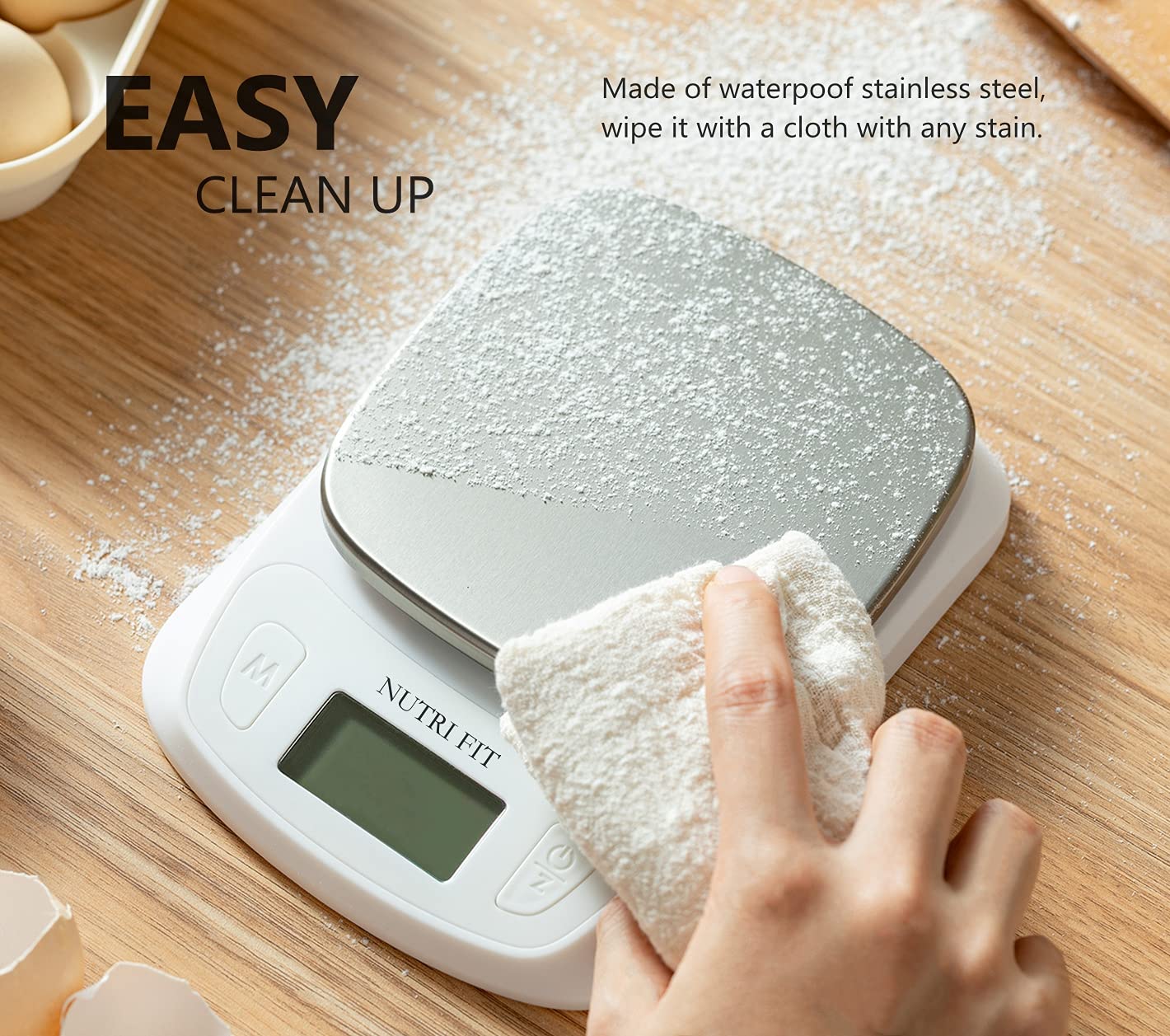
Image: A hand wiping the stainless steel platform of the scale with a cloth, demonstrating easy cleanup.
- Storage: Store the scale in a cool, dry place. Its ultra-slim design allows for easy storage in cabinets or drawers.
- Battery Replacement: Replace batteries when the low battery indicator appears on the display. Use 2 AAA batteries.
Troubleshooting
| Problem | Possible Cause | Solution |
|---|---|---|
| "Lo" or Low Battery Indicator | Batteries are low. | Replace with new AAA batteries. |
| "O-Ld" or Overload Indicator | Weight exceeds maximum capacity (11 lbs / 5 kg). | Remove items immediately to prevent damage. |
| Inaccurate Readings |
|
|
| Scale Does Not Turn On |
|
|
Specifications
- Model: B08F28YZHB
- Capacity: 11 lbs / 5 kg
- Accuracy: 0.1 oz / 1 g
- Units: lb:oz, g, ml, fl.oz
- Display: Backlit LCD
- Platform Material: Stainless Steel
- Dimensions: 7 x 5.2 x 1.1 inches
- Power: 2 x AAA Batteries (included)
- Auto-Off: 2 minutes
Warranty and Support
For warranty information or product support, please refer to the contact details provided with your purchase or visit the official NUTRI FIT website.
Manufacturer: NUTRI FIT
UPC: 782938067590
Ask a question about this manual
Ask about setup, troubleshooting, compatibility, parts, safety, or missing instructions. Manuals+ will review the question and use this page’s manual context to help answer it.