
1. Introduction
The Popglory P22 Smart Watch is a versatile fitness and health tracker designed for both men and women. It features a full-touch screen and offers comprehensive monitoring of various health metrics, along with smart notifications and multiple sport modes. This manual provides detailed instructions for setting up, operating, and maintaining your smartwatch.

Image: The Popglory P22 Smart Watch in pink, showcasing its full-touch display and silicone strap.
2. What's in the Box
Upon opening your Popglory Smart Watch package, you should find the following items:
- Popglory Smart Watch (P22)
- Charging Cable
- User Manual
3. Setup Guide
3.1 Attaching the Watch Bands
To attach the watch bands, locate the small pins on each band. Align the pin with the corresponding hole on the watch body. Pull the small lever on the pin inwards, insert one end of the pin into the watch lug, then release the lever to secure the other end. Ensure both ends of the pin are firmly seated in the watch lugs.

Image: A detailed view of the watch components, including the band attachment points and the magnetic charging pins.
3.2 Charging the Smart Watch
Before first use, fully charge your smartwatch. Connect the magnetic charging cable to the charging points on the back of the watch. Plug the USB end of the cable into a compatible USB power adapter (not included) or a computer's USB port. The watch display will indicate charging status. A full charge typically takes approximately 2.5 hours.

Image: The Popglory Smart Watch connected to its magnetic charging cable, illustrating the charging process.
3.3 App Download and Pairing
To unlock the full potential of your smartwatch, download the companion app, HeroBandⅢ. You can find it on the App Store (for iOS devices) or Google Play (for Android devices). Alternatively, scan the QR code provided in the physical user manual.
Once installed, open the app and follow the on-screen instructions to pair your smartwatch via Bluetooth. Ensure Bluetooth is enabled on your smartphone. The watch is compatible with iOS 9.0 and above, and Android 4.4 and above.
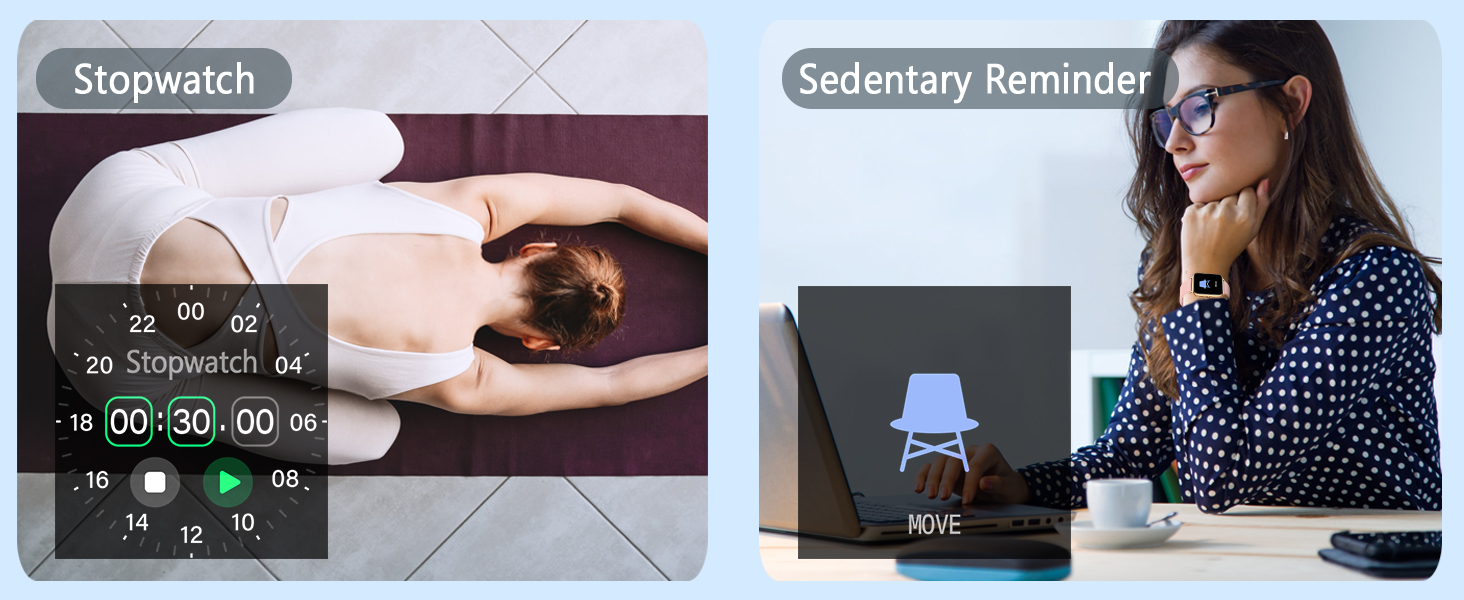
Image: Visual representation of the smartwatch's compatibility with the HeroBandIII app, iOS 9.0+, and Android 4.4+ devices.
4. Operating the Smart Watch
4.1 General Navigation
The Popglory P22 Smart Watch features a full-touch screen for easy navigation. Swipe left, right, up, or down to access different menus and features. Tap on icons to select options or open applications.

Image: The smartwatch display showing various customizable wallpapers and the intuitive app interface for personalization.
4.2 Health Monitoring
The smartwatch is equipped with advanced sensors to monitor your health metrics. Data is recorded in the HeroBandⅢ app for detailed analysis.
- Heart Rate Monitor: Continuously monitors your heart rate throughout the day. Access the Heart Rate section on your watch or in the app to view real-time data and historical trends.
- Blood Pressure Monitor: Detects your blood pressure. Initiate a measurement from the watch or app. Data is for fitness reference only and not for medical purposes.
- Blood Oxygen Monitor: Measures your blood oxygen levels. Start a measurement from the watch or app. Data is for fitness reference only and not for medical purposes.
- Sleep Monitor: Accurately records your sleep information, including periods of deep sleep, light sleep, and waking time. View detailed sleep analysis in the app.
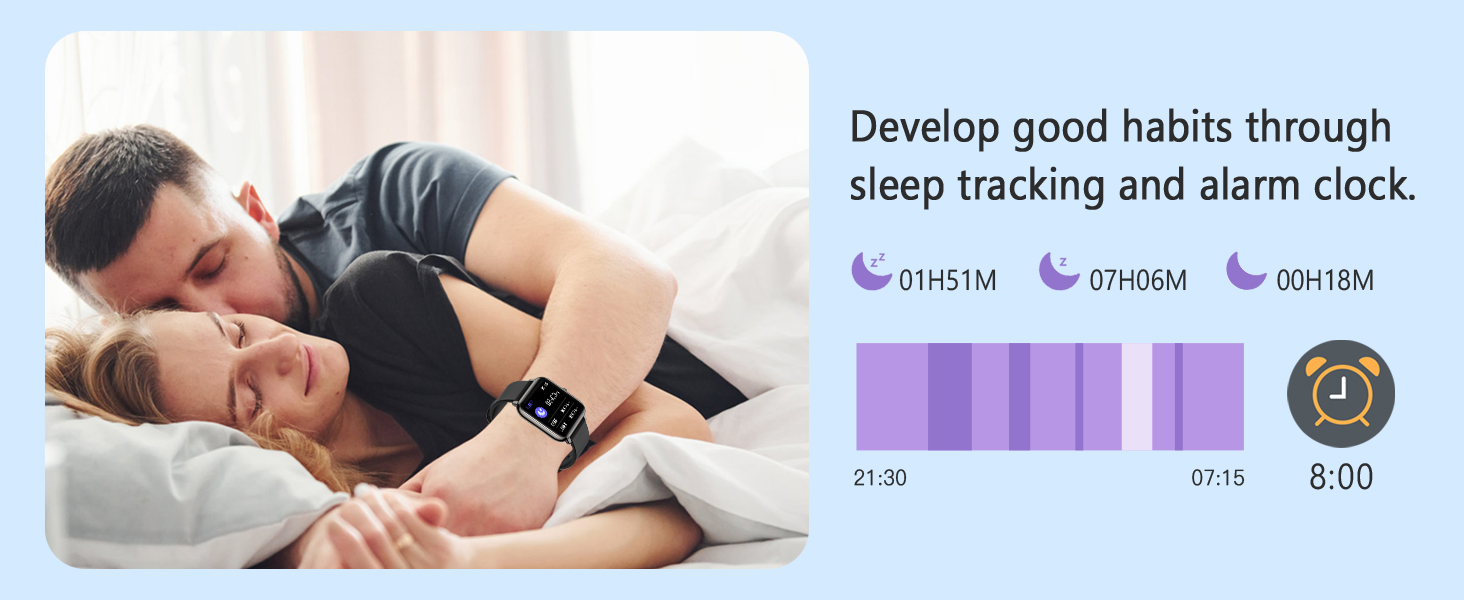
Image: The smartwatch screen showing continuous heart rate monitoring with a graphical representation of heart rate trends.
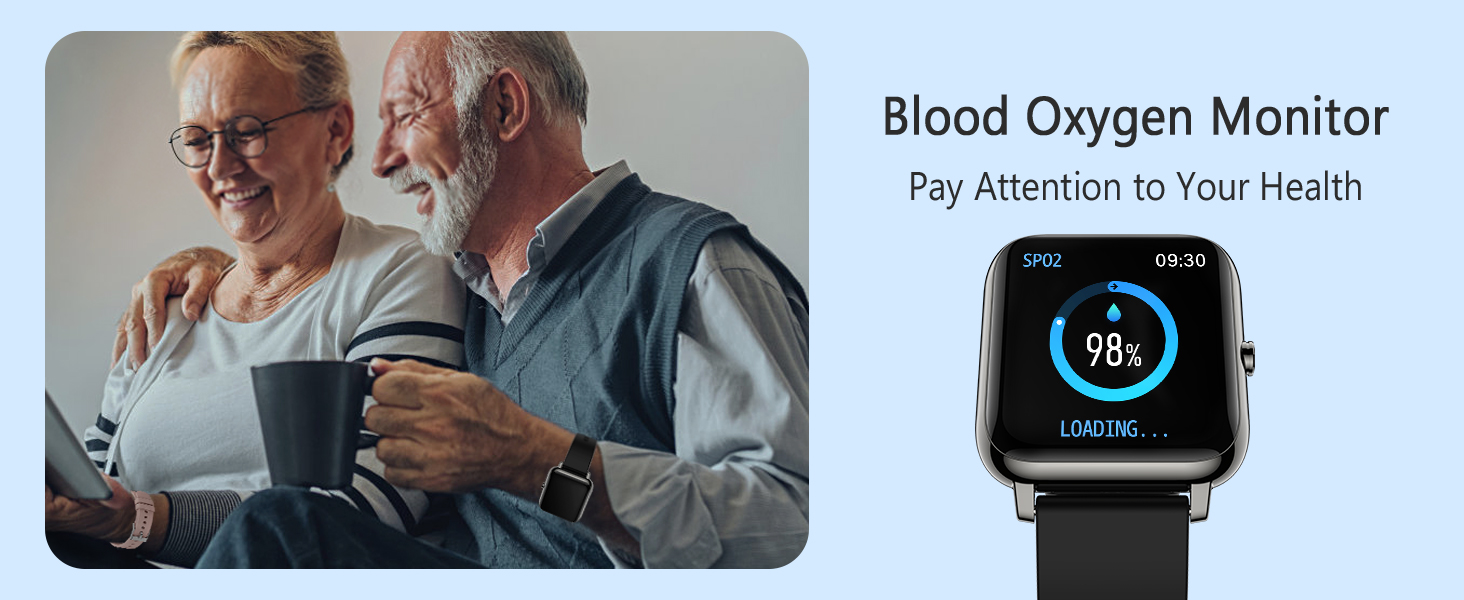
Image: The smartwatch display showing blood pressure monitoring, with current readings and historical data available in the app.
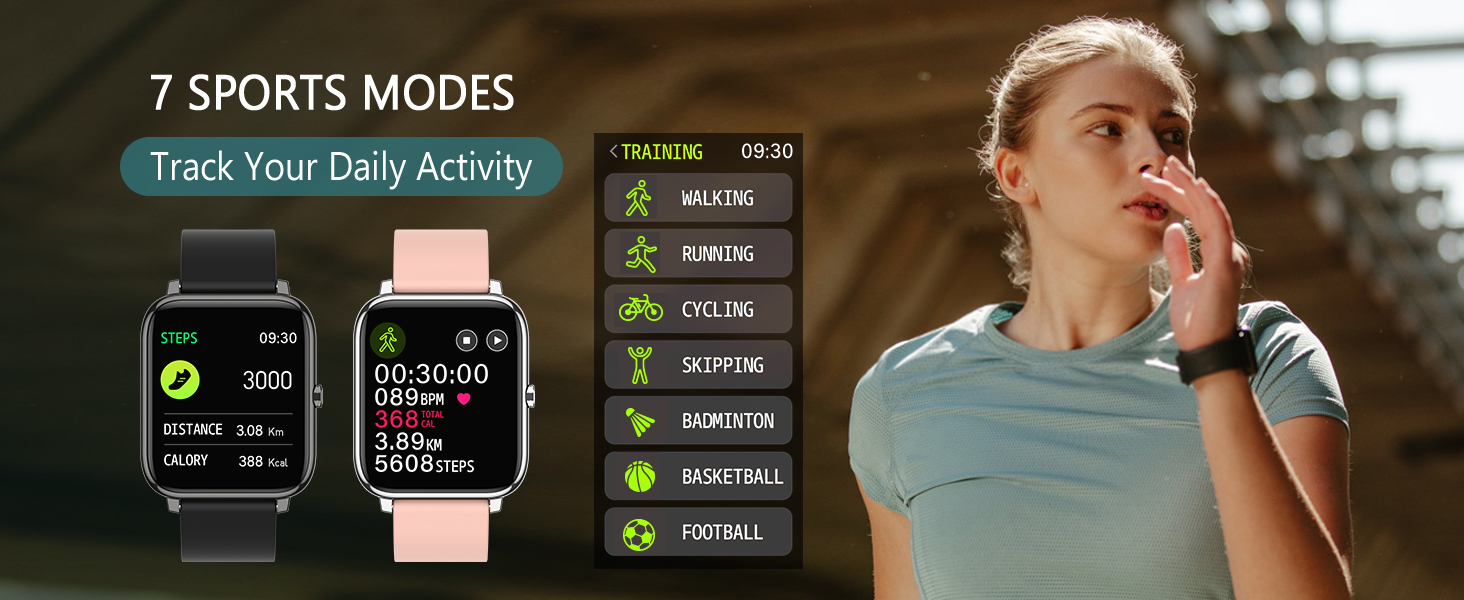
Image: The smartwatch screen indicating blood oxygen saturation levels, showing the loading process and final percentage.
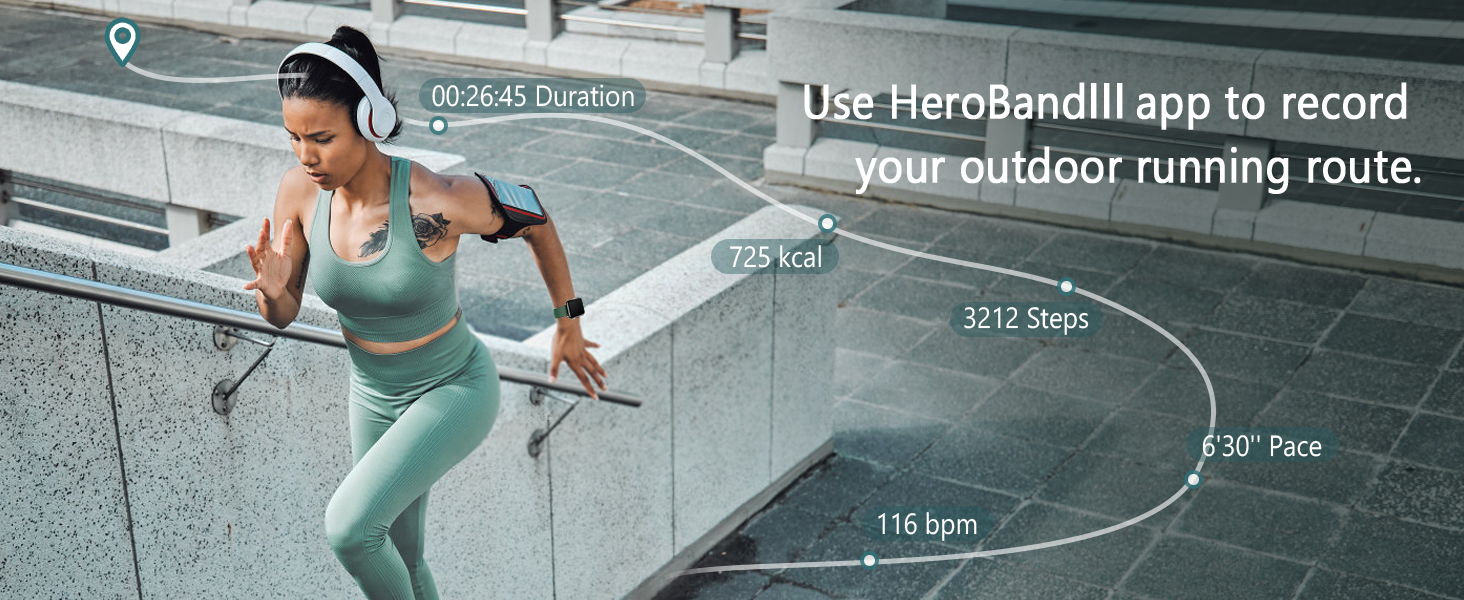
Image: The smartwatch interface showing sleep tracking data, including sleep duration and different sleep stages, alongside an alarm clock setting.
4.3 Fitness Tracking
The smartwatch tracks your daily activities and supports various sport modes:
- All-Day Activity Tracking: Records steps, distance, and calories burned automatically.
- Sport Modes: Choose from 7 sport modes including Walking, Running, Cycling, Skipping, Badminton, Basketball, and Football. The watch records specific data for each activity.
- GPS Movement: Use the HeroBandⅢ app to record your outdoor running route and view detailed workout summaries.

Image: A woman exercising outdoors, with the smartwatch displaying various multi-sport modes and activity tracking metrics like time, calories, and steps.
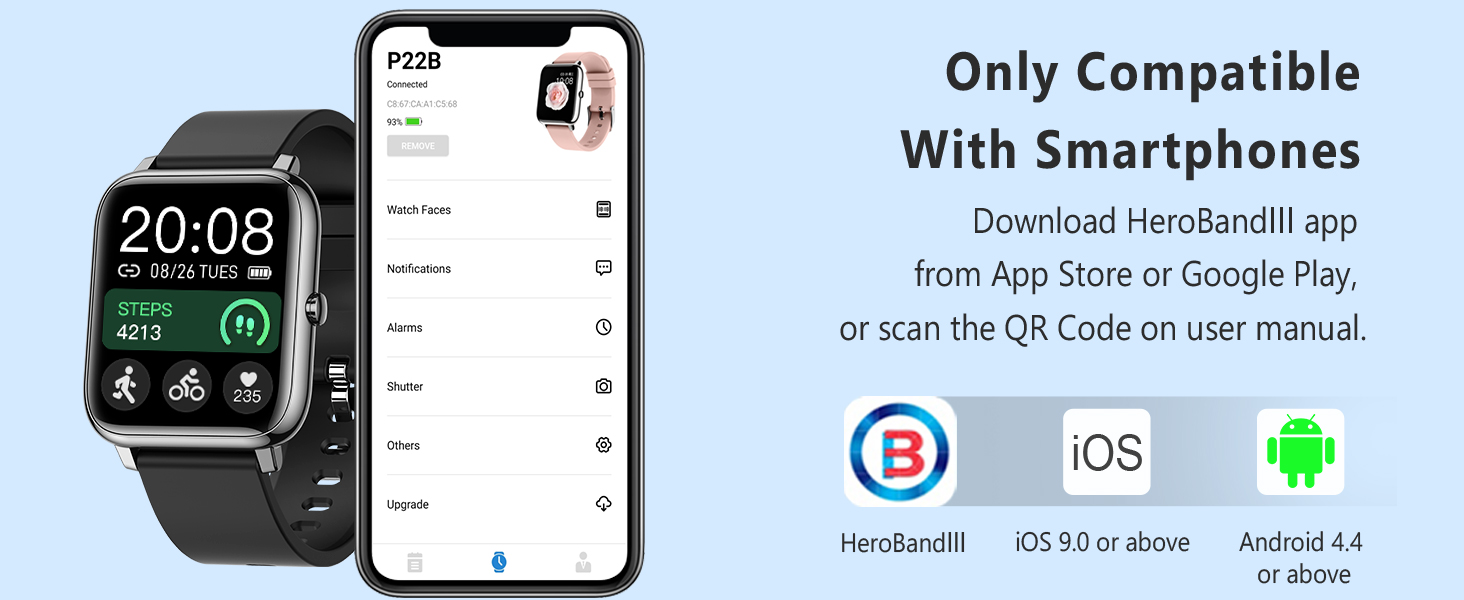
Image: A woman running up stairs, with an overlay illustrating GPS tracking and workout data such as duration, calories, steps, and pace.
4.4 Smart Features
Your Popglory Smart Watch offers a range of convenient smart features:
- Smart Notifications: Receive call, text, and app notifications directly on your watch. Supported apps include Facebook, WhatsApp, Twitter, Skype, Line, Kakao Talk, Instagram, Gmail, LinkedIn, Messenger, Snapchat, TikTok, Telegram, and WeChat.
- Customizable Watch Faces: Easily switch between a collection of watch faces or customize your own using the companion app.
- Music Control: Control music playback on your connected smartphone directly from your watch.
- Remote Camera Control: Use your watch as a remote shutter for your smartphone camera.
- Weather Display: Get real-time weather updates directly on your watch (requires app connection).
- Timer & Stopwatch: Utilize built-in timer and stopwatch functions for various activities.
- Find Phone: Locate your misplaced smartphone by triggering an alert from your watch.
- Sedentary Reminder: Receive alerts to encourage movement after periods of inactivity.
- Do Not Disturb (DND) Mode: Silence notifications during specific times or events to avoid interruptions.
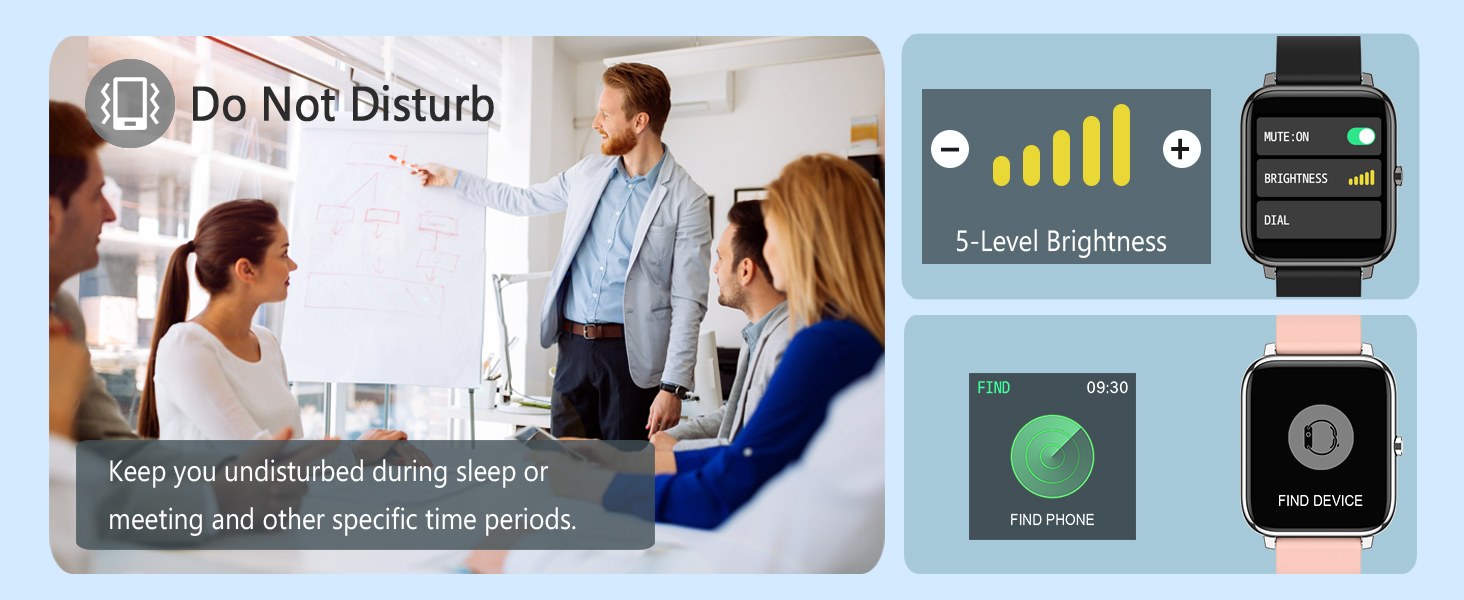
Image: The smartwatch screen showing various app notifications and call reminders, indicating connectivity with popular messaging and social media platforms.
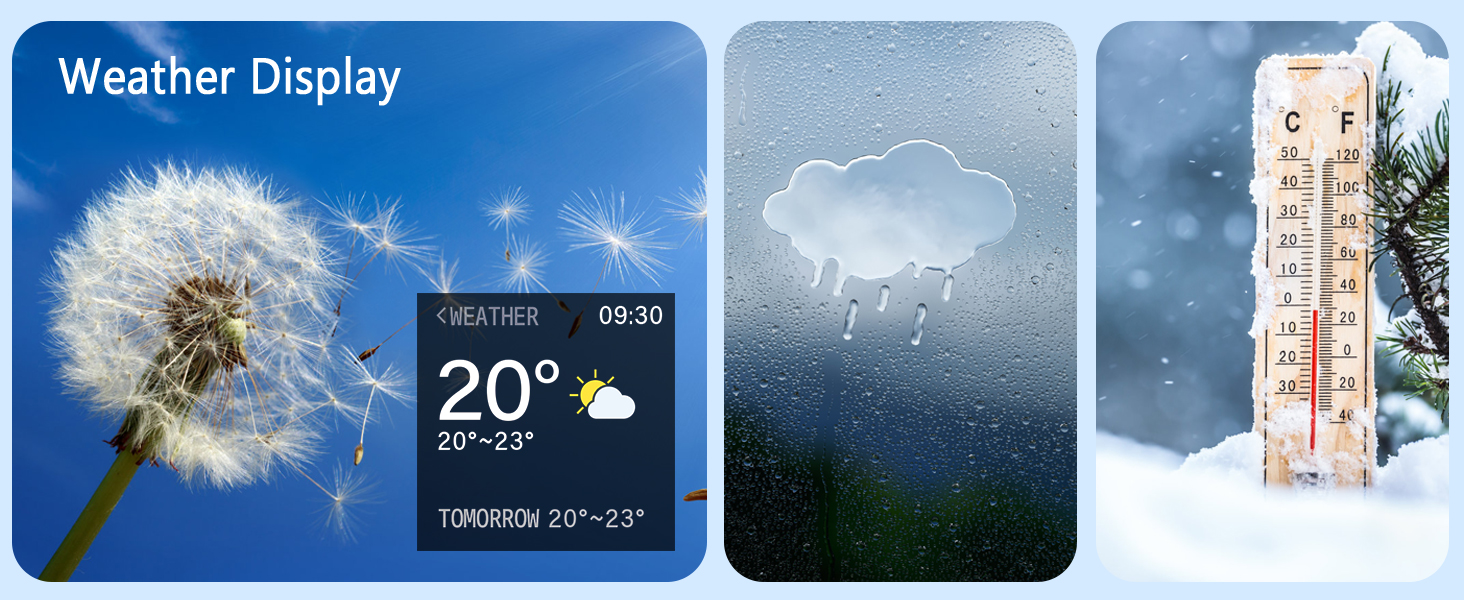
Image: A collage of various customizable watch faces and custom dial options available for the smartwatch, allowing for personalized aesthetics.
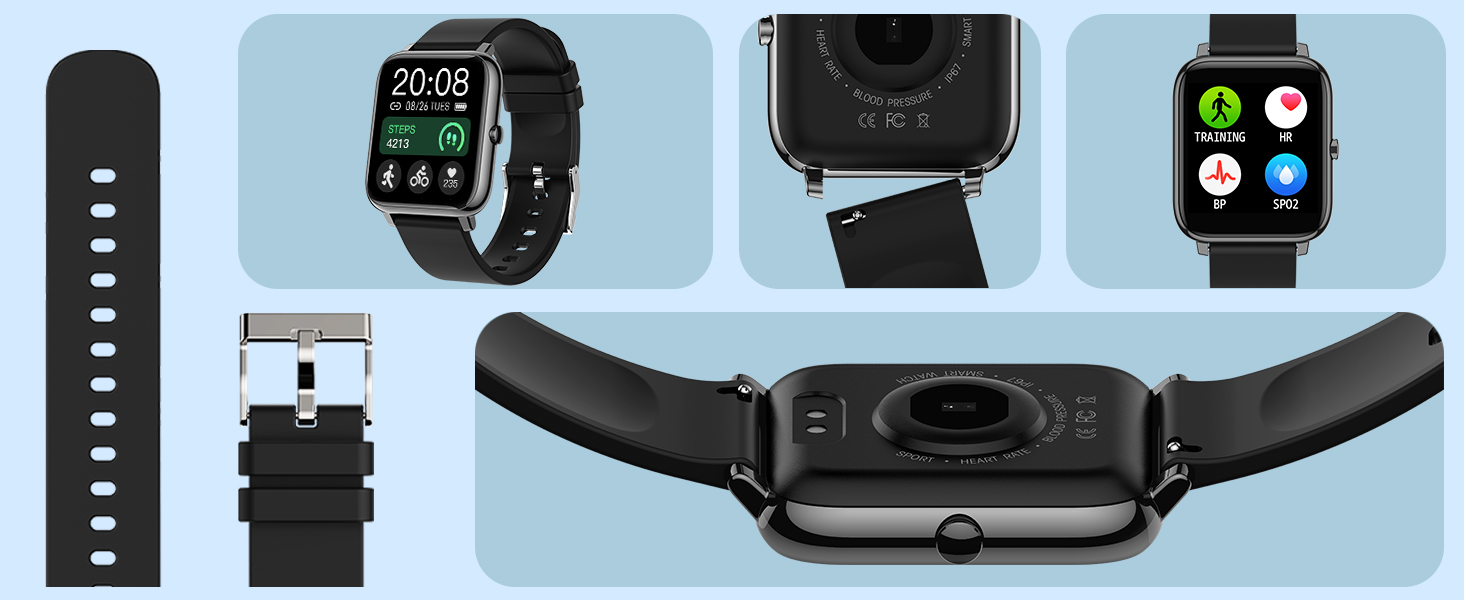
Image: A woman relaxing while listening to music, with the smartwatch displaying music playback controls for convenience.
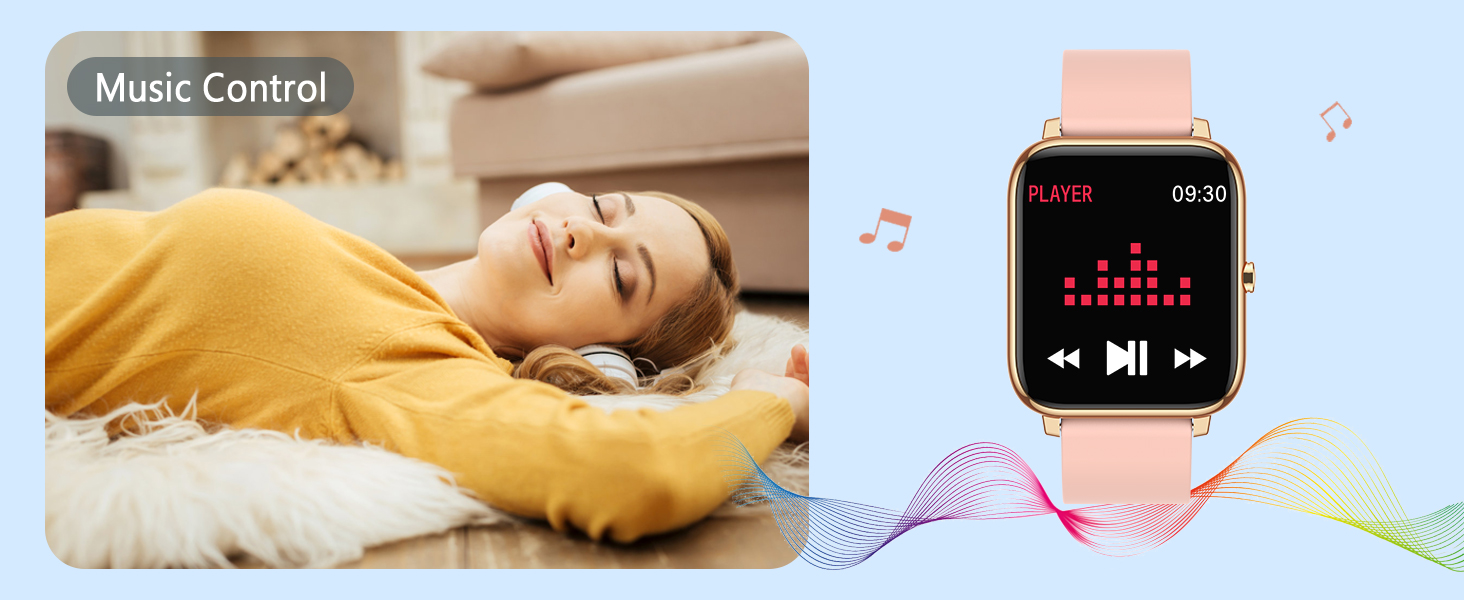
Image: Two women posing for a photo, with the smartwatch screen showing a camera icon and 'CLICK' text, indicating its remote camera control function.
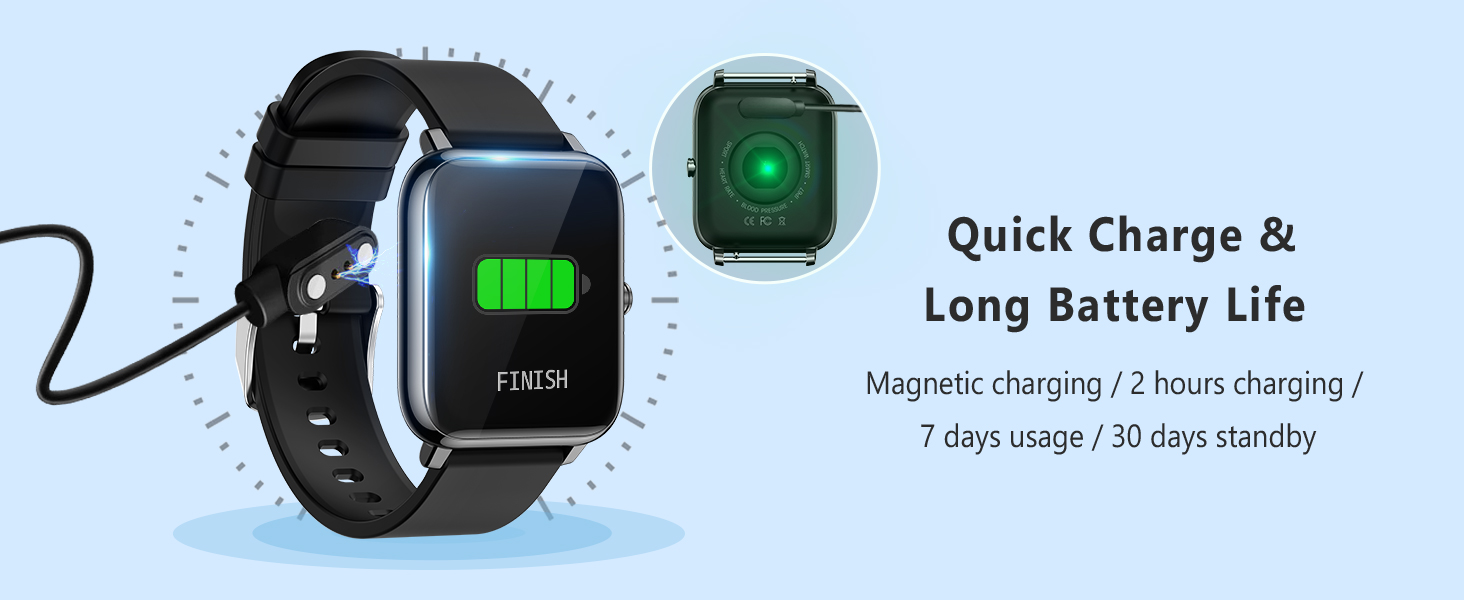
Image: The smartwatch display showing current weather information, including temperature and conditions, with additional weather-related imagery.
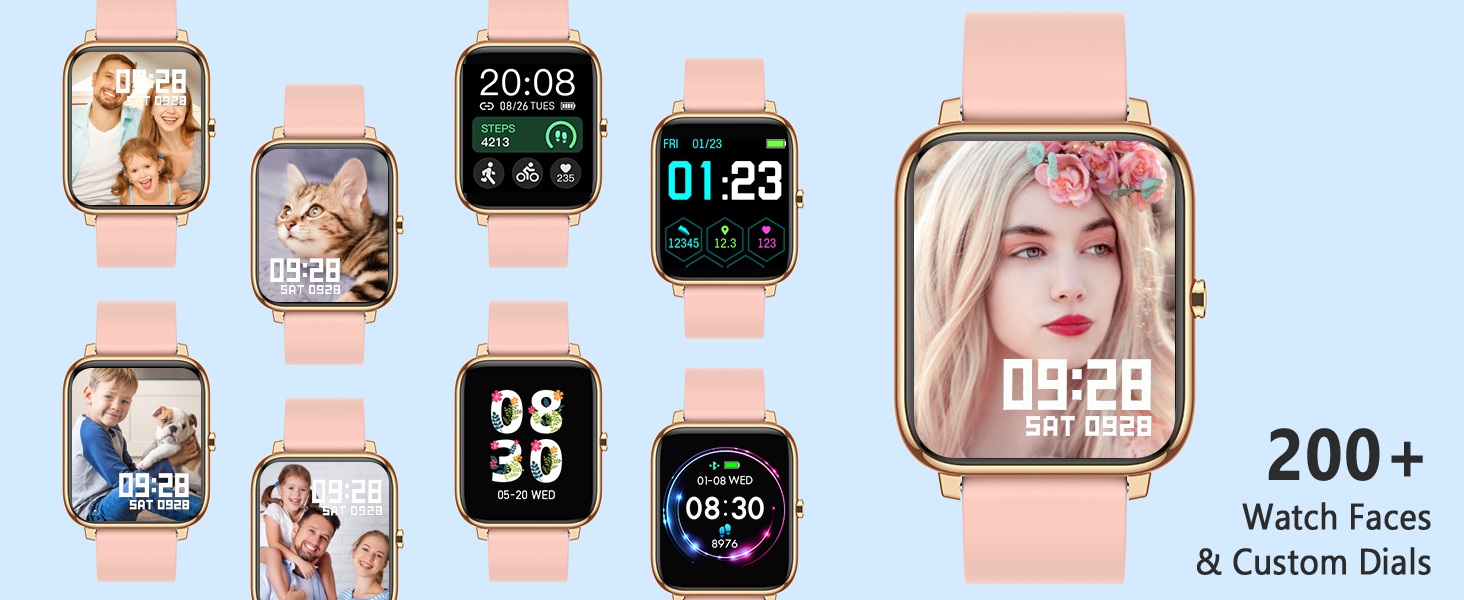
Image: The smartwatch interface displaying options for Do Not Disturb mode, 5-level brightness adjustment, and the 'Find Phone' feature.
5. Maintenance
5.1 Cleaning and Care
Regularly clean your smartwatch and band to ensure optimal performance and hygiene. Use a soft, damp cloth to wipe the screen and band. Avoid using harsh chemicals or abrasive materials. Ensure the charging contacts are clean and dry before charging.
5.2 Battery Life
The Popglory P22 Smart Watch offers up to 10 days of usage time and over 30 days of standby time on a single charge. Actual battery life may vary based on usage patterns and settings.

Image: The smartwatch display indicating quick charge status and highlighting its long battery life with usage and standby times.
6. Troubleshooting
If you encounter any issues with your Popglory Smart Watch, try the following troubleshooting steps:
- Watch not turning on: Ensure the watch is fully charged. Connect it to the charger and wait a few minutes before attempting to power it on.
- Cannot pair with smartphone: Ensure Bluetooth is enabled on your phone and the watch is within range. Restart both the watch and your phone, then try pairing again. Make sure the HeroBandⅢ app is updated to the latest version.
- Inaccurate health data: Ensure the watch is worn snugly on your wrist, about one finger's width from your wrist bone. Keep still during measurements. Remember that data is for fitness reference only and not intended for medical purposes.
- Notifications not received: Check app settings to ensure notifications are enabled for the desired applications. Verify that the watch is properly connected to your phone via Bluetooth.
- Screen display issues: If the screen shows lines or is unresponsive, try restarting the watch. If the issue persists, contact customer support.
7. Specifications
| Feature | Detail |
|---|---|
| Model Number | P22 |
| Screen Size | 1.3 Inches (Standing screen display size) |
| Compatibility | iOS 9.0+, Android 4.4+ |
| Battery Life (Usage) | Up to 10 days |
| Battery Life (Standby) | 30+ days |
| Charging Time | Approx. 2.5 hours |
| Item Weight | 2.4 ounces (68 Grams) |
| Package Dimensions | 10.75 x 3.58 x 0.67 inches |
| Special Features | Time Display, Notifications, Heart Rate Monitor, Blood Pressure Monitor, Sedentary Reminder, Sleep Monitor, Pedometer, Text Messaging, Calorie Tracker |
| Wireless Communication | Bluetooth |
| GPS | No GPS |
8. Warranty and Support
Popglory is committed to providing excellent products and customer service. Your Popglory Smart Watch comes with a 12-month warranty. If you encounter any product problems or have suggestions, please do not hesitate to contact us. We are ready to offer you the most satisfying solution at any time.
You can reach customer service through your Amazon account by navigating to 'Your Orders', finding the related order number, and clicking 'Contact Seller'. Alternatively, from the product details page, click on 'Seller Name' and then 'Ask a question' to contact the seller directly.


