1. Introduction
Thank you for choosing the Taylor Digital Bathroom Scale, Model 5273274. This manual provides essential information for the proper setup, operation, and maintenance of your new scale. Please read these instructions thoroughly before use to ensure accurate measurements and safe operation.
The Taylor Digital Bathroom Scale features a 12.0" x 12.0" glass platform with a grey textured paint and herringbone print. It is designed for precise weight measurement with an extra high capacity of 500 lb (226 kg) and displays increments of 0.2 lb (0.1 kg). The scale includes an easy-to-read 3.2" x 1.5" display with a white backlight, instant-on auto-zero technology, and indicators for low battery and overload. Three AAA batteries are included for immediate use.

Image 1.1: Top view of the Taylor Digital Bathroom Scale, Model 5273274, showcasing its grey textured glass platform with herringbone design and digital display.
2. Important Safety Information
- Always use the scale on a hard, flat surface. Using it on carpet or uneven surfaces may affect accuracy.
- The glass platform can be slippery when wet. Ensure the surface is dry before stepping on the scale.
- Do not jump on the scale or drop heavy objects on it, as this may damage the glass or internal components.
- This scale is intended for personal weight measurement only. Do not use for commercial purposes.
- Keep the scale away from extreme temperatures and direct sunlight.
- Do not attempt to disassemble or repair the scale yourself. Refer to the warranty section for service information.
3. Package Contents
Upon opening the package, please verify that all items are present:
- Taylor Digital Bathroom Scale (Model 5273274)
- 3 x AAA Batteries
- Instruction Manual
4. Setup
4.1. Battery Installation
- Locate the battery compartment on the underside of the scale.
- Open the battery compartment cover.
- Insert the three (3) AAA batteries, ensuring correct polarity (+ and -).
- Close the battery compartment cover securely.

Image 4.1: The underside of the scale, highlighting the battery compartment and the unit conversion switch.
4.2. Unit Selection
On the underside of the scale, near the battery compartment, you will find a switch to select your preferred unit of measurement: pounds (lb), kilograms (kg), or stones (st).
- Flip the scale over to access the underside.
- Locate the unit switch.
- Slide the switch to select 'lb', 'kg', or 'st' as desired.
4.3. Scale Placement
For accurate readings, place the scale on a hard, flat, and level surface. Avoid placing it on carpets, rugs, or uneven flooring.

Image 4.2: The scale positioned on a hard, flat bathroom floor, ready for use.
5. Operation
5.1. Taking a Measurement
The Taylor Digital Bathroom Scale features instant-on auto-zero technology, eliminating the need to tap the scale to turn it on.
- Ensure the scale is on a hard, flat surface.
- Step onto the center of the scale platform with bare feet.
- Stand still and wait for your weight to be displayed on the screen. The display will hold the reading for approximately 10 seconds before automatically turning off.
- Step off the scale. The scale will automatically turn off to conserve battery life.
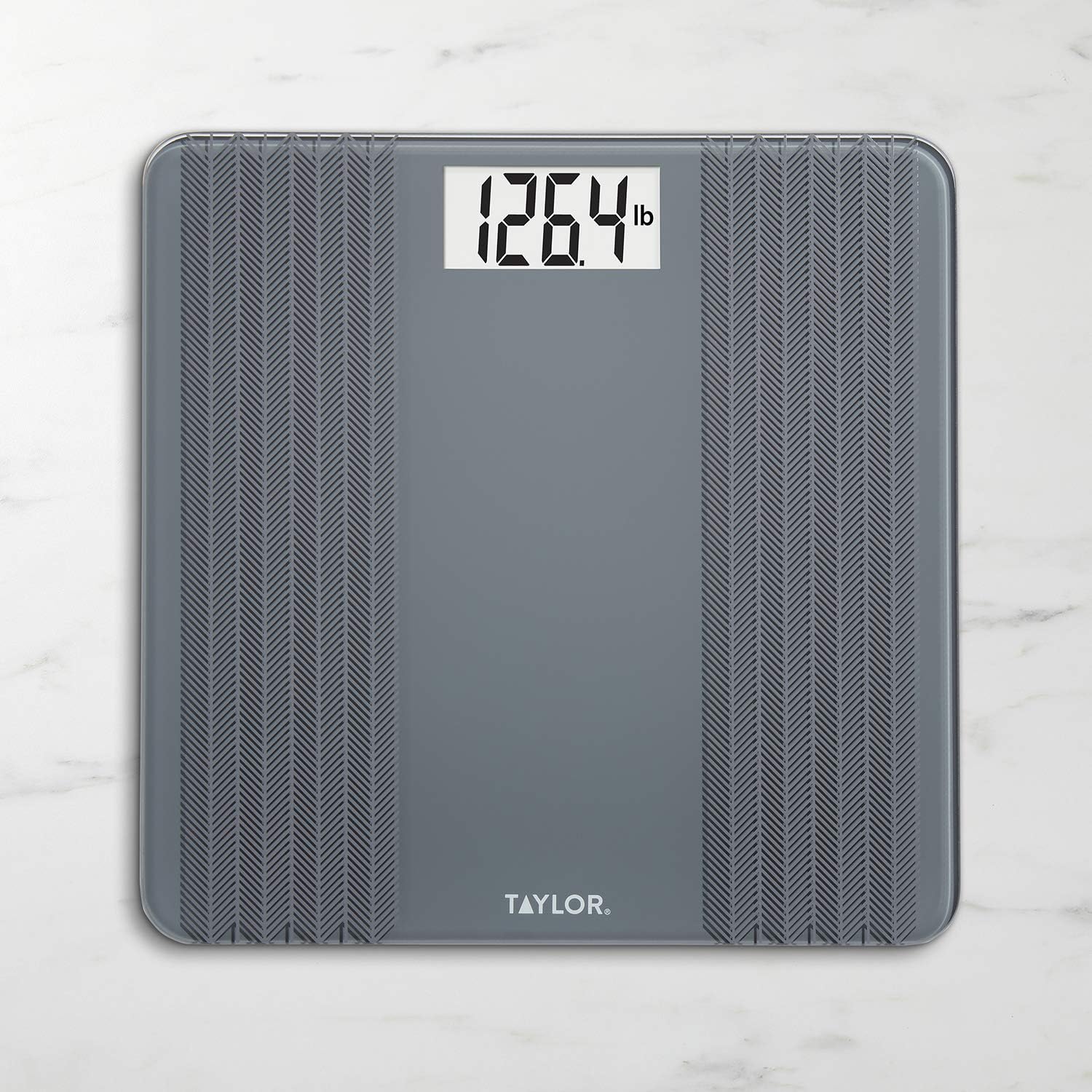
Image 5.1: The digital display showing a weight measurement in pounds.
5.2. Recalibration (Zeroing the Scale)
If the scale is moved or if you experience inconsistent readings, it may need to be recalibrated. This process ensures the scale returns to a zero reading before taking a measurement.
- Place the scale on a hard, flat surface.
- Lightly tap the center of the scale with your foot to activate the display.
- Wait for the display to show "0.0" or "0.00" and then turn off.
- The scale is now calibrated and ready for use.
6. Maintenance
6.1. Cleaning
To clean your scale, wipe the surface with a damp cloth and mild detergent. Avoid using abrasive cleaners or submerging the scale in water.
6.2. Battery Replacement
When the low battery indicator appears on the display, it is time to replace the batteries. Refer to Section 4.1 for battery installation instructions. Always replace all three AAA batteries at the same time with new ones.
7. Troubleshooting
- "Lo" or Low Battery Indicator: This indicates that the batteries are low and need to be replaced. Replace all three AAA batteries.
- "Err" or Overload Indicator: This indicates that the maximum weight capacity (500 lb / 226 kg) has been exceeded. Step off the scale immediately to prevent damage.
- Inconsistent Readings: Ensure the scale is placed on a hard, flat, and level surface. Recalibrate the scale by tapping it to zero and then stepping on it. Avoid moving the scale frequently between measurements.
- No Display: Check if the batteries are installed correctly and are not depleted. Replace batteries if necessary.
8. Specifications
| Feature | Detail |
|---|---|
| Model Number | 5273274 |
| Brand | Taylor |
| Weight Limit | 500 Pounds (226 kg) |
| Measurement Increments | 0.2 lb / 0.1 kg |
| Units of Measurement | lb / kg / st |
| Platform Material | Glass with Textured Paint |
| Platform Dimensions | 12.0" x 12.0" |
| Display Type | LCD with White Backlight |
| Display Size | 3.2" x 1.5" |
| Power Source | 3 x AAA Batteries (included) |
| Special Features | Instant-on auto-zero technology, Low battery indicator, Overload indicator |
| Product Dimensions | 12 x 12 x 1 inches |
| Item Weight | 4.15 Pounds |
| Manufacturer | Lifetime Brands Inc. |
9. Warranty and Support
For warranty information, troubleshooting tips, or further details regarding your Taylor Digital Bathroom Scale, please refer to the documentation included in your product packaging or contact Taylor customer support.
Manufacturer: Lifetime Brands Inc.
Contact Information:
- Email: taylorusa@lifetimebrands.com
- Phone: 1-866-843-3905
- Address: 2220 Entrada del Sol, Suite A, Las Cruces, NM 88001
9.1. Legal Disclaimer
Statements regarding dietary supplements have not been evaluated by the FDA and are not intended to diagnose, treat, cure, or prevent any disease or health condition. This disclaimer is provided as per product information and may not directly apply to the function of a bathroom scale.


