
Altec Lansing IMW997-BLK
Altec Lansing Mix 2.0 - Waterproof Bluetooth Speaker User Manual
Model: IMW997-BLK
Introduction
The Altec Lansing Mix 2.0 is a versatile and durable waterproof Bluetooth speaker designed for robust outdoor and travel use. It delivers strong bass and clear audio, making it ideal for various environments from pool parties to camping trips. With its IP67 rating, it is waterproof, dirtproof, and shockproof, and even floats, ensuring reliability in diverse conditions.
Key features include up to 20 hours of battery life, LED lighting with multiple modes, a 100-foot Bluetooth range for stable connections, and compatibility with most Bluetooth-enabled smartphones and devices.

Setup
Charging the Speaker
Before initial use, fully charge your Altec Lansing Mix 2.0 speaker. Connect the included charging cable to the speaker's charging port, located under a waterproof seal, and then plug the other end into a standard USB power outlet. A full charge typically takes approximately 20 hours, providing up to 20 hours of playtime.
Powering On/Off
To power on the speaker, press and hold the power button (usually indicated by a universal power symbol) for 2-4 seconds until you hear an audible confirmation. To power off, repeat the same process.
Bluetooth Pairing
Once powered on, the speaker will automatically enter Bluetooth pairing mode, indicated by a flashing Bluetooth indicator light. On your smartphone or device, enable Bluetooth and select "Mix 2.0" from the list of available devices to connect. The speaker will confirm a successful connection.
True Wireless Stereo (TWS) Pairing
For an enhanced audio experience, you can pair two Mix 2.0 speakers together for True Wireless Stereo sound. Power on both speakers. On the first speaker, quickly press the Bluetooth button; its indicator will flash green. On the second speaker, quickly press its Bluetooth button. After a few seconds, both indicators will illuminate solid green, confirming successful TWS pairing.
Operating the Speaker
Music Playback and Volume Control
Use the play/pause button to control music playback. The previous/next track buttons allow you to skip songs. Adjust the volume by rotating the central volume knob. Pressing the volume knob activates the "Beast Mode" for enhanced bass boost.
LED Light Modes
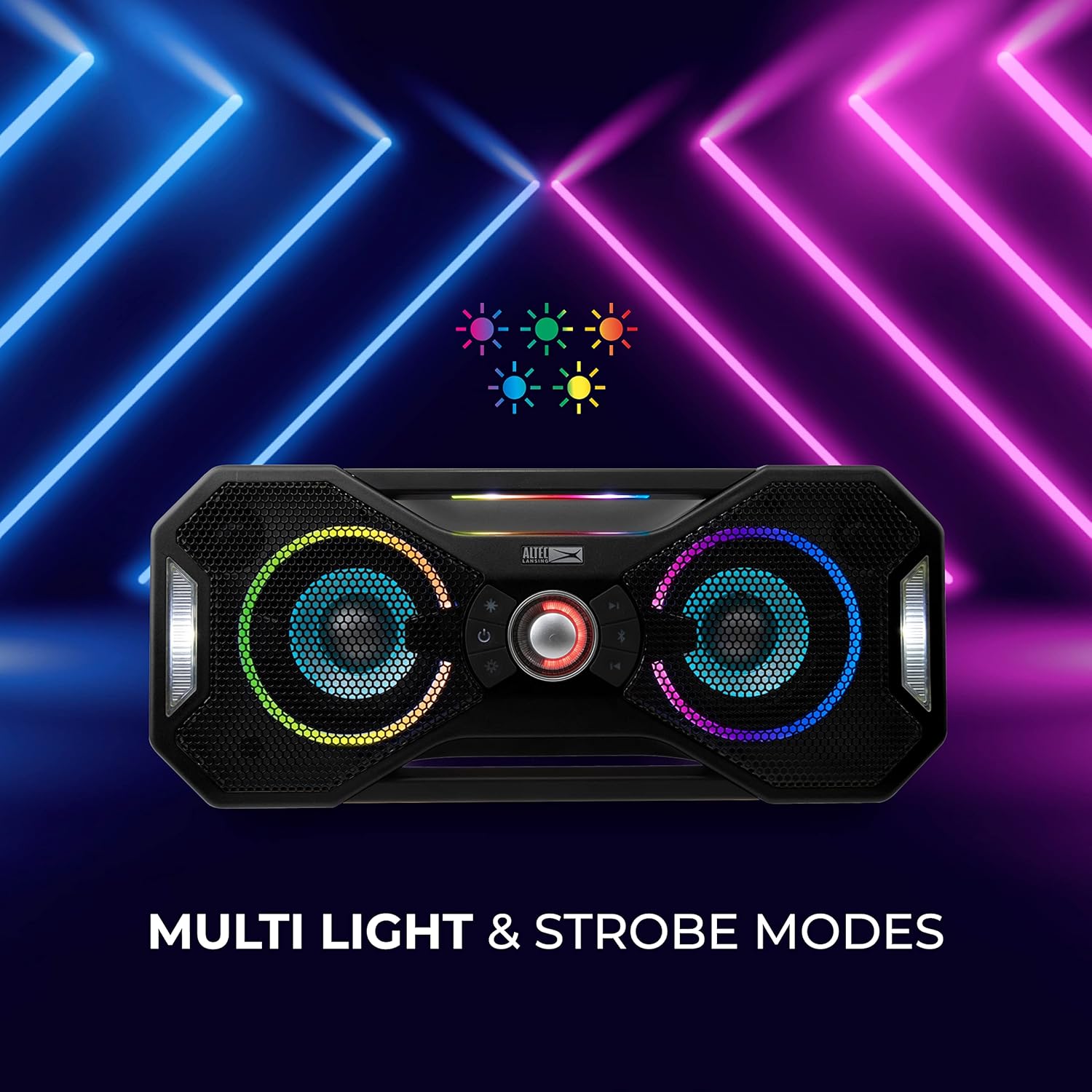
The Mix 2.0 features 5 LED light modes that strobe, pulse, and dance to your music. Press the Starburst light button to cycle through the different light modes or turn them off. Press and hold the Starburst light button to toggle the strobe lighting on and off.
Voice Assistant and Call Handling
The speaker supports voice control for Siri or Google Assistant. Press the microphone button to activate your device's voice assistant. To answer an incoming call, press the microphone button. To end a call, press the microphone button again. To ignore an incoming call, press and hold the microphone button.
Maintenance
Waterproof and Dirtproof Features
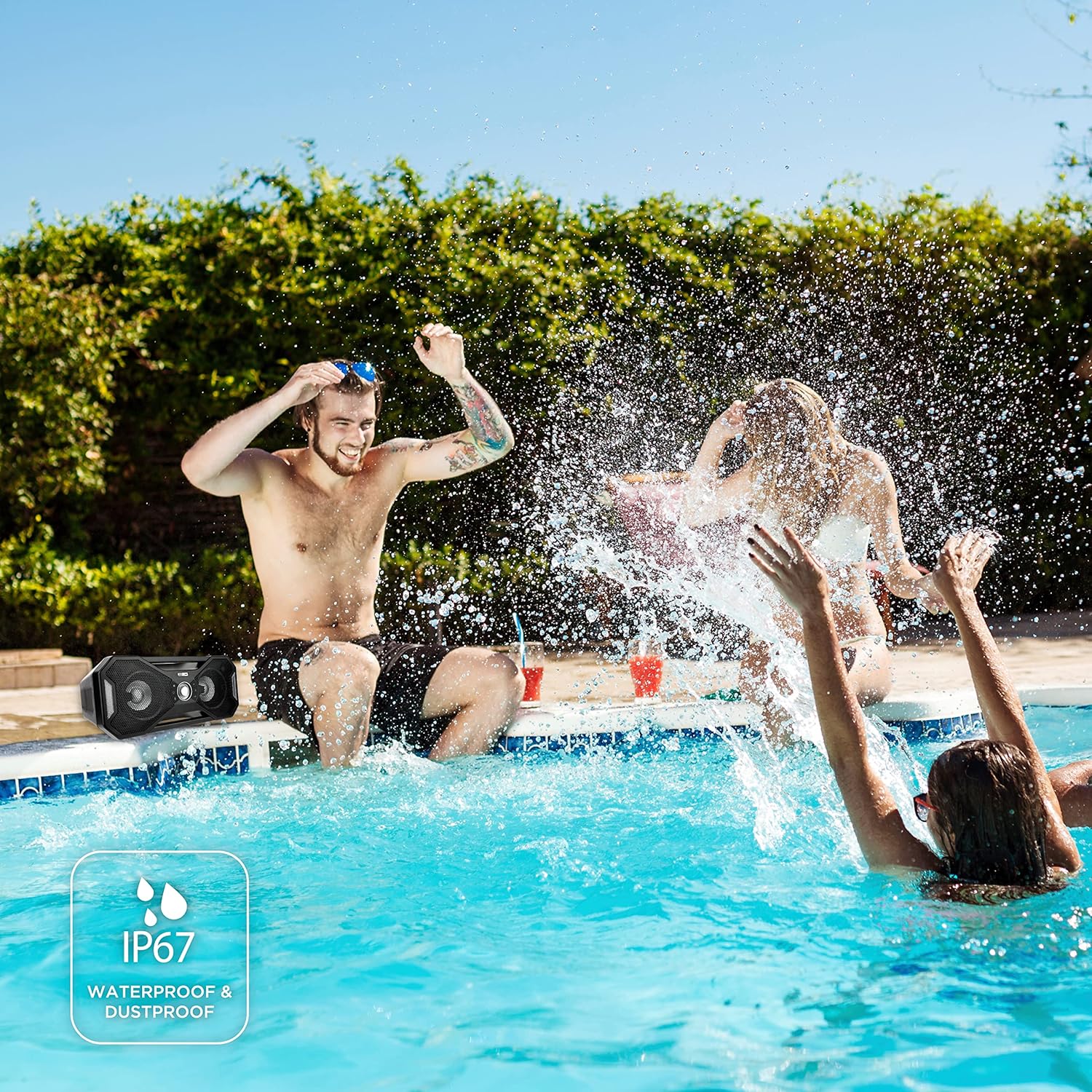
The Altec Lansing Mix 2.0 is IP67 rated, meaning it is waterproof, dirtproof, and shockproof. It is designed to float in water, making it suitable for use near pools, beaches, or in rainy conditions. Ensure all ports are securely sealed before exposing the speaker to water or dirt.

Cleaning
To clean the speaker, wipe it with a soft, damp cloth. Avoid using harsh chemicals or abrasive cleaners, as these may damage the speaker's finish or waterproof seals. For dirt or sand, rinse gently with fresh water and allow to air dry completely before use or charging.
Troubleshooting
| Problem | Possible Cause | Solution |
|---|---|---|
| Speaker does not power on. | Low battery. | Charge the speaker fully. |
| Cannot pair via Bluetooth. | Speaker not in pairing mode; device Bluetooth off; too far from speaker. | Ensure speaker is in pairing mode (flashing light). Turn device Bluetooth off/on. Move device closer to speaker (within 100 ft). |
| Poor sound quality or distortion. | Low battery; volume too high; interference. | Charge speaker. Reduce volume. Move away from other electronic devices. |
| Battery not holding charge. | Aging battery; charging port damage. | Ensure charging port is clean and undamaged. If issue persists, contact customer support. |
| Charging cable/port issues. | Damaged cable or port. | Inspect cable and port for damage. Ensure waterproof seal is properly closed when not charging. |
Specifications
| Feature | Detail |
|---|---|
| Brand | Altec Lansing |
| Model Name | Mix 2.0 |
| Item Model Number | IMW997-BLK |
| Connectivity Technology | Bluetooth |
| Wireless Communication Technology | Bluetooth |
| Bluetooth Range | 100 Feet (30.48 Meters) |
| Speaker Type | Outdoor |
| Special Feature | Waterproof (IP67 rated) |
| Battery Life | 20 Hours |
| Charging Time | 20 Hours |
| Power Source | Battery Powered (1 Lithium Ion battery included) |
| Audio Output Mode | Stereo |
| Speaker Maximum Output Power | 5 Watts |
| Item Weight | 5 Pounds |
| Product Dimensions | 19.3"D x 8.6"W x 9.7"H |
| Material | Alloy Steel |
| Included Components | Speaker with charging cable |
Warranty and Support
Warranty Information
The Altec Lansing Mix 2.0 comes with a Limited Warranty. For specific details regarding warranty coverage and duration, please refer to the documentation included with your product or visit the official Altec Lansing website.
Additional Support
- For a downloadable User Guide (PDF), please visit: User Guide (PDF)
- Visit the official Altec Lansing Store for more products and information: Altec Lansing Store
Related documentsIMW997-BLK


Ask a question about this manual
Ask about setup, troubleshooting, compatibility, parts, safety, or missing instructions. Manuals+ will review the question and use this page’s manual context to help answer it.