
ECHZOVE B08CDKDYXY
ECHZOVE Switch Controller Grip User Manual
Model: B08CDKDYXY
1. Introduction
This manual provides comprehensive instructions for the ECHZOVE Switch Controller Grip. This accessory is designed to enhance the handheld gaming experience on your Nintendo Switch console by providing an ergonomic grip, six-axis gyroscope for motion control, and twin motor vibration feedback. Please read this manual thoroughly before use to ensure proper operation and to maximize your gaming enjoyment.

Image 1.1: ECHZOVE Switch Controller Grip with a Nintendo Switch console inserted, displaying a game.
2. Product Features
- Enhanced Grip: Directly connects to the Nintendo Switch console for improved comfort and control during handheld play.
- Six-Axis Gyroscope: Provides gravity induction for precise motion control in compatible games.
- Twin Motor Vibration: Delivers tactile feedback for an immersive gaming experience.
- Type-C Power-Charging Input Port: Allows charging of the Switch console while playing.
- Print Screen Function: Capture screenshots directly from the controller.
- Ergonomic Design: Features a sweat-proof and anti-slip surface with an enlarged grip for comfortable extended play.
- Sensitive 3D Rockers: Designed for faster response and precise control.
- Interchangeable Thumbstick Caps: Customize the feel of the thumbsticks.
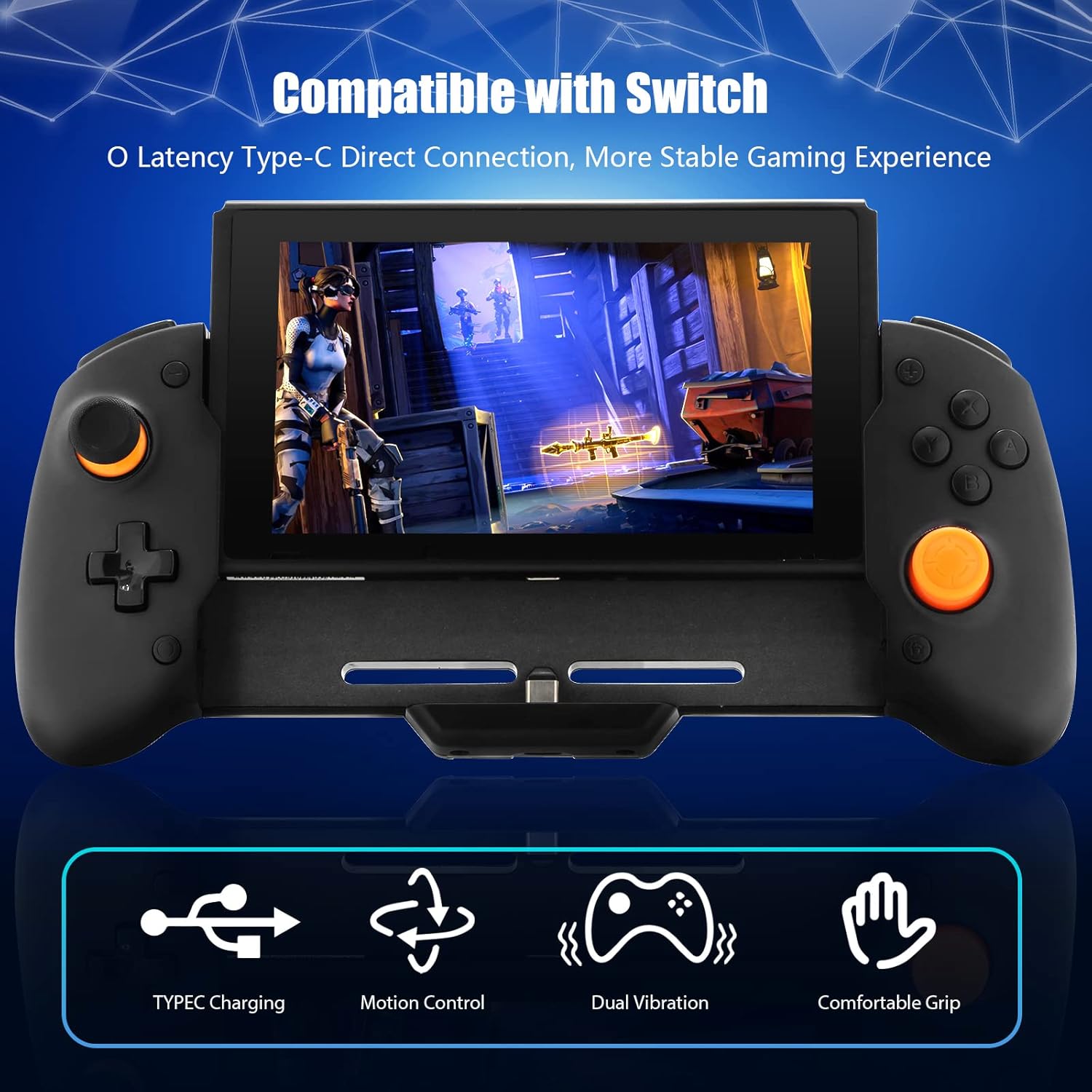
Image 2.1: Overview of key features including Type-C charging, motion control, dual vibration, and comfortable grip.
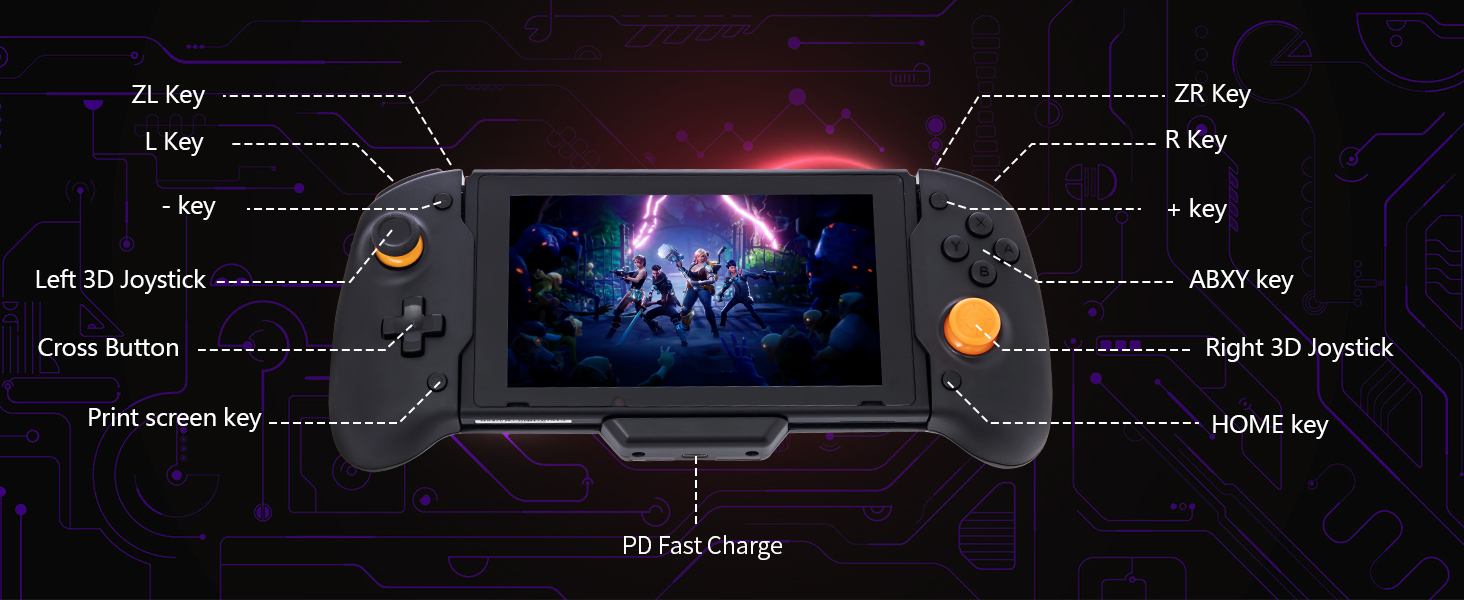
Image 2.2: Labeled diagram of the ECHZOVE Switch Controller Grip, indicating buttons and ports.
3. Setup Guide
Follow these steps to connect your ECHZOVE Switch Controller Grip to your Nintendo Switch console:
- From the Nintendo Switch home menu, select "System Settings".
- Navigate to "Controllers and Sensors".
- Enable the "Pro Controller Wired Connection" option.
- Carefully slide your Nintendo Switch console into the controller grip until it is securely seated and connected via the Type-C port.
The controller will automatically connect after the initial successful setup.

Image 3.1: Visual instructions for connecting the controller grip to the Nintendo Switch console.
4. Operating Instructions
4.1 Six-Axis Gyroscope
The controller features a built-in six-axis gyroscope for gravity induction, providing responsive and accurate motion controls in games that support this feature. This allows for immersive experiences such as somatosensory calibration, precise direction control, and accurate shooting aim.
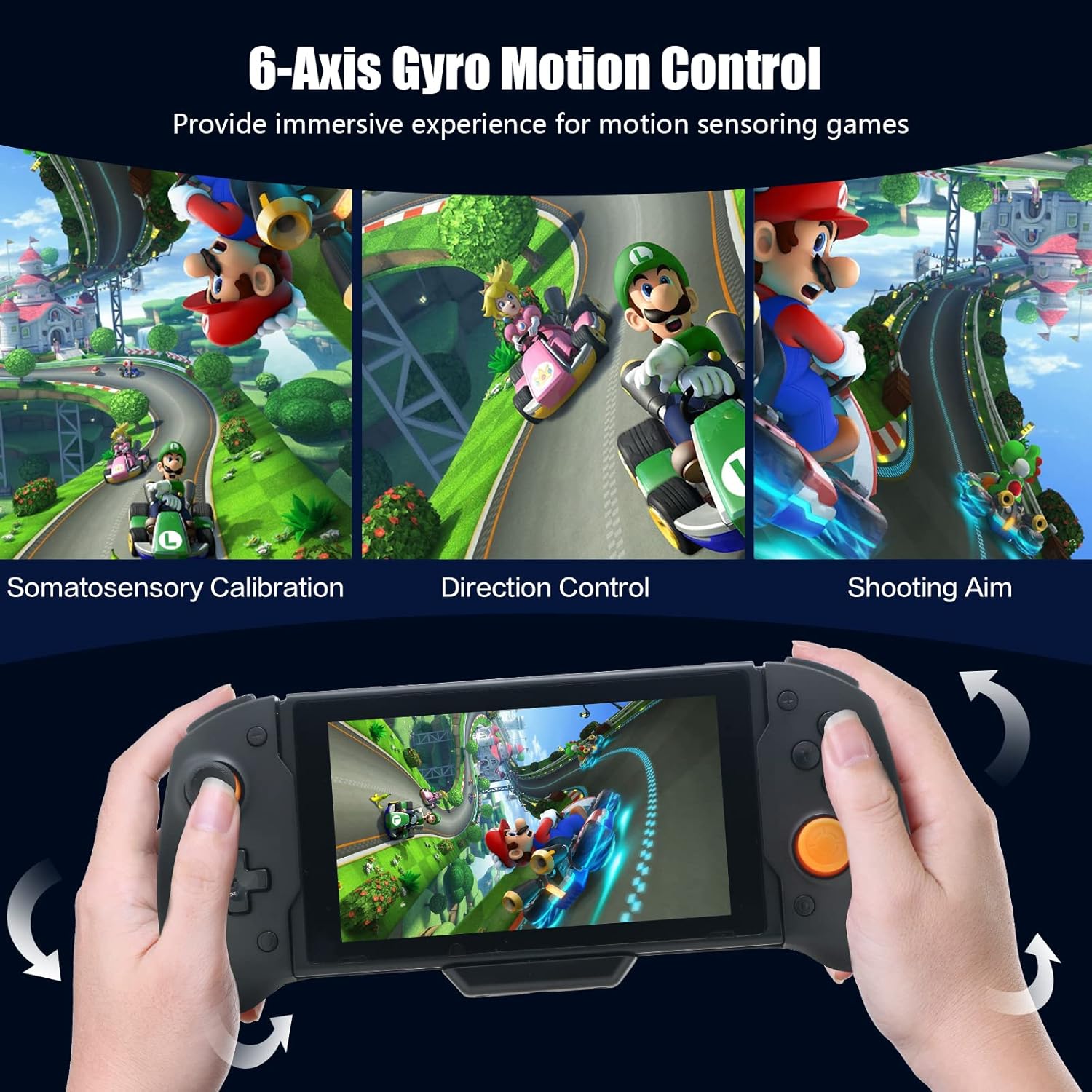
Image 4.1: Examples of 6-axis gyro motion control in gaming scenarios.
4.2 Twin Motor Vibration
Equipped with twin vibration motors, the controller provides timely and varied feedback based on in-game events, enhancing immersion.
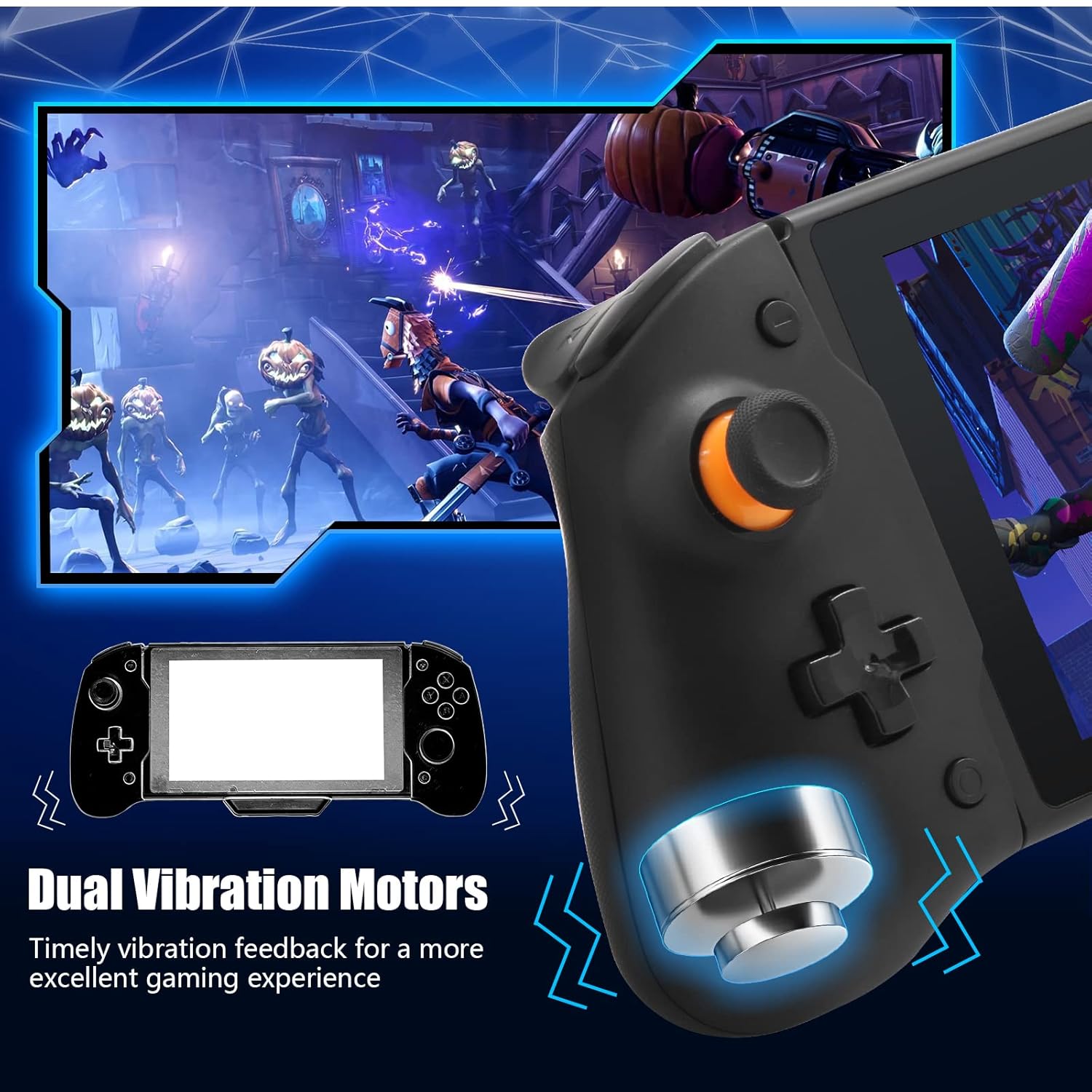
Image 4.2: Illustration of the dual vibration motor system.
4.3 Power Charging
The integrated Type-C port allows you to charge your Nintendo Switch console while it is docked in the controller grip. For optimal charging, use the original Nintendo Switch power adapter or a standard 15V PD protocol power adapter.
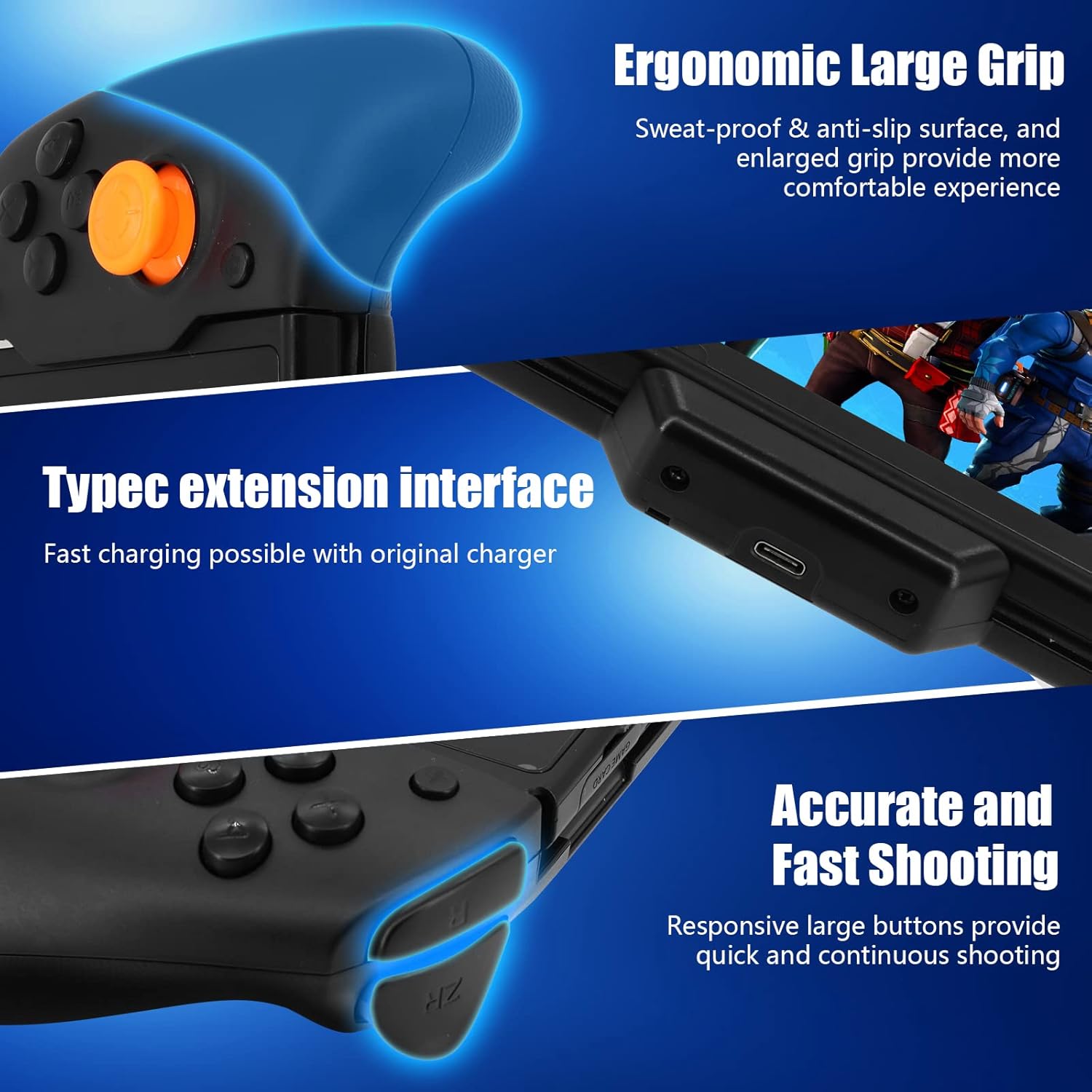
Image 4.3: Detail of the Type-C charging port on the controller grip.
5. Joystick Calibration
To prevent or correct joystick deviation, follow these calibration steps:
- Ensure no pressure is applied to the 3D joysticks or other buttons when inserting the Nintendo Switch console into the grip.
- If deviation occurs, go to "System Settings" on your Nintendo Switch.
- Select "Controllers and Sensors".
- Choose "Calibrate Control Sticks" and follow the on-screen instructions to recalibrate the affected joystick.

Image 5.1: Visual instructions for calibrating the 3D joysticks.
6. Important Compatibility Notes
This ECHZOVE Switch Controller Grip is specifically designed for the standard Nintendo Switch console. It is not compatible with the Nintendo Switch OLED Model or the Nintendo Switch Lite.
Additionally, please note that some games may not support Pro Controller functionality. It is recommended to confirm game compatibility before purchase or use, especially for titles like Pokémon.
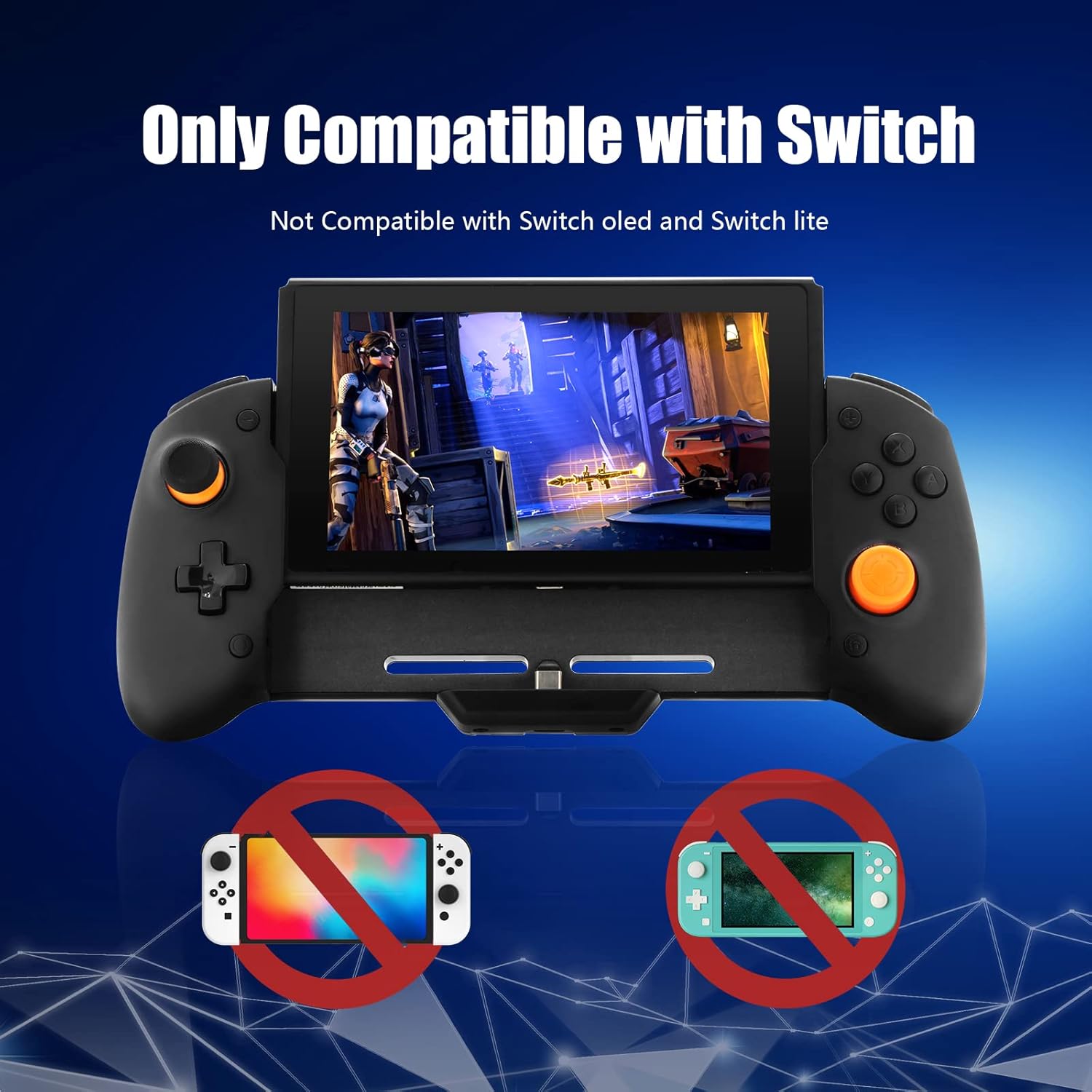
Image 6.1: Visual representation of compatibility with the standard Nintendo Switch and incompatibility with OLED and Lite models.
7. Product Specifications
| Specification | Detail |
|---|---|
| Model Number | B08CDKDYXY |
| Manufacturer | ECHZOVE |
| Item Weight | 12.6 ounces (approximately 357 grams) |
| Package Dimensions | 11.57 x 6.46 x 2.91 inches |
| Connectivity | Direct Type-C connection to Nintendo Switch |
| Special Features | Six-Axis Gyroscope, Twin Motor Vibration, Type-C Charging Port, Print Screen Function |
8. Troubleshooting
- Controller Not Connecting:
- Ensure "Pro Controller Wired Connection" is enabled in the Switch System Settings (refer to Section 3).
- Verify the Switch console is securely inserted into the controller grip's Type-C port.
- Restart your Nintendo Switch console and try connecting again.
- Joystick Drift/Deviation:
- Calibrate the 3D joysticks via the Switch System Settings (refer to Section 5).
- Ensure no pressure is applied to the joysticks during connection.
- No Vibration Feedback:
- Check in-game settings to ensure vibration is enabled.
- Verify the controller is properly connected.
- Switch Not Charging While Connected:
- Ensure you are using the original Nintendo Switch power adapter or a compatible 15V PD protocol adapter.
- Check the Type-C cable and port for any obstructions or damage.
9. Warranty and Support
For warranty information or technical support, please contact ECHZOVE customer service through the retailer where the product was purchased or visit the official ECHZOVE website. Please retain your proof of purchase for warranty claims.
Ask a question about this manual
Ask about setup, troubleshooting, compatibility, parts, safety, or missing instructions. Manuals+ will review the question and use this page’s manual context to help answer it.