
Introduction
This manual provides essential information for the setup, operation, and maintenance of your Timex T80 34mm Digital Watch. Please read these instructions carefully to ensure proper use and longevity of your timepiece.
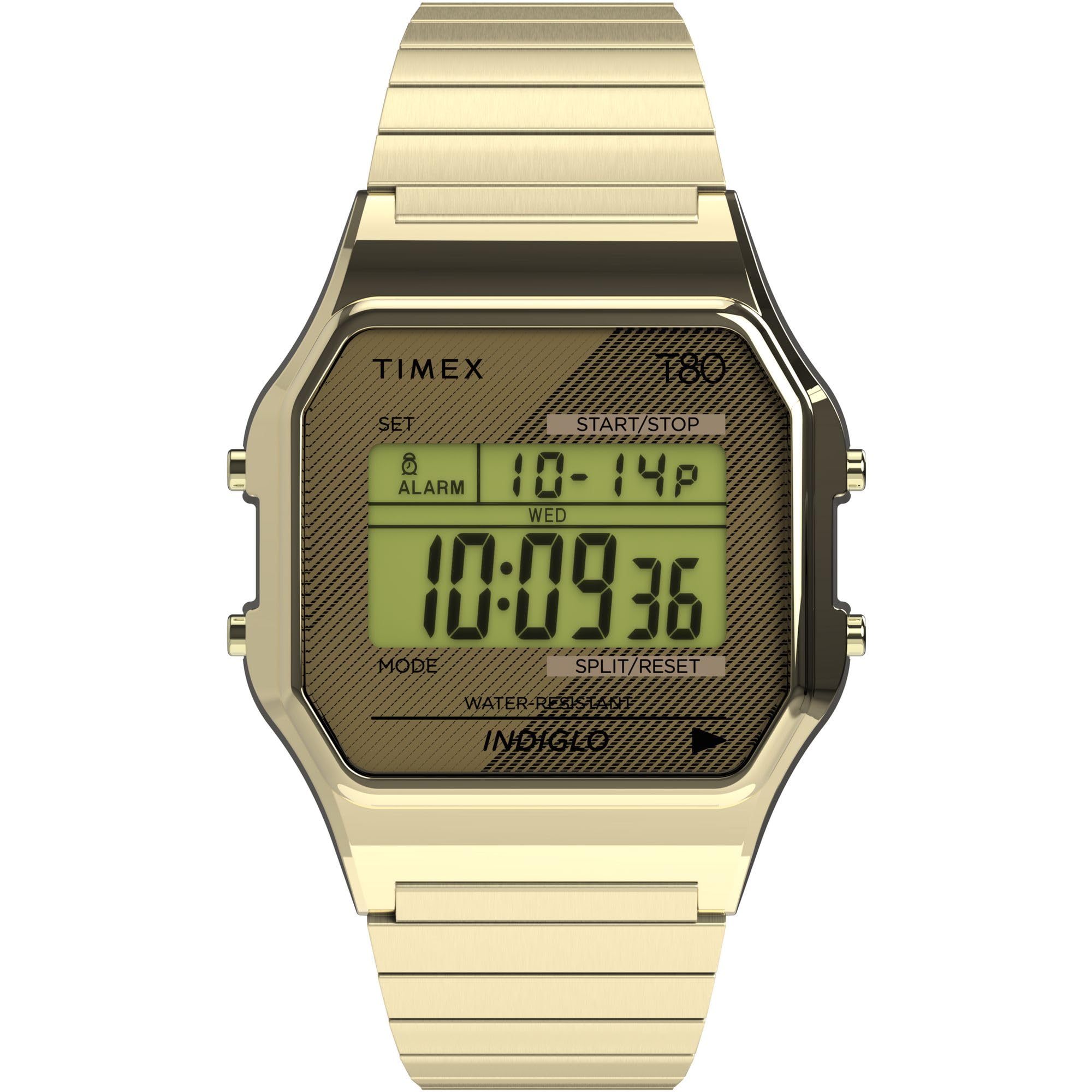
Image: Front view of the Timex T80 34mm Digital Watch in Gold Expansion, showcasing its classic digital display and gold-tone finish.
Setup
Setting Time and Date
To set the time and date, locate the 'SET' button on the watch case. Press and hold this button until the display enters setting mode. Use the 'MODE' and 'START/STOP' buttons to adjust the values (seconds, minutes, hour, date, month, year) as they flash. Press 'SET' again to confirm each adjustment and exit setting mode.
Band Adjustment
The Timex T80 Gold Expansion watch features an adjustable stainless steel expansion band. This band is designed to fit a 7.25-inch wrist circumference. If adjustment is needed, it typically involves removing or adding links. Professional assistance is recommended for precise adjustments to avoid damage to the band.
Video: This official product video demonstrates the features of the Timex T80 34mm Watch, including how to set the time and date. (Source: Timex Corporation)
Video: This official product video provides a sizing chart for Timex watches, which can be helpful for understanding band fit and adjustment. (Source: Timex Corporation)
Operating the Watch
Basic Functions
The watch displays the current time (hour, minute, second), month, day, and day of the week. Use the 'MODE' button to cycle through different display modes such as time, alarm, and chronograph.
Indiglo Backlight
The Indiglo light-up watch dial provides illumination for low-light conditions. Press the 'INDIGLO' button (typically located on the side of the watch) to activate the backlight. The light will remain on as long as the button is pressed.
24-Hour Chronograph
To use the chronograph (stopwatch) function, press the 'MODE' button until the chronograph display appears. Use the 'START/STOP' button to begin and pause timing. The 'SPLIT/RESET' button allows for split times and resetting the chronograph to zero.
Alarm
The watch includes an alarm function. Navigate to the alarm mode using the 'MODE' button. Use the 'SET' and 'START/STOP' buttons to set your desired alarm time. Ensure the alarm is activated to sound at the set time.
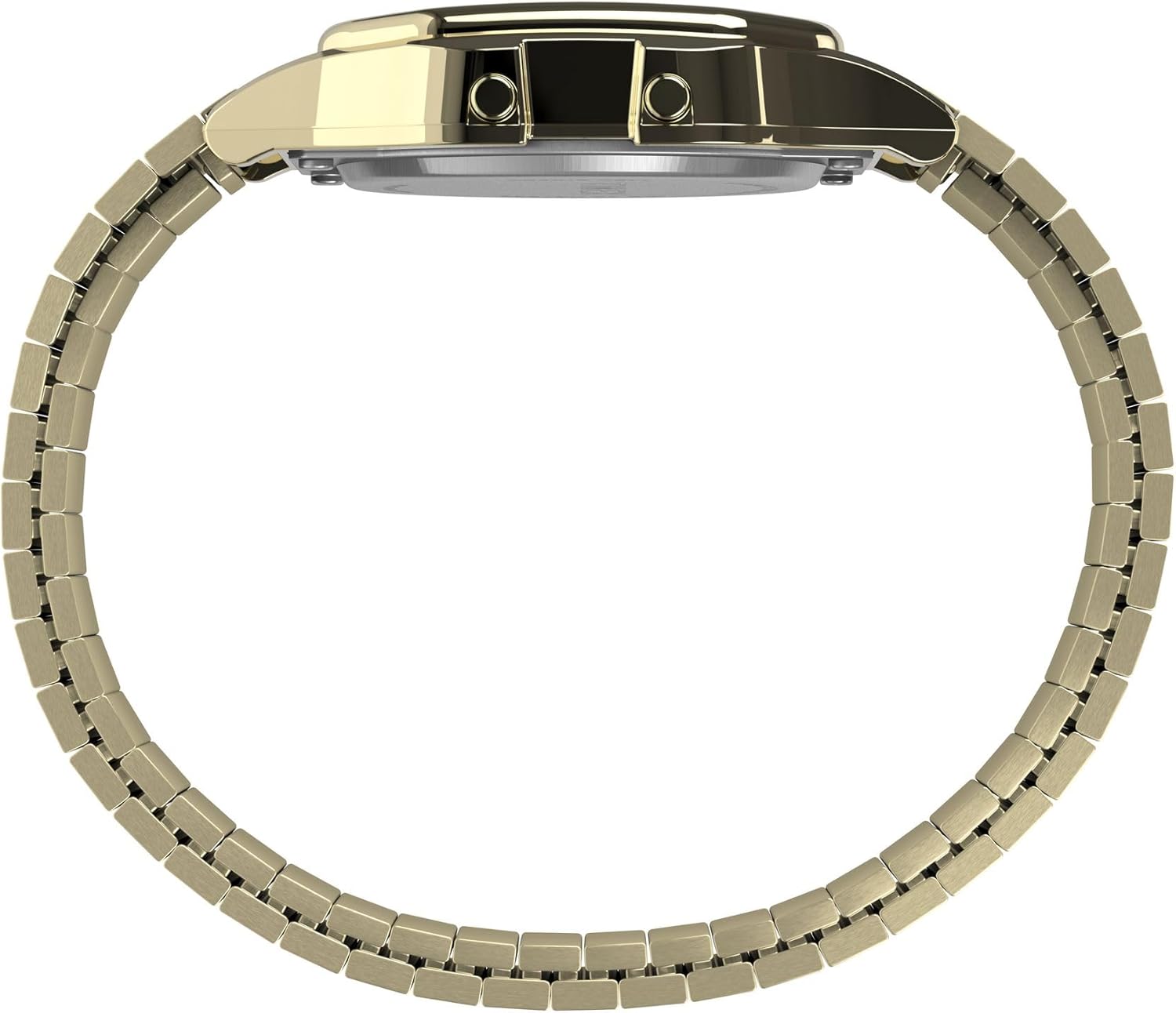
Image: A detailed view of the Timex T80 34mm Digital Watch face, highlighting the digital time, date, and function indicators like 'SET', 'MODE', 'START/STOP', 'SPLIT/RESET', and 'INDIGLO'.
Maintenance
Water Resistance
This watch is water resistant to 30 meters (100 feet). This means it can withstand splashes or brief immersion in water. It is not suitable for swimming, bathing, or diving. Avoid pressing buttons while the watch is wet to prevent water ingress.
Crystal Care
The watch features an acrylic lens. Acrylic crystals are durable but can be prone to scratches. To maintain clarity, avoid contact with abrasive surfaces. Minor scratches can often be buffed out with specialized acrylic polish.
Battery Information
The watch is powered by 1 Lithium Metal battery (included). When the display dims or functions become erratic, it may be time to replace the battery. Battery replacement should ideally be performed by a qualified watch technician to ensure water resistance is maintained.

Image: Side profile of the Timex T80 34mm Digital Watch, illustrating the slim case design and the placement of the control buttons.
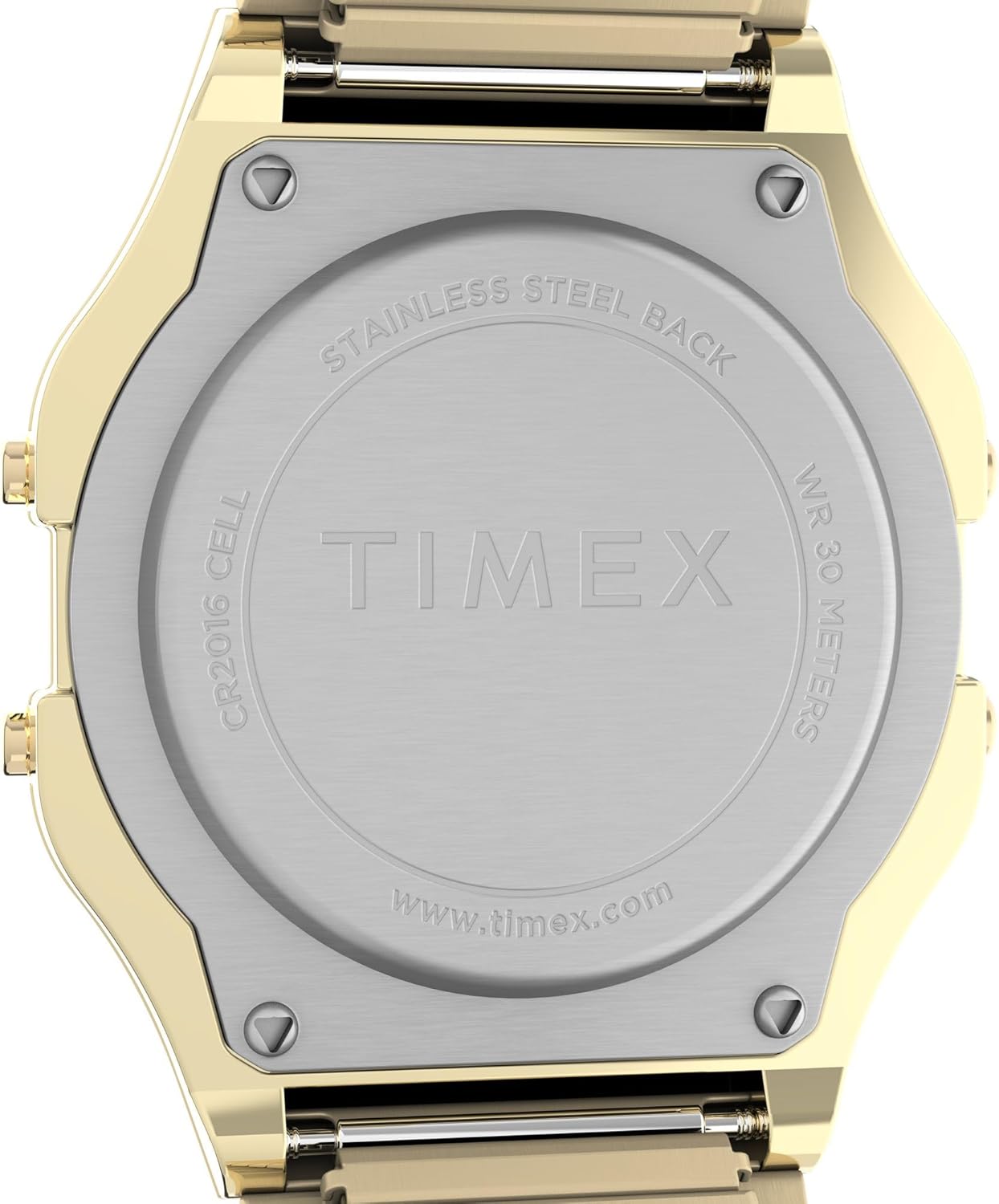
Image: Rear view of the Timex T80 34mm Digital Watch, displaying the stainless steel case back engraved with 'TIMEX', 'STAINLESS STEEL BACK', 'WR 30 METERS', and battery type 'CR2016 CELL'.
Troubleshooting
Display is blank or dim
- Check the battery. A low battery can cause a dim or blank display. Replace the battery if necessary.
- Ensure the watch is not exposed to extreme temperatures, which can affect LCD performance.
Buttons are unresponsive
- Ensure the watch is dry. Water or moisture can sometimes interfere with button operation.
- If the issue persists, a reset may be required. Refer to the full instruction manual for specific reset procedures or contact customer support.
Time is inaccurate
- Re-set the time and date as described in the 'Setup' section.
- If the time continues to be inaccurate after resetting, the battery may be low or the internal movement may require servicing.
Specifications
| Model Number | TW2R79000VQ |
| Case Material | Resin |
| Case Diameter | 34 Millimeters |
| Case Thickness | 10 Millimeters |
| Band Material Type | Stainless Steel |
| Band Width | 18 Millimeters |
| Band Length | 7.25 Inches |
| Crystal | Acrylic |
| Display Type | Digital |
| Watch Movement Type | Quartz |
| Water Resistance Depth | 30 Meters (100 Feet) |
| Item Weight | 1.6 ounces |
| Batteries | 1 Lithium Metal batteries required (included) |
Warranty and Support
Your Timex T80 watch is covered by a manufacturer's warranty. For detailed information regarding warranty coverage, terms, and conditions, please refer to the warranty card included with your product or visit the official Timex website.
For further assistance, technical support, or service inquiries, please contact Timex Customer Service. You can find contact information and frequently asked questions on the official Timex website: www.timex.com.