
1. Introduction
The AGSHOME D-Motion Sensor is designed to enhance the security of your smart home. This device detects movement within its sensing area and sends an alarm signal to your AGSHOME Smart Home Security System HUB. It operates wirelessly and is powered by batteries, offering flexible placement options.
Important Note: This D-Motion Sensor functions exclusively with the AGSHOME Smart Home Security System HUB. It cannot operate as a standalone device.

Image 1: AGSHOME D-Motion Sensor. A compact white motion sensor with a blue indicator light, designed for discreet placement within a home environment.
2. Setup
2.1. Battery Installation
The D-Motion Sensor is powered by 2 AA R6 1.5V batteries (included). Ensure correct polarity when inserting the batteries.
2.2. Placement
Strategically place the motion sensor in areas where movement detection is crucial, such as entryways, hallways, or rooms with valuables. The sensor operates completely wirelessly, allowing for flexible installation without the need for cables.

Image 2: Installation of AGSHOME Motion Sensor. A person wearing gloves is shown mounting a white motion sensor device on a wall, demonstrating the ease of installation.
2.3. Pairing with the AGSHOME Smart Home Security System HUB
The D-Motion Sensor must be paired with your AGSHOME Smart Home Security System HUB to function. Refer to your HUB's instruction manual or the AGSHOME app for detailed pairing instructions. The sensor has a Root antenna to improve signal strength during pairing and operation.
Video 1: YISEELE Alarm Connection Method. This video demonstrates the general process of connecting an alarm system, which may include pairing sensors like the D-Motion Sensor to a central HUB.
3. Operation
3.1. Motion Detection
Once installed and paired, the D-Motion Sensor will capture any movement within its detection area. Upon detection, it will trigger an alarm.
3.2. Alarm Signal
When movement is detected, an alarm signal is immediately sent to your AGSHOME Smart Home Security System HUB. The HUB will then initiate its programmed alarm responses, such as sounding a siren or sending notifications to your smartphone via the associated app.
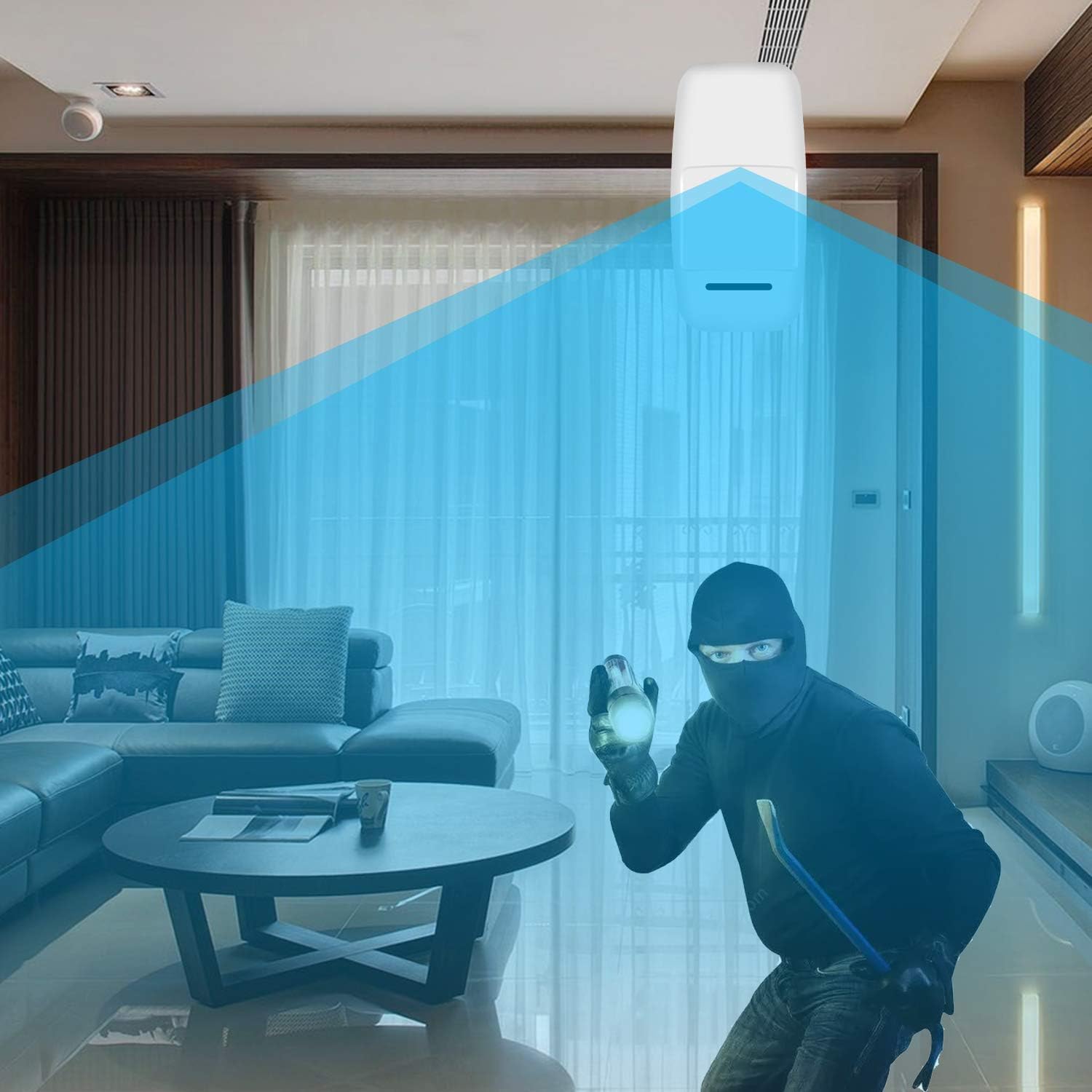
Image 3: AGSHOME Motion Sensor in action. An illustration showing a motion sensor detecting an intruder in a living room, highlighting its security function.
3.3. System Control
Your AGSHOME Smart Home Security System, which the D-Motion Sensor integrates with, can typically be controlled via:
- Remote Control: Use the provided remote controls to arm or disarm the system.
- RFID Key Fobs: Tap an RFID key fob on the system's keypad for quick arming/disarming.
- Smartphone App: Utilize the dedicated smartphone application for full control, including arming/disarming, checking event logs, and customizing settings.
Video 2: PG108 Alarm System Operation Tutorial. This video provides a comprehensive guide on operating a smart alarm system, including arming, disarming, and managing settings via the control panel and smartphone app.
4. Maintenance
4.1. Battery Replacement
The D-Motion Sensor is powered by 2 AA R6 1.5V batteries. When the battery level is low, your AGSHOME Smart Home Security System HUB or app may notify you. Replace the batteries promptly to ensure continuous operation.
Video 3: Sensor Battery Replacement Tutorial. This video demonstrates how to change the battery in a PIR detector and a door sensor, providing clear visual instructions for maintenance.
4.2. Cleaning
Wipe the sensor's exterior with a soft, dry cloth. Avoid using abrasive cleaners or solvents that could damage the device.
5. Troubleshooting
- Sensor not detecting movement: Ensure the sensor is placed in an optimal location without obstructions. Check battery levels and replace if necessary. Verify the sensor is properly paired with the HUB.
- False alarms: Adjust the sensor's sensitivity settings if available through the HUB or app. Ensure the sensor is not exposed to direct sunlight, strong air currents, or pets that might trigger it.
- No alarm signal to HUB: Check the sensor's battery. Ensure the sensor is within the wireless range of the HUB. Verify the HUB is powered on and connected to your network.
6. Specifications
- Model Number: G-Détecteur de mouvement
- Dimensions: 7 x 5 x 2 cm
- Weight: 100 g
- Power Source: 2 AA R6 1.5V batteries (included)
- Installation Method: Wireless DIY
- Compatible Devices: AGSHOME Smart Home Security System HUB
7. Warranty & Support
For warranty information and technical support, please refer to the documentation provided with your AGSHOME Smart Home Security System HUB or visit the official AGSHOME website. You can also contact AGSHOME customer service directly for assistance.
