
iRobot i315020
iRobot Roomba Combo i5 Robot Vacuum & Mop User Manual
Model: i315020
Product Overview
The iRobot Roomba Combo i5 Robot Vacuum & Mop is designed to provide powerful and convenient cleaning for your home. It learns and maps your home, allowing for customized cleaning schedules and targeted room cleaning. With its dual functionality, it efficiently vacuums and mops, making it ideal for various floor types and pet hair.
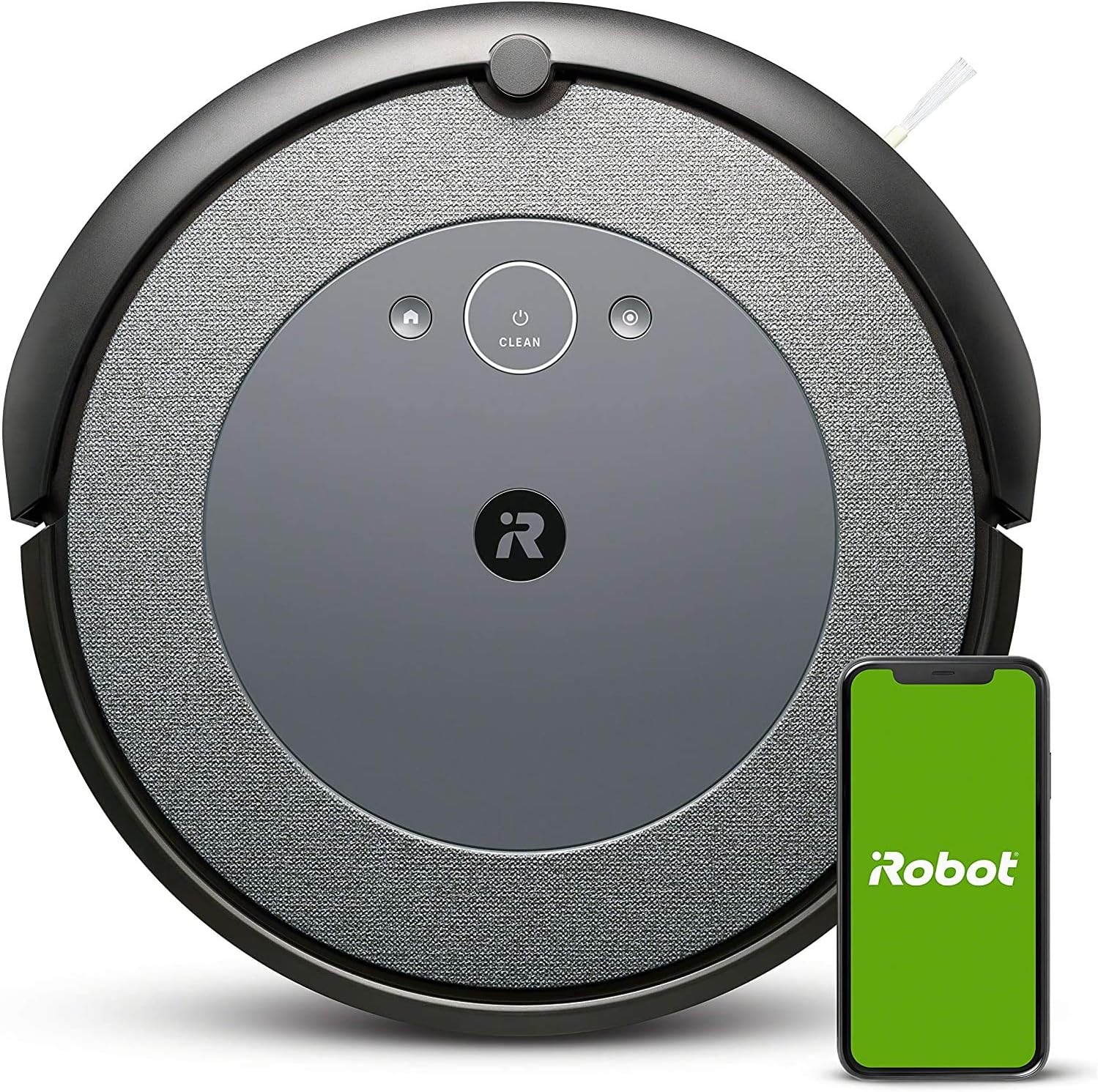
Figure 1: Top view of the iRobot Roomba Combo i5 Robot Vacuum & Mop with its companion app.
Setup
Included Components:
- 1 Roomba® i3 Robot Vacuum
- 1 Home Base® Charging Station
- 1 Extra High-Efficiency Filter
Initial Charging and App Connection:
- Place the Home Base® Charging Station against a wall in an open, uncluttered area.
- Plug the charging station into a power outlet.
- Place the Roomba robot onto the charging station, ensuring the charging contacts align. The robot will begin charging.
- Download the iRobot Home App from your device's app store.
- Follow the in-app instructions to connect your Roomba to your home Wi-Fi network and complete the setup process.
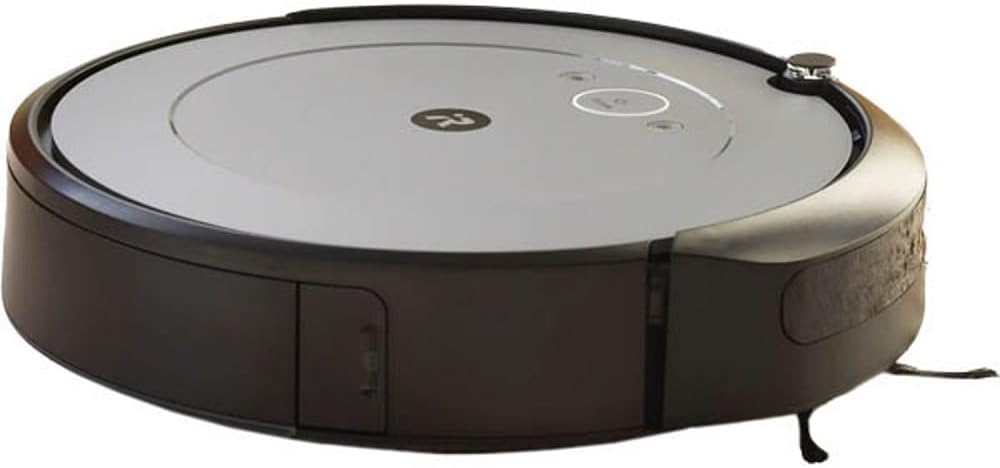
Figure 2: Roomba i5 Robot Vacuum charging on its Home Base station.
The robot will automatically return to the Home Base to recharge when its battery is low or when a cleaning job is complete.
Operating Instructions
Cleaning Modes and Navigation:
The Roomba Combo i5 utilizes a Premium 3-Stage Cleaning System with 10x the Power-Lifting Suction (compared to Roomba 600 series) to tackle dirt and messes. It cleans intelligently in straight lines, navigating around furniture to thoroughly clean your floors.
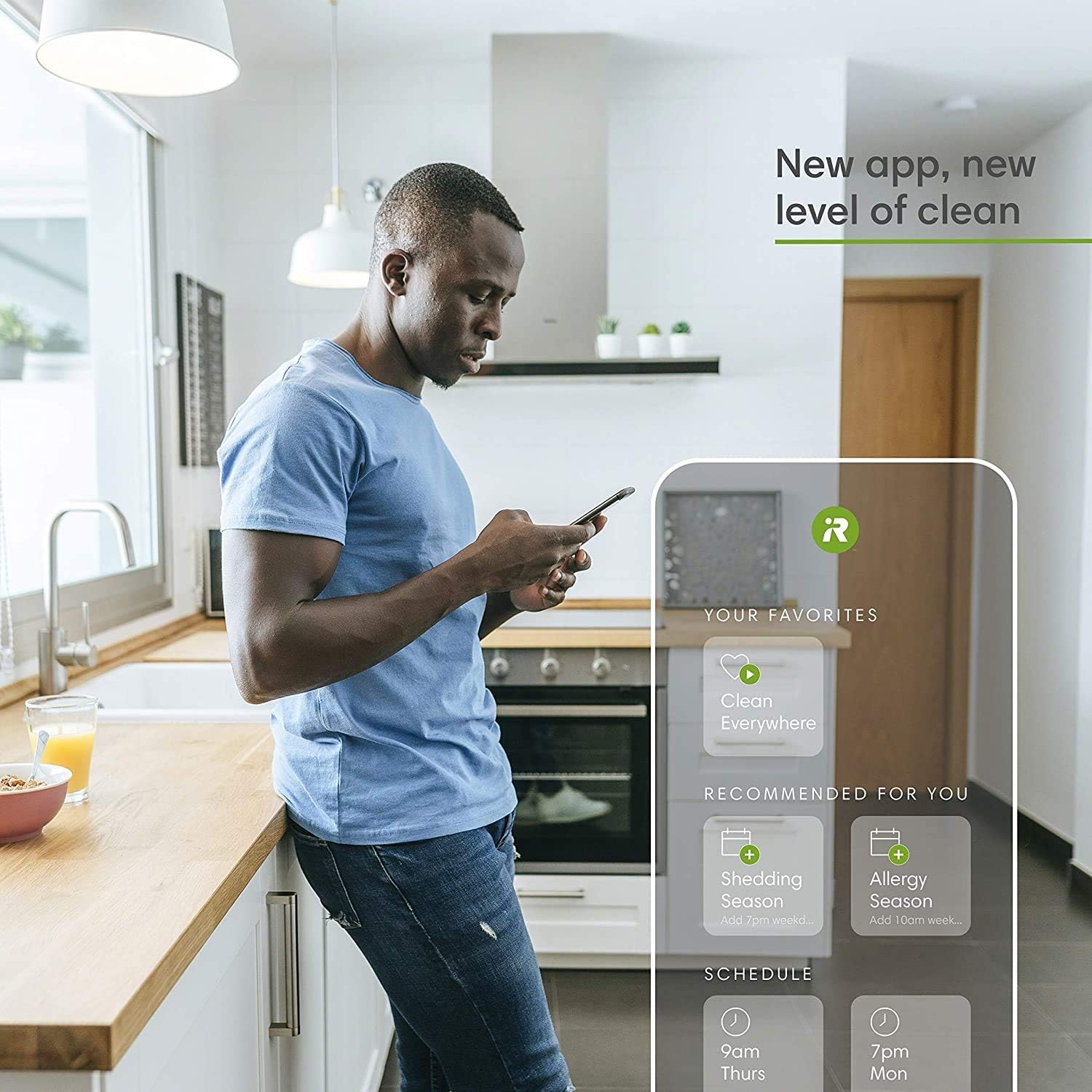
Figure 3: Roomba i5 cleaning in neat, methodical rows across a hard floor.
Dirt Detect Technology:
Patented Dirt Detect Technology allows the Roomba i5 to identify dirtier areas of your home and clean them more thoroughly. Integrated sensors help the robot navigate and avoid getting stuck under furniture.

Figure 4: Roomba i5 using Dirt Detect Technology to focus on areas with more debris.
Pet Hair Optimization:
The Roomba i5 uses Dual Multi-Surface Rubber Brushes that flex to adjust to different floor types and are designed to avoid getting tangled with pet hair, making it perfect for homes with pets.
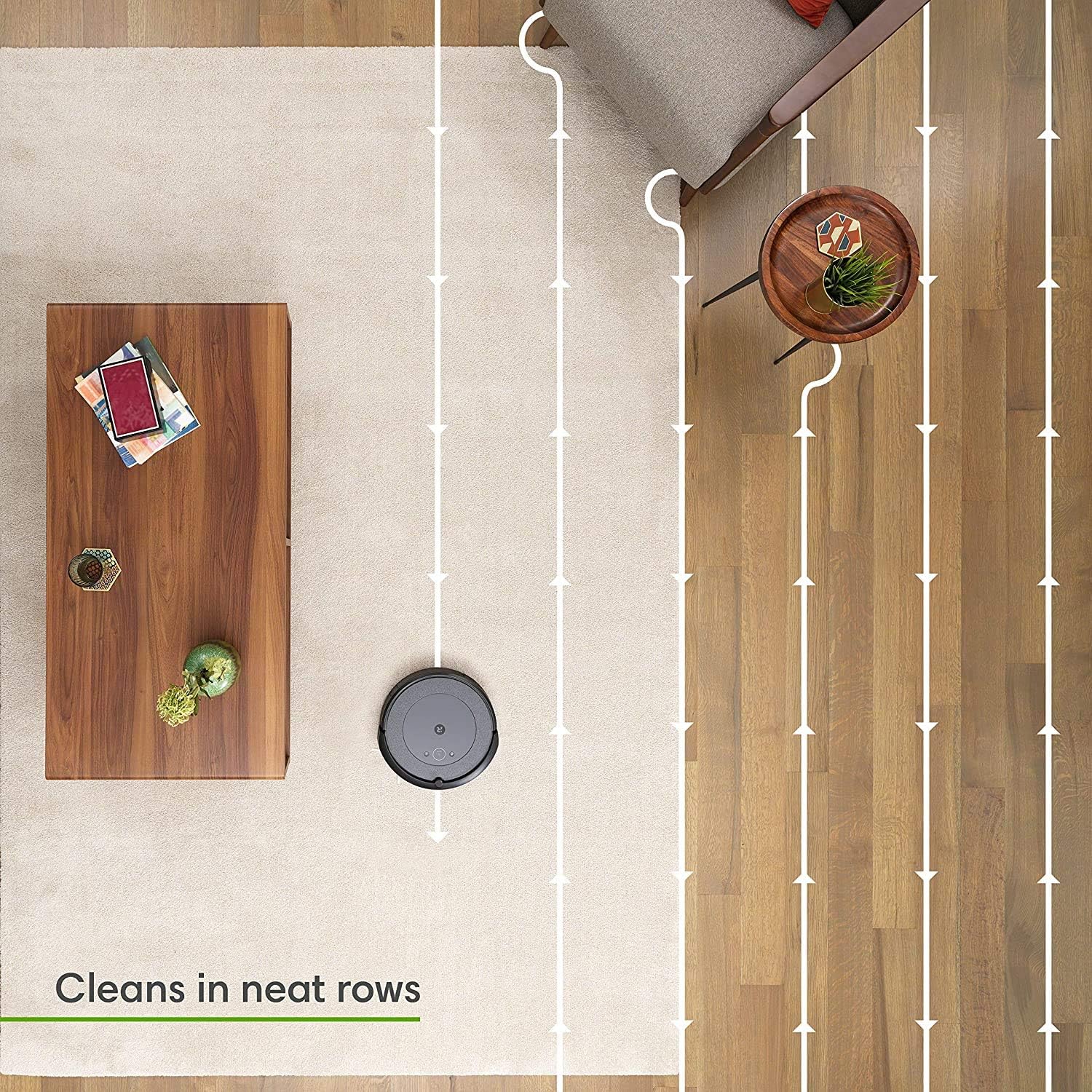
Figure 5: Roomba i5 effectively picking up pet hair from under furniture.
Smart Mapping and Personalized Cleaning:
The Roomba i5 learns your home and creates an Imprint Smart Map, allowing you to direct it to clean any room you want, any time you want, either on a set schedule or on demand. It also learns your cleaning habits and suggests extra cleanings during peak pollen or shedding season.
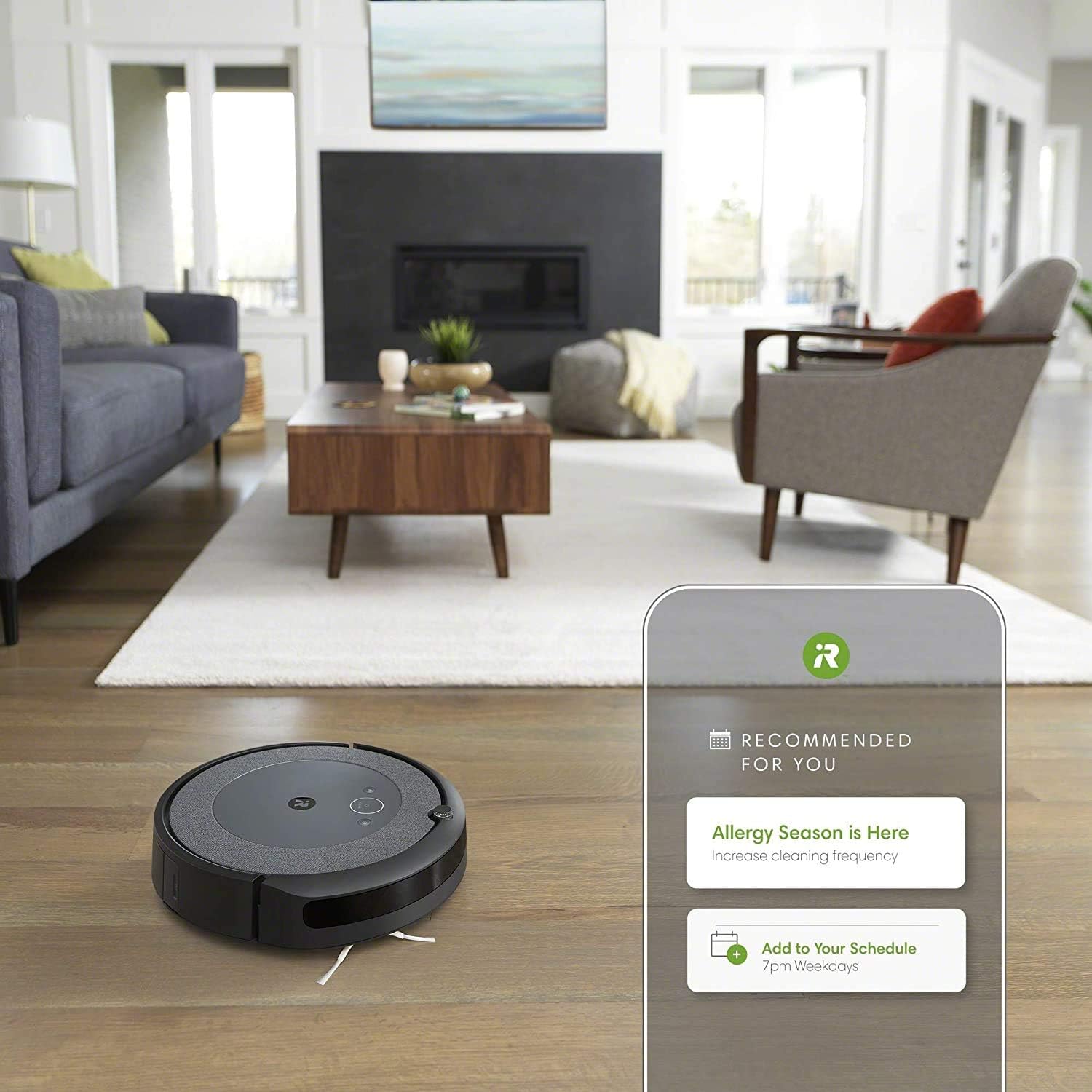
Figure 6: The iRobot Home App displaying personalized cleaning recommendations.
Voice Control and Scheduling:
Start cleaning one room or every room with Google Assistant and Alexa. The iRobot Home App also provides Cleaning Time Estimates, showing how long each room takes to vacuum.

Figure 7: Using voice commands with Alexa to control the Roomba i5.
Automatic Dirt Disposal (with Clean Base):
For enhanced convenience, the Roomba Combo i5 is compatible with the Clean Base Automatic Dirt Disposal (sold separately). This allows the robot to automatically empty its bin into a sealed bag, holding up to 60 days of dirt, so you don't have to think about emptying the bin for months.
Video 1: Overview of the Roomba Combo i5 and its Clean Base automatic dirt disposal feature.
Maintenance
Emptying the Dust Bin:
The robot's dust bin should be emptied regularly. If you have the Clean Base, the robot will empty itself. Otherwise, manually remove the bin from the robot and empty its contents into a trash can.
Cleaning Brushes and Filter:
Regularly inspect and clean the Dual Multi-Surface Rubber Brushes and the Edge-Sweeping Brush to ensure optimal performance. The High-Efficiency Filter should also be cleaned periodically by tapping it against a trash can to remove debris. Replace the filter as recommended by the iRobot Home App.

Figure 8: Roomba sweeping corners and edges, highlighting the side brush.
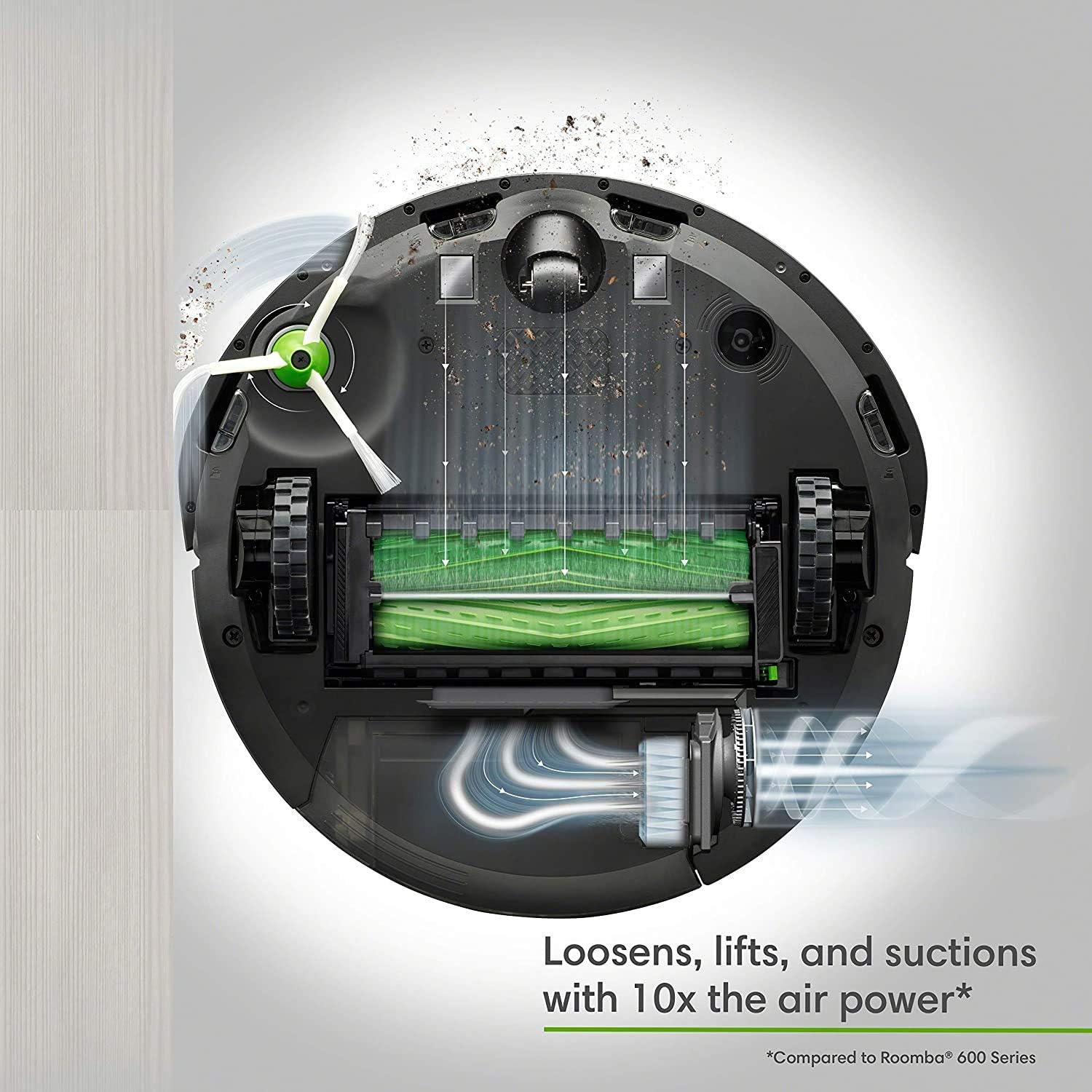
Figure 9: Underside view of the Roomba i5, showing the dual rubber brushes and suction path.
Troubleshooting
Common Issues:
- Robot gets stuck: Ensure the cleaning area is free of excessive clutter, loose cables, or small objects that could trap the robot.
- Poor cleaning performance: Check and clean the brushes and filter. Ensure the dust bin is not full.
- App connectivity issues: Verify your Wi-Fi connection and ensure the robot is within range of your router. Restarting both the robot and your app may resolve the issue.
- Hair tangles on brushes: The dual rubber brushes are designed to minimize tangles, but occasional cleaning may be required, especially in homes with long-haired pets.
For more detailed troubleshooting, refer to the iRobot Home App or the official iRobot support resources.
Specifications
| Feature | Detail |
|---|---|
| Brand | iRobot |
| Model Name | i315 |
| Item Model Number | i315020 |
| Product Dimensions | 13.34"L x 13.26"W x 3.63"H |
| Item Weight | 11 pounds |
| Battery Life | 75 minutes |
| Control Method | Voice |
| Compatible Devices | Smartphones, Amazon Echo, Tablets, Google Home |
| Filter Type | Cartridge |
| Power Source | Battery Powered |
Warranty
The iRobot Roomba Combo i5 Robot Vacuum & Mop comes with a 1-year limited warranty. Please refer to the official warranty document for full details and terms.
Support
For additional support, detailed user guides, and FAQs, please visit the official iRobot website or contact iRobot customer service. You can also find the User Manual (PDF) here.
Related documentsi315020


Ask a question about this manual
Ask about setup, troubleshooting, compatibility, parts, safety, or missing instructions. Manuals+ will review the question and use this page’s manual context to help answer it.