
1. Introduction
Thank you for choosing the ANCEL AD530 Vehicle OBD2 Scanner. This manual provides detailed instructions on how to set up, operate, and maintain your device, ensuring you can effectively diagnose and monitor your vehicle's performance. The ANCEL AD530 comes with a durable protective case for convenient storage and transport.
2. Product Overview
2.1 Key Features
- Supports Full OBD service modes: Turns off Malfunction Indicator Light (MIL), reads/erases fault codes, resets monitors, graphs live data stream, views freeze frame data, performs advanced On-Board monitoring tests, and retrieves Vehicle Identification Number (VIN).
- Wide Vehicle Compatibility: Works on most vehicles sold in the USA (1996 or newer), EU (2000 or newer), and Asia (2005 or newer).
- Protocol Support: Compatible with ALL OBDII protocols including ISO9141, KWP2000, J1850 PWM, J1850 VPW, and CAN (Controller Area Network).
- Multi-language Support: Supports 16 different languages for user convenience.
- Enhanced Diagnostic Speed: Features an STM-32 processor for a 50% boost in diagnostic speed.
- Graphical Data Display: Provides graphical voltage data for real-time battery health monitoring.
- Adjustable Display: Switchable day/night modes ensure clear visibility in any lighting condition on the 2.8-inch screen.
2.2 Package Contents
- 1x ANCEL AD530 OBD2 Scanner
- 1x ANCEL EVA Protective Case
- 1x User Manual
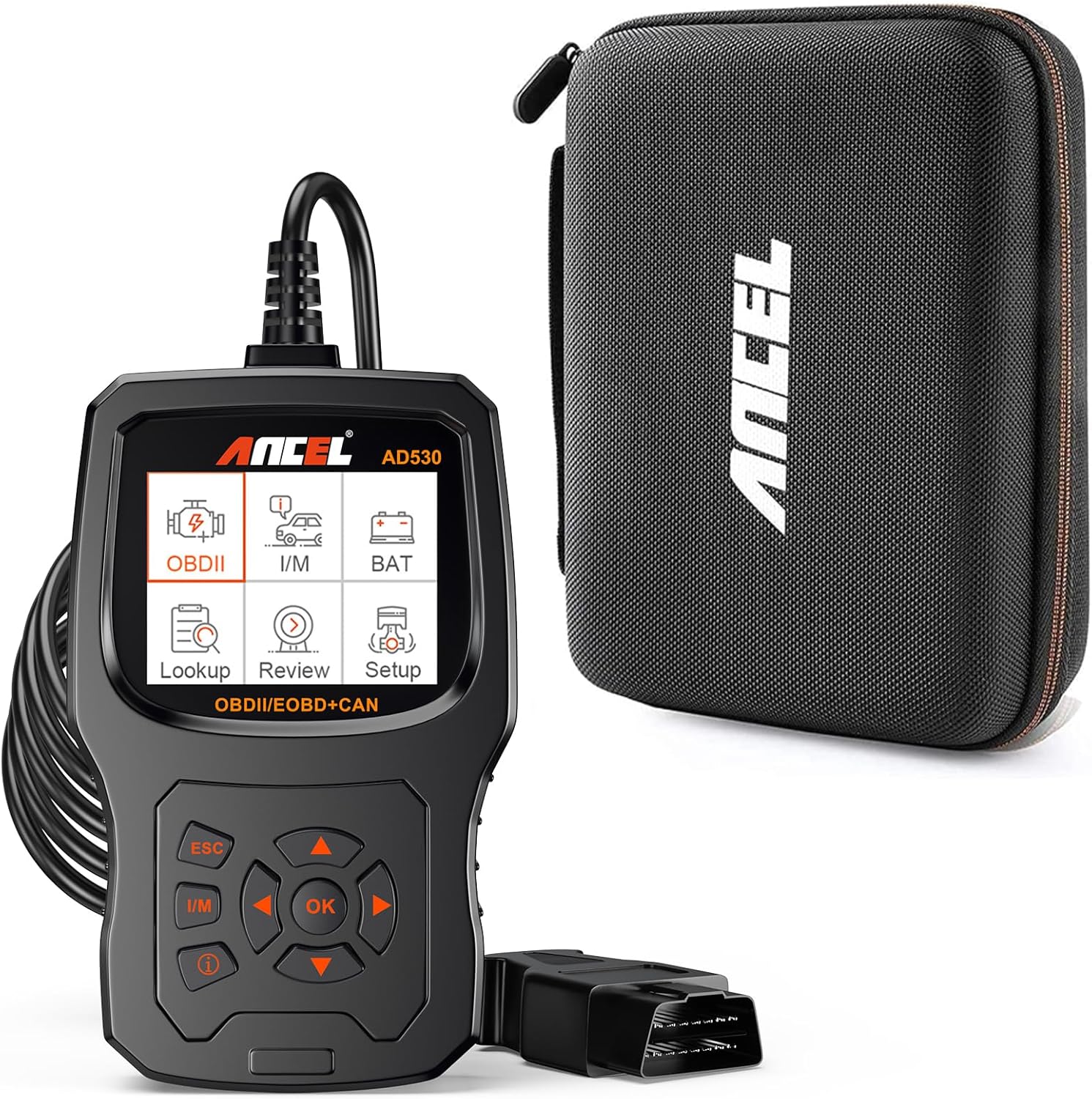
Image: ANCEL AD530 OBD2 Scanner and its dedicated protective case.

Image: The ANCEL protective case, designed for secure storage of the scanner.
3. Setup
3.1 Connecting to Vehicle
- Locate the vehicle's 16-pin Data Link Connector (DLC). This is usually found under the dashboard on the driver's side.
- Ensure the vehicle's ignition is in the OFF position.
- Firmly plug the ANCEL AD530's OBDII cable into the vehicle's DLC.
- Turn the vehicle's ignition to the ON position (engine can be off or running, depending on the test). The scanner will power on automatically.
3.2 Initial Setup
Upon first use or after a reset, you may need to configure basic settings:
- Language Selection: Navigate to the 'Setup' menu and select your preferred language from the 16 available options.
- Unit of Measure: Choose between Metric or Imperial units for data display.
4. Operating Instructions
The ANCEL AD530 features an intuitive interface with a 2.8-inch display and easy-to-use navigation buttons.
4.1 Navigation Buttons
- OK/Enter Button: Confirms a selection or enters a menu.
- ESC Button: Returns to the previous screen or cancels an operation.
- I/M Button: Quickly accesses I/M Readiness status.
- Directional Buttons (Up/Down/Left/Right): Navigates through menus and options.
4.2 Diagnostic Functions
The AD530 supports comprehensive OBDII diagnostic functions:
- Read Codes: Retrieves Diagnostic Trouble Codes (DTCs) from the vehicle's computer.
- Erase Codes: Clears DTCs from the vehicle's computer and turns off the Malfunction Indicator Light (MIL).
- Live Data Stream: Displays real-time data parameters from the vehicle's sensors in text and graphical formats. This includes graphical voltage data for battery health monitoring.
- Freeze Frame Data: Shows a snapshot of vehicle operating conditions at the moment a fault code was set.
- I/M Readiness: Checks the status of emission-related monitors to determine if they have run and completed their diagnostic testing.
- On-Board Monitoring Test: Retrieves test results for emission-related powertrain components and systems that are not continuously monitored.
- O2 Sensor Test: Retrieves O2 sensor monitor test results for the most recently completed tests from the vehicle's on-board computer.
- EVAP System Test: Initiates a test of the vehicle's Evaporative Emission System.
- Vehicle Information (VIN): Retrieves the Vehicle Identification Number, Calibration ID, and Calibration Verification Number.
- DTC Lookup: Provides detailed definitions for generic and manufacturer-specific diagnostic trouble codes.

Image: The ANCEL AD530 displaying live data stream in a graphical format.

Image: Overview of the diagnostic menu and vehicle information display on the AD530.

Image: Visual representation of the various OBD-II service modes supported by the AD530.

Image: Demonstrates the unique 'i' button for checking enhanced error code definitions.
5. Maintenance
5.1 Cleaning the Device
To maintain the scanner's performance and appearance, clean it regularly with a soft, damp cloth. Do not use abrasive cleaners or solvents, as these may damage the device.
5.2 Storage
When not in use, store the ANCEL AD530 in its provided EVA protective case. This case is designed to keep the scanner and its accessories safe from bumps, scratches, and dust, ensuring its longevity and readiness for future use. Store the device in a dry environment, away from extreme temperatures.
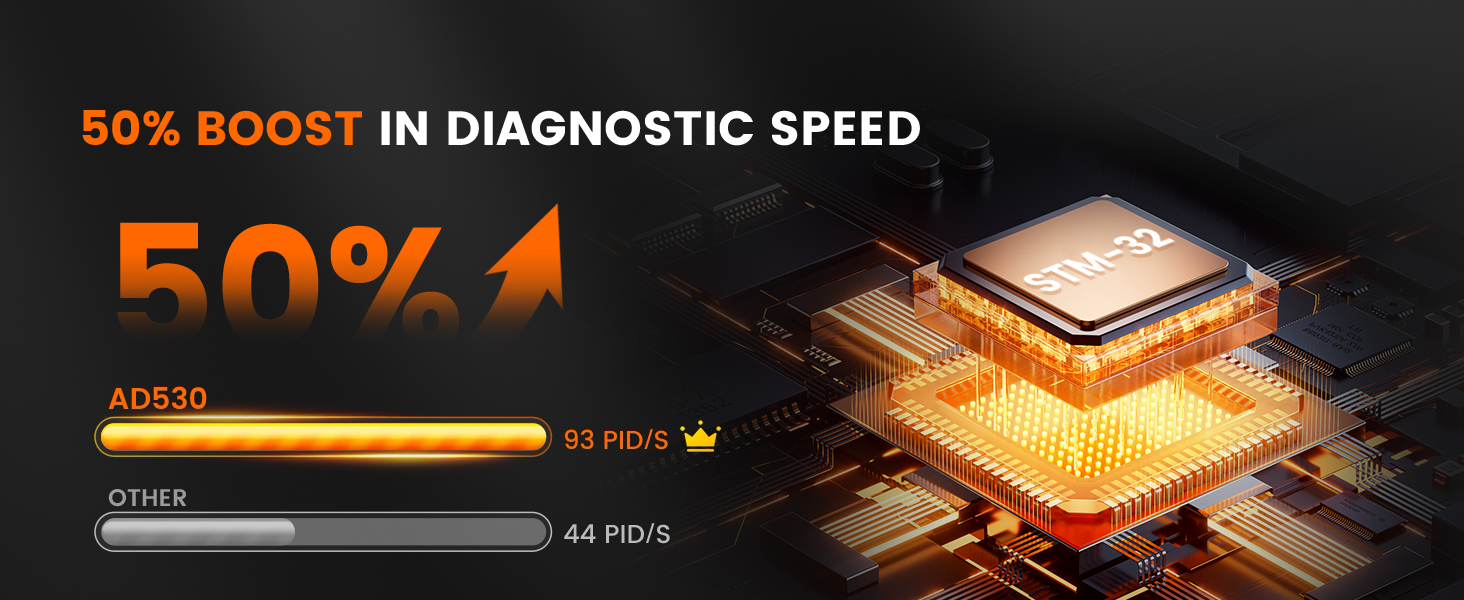
Image: Illustrates the ease of storage and the protective qualities of the included case.
6. Troubleshooting
If you encounter issues with your ANCEL AD530, please refer to the following common troubleshooting tips:
- No Power: Ensure the OBDII cable is securely connected to the vehicle's DLC and the ignition is in the ON position. Check the vehicle's fuse for the OBDII port if the issue persists.
- Communication Error: Verify that the vehicle supports the OBDII protocol. Ensure the cable connection is stable. Try connecting to a different OBDII-compliant vehicle to rule out a vehicle-specific issue.
- Scanner Freezes: If the scanner freezes, disconnect it from the vehicle, wait a few seconds, and then reconnect. If the issue persists, try updating the scanner's firmware (if updates are available from ANCEL's official website).
- Codes Not Clearing: After clearing codes, some vehicles may require a drive cycle for monitors to reset. Ensure the ignition is on and the engine is off when attempting to clear codes.
For more complex issues or technical support, please contact ANCEL customer service.
7. Specifications
| Feature | Description |
|---|---|
| Model | AD530 |
| Display | 2.8-inch Color Display (Switchable Day/Night Modes) |
| Processor | STM-32 (50% diagnostic speed boost) |
| Supported Protocols | ISO9141, KWP2000, J1850 PWM, J1850 VPW, CAN |
| Vehicle Compatibility (USA) | 1996 and newer |
| Vehicle Compatibility (EU) | 2000 and newer |
| Vehicle Compatibility (Asia) | 2005 and newer |
| Languages Supported | 16 languages |
| Operating Voltage | 9-18V DC (via OBDII port) |
| Operating Temperature | 0°C to 60°C (32°F to 140°F) |
| Storage Temperature | -20°C to 70°C (-4°F to 158°F) |

Image: Illustrates the wide compatibility of the ANCEL AD530 with various OBD-II compliant vehicles.

Image: Shows the graphical display of voltage data for real-time battery health monitoring.
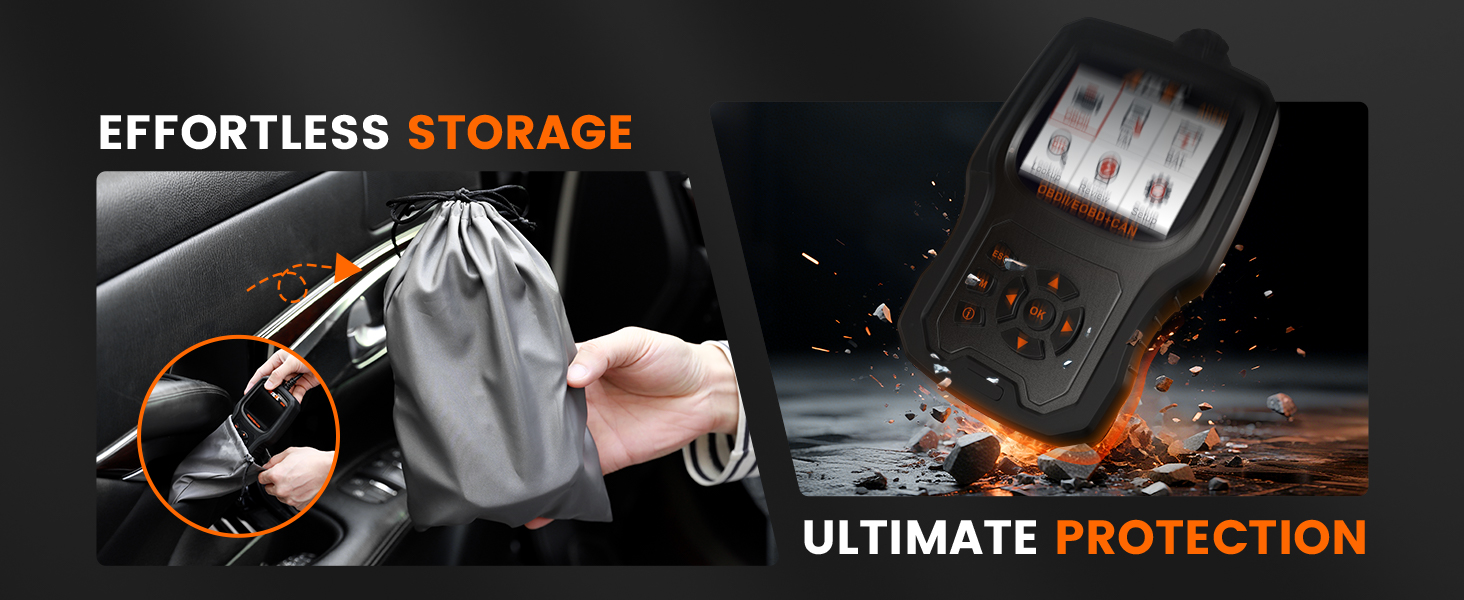
Image: Highlights the 50% boost in diagnostic speed provided by the STM-32 processor.
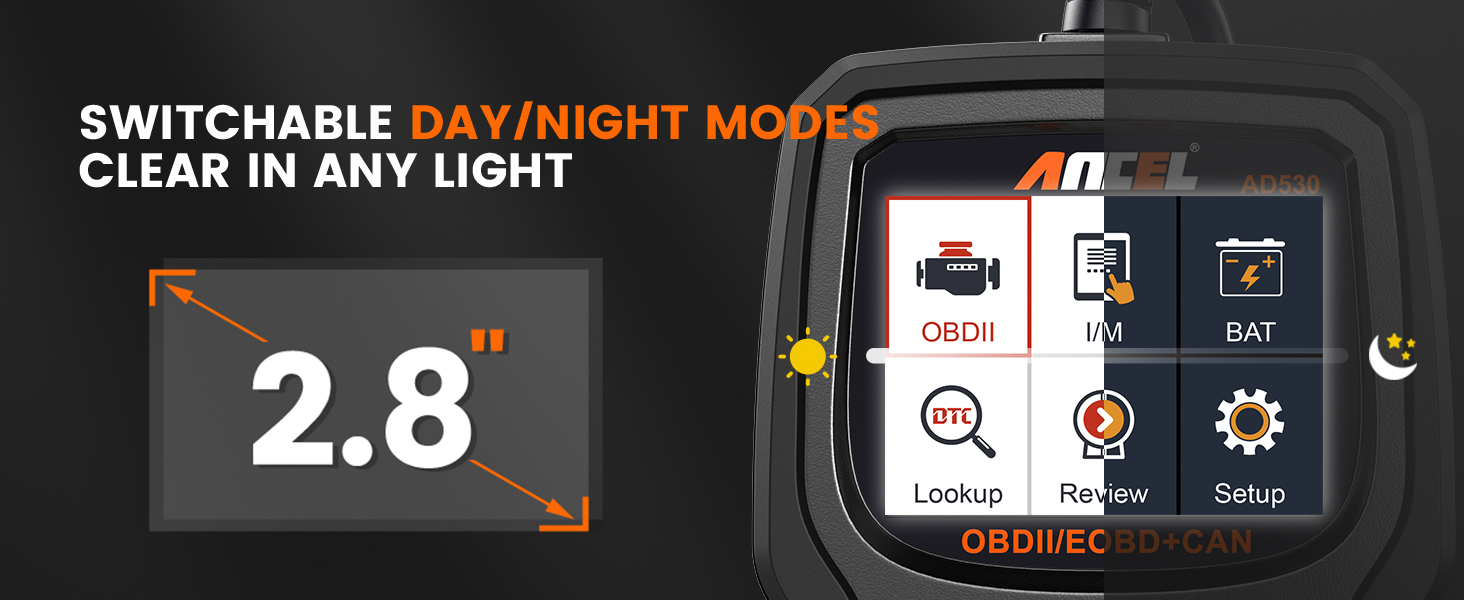
Image: Demonstrates the switchable day/night modes for clear display visibility.
8. Warranty and Support
The ANCEL AD530 OBD2 Scanner is backed by a manufacturer's warranty. Please refer to the warranty card included in your package or visit the official ANCEL website for detailed warranty terms and conditions.
For technical assistance, product inquiries, or warranty claims, please contact ANCEL customer support through their official website or the contact information provided in your product documentation. Our support team is available to assist you with any questions or issues you may encounter.


