
Lepro PR330032-2
Lepro LED Camping Lantern User Manual
Model: PR330032-2
Introduction
Thank you for choosing the Lepro LED Camping Lantern. This compact and versatile lantern is designed to provide reliable illumination for various outdoor activities, emergencies, and general use. Please read this manual carefully to ensure proper use and maintenance of your lantern.

Figure 1: Lepro LED Camping Lanterns (2-pack).
Product Features
- 4 Lighting Modes: Includes 6000K cool white (up to 280 lumen), 3000K warm light (70 lumen), combined mode (up to 350 lumen), and a flashing mode for emergencies.
- Lightweight and Portable: Designed for easy transport and minimal footprint, ideal for travel.
- High Brightness: Delivers up to 350 lumens, ensuring ample light for various settings.
- Water Resistant: IPX4 rated, providing protection against splashing water from all angles.
- Wide Applications: Suitable for camping, reading, emergency lighting, and other activities.
Setup
Battery Installation
The Lepro LED Camping Lantern requires 3 AA batteries (not included). Follow these steps to install the batteries:
- Locate the battery compartment cover at the bottom of the lantern.
- Twist the cover counter-clockwise to unlock and remove it.
- Insert 3 AA batteries into the compartment, ensuring the correct polarity (+/-) as indicated inside the compartment.
- Replace the battery compartment cover and twist it clockwise to secure it.
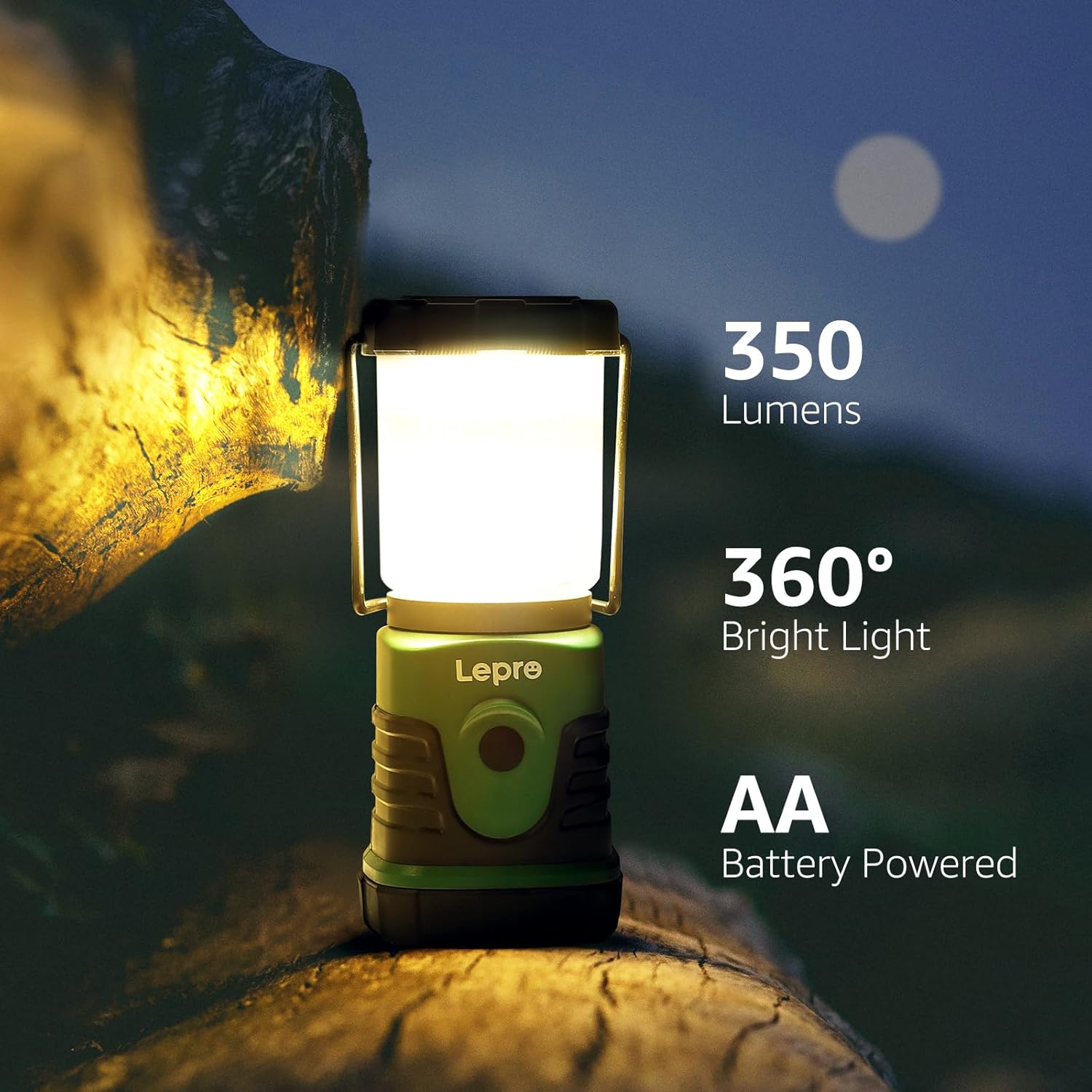
Figure 2: Lantern powered by AA batteries, providing 350 lumens and 360-degree light.
Operating Instructions
Power On/Off and Mode Selection
The lantern is operated by a single button located on the front of the unit.
- Short Press: Press the button briefly to cycle through the four lighting modes:
- 6000K Cool White (Daylight)
- 3000K Warm Light
- Combined Mode (Cool White + Warm Light)
- Flashing Mode (for emergencies)
- Long Press: Press and hold the button to activate the stepless dimming function. The brightness will gradually increase or decrease. Release the button when the desired brightness level is reached.

Figure 3: Operating the lantern's dimming and mode selection functions.
Usage Scenarios
The lantern is designed for versatile use:
- Hanging: Utilize the top handle or the bottom hook to hang the lantern inside a tent, from a backpack, or any suitable elevated point for overhead lighting.
- Tabletop: Place the lantern on a flat surface for ambient lighting.
- Portable: Its compact size and lightweight design make it easy to carry by hand or store in a bag.
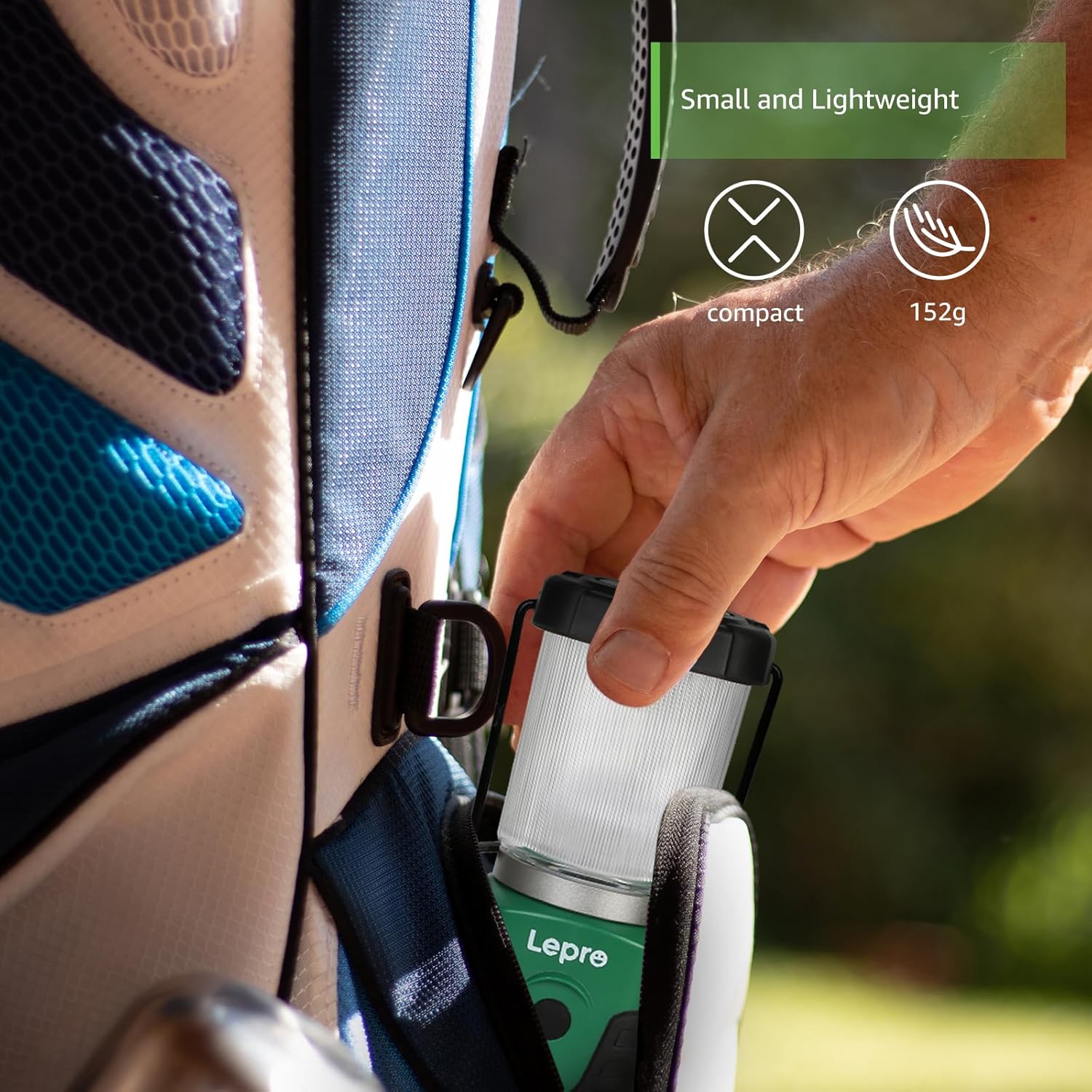
Figure 4: Versatile mounting options using the bottom hook and top handle.

Figure 5: Examples of the lantern's practical applications in various outdoor settings.
Maintenance
Battery Replacement
When the light output becomes dim or the lantern stops functioning, it is time to replace the batteries. Refer to the "Battery Installation" section under Setup for detailed instructions.
Cleaning and Storage
- Clean the exterior of the lantern with a soft, damp cloth. Do not use abrasive cleaners or solvents.
- Ensure the lantern is completely dry before storing.
- For long-term storage, remove the batteries to prevent leakage and corrosion.
- Store the lantern in a cool, dry place away from direct sunlight and extreme temperatures.
Water Resistance
The lantern has an IPX4 water resistance rating, meaning it is protected against splashing water from any direction. It is suitable for use in light rain or snowy conditions. However, it is not designed for submersion in water.

Figure 6: The lantern's IPX4 water resistance in action.
Troubleshooting
| Problem | Possible Cause | Solution |
|---|---|---|
| Lantern does not turn on. | Batteries are dead or incorrectly installed. | Replace batteries with new ones, ensuring correct polarity. |
| Light is dim or flickers. | Low battery power. | Replace batteries. |
| Cannot change lighting modes. | Button malfunction or low battery. | Ensure batteries are fresh. If problem persists, contact customer support. |
| Water ingress after exposure to rain. | Lantern was submerged or exposed to heavy, prolonged rain beyond IPX4 rating. | Dry the lantern thoroughly. Avoid submersion. If damage occurs, contact customer support. |
Specifications
| Feature | Detail |
|---|---|
| Model Number | PR330032-2 |
| Light Source Type | LED |
| Brightness | Up to 350 Lumens |
| Power Source | Battery Powered |
| Battery Type | 3 AA batteries (required) |
| Wattage | 5 Watts |
| Voltage | 4.5 Volts |
| Water Resistance Level | IPX4 (Water Resistant) |
| Item Weight | 5.4 Ounces (approx. 153 grams) |
| Item Dimensions (LxWxH) | 2.6 x 2.36 x 5.75 inches (approx. 6.6 x 6.0 x 14.6 cm) |
| Material | Plastic |
| Mounting Type | Tabletop Mount |

Figure 7: Compact dimensions of the Lepro Mini LED Camping Lantern.
Warranty and Support
Warranty Information
Lepro products are manufactured with high-quality standards. For specific warranty details regarding your LED Camping Lantern, please refer to the warranty card included with your product or visit the official Lepro website. Keep your purchase receipt as proof of purchase for warranty claims.
Customer Support
If you encounter any issues or have questions about your Lepro LED Camping Lantern, please contact Lepro customer support. You can find contact information on the official Lepro website or through the retailer where you purchased the product.
For additional resources, you may also refer to the official Lepro store on Amazon: Lepro Amazon Store.
A PDF version of the user manual may also be available for download: Download User Manual (PDF).
Related documentsPR330032-2

Ask a question about this manual
Ask about setup, troubleshooting, compatibility, parts, safety, or missing instructions. Manuals+ will review the question and use this page’s manual context to help answer it.