
1. Introduction
The tiiwee X4 Motion Detector and Siren Alarm is a versatile security solution designed for various applications, including homes, caravans, boats, and shops. This standalone system features a powerful 120 dB siren and can also function as a doorbell. It is operated via a remote control and offers a unique "hidden mode" to disable the motion detection LED indicator for enhanced discretion.
The system is powered by 3 AA batteries (included) or an optional 5V/1A AC adapter. It is expandable, allowing connection of up to 60 additional tiiwee home alarm system sensors, such as door/window sensors and PIR motion sensors, as well as extra remote controls for multiple users.
This manual provides detailed instructions for the proper setup, operation, and maintenance of your tiiwee X4 alarm system.
2. Package Contents
Please verify that all items listed below are included in your package:
- 1 x tiiwee X4 Motion Detector Alarm with integrated 120 dB siren
- 1 x TWRC03 Remote Control
- 3 x AA Batteries (pre-installed or included separately)
- Mounting hardware (screws and wall plugs)
- User Manual (multi-language)

Image: The tiiwee X4 motion detector unit and its accompanying remote control.
3. Product Features
- Integrated 120 dB Siren: Provides a loud deterrent against intruders.
- Remote Control Operation: Easy arming, disarming, and SOS function via the included TWRC03 remote control.
- Hidden Mode: Option to disable the motion detection LED indicator to prevent intruders from locating the device.
- Dual Power Source: Operates on 3 AA batteries (included) with an extended life of 5-7 months, or via an optional 5V/1A AC adapter (not included).
- Wide Detection Range: Detects motion up to 8 meters with a 110-degree detection angle.
- Three Sound Modes: Features two doorbell volumes for entry notification and a powerful siren for alarm situations.
- Expandable System: Supports up to 60 additional tiiwee home alarm system sensors (PIR motion sensors, door/window sensors) and extra remote controls.

Image: Illustration of the tiiwee X4 motion detector's 110-degree wide detection angle.

Image: Comparison showing the tiiwee X4 in 'Hidden Mode' (detection light off) and 'Normal Mode' (detection light on).

Image: Diagram illustrating how the tiiwee X4 system can be extended with additional sensors like door/window contacts and external motion detectors.
4. Setup and Installation
4.1 Battery Installation
The tiiwee X4 alarm system operates on 3 AA batteries. These are typically included in the package. Ensure correct polarity when inserting the batteries.
- Open the battery compartment cover on the back of the X4 unit.
- Insert 3 AA batteries, ensuring they are oriented according to the polarity markings (+/-).
- Close the battery compartment cover securely.

Image: A close-up view of the tiiwee X4 motion detector with the battery compartment open, showing the insertion of three AA batteries.
4.2 Mounting the X4 Unit
The X4 unit can be wall-mounted using the provided screws and wall plugs. Choose a location that provides optimal detection coverage (e.g., a corner or high on a wall) and is within range of the area you wish to protect. The detection angle is 110 degrees, and the range is up to 8 meters.
- Select a suitable mounting location. Consider the 110-degree detection angle and 8-meter range.
- Mark the positions for the mounting screws using the unit's mounting holes as a template.
- Drill pilot holes if necessary and insert wall plugs.
- Secure the X4 unit to the wall using the provided screws. Ensure it is firmly attached.
- Adjust the unit's angle to cover the desired area. The unit is easily adjustable for 360-degree rotation.
Image: The tiiwee X4 motion detector mounted, illustrating its 110-degree detection angle and 360-degree adjustability.
4.3 Connecting to an AC Adapter (Optional)
For continuous power, you can connect the X4 unit to a 5V/1A AC adapter (not included). This will conserve battery life, with batteries acting as a backup in case of power outage.
- Locate the power input port on the X4 unit.
- Connect a compatible 5V/1A AC adapter to the unit and plug it into a wall outlet.
4.4 Remote Control Pairing
The included TWRC03 remote control is typically pre-paired with the X4 unit from the factory. If you purchase additional remote controls or need to re-pair, refer to the specific instructions provided with the additional remote or contact tiiwee support.
5. Operating Instructions
The tiiwee X4 system is operated primarily using the TWRC03 remote control.
5.1 Remote Control Functions

Image: A hand holding the tiiwee X4 remote control, demonstrating its ease of use for activating and deactivating the alarm.
- Arm Button (🔒): Press to arm the alarm system. The unit will emit a confirmation sound.
- Disarm Button (🔓): Press to disarm the alarm system. The unit will emit a confirmation sound.
- SOS Button (📢): Press to immediately activate the 120 dB siren, regardless of the arming status. This can be used in emergencies.
- Doorbell Button (🔔): Press to switch the unit to doorbell mode. In this mode, motion detection will trigger a doorbell sound instead of the siren. Press again to cycle through doorbell volumes or return to alarm mode.
5.2 Hidden Mode Activation/Deactivation
The X4 features a "hidden mode" which disables the red LED indicator light during motion detection. This makes it harder for intruders to locate and disable the unit.
- To activate Hidden Mode: While the system is disarmed, press and hold the doorbell button on the remote control for approximately 3 seconds until you hear a specific confirmation tone.
- To deactivate Hidden Mode: Repeat the process. The unit will emit a different confirmation tone.
In Hidden Mode, the unit will still detect motion and trigger the alarm (if armed), but the red LED will not flash.
5.3 Using the Alarm System
- Arming: When leaving the protected area, press the Arm button on the remote control. The unit will beep once to confirm it is armed.
- Disarming: Upon returning, press the Disarm button on the remote control. The unit will beep twice to confirm it is disarmed.
- Doorbell Function: For daytime use or as an entry notification, press the Doorbell button. The unit will emit a chime when motion is detected.
- Emergency Siren: In case of an emergency, press the SOS button to instantly trigger the loud siren.
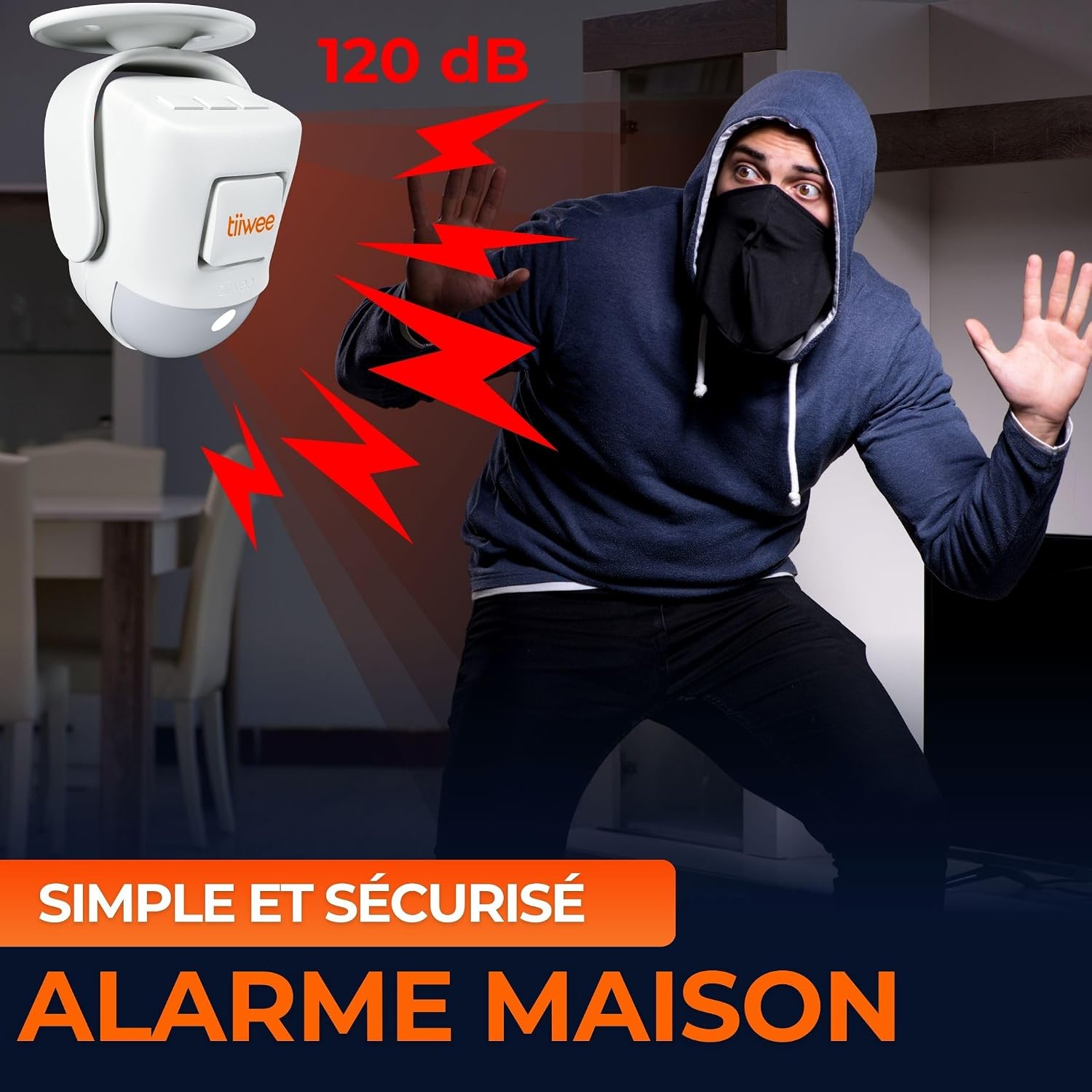
Image: The tiiwee X4 motion detector alarm sounding, deterring an intruder in a home setting.
6. Maintenance
6.1 Battery Replacement
The 3 AA batteries in the X4 unit typically last 5-7 months under normal use. When the batteries are low, the unit may emit a low-battery warning sound or the detection range/siren volume may decrease. Replace all three batteries simultaneously with new, high-quality AA batteries.
- Disarm the alarm system.
- Open the battery compartment cover on the back of the X4 unit.
- Remove the old batteries and dispose of them responsibly according to local regulations.
- Insert 3 new AA batteries, ensuring correct polarity.
- Close the battery compartment cover securely.
The remote control also uses a battery (typically a CR2032 coin cell). If the remote's range decreases or it becomes unresponsive, replace its battery.
6.2 Cleaning
Clean the exterior of the X4 unit and remote control with a soft, dry cloth. Do not use abrasive cleaners, solvents, or spray directly onto the device, as this may damage the electronics or finish.
7. Troubleshooting
| Problem | Possible Cause | Solution |
|---|---|---|
| Alarm does not arm/disarm with remote. |
|
|
| Siren is not loud enough or does not sound. |
|
|
| Motion detector not triggering. |
|
|
| Red LED indicator is always off (even in normal mode). |
|
|
8. Specifications
| Feature | Detail |
|---|---|
| Model Number | TWX4MSA03V2 |
| Brand | tiiwee |
| Power Source | 3 x AA Batteries (included) or 5V/1A AC Adapter (not included) |
| Battery Life (AA) | Approx. 6 months (up to 7 months reported) |
| Detection Range | 8 meters |
| Detection Angle | 110 degrees |
| Siren Volume | 120 dB |
| Mounting Type | Wall Mount |
| Compatible Devices | Tiiwee Home Alarm System Sensors (up to 60 additional sensors) |
| Country of Origin | China |
Note: Specifications are subject to change without prior notice.
9. Warranty and Support
9.1 Warranty Information
tiiwee products are designed for reliability and durability. While specific warranty terms may vary by region, spare parts availability is generally supported for 2 years from the date of purchase. Please retain your proof of purchase for any warranty claims.
9.2 Customer Support
Should you encounter any issues or have questions regarding your tiiwee X4 Motion Detector and Siren Alarm, please do not hesitate to contact tiiwee customer support. Our support team is known for being responsive and helpful.
For the most up-to-date contact information, please visit the official tiiwee website or refer to the contact details provided in your product packaging.