
Trust 23712
Trust Primo Touch Bluetooth True Wireless Earphones User Manual
Model: 23712
Brand: Trust
Introduction
The Trust Primo Touch Bluetooth True Wireless Earphones offer a truly wireless audio experience with intuitive touch controls. Designed for freedom and convenience, these earphones provide up to 10 hours of playtime on the go, thanks to their compact charging case.
- Truly wireless earphones for ultimate freedom (10 meter range).
- Stylish and on-trend design.
- Comfort fit ear shell pods that keep you alert for nearby sounds.
Product Overview

The Trust Primo Touch True Wireless Earbuds are shown in their open charging case, with both earbuds upright and ready for use or charging.

A detailed close-up of the Trust Primo Touch True Wireless Earbuds, showcasing their sleek design and the subtle Trust branding.

A user enjoying music outdoors with the Trust Primo Touch Earbuds, demonstrating the freedom of movement provided by the wireless design.
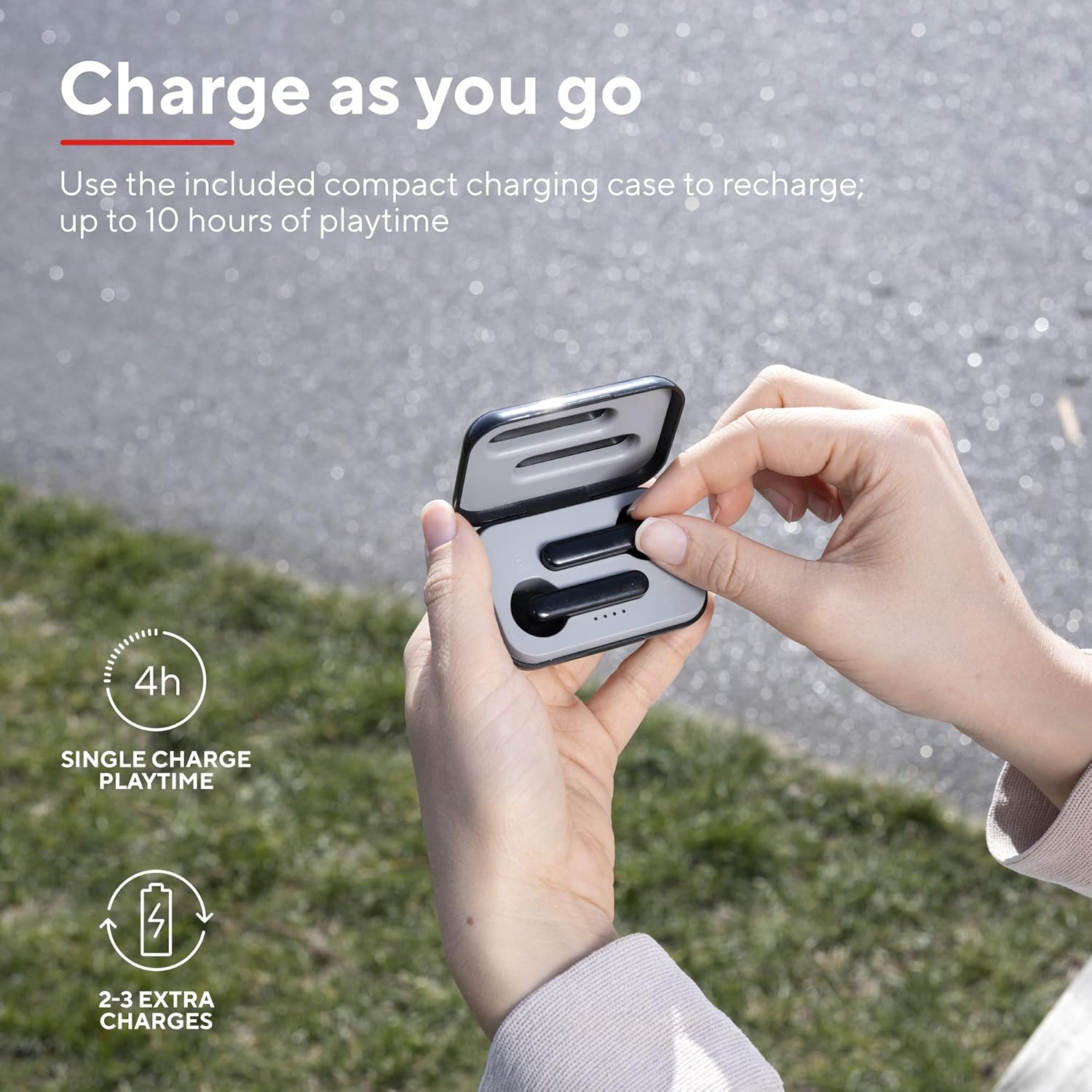
A user placing an earbud into the compact charging case, highlighting the convenience of recharging on the go for extended playtime.

A close-up view of the earbuds, showcasing their modern, minimalist design and emphasizing their clear sound quality.

A user interacting with the touch controls on an earbud, illustrating the ease of managing audio playback and calls without reaching for a device.

A side profile of a person wearing one of the earbuds, demonstrating its ergonomic design for a comfortable and secure fit.
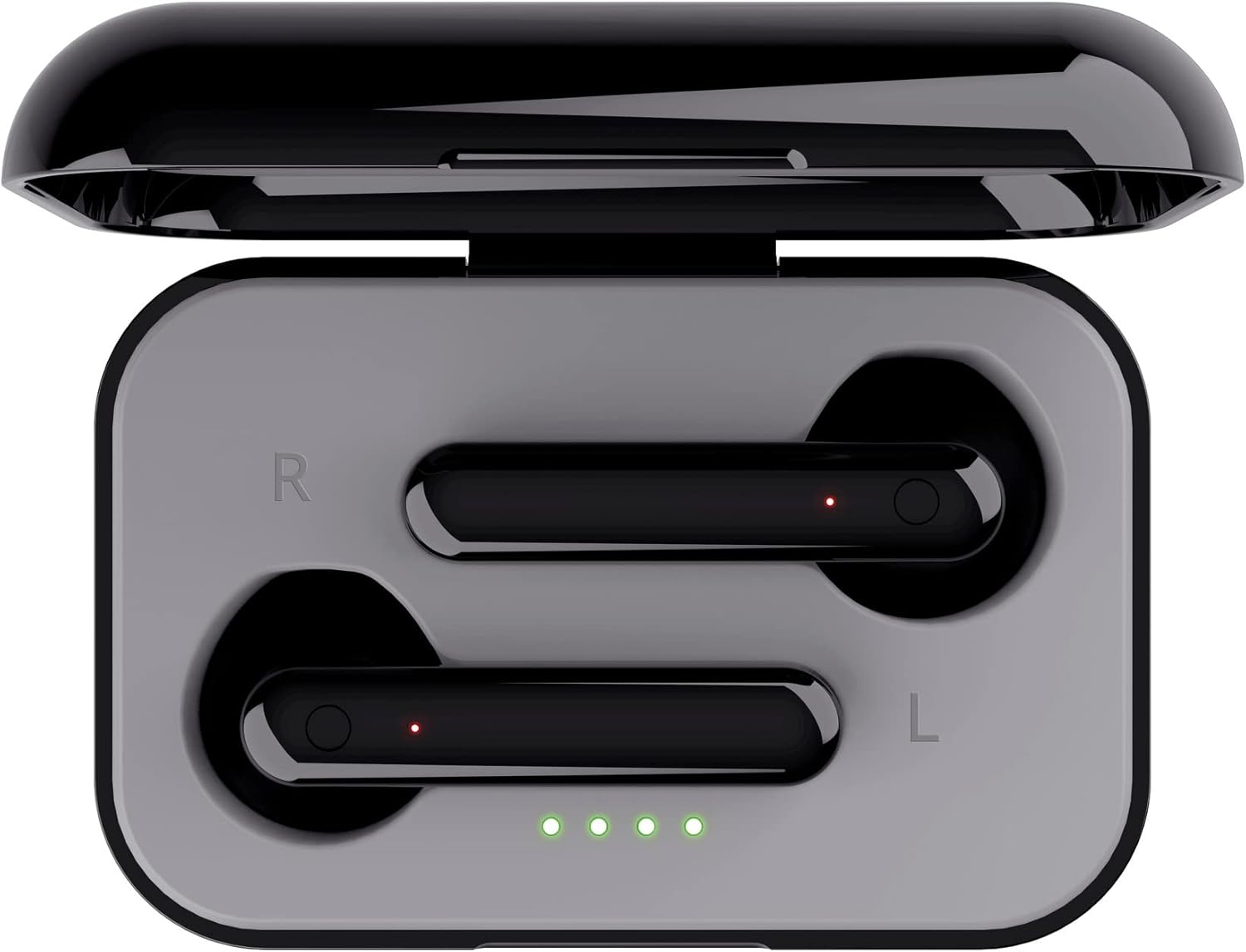
A top-down view of the open charging case with the earbuds inside, clearly showing the LED charging indicators.

A top-down view of the closed charging case, featuring the Trust brand logo on its sleek black surface.

The Trust Primo Touch Earbuds are displayed alongside their open charging case, providing a complete view of the product components.
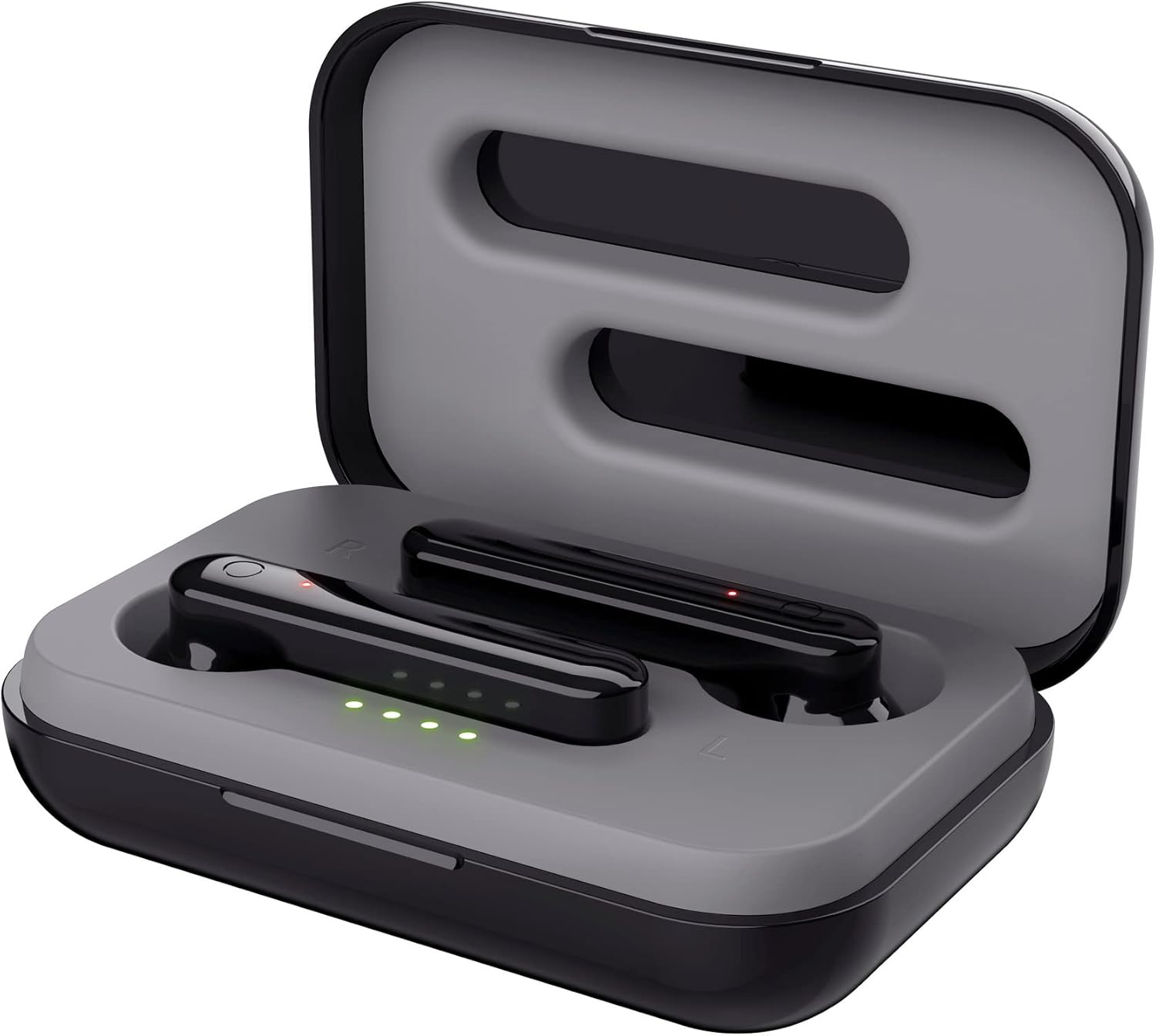
An angled top view of the earbuds nestled within their open charging case, showing the precise fit and charging contacts.

The retail packaging for the Trust Primo Touch Wireless Earphones, showcasing key features and design elements.
Setup
1. Charging the Earphones and Case
Before first use, fully charge the earphones and the charging case. Place the earbuds into the charging case. Connect the charging case to a USB power source using the provided cable. The LED indicators on the case will show the charging status. A full charge provides up to 4 hours of playtime for the earbuds, with the case offering 2-3 additional charges.
2. Pairing with Your Device
- Ensure the earphones are charged.
- Open the charging case. The earphones will automatically enter pairing mode (indicated by flashing LEDs on the earbuds).
- On your device (smartphone, tablet, etc.), go to Bluetooth settings and turn Bluetooth on.
- Search for available devices and select "Trust Primo Touch" from the list.
- Once connected, the earbud LEDs will stop flashing, indicating successful pairing.
Operating
Touch Controls
The Trust Primo Touch earphones feature intuitive touch controls on each earbud. Refer to the following for common functions:
| Action | Function |
|---|---|
| Single Tap (Left/Right Earbud) | Play/Pause Music, Answer/End Call |
| Double Tap (Right Earbud) | Next Track |
| Double Tap (Left Earbud) | Previous Track |
| Long Press (Left/Right Earbud) | Activate Voice Assistant (Siri, Google Assistant) |
| Long Press (during incoming call) | Reject Call |
Power On/Off
- Power On: Open the charging case, or long-press the touch area on both earbuds for a few seconds if they are out of the case and off.
- Power Off: Place the earbuds back into the charging case and close the lid, or long-press the touch area on both earbuds for a few seconds until the indicator light turns off.
Maintenance
Cleaning
- Regularly clean the earbuds and charging case with a soft, dry, lint-free cloth.
- Do not use abrasive cleaners, alcohol, or chemical solvents.
- Gently clean the charging contacts on both the earbuds and the case to ensure proper charging.
Storage
When not in use, store the earphones in their charging case to protect them from dust and damage. Store in a cool, dry place away from extreme temperatures.
Troubleshooting
Earbuds Not Pairing with Each Other or Device
- Ensure both earbuds are charged.
- Place both earbuds back into the charging case, close the lid, wait a few seconds, then open it again.
- On your device, forget or unpair "Trust Primo Touch" from your Bluetooth settings.
- Restart your device and attempt the pairing process again.
No Sound or Low Volume
- Check the volume level on both your device and the earbuds.
- Ensure the earbuds are properly connected to your device.
- Clean any debris from the earbud speaker grilles.
Microphone Issues
- Ensure the earbuds are properly connected and selected as the audio input device on your phone.
- Check for any obstructions near the microphone opening on the earbuds.
Specifications
| Feature | Detail |
|---|---|
| Brand | Trust |
| Model Number | 23712 |
| Colour | Black |
| Ear Placement | In Ear |
| Form Factor | In Ear |
| Noise Control | Sound Isolation |
| Product Dimensions | 150 x 5 x 5 cm; 40 g |
| Batteries | 1 A batteries required (included) |
| Manufacturer | Trust |
| First Available Date | 14 July 2020 |
Warranty and Support
For warranty information and technical support, please refer to the official Trust website or contact Trust customer service directly. Keep your proof of purchase for any warranty claims.
You can typically find support resources, FAQs, and contact details on the manufacturer's official website:
Related documents23712


Ask a question about this manual
Ask about setup, troubleshooting, compatibility, parts, safety, or missing instructions. Manuals+ will review the question and use this page’s manual context to help answer it.