
1. Introduction
The Urbanears Alby True Wireless Earbuds offer a seamless audio experience with a focus on comfort and ease of use. Designed for daily listening, these earbuds provide up to 15 hours of total playtime, including charges from the compact USB-C charging case. Featuring a sleek in-ear design with customizable silicone tips, they ensure a secure fit and passive noise cancellation for an immersive sound experience. Intuitive touch controls and dual microphones enhance call quality and user interaction.
2. What's in the Box
- Urbanears Alby True Wireless In-ears
- Silicone Ear Tips (Sizes S, M, L)
- Charging Case
- USB-C Charging Cable
- Quick Start Guide
- Legal and Safety Manual

3. Setup
3.1. Charging
Before first use, ensure the charging case and earbuds are fully charged. Connect the provided USB-C cable to the charging case and a power source. The earbuds provide approximately 3 hours of listening time per charge, with the charging case offering an additional 4 full charges, totaling up to 15 hours of playtime.
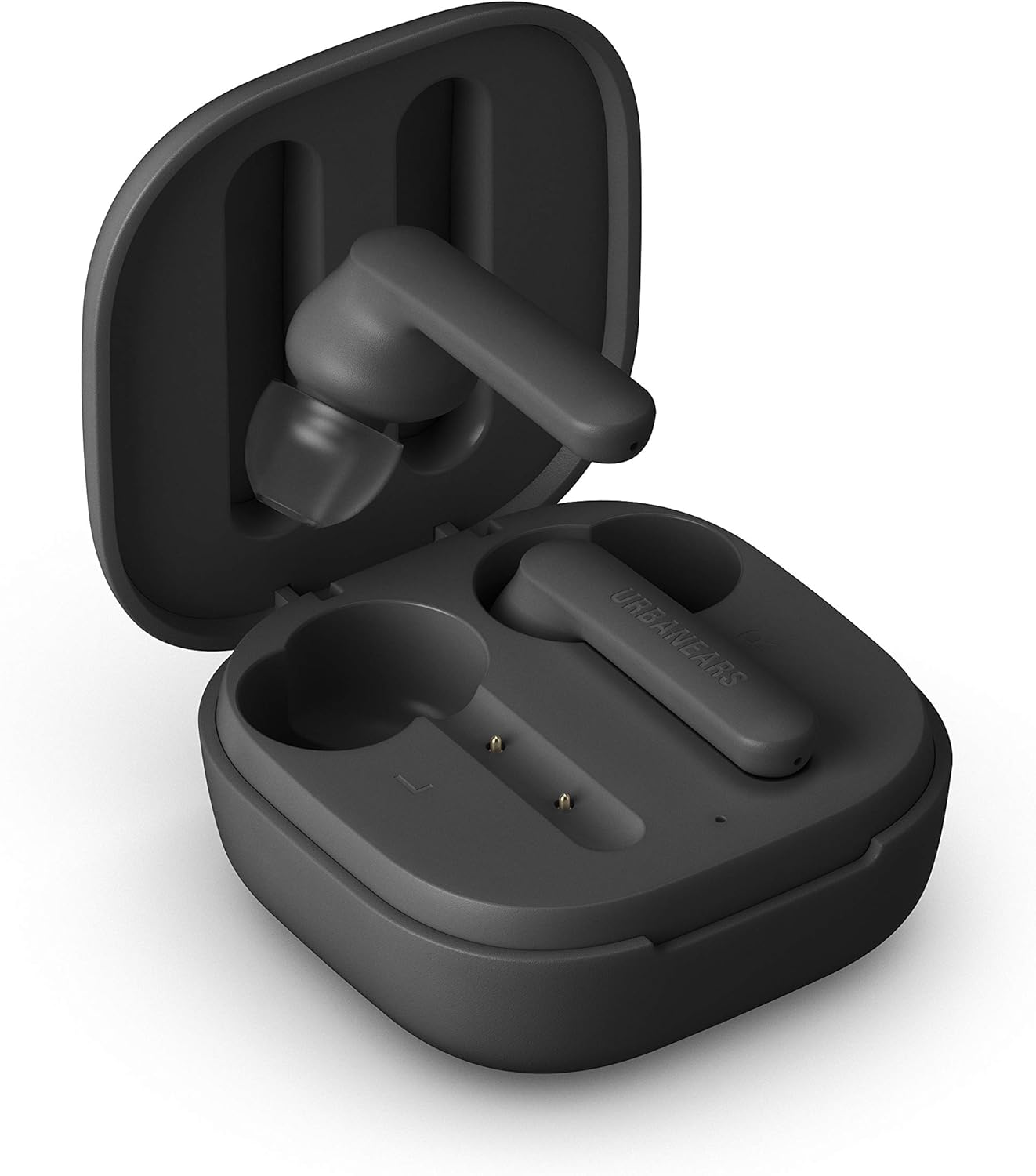
3.2. Initial Pairing
- Open the charging case and remove both earbuds.
- Remove any protective plastic strips from the charging contacts on the earbuds and place them back into the case.
- Take the earbuds out of the case and place them next to each other for approximately 5 seconds. The earbuds are connected to each other when the light on one earbud is off and the other blinks blue.
- Insert the earbuds into your ears.
- Open the Bluetooth menu on your device (smartphone, tablet, etc.) and select "Urbanears Alby" from the list of available devices.
Once initially paired, the Urbanears Alby earbuds will auto-pair with your device each time you remove them from the case.

4. Operating
4.1. Touch Controls
The Urbanears Alby earbuds feature intuitive touch controls for managing your audio and calls without needing to access your device:
- Play/Pause: Double-tap either earbud.
- Next Track: Triple-tap the right earbud.
- Previous Track: Triple-tap the left earbud.
- Answer/End Call: Double-tap either earbud.
- Activate Voice Assistant: Press and hold either earbud for 2 seconds.
4.2. Optimal Fit
For the best sound quality and passive noise cancellation, select the silicone ear tips that provide a snug and comfortable seal in your ear canal. Three sizes (S, M, L) are included to ensure a personalized fit.

5. Maintenance
- Regularly clean the earbuds and charging case with a soft, dry cloth.
- Avoid using harsh chemicals or abrasive materials.
- Ensure the charging contacts on both the earbuds and case are clean and dry before charging to prevent corrosion.
- Store the earbuds in their charging case when not in use to protect them and maintain battery life.
6. Troubleshooting
6.1. Pairing Issues
- If earbuds do not pair with your device, ensure they are fully charged and within Bluetooth range.
- Try forgetting "Urbanears Alby" from your device's Bluetooth settings and repeat the initial pairing process.
- If only one earbud connects, place both earbuds back in the case, close it for 10 seconds, then remove them and try re-pairing.
6.2. Sound Quality Issues
- Ensure ear tips provide a good seal in your ear canal. Try different sizes.
- Check your device's volume settings.
- Clean any debris from the earbud speakers.
7. Specifications
| Model Name | Alby |
| Connectivity Technology | Bluetooth |
| Wireless Communication Technology | Bluetooth |
| Water Resistance Level | Water Resistant (IPX4) |
| Control Method | Touch, Voice |
| Battery Life (Earbuds) | 3 Hours |
| Battery Life (Total with Case) | 15 Hours |
| Included Components | True Wireless in-ears, S,M,L silicone ear tips, Charging case, USB-C charging cable, Quick start guide, Legal and safety manual |
| Item Weight | 1.73 ounces (49 Grams) |
| Product Dimensions | 0.79 x 1.97 x 1.97 inches |
| Manufacturer | Zound Industries |
8. Warranty and Support
For detailed warranty information and customer support, please refer to the Legal and Safety Manual included with your product or visit the official Urbanears website.


